



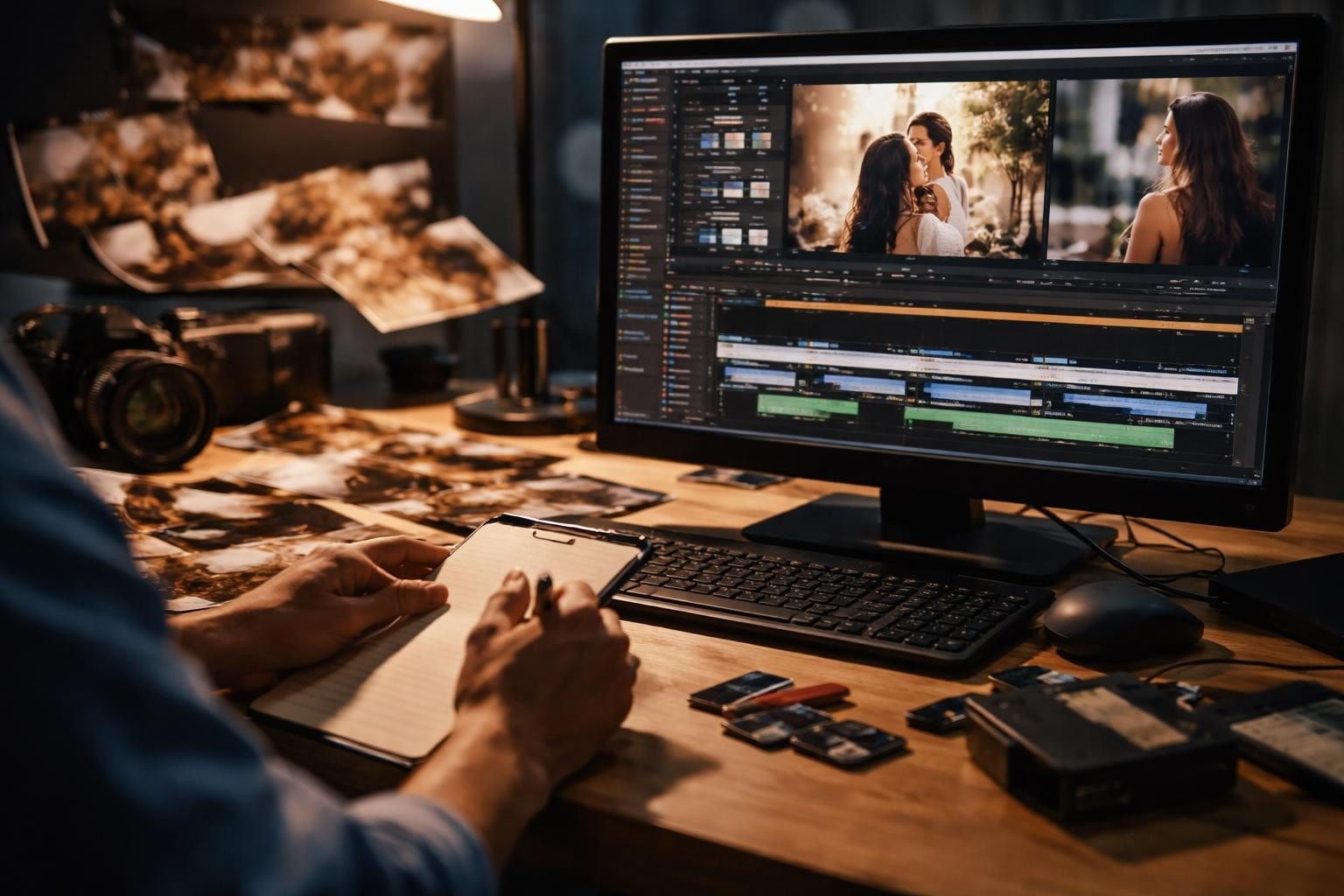

You've got hundreds of video clips from your event. Maybe thousands. Some are brilliant, most are rubbish, and you're supposed to turn this into something people actually want to watch. That's the video to story challenge, and it's not about generating synthetic content. It's about finding the real moments in authentic footage and making them mean something.
What Video to Story Actually Means
Video to story is the process of transforming raw video content into structured narratives that people give a toss about. Not generated animations. Not stock footage compilations. Real clips from real people, edited into something coherent.
The difference matters because audiences can smell manufactured content from a mile away. When you're working with user-generated videos from events, you've already got the good stuff. Authentic reactions, genuine moments, actual energy. Your job isn't to create it. It's to curate it.
Why Event Footage Works Better Than Staged Content
Attendees capture things professional crews miss:
- Crowd reactions during peak moments
- Candid interactions between participants
- Multiple perspectives of the same experience
- The actual vibe, not the planned one
Event organisers spend fortunes on professional videography that often feels sterile. Meanwhile, attendees are already filming everything. The best UGC platform approaches recognise this and make collecting that footage simple.
The Real Problem With Raw Event Videos
You don't have a content shortage. You have a curation problem.
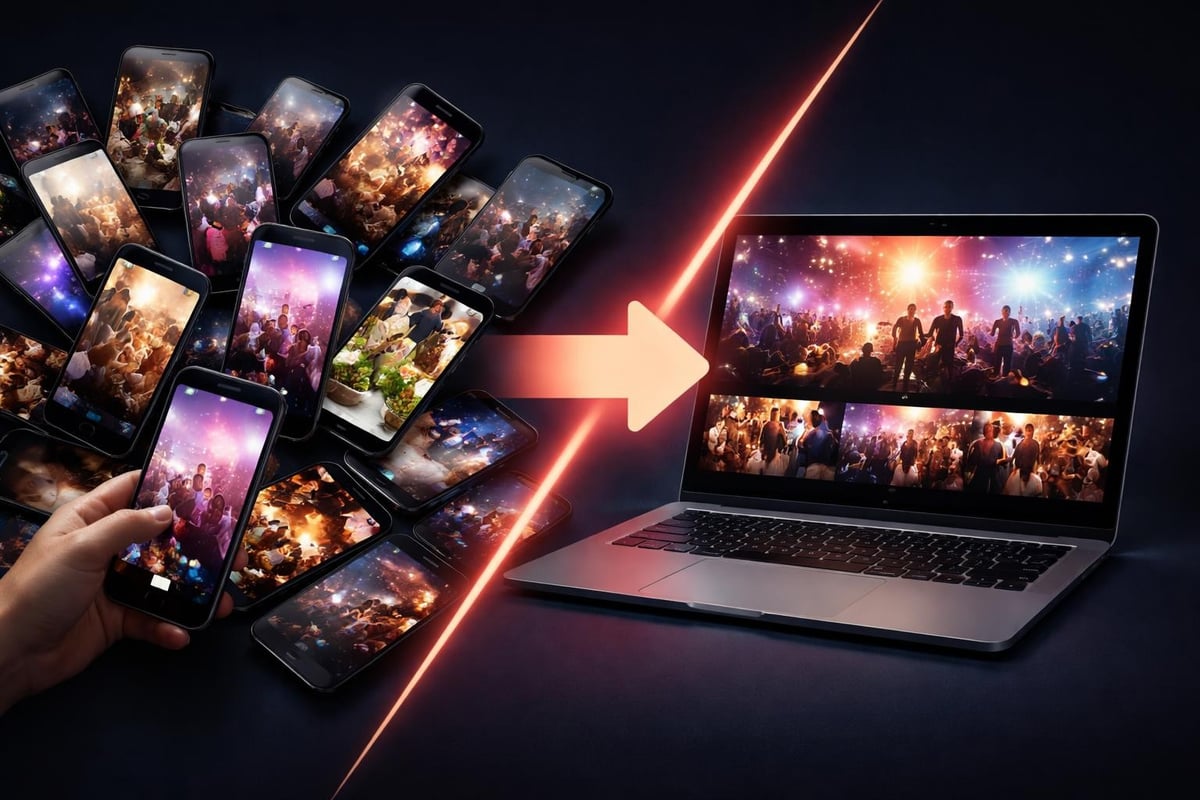
Most event footage sits unused because:
| Challenge | Why It Matters | What It Costs You |
|---|---|---|
| Volume overload | Hundreds of clips to review | Time you don't have |
| Quality variation | Mix of brilliant and terrible | Can't use 80% of it |
| No narrative thread | Random moments with no flow | Nothing shareable |
| Rights unclear | Who owns what? | Legal headaches |
Traditional video editing workflows weren't built for this. They assume you're working with planned shoots, not crowd-sourced chaos. When you're dealing with crowd-sourced video, you need different tools.
What Makes Video to Story Different From Regular Editing
Regular editing: You shot specific footage to tell a specific story.
Video to story: You're finding the story in footage that already exists.
It's backwards, and that changes everything. Instead of capturing what you planned, you're discovering what actually happened. The story emerges from the content, not the other way around.
How to Actually Turn Videos Into Stories
Start with the end. What story are you trying to tell? Festival highlights? Product launch excitement? Community gathering energy? You can't curate without knowing what you're curating towards.
Step One: Collection That Doesn't Suck
Make it stupid-easy for people to submit footage. If they need to email files or use FTP, forget it. Mobile upload, instant sharing, done. The best content curation tools handle this automatically.
What works:
- QR codes at the venue
- Mobile-first upload interfaces
- Automated metadata capture (time, location, device)
- Clear consent workflows upfront
What doesn't work: Asking people to remember to send you files later. They won't.
Step Two: Smart Curation Over Manual Sorting
You're not watching 847 clips manually. That's madness.
Smart curation helps here, but not how you think. It's not generating content. It's identifying the good bits in authentic footage. Detecting energy spikes in audio, flagging high-motion segments, spotting faces and reactions.
Technology can assist in creating cohesive narratives from raw material. The key word is assist. You're still making the creative calls.
Practical curation filters:
- Technical quality – Stable footage, clear audio, proper lighting
- Narrative value – Does this clip advance the story?
- Emotional resonance – Will people actually feel something?
- Uniqueness – Is this perspective different from the other 40 clips of the same moment?
Step Three: Structure That Serves the Story
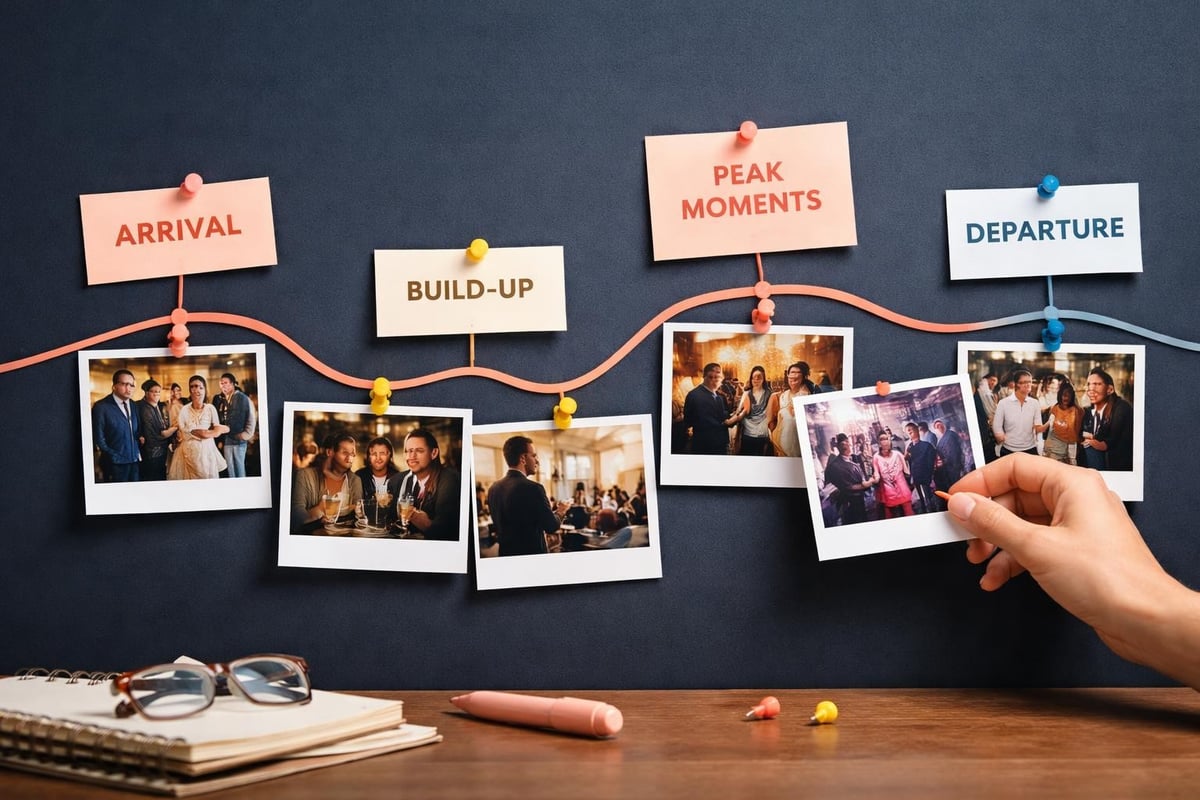
Classic narrative arcs work for events too. Beginning, middle, end. Setup, conflict, resolution. Arrival, experience, departure.
Or try this structure:
- Opening hook (15 seconds): The moment that makes people stop scrolling
- Context setting (20 seconds): Where are we, what's happening
- Rising energy (60-90 seconds): The good stuff, building intensity
- Peak moment (15-20 seconds): The thing everyone came for
- Resolution (15-20 seconds): Comedown, reflection, call to action
Total: 2-3 minutes. Perfect for social platforms. Longer than YouTube Shorts but shorter than traditional event recaps.
Making Multiple Stories From the Same Footage
One event, multiple audiences. Your video to story approach should reflect that.
The sponsors want ROI proof. Attendees want memories. Potential future attendees want FOMO. Same footage, different stories.
| Audience | Story Angle | Length | Platform |
|---|---|---|---|
| Sponsors | Brand visibility, engagement metrics | 60-90 sec | LinkedIn, email |
| Past attendees | Nostalgia, community | 2-3 min | Instagram, Facebook |
| Potential attendees | FOMO, experience preview | 30-60 sec | TikTok, Reels |
| Internal team | Behind-scenes, learnings | 3-5 min | Slack, internal channels |
When you're curating content for social media, format matters as much as story. Vertical for mobile, horizontal for desktop, square for feeds that could go either way.
The Technical Bits That Actually Matter
Encoding and compression: Understanding H264 vs H265 helps when you're processing hundreds of clips. H265 saves bandwidth without sacrificing quality, which matters when people are uploading over mobile networks.
Aspect ratios: You'll need to convert horizontal video to vertical for most social platforms. Smart cropping keeps the important bits in frame. Dumb cropping cuts off people's heads.
File formats: The best video format for web balances quality, file size, and platform compatibility. Usually MP4 with H264 encoding, because it just works everywhere.
What Smart Tools Actually Do (And Don't Do)
Software doesn't create authentic moments. It can't. But it can help you find them faster.
Current AI research focuses on generating synthetic content. That's not what you need. You need tools that understand existing footage.
What smart tools handle well:
- Scene detection and automatic clip splitting
- Audio level analysis for energy detection
- Face recognition for featured speakers or VIPs
- Duplicate detection across similar clips
- Basic colour and exposure correction
What still needs humans:
- Judging emotional impact
- Understanding narrative flow
- Recognising brand-sensitive moments
- Making creative choices about pacing
- Deciding what story you're actually telling
Think of the platform as your production assistant, not your creative director. It does the grunt work so you can focus on the decisions that matter.
Rights, Consent, and Not Getting Sued
User-generated content comes with legal strings. People own their footage. You need permission to use it.
Clear consent management from the start saves headaches later. When someone uploads a clip, they should know exactly how you'll use it. Not buried in terms and conditions. Explicitly, clearly, upfront.
Essential consent elements:
- What platforms you'll share on
- Whether you'll edit their footage
- If you'll use it for commercial purposes
- How long you'll retain it
- How they can revoke permission
The best consent management platforms make this seamless. Bad ones make it such a pain that people don't bother submitting footage.
Distribution Strategy for Video Stories
You've made the thing. Now what?
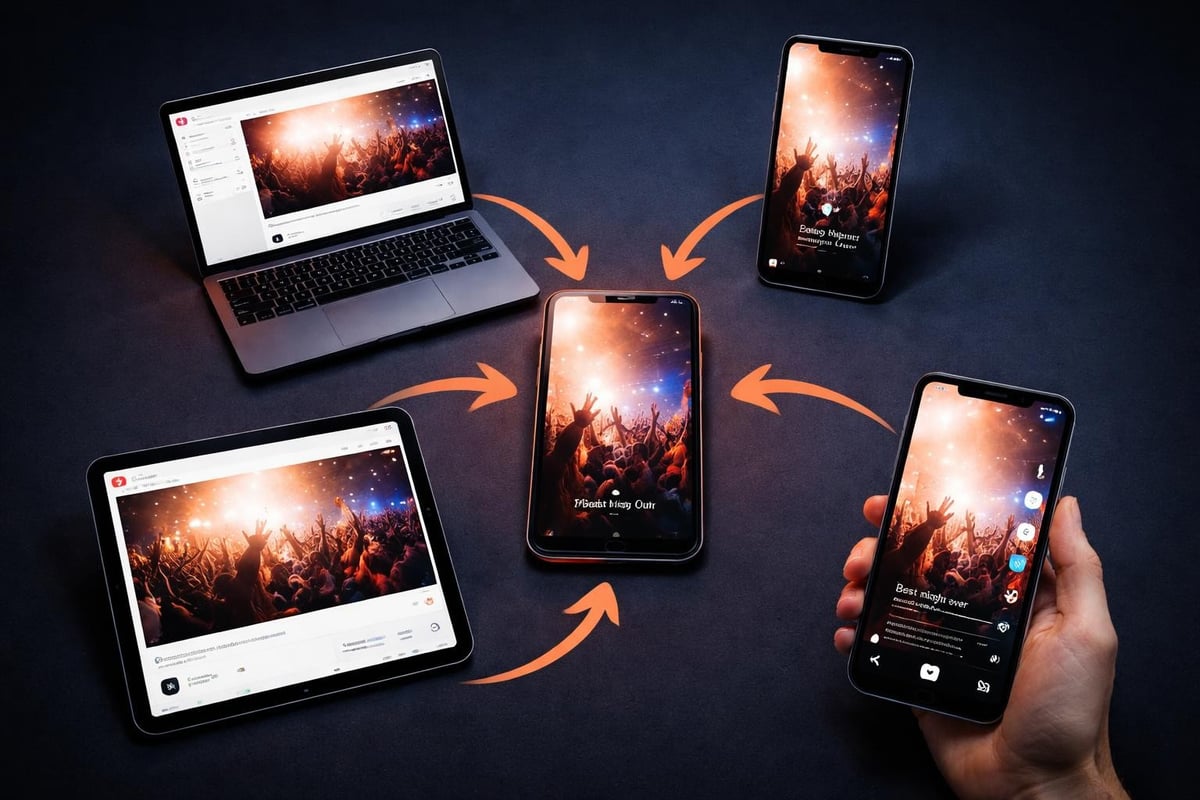
Immediate distribution (day-of or next day):
- Instagram Stories for attendees still buzzing
- Twitter/X for real-time reactions
- LinkedIn for professional events
- TikTok for younger audiences
Extended distribution (week after):
- YouTube for long-form content
- Facebook for broader community reach
- Email newsletters with embedded clips
- Event recap blog posts with video highlights
Long-term value (months later):
- Promotional material for next year's event
- Case studies for sponsors
- Recruitment content for your team
- Training materials for event staff
The beauty of video to story curation is that you're creating assets, not just content. Next year's marketing basically writes itself.
Why This Matters for Event Organisers
Professional videography costs thousands. You get one perspective, carefully staged, approved by committee. Safe. Boring. Forgettable.
User-generated content costs nearly nothing and gives you dozens of perspectives. Raw. Real. Shareable.
The earned media definition is exposure you don't pay for. When attendees share your curated event stories, that's earned media. When their followers see it and get interested in next year's event, that's earned reach.
Traditional brand activation strategies focus on creating memorable experiences. Video to story extends those experiences beyond the venue, beyond the day, into feeds and stories and conversations that keep going.
The Economics Make Sense
Traditional approach:
- Professional crew: £5,000-15,000
- Editing: £2,000-5,000
- Total: £7,000-20,000
- Output: One polished video, one perspective
Video to story approach:
- Platform costs: £500-2,000
- Curation time: 10-20 hours
- Total: £1,500-4,000
- Output: Multiple stories, dozens of perspectives, higher shareability
You're not replacing professional videography entirely. You're supplementing it with authentic content that often performs better anyway.
Building This Into Your Event Workflow
Don't treat video to story as an afterthought. Build it into your event marketing plan from the start.
Pre-event:
- Set up collection infrastructure
- Create submission guidelines
- Design consent workflows
- Promote participation to registered attendees
During event:
- Display QR codes prominently
- Remind attendees to capture and share
- Monitor submissions in real-time
- Flag highlight moments as they happen
Post-event:
- Begin curation within 24 hours
- Release first story while energy is high
- Create multiple cuts for different audiences
- Measure engagement and iterate
The best event video strategies don't just document what happened. They amplify it, extend it, and make it part of your ongoing marketing engine.
Video to story turns scattered event footage into narratives that actually work. It's about curation, not creation. Finding the real moments, not manufacturing fake ones. If you're running events and drowning in unused footage, SureShot gives you the platform to collect, curate, and share authentic stories from your attendees. They're already capturing the moments. You just need to help them tell the story.


