




At most events, attendees film everything. Speeches, performances, crowd moments, things the official camera crew never catches. Most of that footage disappears within 48 hours.
Event video crowdsourcing software fixes that. It gives organisers a way to collect footage directly from attendees, curate the best clips, and turn what would have been lost content into something usable and shareable.
This article covers nine tools worth knowing in 2026: what each one does, who it's built for, and how to choose the right fit for your event.
Why Event Video Crowdsourcing Matters in 2026
The Shift from Produced to Authentic Content
Attendees at your event are already filming. The question is whether that footage ends up in your archive or disappears into private camera rolls. Social platforms reward raw, in-the-moment content over polished promo videos, and audiences trust peer footage more than brand-produced material. For a direct comparison of the two approaches, see crowd footage vs camera crew.
Cost and Reach Advantages
Hiring a film crew for every event is expensive. With event video crowdsourcing software, organisers can cut production budgets significantly while ending up with more content. For a detailed breakdown, see how event organisers cut video production costs.
- Average production cost drop: up to 70%
- Attendee clips shared at 2x the rate of branded content
- Content that keeps circulating after the event ends
Engagement and Community Impact
When attendees contribute footage, they become part of the story rather than passive observers. That involvement builds loyalty. Sports events use fan cams for highlight reels. Festivals encourage guest uploads for recap videos.
Data and Privacy Considerations
Collecting attendee videos means handling consent and privacy correctly. The best event video crowdsourcing software builds consent and licensing into the upload process. For more on this, see event video consent and GDPR.
Who Benefits Most
Music festivals, sports leagues, corporate events, and private gatherings all get more content with less production overhead. If the goal is authentic footage at scale, event video crowdsourcing software is the right category of tool.
9 Event Video Crowdsourcing Software Tools for 2026
Here is a breakdown of the tools worth considering, what each does best, and who should use them.
Quick comparison:
| Platform | Best For | Standout Benefit | Pricing |
|---|---|---|---|
| SureShot | Festivals, sports | Event-specific workflow, licensing | Per event, custom |
| Vloggi | Hybrid, community | Fast setup, affordable | Free, from £29/mo |
| Gather Voices | Non-profits, corp | Guided uploads, analytics | Custom |
| Seenit | Enterprises, comms | Collaboration, compliance | Custom |
| Vidhub | Agencies, review | Group review, feedback | From £20/mo |
| Waldo Photos | Private events | No app needed, privacy | Event-based |
| VideoPeel | Brands, testimonials | Easy remote collection | From £39/mo |
| CrowdClip | Live events, sports | Audience participation | Free trial, £49/mo |
| StoryTap | Enterprises, global | Structured stories, support | Custom |
SureShot
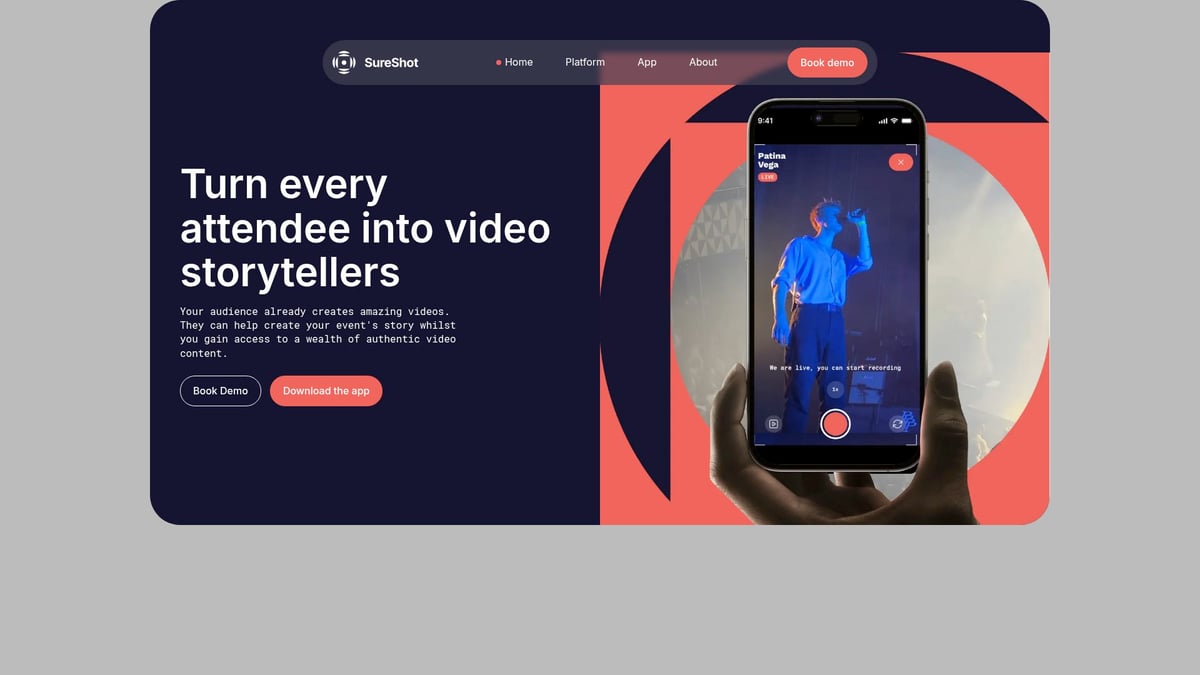
SureShot is built specifically for live events. Attendees upload footage via the app or the event portal using a PIN code. Attendees enter their email address and a PIN to upload. Anyone who later signs up to the app with the same email can access their submitted footage, see highlight collections and reels, and receive event updates. Rights and consent are handled at the point of upload. For a full case study of how this works at scale, see how Vig Festival collected 1,350 clips from 640 attendees.
- Pros: Built for live events, strong privacy and consent flow, flexible pricing.
- Cons: Not designed for events that need polished, produced video output.
Vloggi
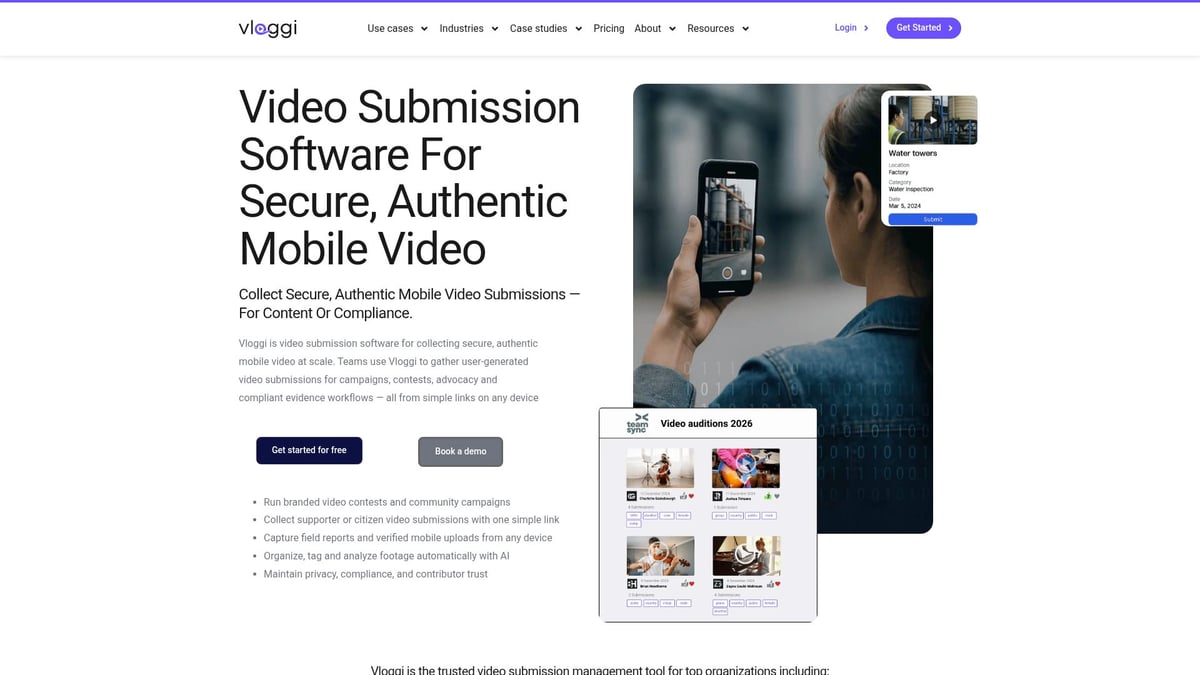
Vloggi is quick to set up and budget-friendly. Well suited to hybrid and community events where volume matters more than curation depth.
- Pros: Fast setup, affordable, good for hybrid events.
- Cons: Limited editing tools, custom branding costs extra.
Gather Voices
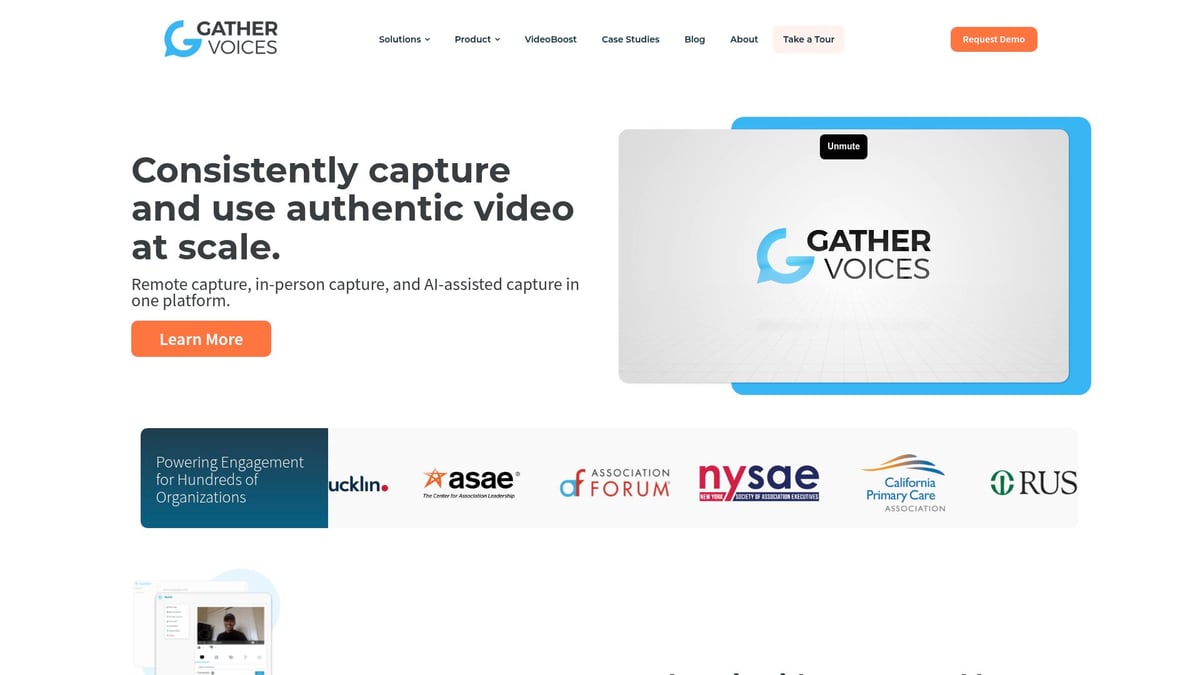
Guided upload portals walk contributors through the process. Analytics are strong. Well suited to audiences less comfortable with technology.
- Pros: Good support, simple onboarding, analytics dashboard.
- Cons: Higher cost, some admin learning curve.
Seenit
Built for enterprise-scale use. Global brands, internal communications, and marketing teams that need collaborative editing and rights management.
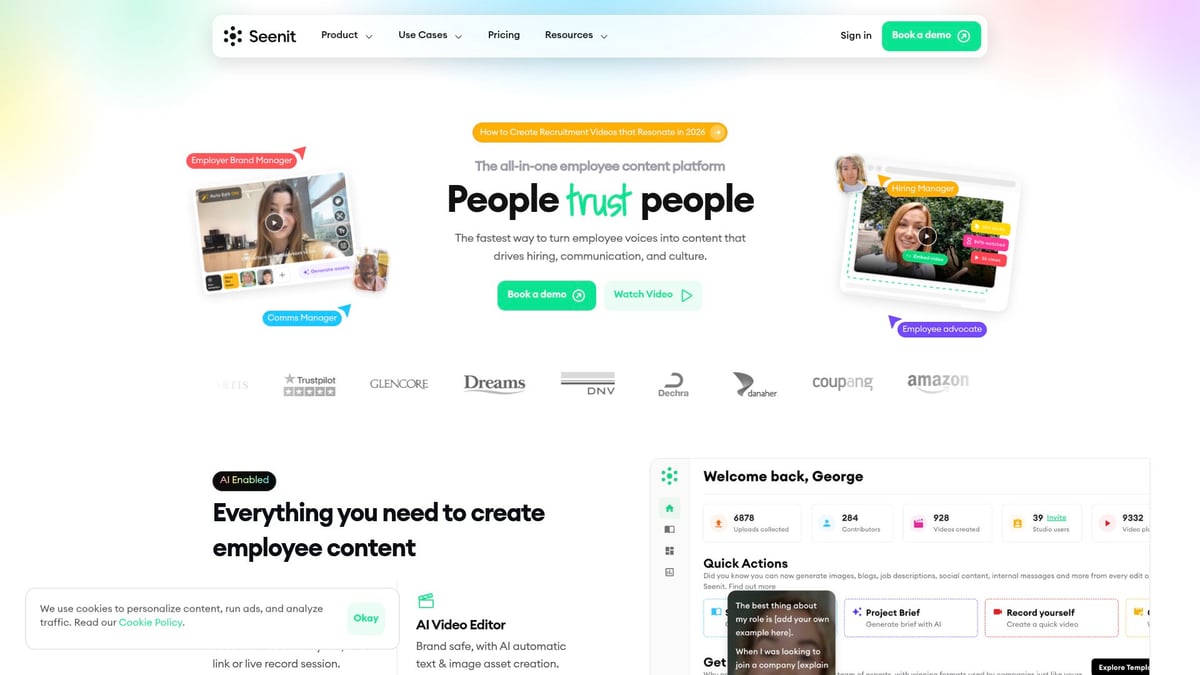
- Pros: Scales well, strong compliance features, team collaboration tools.
- Cons: Expensive, more than most smaller events need.
Vidhub
Primarily a review and approval tool. Teams can leave timestamped comments and upload together, which speeds up the feedback loop on collected footage.
- Pros: Clean interface, good for group review, works well for remote teams.
- Cons: Not a full UGC collection platform. Better for reviewing than gathering.
Waldo Photos
Guests upload via SMS and AI matches faces to create private galleries. No app download required. Best for events where privacy is a primary concern.
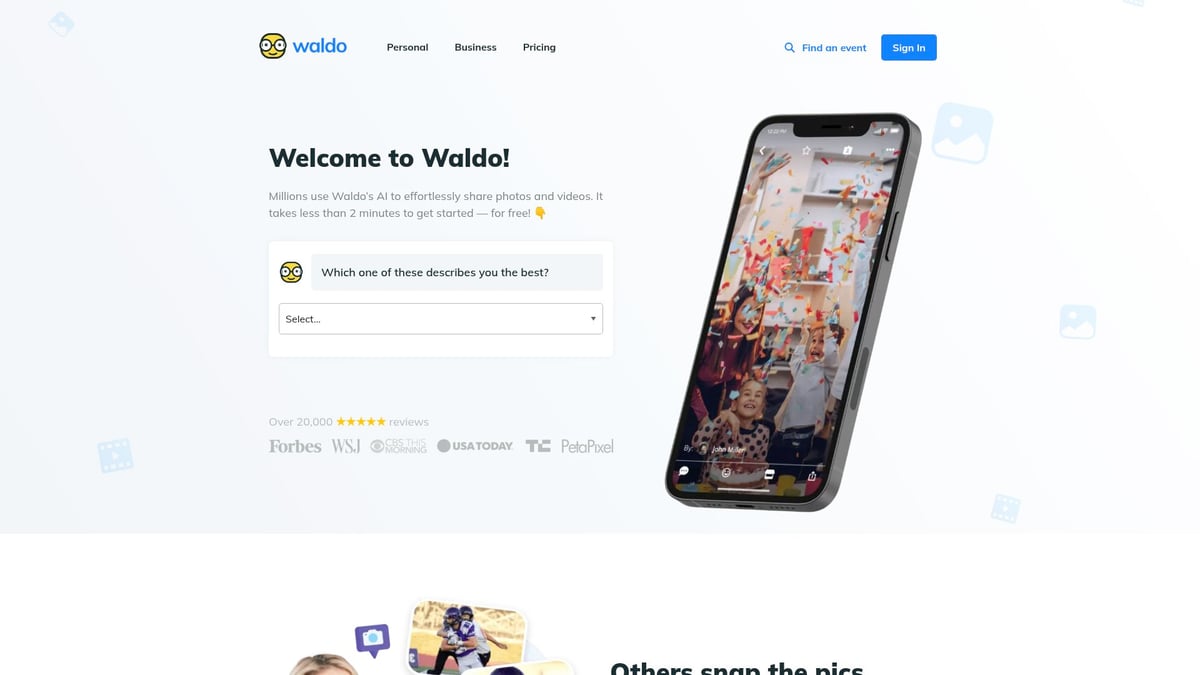
- Pros: No app required, strong privacy controls, instant delivery.
- Cons: Not suited to large festivals, limited editing tools.
VideoPeel
Built for testimonials and customer stories rather than live event footage. Automated reminders increase response rates.
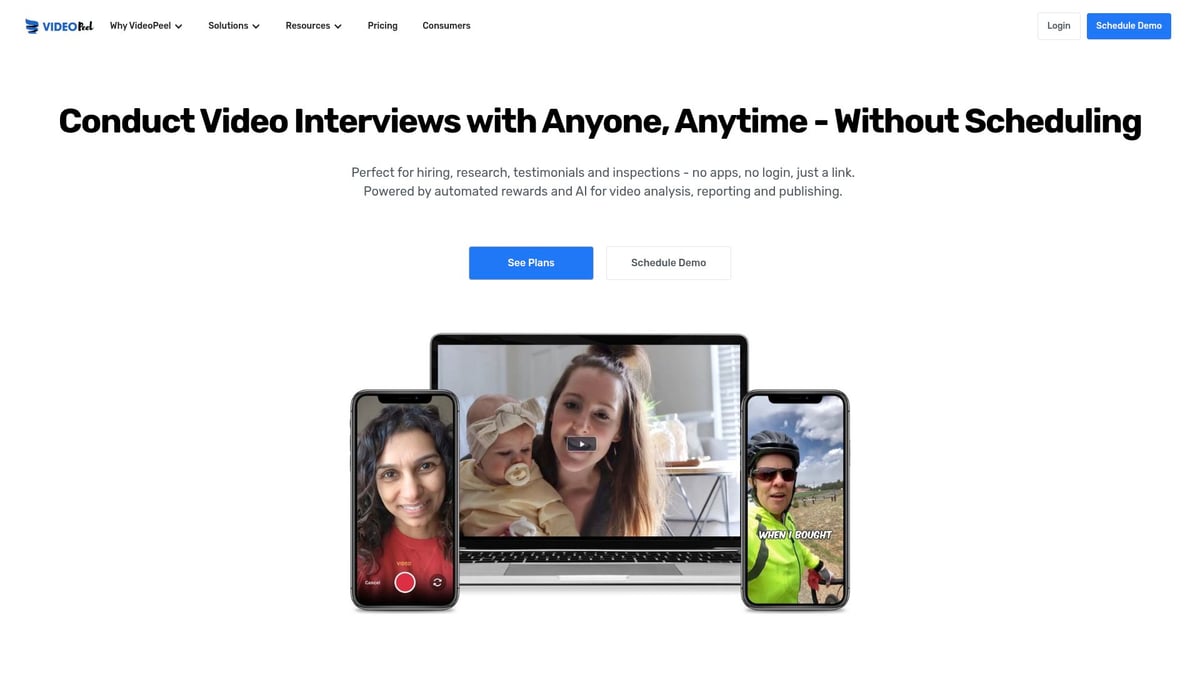
- Pros: Simple contributor experience, good for ongoing campaigns.
- Cons: Basic editing, not designed for live event collection.
CrowdClip
Built for audience participation at live events. Attendees upload with an event code and the platform can display live video walls during the event.
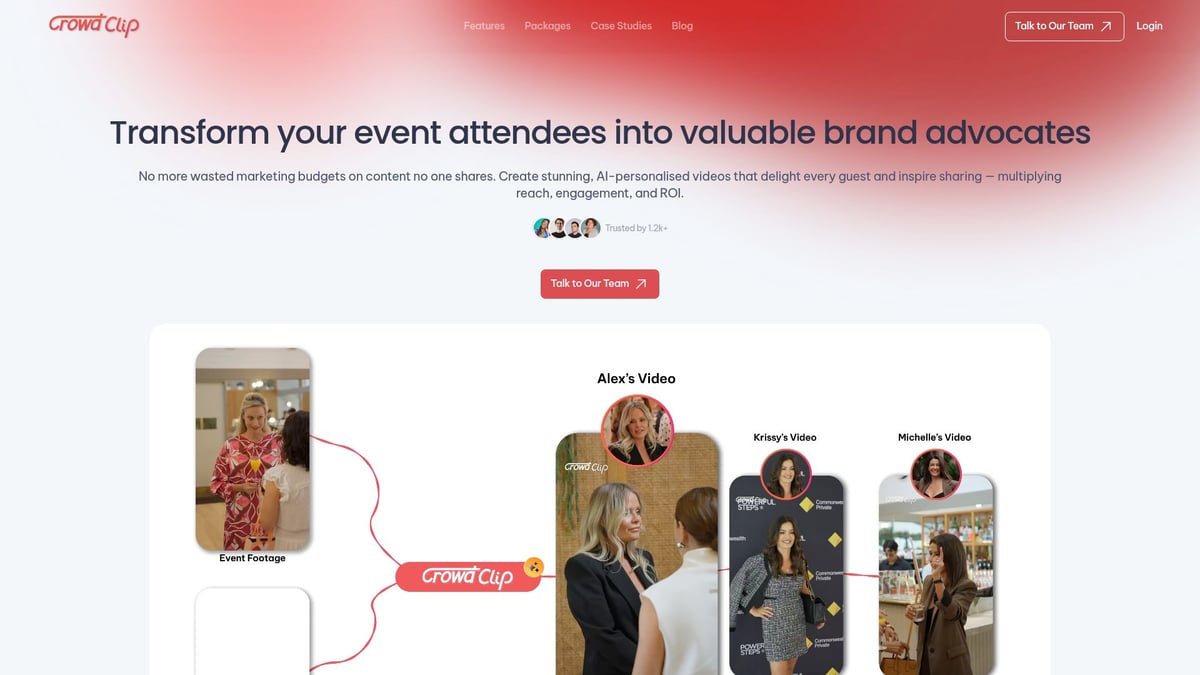
- Pros: Live display features, easy sharing for attendees.
- Cons: Limited curation depth, basic analytics.
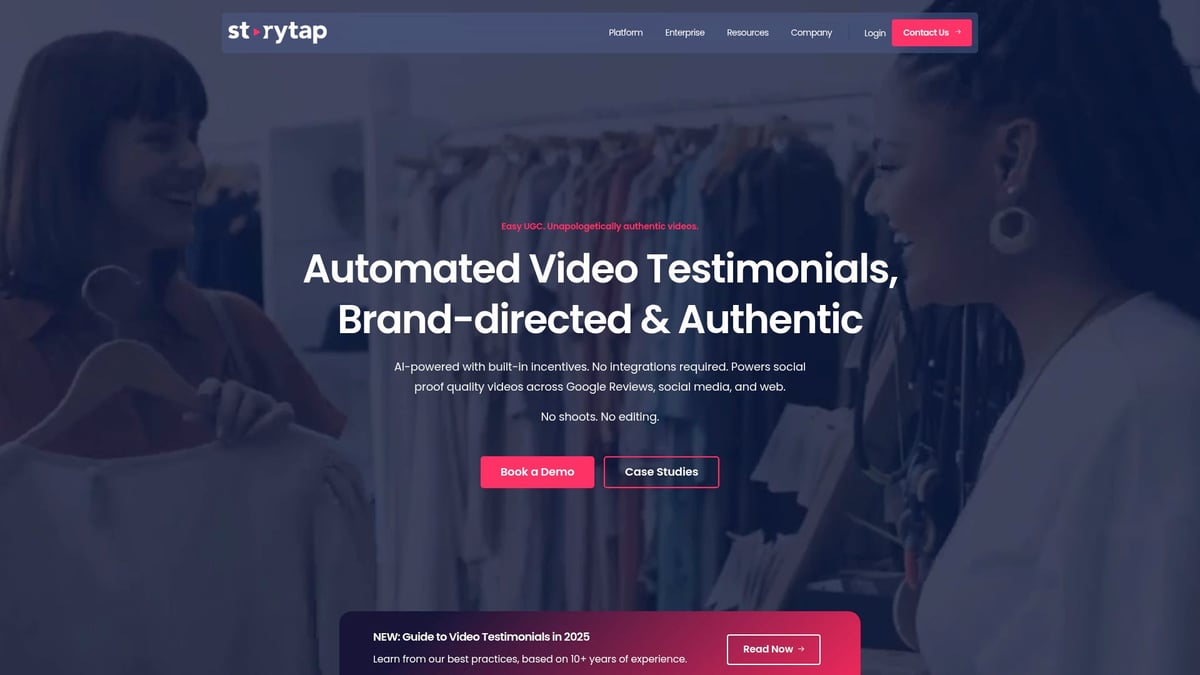
StoryTap
Structured for enterprise campaigns. Multi-language support is built in. Designed for global brands running structured content programmes, not one-off events.
- Pros: Structured content, multi-language, strong support.
- Cons: High price point, not suited to small or one-off events.
Key Features to Look For
For a full guide to evaluating these platforms, see what to look for in a UGC platform for events. The short version: ease of attendee participation, built-in rights management, moderation controls, flexible output, and pricing that matches how often you actually run events.
How to Choose the Right Platform
- Know your event scale: A festival with 40,000 attendees has different requirements to a 50-person corporate dinner.
- Prioritise ease of participation: If uploading is a friction point, you will get less content.
- Check integrations: The platform should connect to your existing tools without custom development.
- Verify privacy and consent: GDPR compliance and clear rights to use attendee content are not optional.
- Run a pilot: Test before your main event.
If you want to see how SureShot handles event video crowdsourcing in practice, book a demo and we can walk through your event setup.


