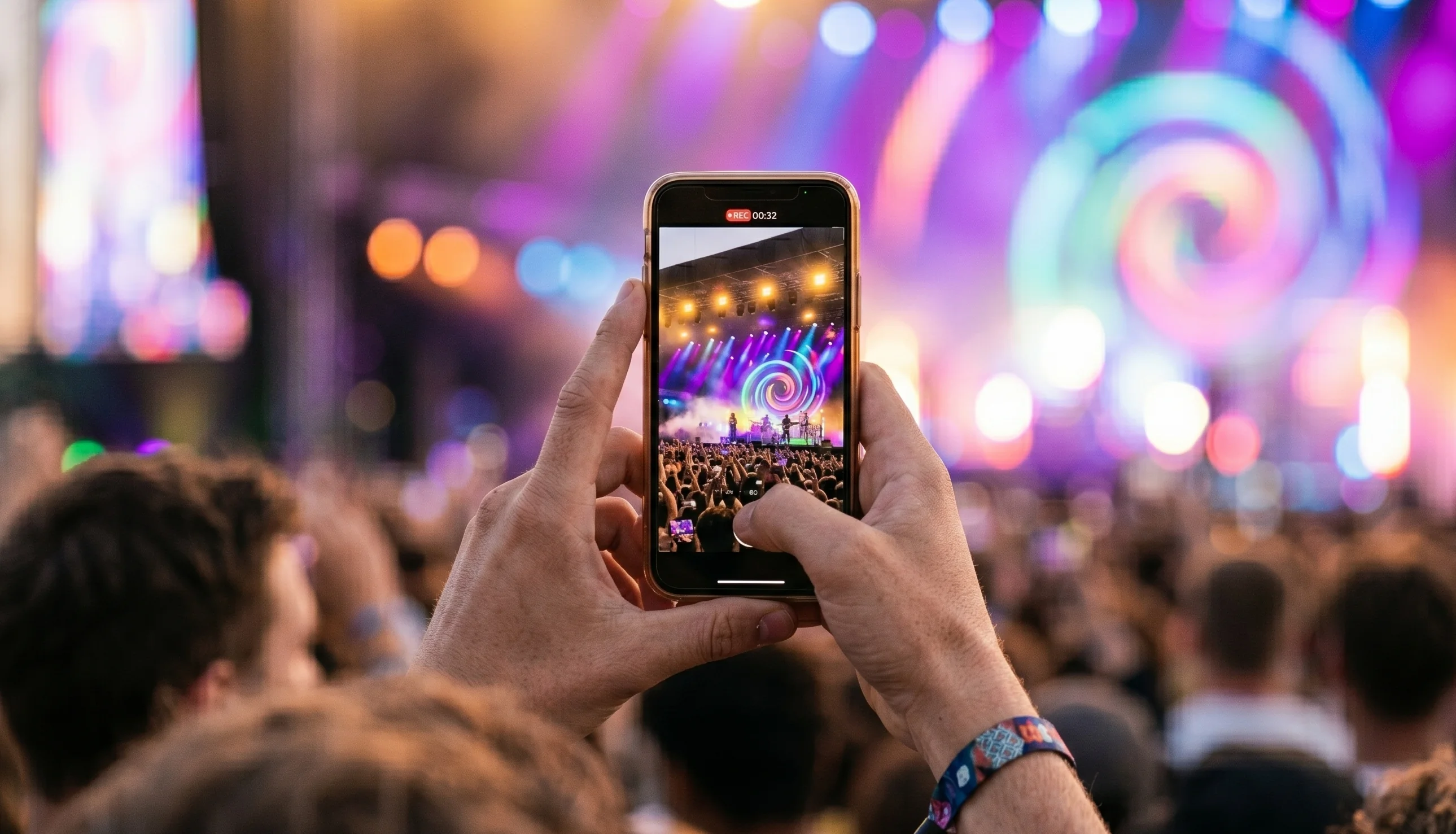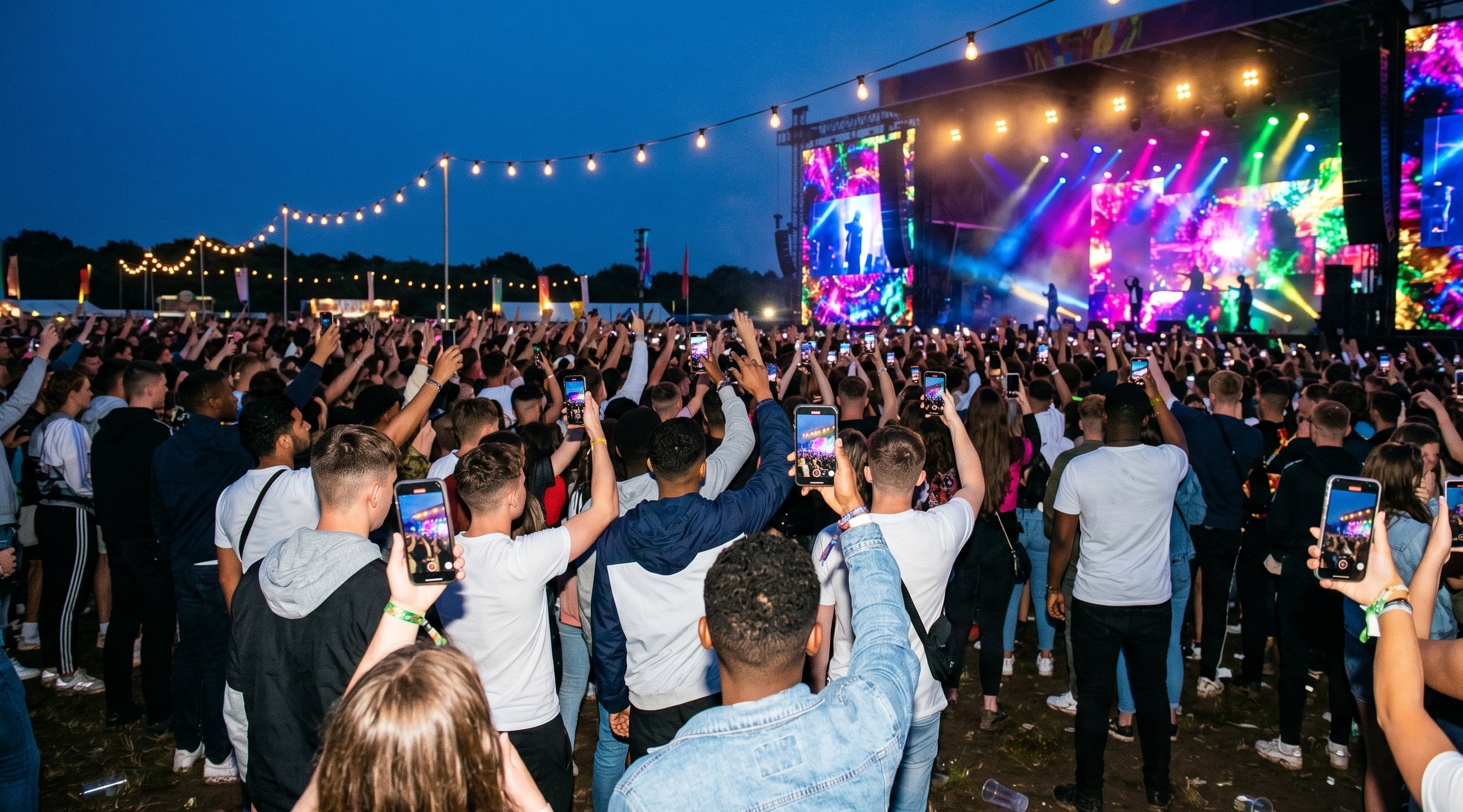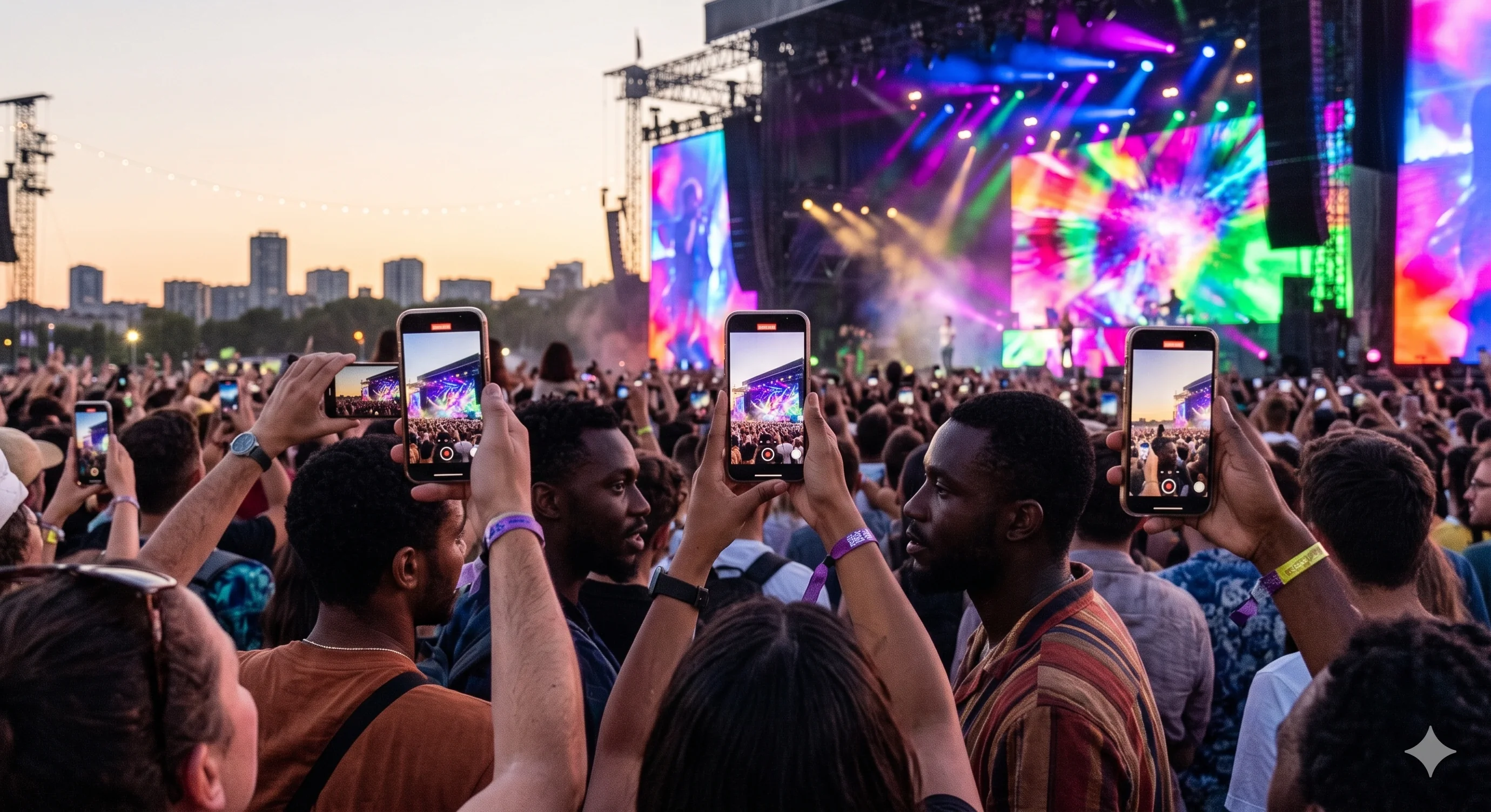

Ever spent hours sifting through event videos, only to end up with a highlight reel that feels flat? The reality is, most of us have. Sorting, cutting, and editing takes forever, and somehow the real energy never quite makes it through. In 2026, to automate event video curation is not just another tech trend, it's how you actually capture what matters—quickly, and at scale. This guide breaks down what automated curation actually means, why it matters, the tech behind it, step-by-step how-tos, real-world results, and how to pick the right tool for you.
Why Automate Event Video Curation?
Ever tried to pull together a highlight video from a big event? If you have, you already know it’s a slog. Let’s break down why the old way just doesn’t cut it anymore.

The Problem with Manual Curation
Manual video editing takes ages. Large events easily rack up hundreds of hours of footage. Even if you’re quick, you’re still just skimming the surface.
Editors often miss genuine moments. Human bias creeps in, so you end up with lots of staged smiles and not much real energy. The best bits, the in-between reactions, get left on the cutting room floor.
It’s not just slow, it’s expensive. Hiring a professional editing crew isn’t cheap. And if you drag your feet, you miss the window for social buzz. According to a 2024 survey, 68% of event organisers said video editing was their biggest headache.
So, why automate event video curation? It solves all these headaches at once.
The Value of Authentic, User-Generated Content
People trust real videos from real attendees. Slick promo edits feel staged, but clips shot by the crowd? Those get watched, shared, and talked about.
User-generated content (UGC) boosts engagement. In fact, 84% of consumers say authenticity is what makes event content worth watching. Attendee videos get reshared twice as often as anything made by a brand or agency.
Take music festivals. The ones that leaned on UGC saw a 30% jump in organic Instagram reach. That’s not luck, that’s because the content actually resonates. When you automate event video curation, you tap into this power at scale.
The Shift in 2026
Now we’re in 2026, and things have changed. Audiences expect highlights in real time. Brands want stories, not just another montage.
The only way to keep up? Automate event video curation. Automation means you get more real moments, faster, and without breaking the bank.
Want to dig deeper into how it all works behind the scenes? Check out this Video Content Curation Guide for a straight-talking look at what’s possible.
Automation bridges the gap between what audiences want and what brands need. It’s not just a nice-to-have anymore—it’s the only way to keep your event content fresh and authentic.
How Automated Event Video Curation Works
Ever wondered how people manage to get highlight videos out before the event is even over? It is not magic, and it is not some poor intern pulling an all-nighter. This is where you automate event video curation, using a mix of AI and smart workflows to do the heavy lifting. Let us break down what is actually happening behind the scenes.
Key Technologies Powering Automation
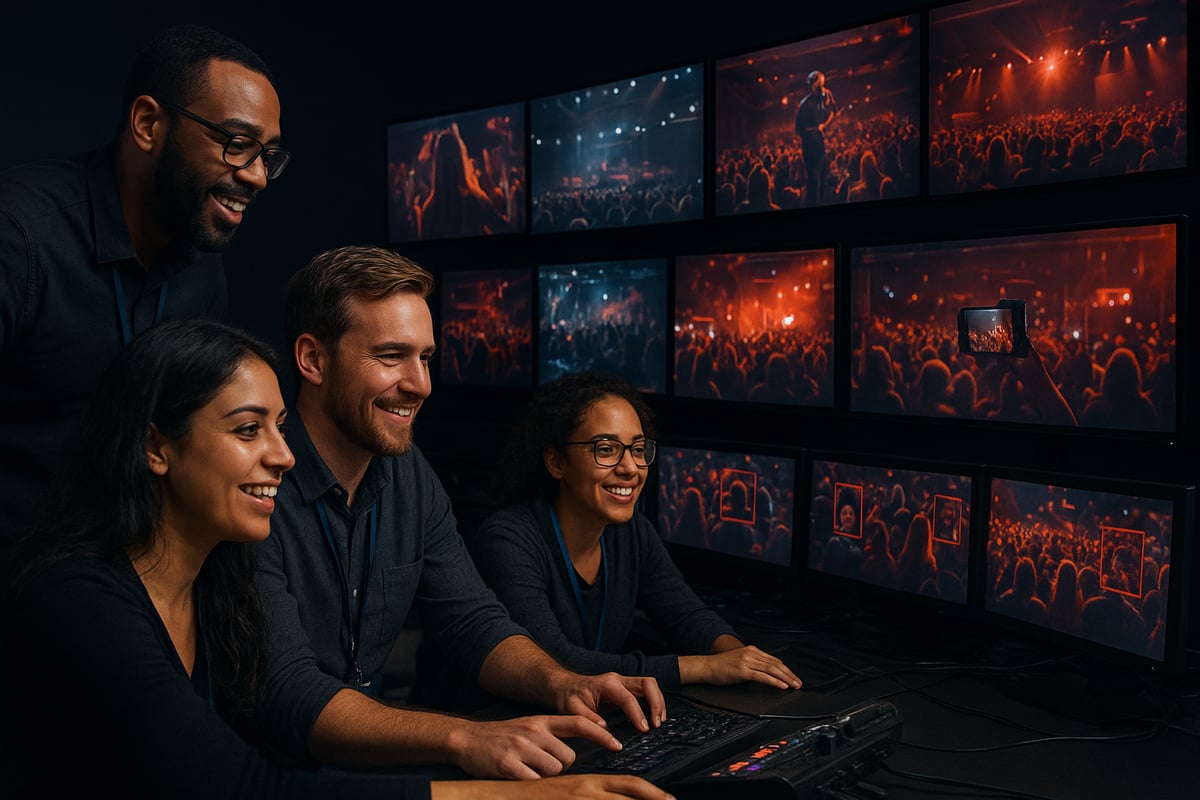
The tech behind automate event video curation is not about making fake clips or deepfakes. It is about sorting real video, fast. AI-driven content analysis looks for faces, emotions, and those crowd reactions you actually want to see. Machine learning does not just guess, it learns from what has worked in your past highlight reels and gets better over time.
Cloud-based workflows mean you are not stuck waiting for files to upload or download. Everything is processed live, and teams can jump in from anywhere. Most systems will plug straight into your event platforms, grabbing video from staff, attendees, or even event hashtags with no fuss.
If you want a deeper dive into how AI recognises and prioritises real moments, check out this resource on AI-Driven Video Understanding. It is a bit technical, but it shows how far the tech has come.
The Curation Process, Step by Step
Here is what automate event video curation looks like in real life. First, you pull in videos from every possible source: attendees, staff, official cameras, even social media. The AI scans everything for the good stuff, like laughter, applause, and those blink-and-you-miss-it reactions.
Next, automated filtering kicks out the boring bits. It removes shaky, off-topic, or duplicate clips, so you are not drowning in footage. Editors then get a shortlist of the best moments and can tweak or approve quickly. The last step is pushing the final cut straight to your social channels, event app, or partners, often before the event is even finished.
This process means you get authentic highlights, fast. No more sifting through hours of video, hoping to find one decent shot.
Benefits Over Traditional Methods
The real win with automate event video curation is all about speed and scale. You are not waiting days for a highlight reel. The system applies the same rules every time, so you are not at the mercy of whoever happens to be editing that week.
You can handle hundreds of videos from a big event, without hiring a small army of editors. For example, at major sports events in 2025, organisers had highlights ready to share before the last match even wrapped up. That is a huge advantage for building buzz and keeping your audience engaged.
Here is a quick summary:
| Benefit | Manual Curation | Automated Curation |
|---|---|---|
| Speed | Slow | Fast |
| Consistency | Variable | Reliable |
| Scale | Limited | Unlimited |
You get more genuine moments, less faff, and a lot more time back in your day.
Implementing Automated Video Curation at Your Event: A Step-by-Step Guide
Ever wondered how to actually automate event video curation without making a mess of it? Here’s the playbook, plain and simple. You don’t need a film degree or a team of editors. You just need a clear process, a bit of tech, and a focus on what matters.

Step 1: Define Your Event Video Goals
Start with the basics. What do you actually want from your event videos? Are you after quick highlights, detailed recaps, or punchy teasers for socials? Make a shortlist. Think about those moments everyone will remember—big cheers, keynotes, the unexpected stuff.
If you skip this, you’ll end up with a pile of random footage. Be clear with your team and any tech you use. When you automate event video curation, the system needs to know what “good” looks like for your event. It’s not about more footage, it’s about the right footage.
Step 2: Set Up Video Collection Channels
Now, make it dead simple for people to send in their clips. Attendees should be able to upload via an app, a quick web link, or by scanning a QR code at the venue. Don’t forget your official videographers and photographers. Pull in their feeds too.
Want to catch the stuff from socials? Track your event hashtag and pull in relevant posts. The more sources you connect, the richer your pool becomes. To really automate event video curation, you need to collect everything worth seeing in one place.
Step 3: Configure AI Curation Parameters
Here’s where the magic happens. Set clear rules for what the AI should be looking for—faces, crowd reactions, your brand in the shot, whatever matters most. Use footage from past events to give the system a head start.
If you want more laughs, tell it to prioritise smiles and applause. Want branded moments? Feed it examples. When you automate event video curation, the AI will only be as smart as the instructions you give it. Be specific, and tweak as you go.
Step 4: Review and Approve Shortlisted Content
Don’t hand everything over to the robots. Once the AI spits out a shortlist, have a human editor take a quick pass. Scan for anything that feels off, or great moments the AI might have missed.
If the selection feels off, adjust your rules and run it again. The point of automate event video curation is to save you time, not remove your judgement. A quick review keeps things on track without slowing you down.
Step 5: Distribute and Promote Curated Videos
Get your finished clips out fast. Push them straight to your social channels, event app, or internal comms. The quicker you share, the faster you catch the buzz.
Track what gets watched, liked, and shared. Use those numbers to figure out what worked, and what missed the mark. Automate event video curation makes it easy to rinse and repeat for your next event.
Common Pitfalls and How to Avoid Them
A few things trip people up. First, don’t let the AI filter out all the personality—leave some rough edges. Always get clear consent from attendees before collecting or sharing their clips.
Drowning in footage? Stay focused on quality over quantity. For more tips on smoothing out the process, check out these content curation best practices to keep your system sharp and your videos real.
Measuring Success: Metrics That Matter in 2026
Ever wonder if all the effort to automate event video curation is actually paying off? Let’s talk about how to measure what really matters—not just vanity stats, but the numbers and feedback that show real impact.

Engagement and Reach
First up, check your video views, shares, and comments against your last event. When you automate event video curation, you’re not just saving time—you’re surfacing the moments people actually care about.
User-generated content (UGC) usually gets twice the engagement of slick promo videos. It’s not just a theory, either. Organisers using Event Video Crowdsourcing Software see their best clips go further, faster, and get reshared more often.
If you see a spike in your reach or more buzz on social, you’re probably doing something right.
Turnaround Time
Speed is the game-changer. Compare how long it took to get highlight reels out before and after you automate event video curation.
Real-time highlights mean you can ride the wave of live social chatter. If you’re getting content out while the event’s still happening, expect more eyes and more excitement.
Shorter turnaround doesn’t just look good on paper. It means your team is less stressed, and your audience gets what they want, when they want it.
Content Diversity and Authenticity
Variety matters. Does your highlight reel show different perspectives, not just the usual stage shots? When you automate event video curation, you can capture more genuine moments—crowd reactions, spontaneous fun, and honest feedback.
Authentic clips build trust. People want to see themselves and their peers, not just official footage. If your videos feel more real this year, your approach is working. For more on making your videos stand out, check out tips on Authentic Video Content.
Cost Savings and ROI
Let’s talk money. Track how many hours your team spends editing now versus before you automated event video curation. Most organisers see a big drop—sometimes as much as 40 percent—when they switch to automation.
Less time editing means lower freelance bills and more budget for other things. Want more numbers? Recent AI in Event Planning Statistics show that automation can cut production costs dramatically, especially for big events.
If the savings are clear, your investment is paying off.
Feedback Loops
Don’t forget the human side. Collect feedback from attendees, sponsors, and your team. Ask what videos they loved, what felt flat, and what they want more of next time.
Use a simple table like this to track your progress:
| Metric | Manual Editing | Automated Curation |
|---|---|---|
| Turnaround (hrs) | 48 | 6 |
| Engagement Rate (%) | 15 | 30 |
| Cost (GBP) | 2000 | 1200 |
Measuring success isn’t just about numbers. It’s about whether your videos feel real, get watched, and make people want to come back.
Choosing the Right Automated Video Curation Solution
Picking a tool to automate event video curation is about cutting through the noise. You want results that save you time and show off the real energy of your event, not just another fancy dashboard. Here’s how to make the right call.
Key Considerations
First, figure out if the platform really lets you automate event video curation the way you need. Does it pull in attendee videos, not just pro footage? Can it spot the best moments, or does it just cut by length? Look for AI features that actually help, like emotion detection or duplicate removal.
Make sure onboarding is simple, both for your team and your attendees. Security and privacy matter, especially with user content. If your event is growing, you need something that scales. For a bigger picture on how automation is reshaping the industry, check out Event Industry Digital Transformation.
Comparison of Leading Solutions
Not all options that automate event video curation are made equal. Some are built for speed, others for deep analytics. Here’s a quick table to help:
| Platform | UGC Support | AI Features | Ease of Use | Pricing | Best For |
|---|---|---|---|---|---|
| SureShot | Yes | Emotion, Duplicates | High | Affordable | Fast highlights |
| VidStacker | Limited | Basic Highlights | Medium | Mid-range | Social teasers |
| EventClipper | Yes | Crowd Reactions | High | Premium | Large conferences |
Pick what fits your actual needs, not just the feature list.
Questions to Ask Vendors
When you’re ready to automate event video curation, ask the tough questions. How long does setup really take? Can you tweak what the AI looks for, or are you stuck with defaults? What support is included if things go sideways on event day?
Find out if the system plays nicely with your existing tools. And always ask about attendee privacy and rights.
Red Flags to Watch For
If a vendor promises fully automatic magic, walk away. Human review is still part of the process, no matter how good the AI is. Watch for unclear terms around data usage or copyright, and avoid platforms with hidden costs.
If you’re not sure who owns the final videos, that’s a problem. The goal is to automate event video curation, not to lose control of your content.
So, if you’re ready to stop drowning in endless clips and actually enjoy the magic of your events, why not take the next step? We’ve covered how automating video curation can save you time, boost engagement, and let your attendees tell the real story. If you want to see how this could work for your events—without the stress or the guesswork—let’s have a chat. You can Book a meeting with us and we’ll walk you through what’s possible, answer your questions, and help you get started.