




H264 vs H265: Compression, Quality & Compatibility In 2026
When you're collecting video content from event attendees, whether it's concert footage, conference highlights, or festival moments, the format those files arrive in matters more than you might think. The debate around H264 vs H265 comes down to a straightforward question: do you prioritise maximum compatibility or superior compression efficiency?
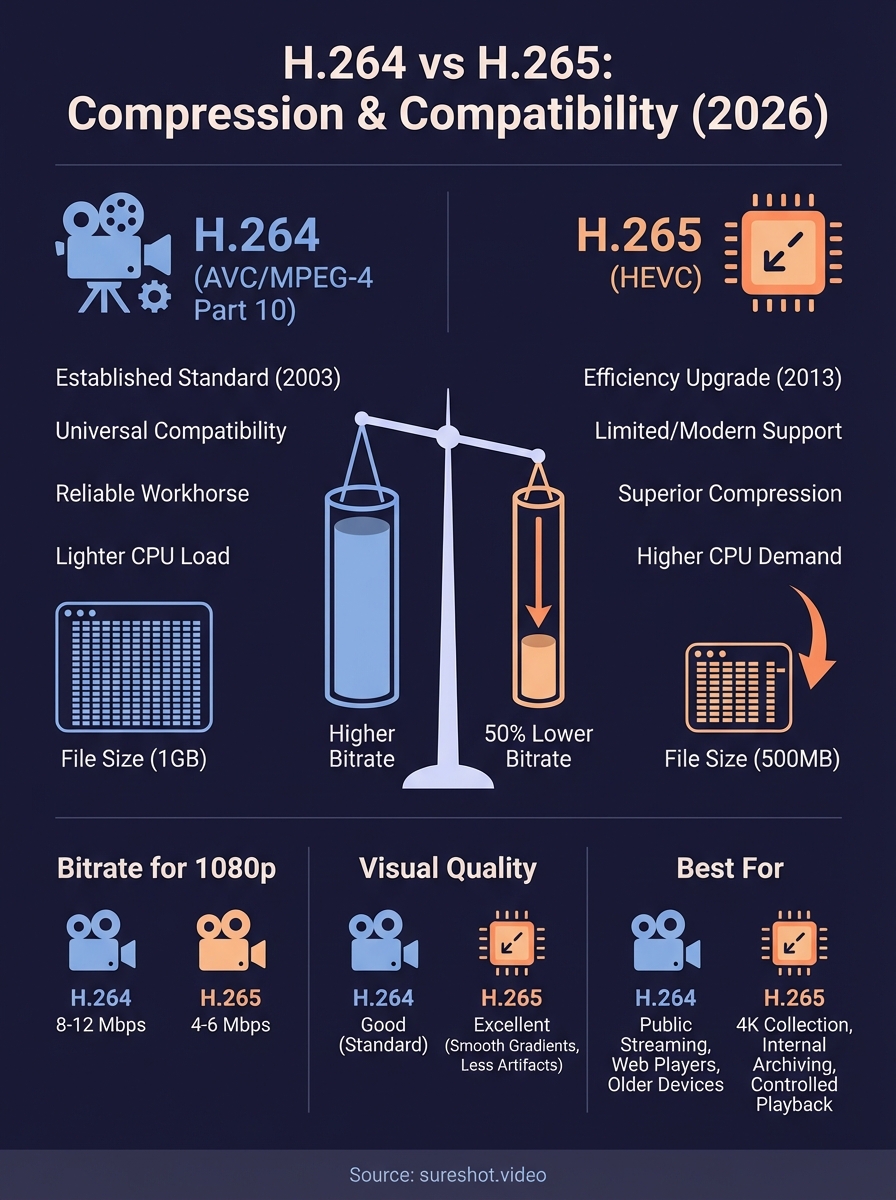
Both codecs have earned their place in video workflows. H.264 has been the reliable workhorse for over a decade, supported by virtually every device and platform out there. H.265 (also called HEVC) promises 50% smaller file sizes at equivalent quality, which sounds ideal until you run into playback issues on older hardware or licensing complications that catch you off guard.
At SureShot, we handle thousands of user-generated clips from live events, so codec choices directly affect storage costs, streaming quality, and how easily content reaches audiences. This guide breaks down the real-world differences between these two standards, covering compression ratios, visual quality, device support, and practical use cases, so you can make an informed decision for your video recording, rendering, or streaming projects.
What H.264 and H.265 mean
Both H.264 and H.265 are video compression standards that reduce file sizes while maintaining visual quality, but they represent different generations of encoding technology. When you record video on your phone or camera, these codecs determine how the raw footage gets compressed into a manageable file. The choice between h264 vs h265 affects everything from storage requirements to playback compatibility across devices.
H.264: The established standard
H.264 (also known as AVC or MPEG-4 Part 10) launched in 2003 and quickly became the dominant codec for everything from YouTube uploads to Blu-ray discs. You'll find H.264 support in virtually every device manufactured after 2005, from smartphones to smart TVs to professional cameras. The codec achieves compression by analysing video frames and eliminating redundant information, keeping only what changes between frames. Hardware acceleration for H.264 exists on nearly all modern processors, meaning your device can decode these files without draining the battery or overworking the CPU.
H.265: The efficiency upgrade
H.265 (formally called HEVC or High Efficiency Video Coding) arrived in 2013 with a promise to deliver the same visual quality as H.264 at roughly half the bitrate. This newer standard uses more sophisticated compression algorithms that analyse larger blocks of pixels and predict motion with greater accuracy. Recording 4K footage in H.265 produces files comparable in size to 1080p H.264 clips, which matters when you're collecting content from dozens or hundreds of event attendees.
H.265 can compress a 1GB H.264 file down to approximately 500MB without visible quality loss.
The trade-off comes with computational demands. Encoding and decoding H.265 requires significantly more processing power, which explains why many budget devices and older computers struggle with playback. Patent licensing for H.265 also proved controversial, with multiple patent pools demanding royalties, which slowed adoption compared to H.264's clearer licensing terms.
Why the codec choice matters
Your codec selection creates a ripple effect across your entire video workflow, from the moment attendees hit record to when you publish content. The h264 vs h265 decision determines how much storage you'll need, how quickly files upload, and whether your audience can actually watch what you've collected. Event organizers collecting hundreds of clips face these trade-offs directly, where choosing the wrong format can mean thousands of dollars in storage fees or frustrated attendees unable to share their footage.
Storage and bandwidth costs
File size differences translate directly into operational expenses. If you're collecting 500 clips at an average of 2 minutes each, H.264 footage might consume 200GB of storage, while H.265 reduces that to roughly 100GB for equivalent quality. Cloud storage providers charge based on capacity, so halving your file sizes means halving your monthly bills. Upload times matter just as much when attendees submit content over cellular networks at crowded venues, where a 100MB H.265 file uploads twice as fast as its 200MB H.264 equivalent.
Reducing file sizes by 50% can cut both storage costs and upload times in half for large-scale content collection.
Workflow efficiency
Processing power requirements shift dramatically between formats. Your editing software and export tools work 3-5 times harder when encoding H.265 compared to H.264, which extends render times and heats up your computer. Transcoding collected clips to a different format for compatibility adds another step to your workflow, consuming time and introducing potential quality loss. Battery life on mobile devices also takes a hit when recording in H.265, as the intensive encoding process drains power faster than H.264's lighter computational load.
Compression, bitrate, and quality in real footage
Understanding how h264 vs h265 performs with actual video files requires testing beyond theoretical specifications. When you record concert footage or festival highlights, the compression differences become measurable in both file size and visual fidelity. Both codecs use lossy compression, meaning they discard some information to reduce file sizes, but H.265's advanced algorithms identify more redundant data to eliminate without affecting what your eyes perceive.
Bitrate requirements for common resolutions
Recording quality depends on bitrate, which measures how many megabits of data your video uses per second. H.264 typically requires 8-12 Mbps for clean 1080p footage at 30fps, while H.265 achieves comparable quality at just 4-6 Mbps. When you move to 4K resolution, H.264 demands 35-45 Mbps to maintain sharp details, but H.265 delivers similar results at 15-25 Mbps.
Halving your bitrate through H.265 encoding reduces file sizes by approximately 50% without visible quality degradation.
Variable bitrate encoding works better than constant bitrate for event footage, where complex scenes with motion need more data while static shots compress efficiently. You'll notice the difference when attendees capture energetic crowd moments versus quiet speaker segments.
Visual differences you'll actually notice
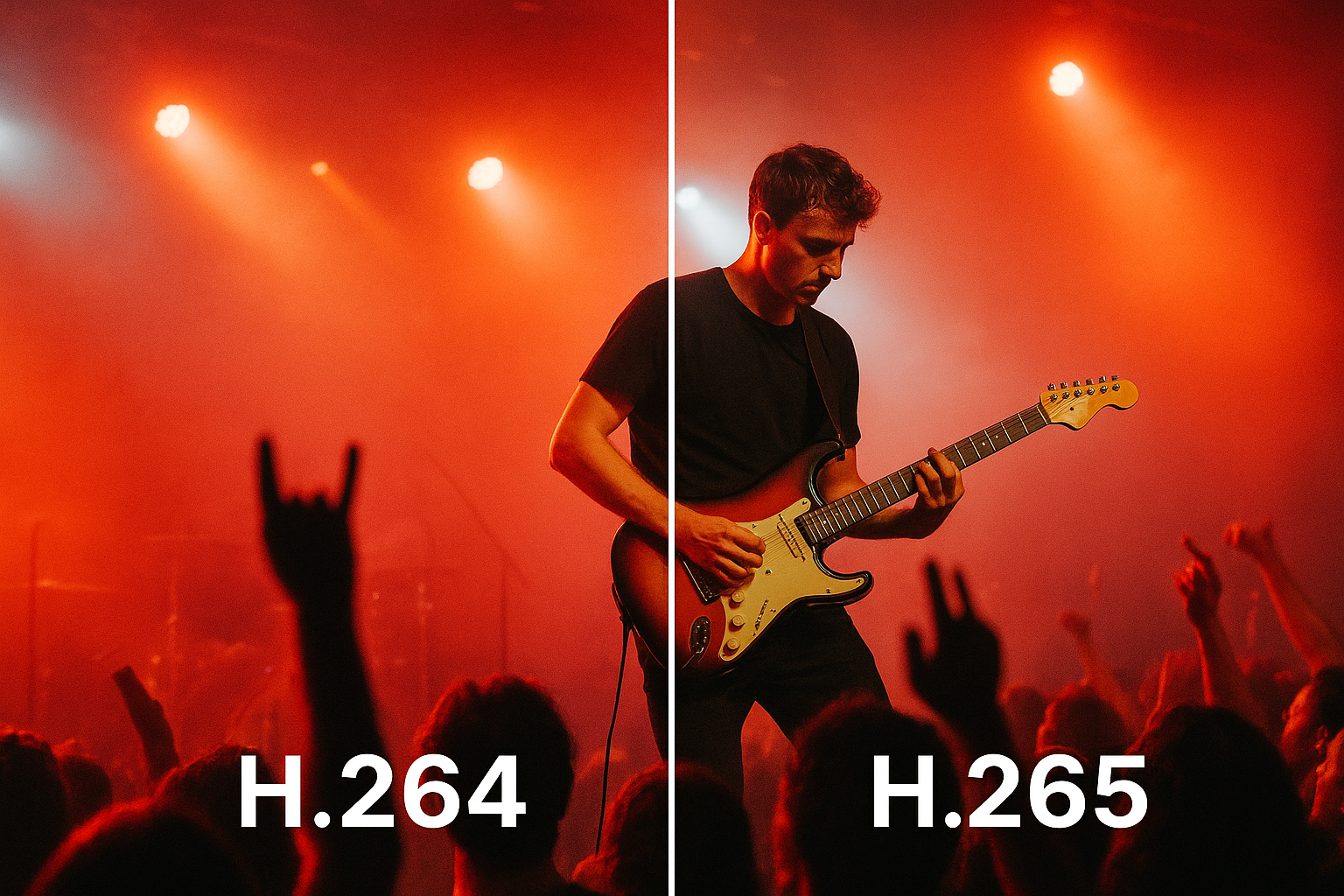
Quality comparisons reveal subtle distinctions. H.265 handles gradients and shadows more effectively, producing smoother transitions in low-light concert footage. Fast motion sequences show fewer compression artifacts when encoded in H.265, though both codecs struggle with extreme movement at lower bitrates. Macro-blocking and pixelation appear in both formats when bitrates drop too low, but H.265 maintains clarity longer as bandwidth decreases.
Compatibility and playback in 2026
Device support has evolved significantly since H.265's introduction, though H.264 remains universally compatible while H.265 still encounters occasional friction. Your choice between these codecs determines whether every viewer can watch your content immediately or whether some face playback errors and stuttering. When collecting event footage from attendees using diverse hardware, compatibility issues create real problems that frustrate contributors and limit your content's reach.
Device support across platforms
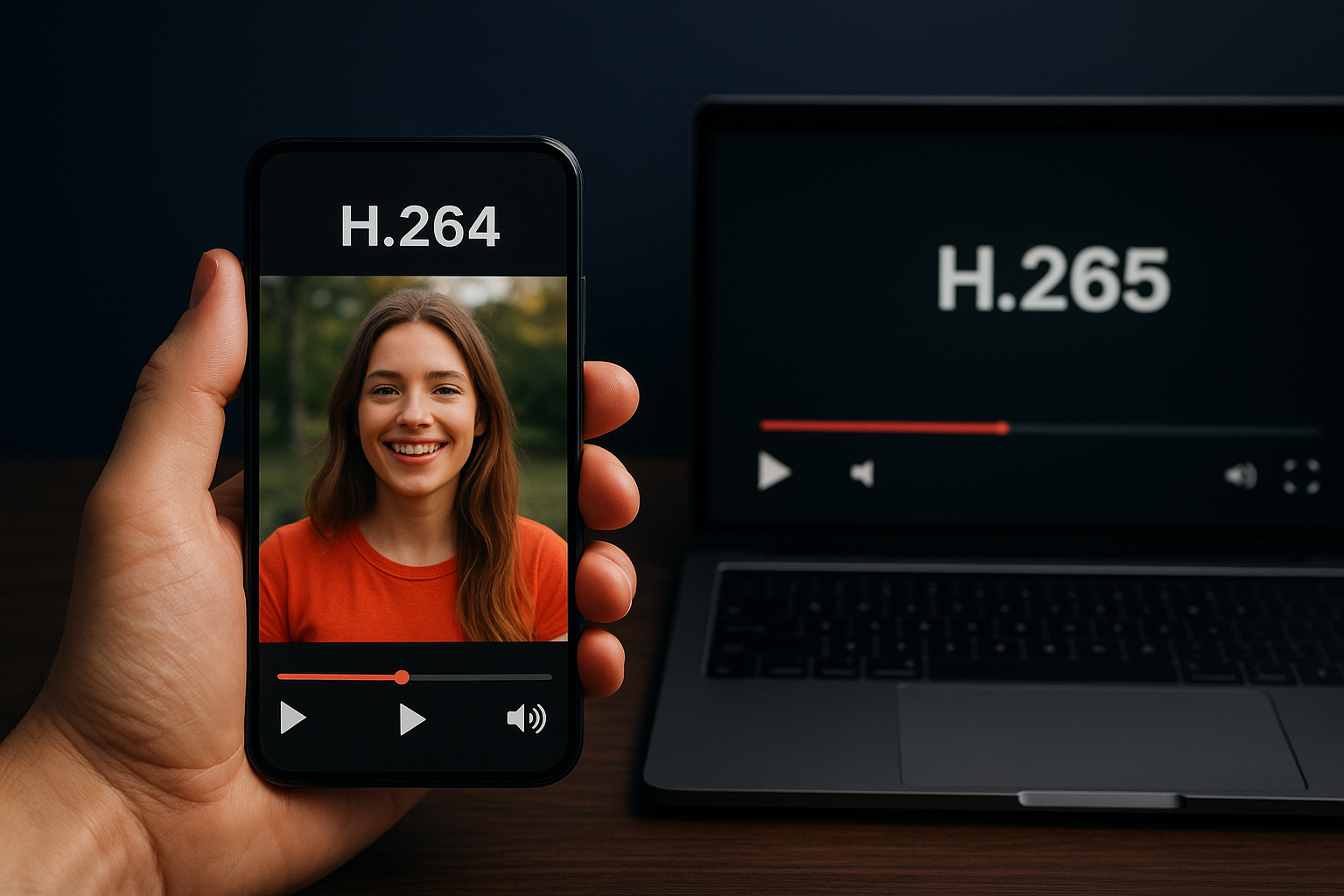
Modern smartphones manufactured after 2020 handle both formats smoothly, with hardware decoding chips built into processors from Apple, Qualcomm, and Samsung. You'll find H.264 playback works on virtually every device produced in the last 15 years, from budget Android phones to professional editing workstations. H.265 support exists on most devices from 2018 onward, but older laptops and desktops often lack the necessary hardware acceleration, forcing software decoding that maxes out the CPU and drains batteries rapidly.
Devices without H.265 hardware decoding can still play HEVC files, but you'll experience choppy playback and excessive heat generation.
Apple products since the iPhone 7 support H.265 recording and playback natively. Windows PCs require the HEVC Video Extensions codec pack from Microsoft, which costs $0.99 if not pre-installed. Android compatibility depends on the manufacturer and chipset, creating inconsistency across the ecosystem.
Browser and streaming compatibility
Web browsers treat h264 vs h265 differently in 2026. Chrome, Firefox, Safari, and Edge all handle H.264 natively without plugins, making it the safest choice for web-based video players. H.265 browser support remains limited, with Safari on Apple devices leading adoption while Chrome requires additional codec installations on many systems.
How to pick between H.264 and H.265
Your codec decision depends on where your content goes and who watches it. The h264 vs h265 choice isn't about which format is technically superior but rather which one fits your specific distribution requirements and audience capabilities. You need to balance file size savings against compatibility concerns, weighing storage costs against potential playback problems that frustrate viewers.
When H.264 makes the most sense
Choose H.264 when universal compatibility matters more than file size optimization. If you're publishing content for public viewing across unknown devices, H.264 eliminates playback issues that create barriers between your content and audiences. Web-based video players work seamlessly with H.264 without requiring visitors to install codec packs or troubleshoot streaming problems. You'll also find H.264 encoding faster and less demanding on your hardware, which matters when processing dozens of clips from event attendees who expect quick turnaround times.
H.264 remains the safest choice when your audience includes older devices or when web browser compatibility is critical.
When H.265 delivers real advantages
Select H.265 when you control the playback environment and need to minimise storage or bandwidth costs. Recording internally for archive purposes or distributing to known hardware that supports HEVC makes H.265's compression efficiency valuable. The format excels for 4K footage collection where file sizes would otherwise become unmanageable, cutting storage requirements in half while maintaining visual quality that matches H.264 output.
Conclusion
The h264 vs h265 decision ultimately depends on your distribution needs and audience hardware capabilities. You'll get universal compatibility with H.264, making it ideal for public-facing content and web streaming where you can't control playback devices. H.265 delivers substantial file size reductions that cut storage costs when you're collecting content from large events, but only when your workflow supports the format and viewers have modern hardware.
Testing both codecs with your actual content and distribution channels reveals which format serves your needs best. Recording settings, editing software compatibility, and final delivery methods all influence which compression standard works for your specific workflow. Most event organizers find H.264 remains the practical choice for maximising reach while H.265 makes sense for internal archiving or controlled distribution.
At SureShot, we help event organizers collect and manage attendee video content efficiently, handling codec choices and technical complexity behind the scenes. Book a demo to see how our platform simplifies user-generated content collection regardless of the video formats your attendees use.


