



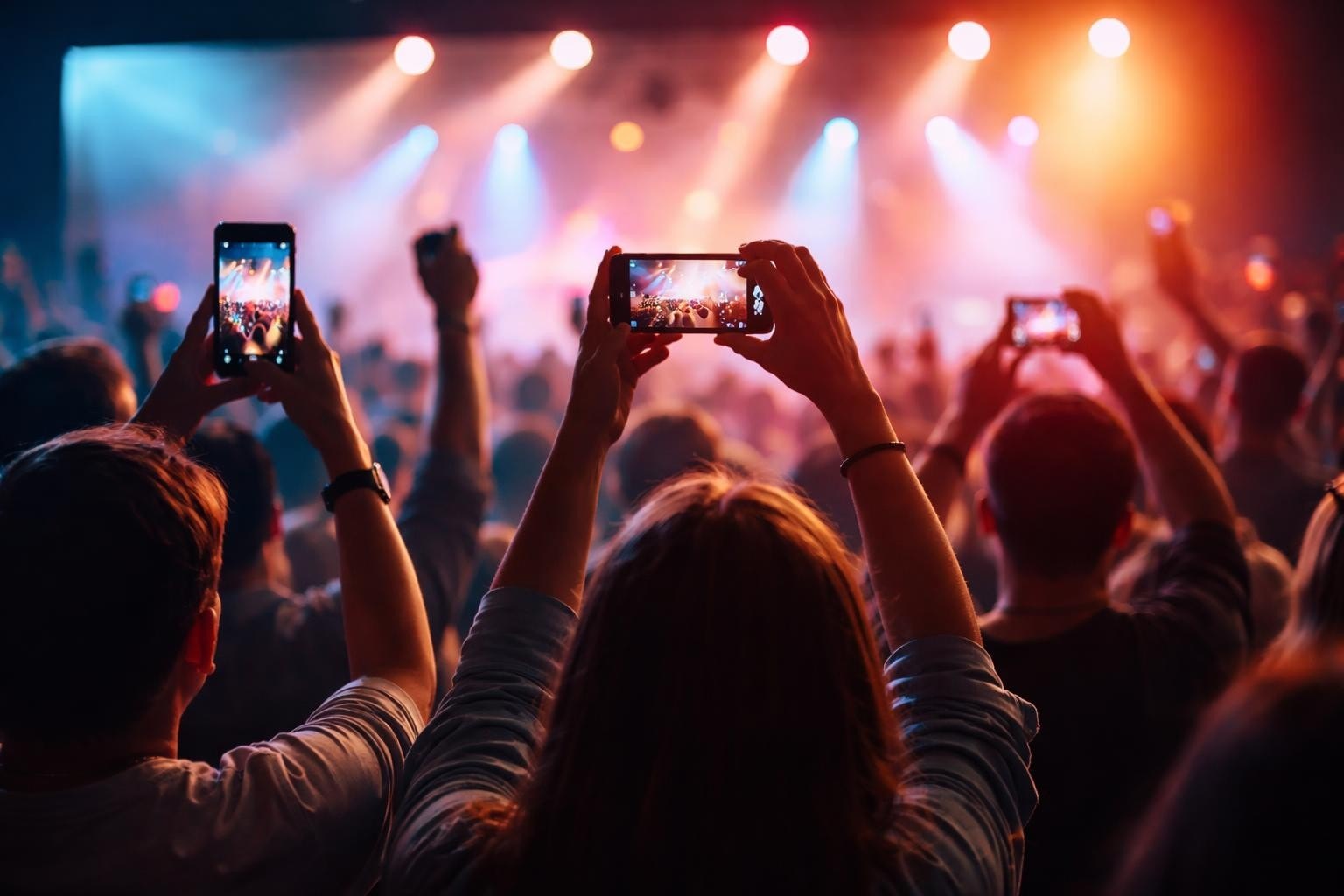

You've seen it happen. Event organisers spend thousands on a professional crew, get a polished three-minute recap, share it on LinkedIn, and it gets 47 views. Meanwhile, someone's shaky iPhone clip from the same event goes viral because it caught something real. That's the shift happening with event video right now. The best content isn't coming from the crew anymore. It's coming from the people who were actually there.
Why Professional Event Videos Often Miss the Mark
Professional crews capture what they're told to capture. They get the keynote, the branding, the staged moments. Clean, polished, forgettable.
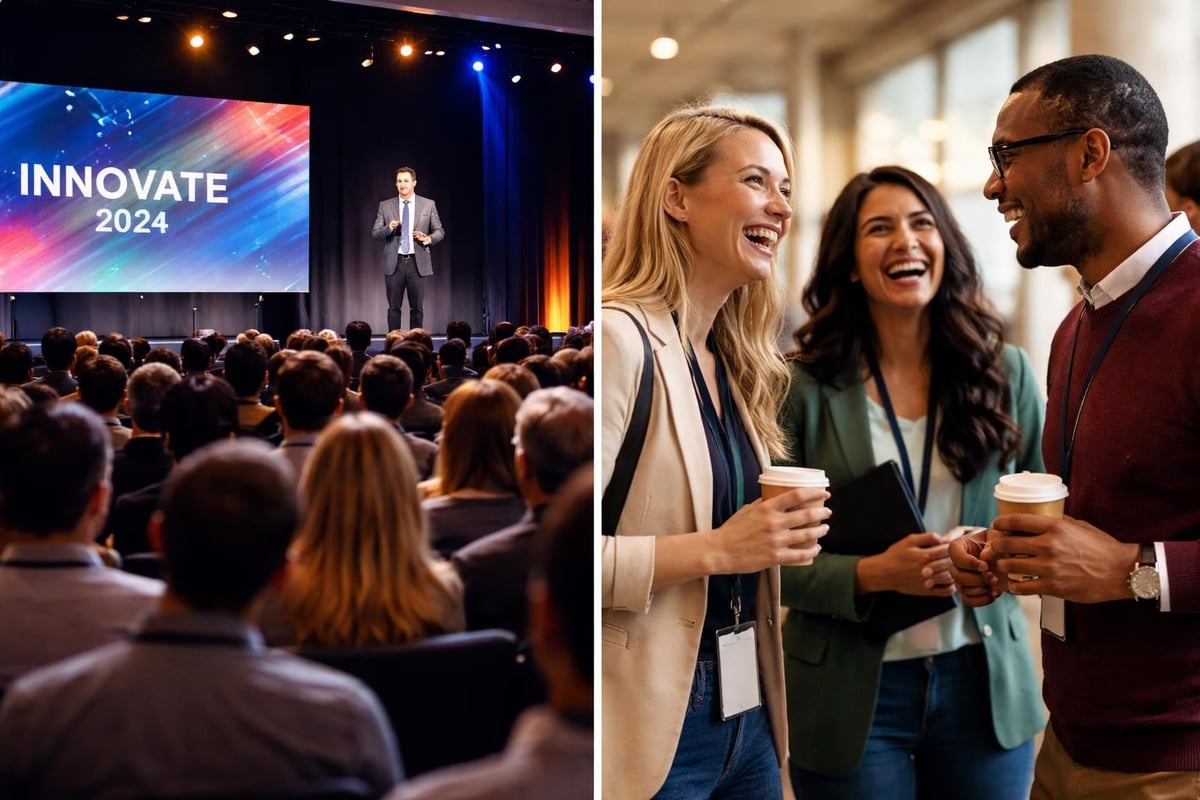
What they miss is everything else. The conversation in the hallway that sparked a partnership. The moment someone's face lit up during a demo. The joke that landed perfectly in a breakout session. These moments make events worth attending, but they rarely make it into the official recap.
Here's the problem: professional event video treats attendees like an audience. User-generated content treats them like participants. And participants create better stories because they're living them.
What Makes Event Video Actually Work
Good event video does three things. It proves the event happened. It makes people who weren't there wish they were. And it gives attendees something worth sharing.
Most event videos only do the first one. They're proof of attendance, nothing more.
Content That Spreads Naturally
When attendees capture moments themselves, they share them. Not because you asked, but because they want to. That's earned media working the way it should.
The maths is simple:
- One professional video gets shared by your marketing team
- 50 attendee videos get shared by 50 different people to 50 different networks
- Which one reaches more potential customers?
Multiple Perspectives Tell Better Stories
A single camera angle shows one version of what happened. Ten camera angles show what actually happened. Different people notice different things. The speaker's joke lands differently depending on where you're sitting. The product demo looks different from the front versus the side.
Capturing authentic moments from multiple perspectives creates a complete picture that no single crew could match.
How User-Generated Content Changes Event Video
Traditional event video production follows a script. Set up cameras. Capture planned moments. Edit for weeks. Release when the event is already forgotten.
User-generated event video happens in real-time. Attendees capture what matters to them. They post while the event is still running. Their networks see it immediately. This creates momentum that professional crews can't manufacture.
The Technical Reality
You don't need broadcast-grade equipment anymore. Modern phones shoot better video than professional cameras from five years ago. The limiting factor isn't quality. It's getting people to actually capture and share footage.
That's where platforms designed for event video collection make the difference. They remove friction. Attendees don't need special apps or training. They just record and submit.
| Traditional Approach | User-Generated Approach |
|---|---|
| Single perspective | Multiple perspectives |
| Staged moments | Authentic reactions |
| Post-event delivery | Real-time sharing |
| Limited reach | Network amplification |
| High production cost | Minimal production cost |
What to Actually Capture
Not every moment deserves to be captured. Not every angle adds value. Here's what actually matters:
Reactions over presentations. The keynote is important, but everyone knows what was said. Show people's faces when something clicked. That's the content that resonates.
Connections over content. Two people meeting for the first time and realising they've been solving the same problem. That's worth more than another shot of the stage.
Questions over answers. The best part of any session is usually Q&A. That's where real problems surface and real discussions happen. Capture those.
Managing the Chaos
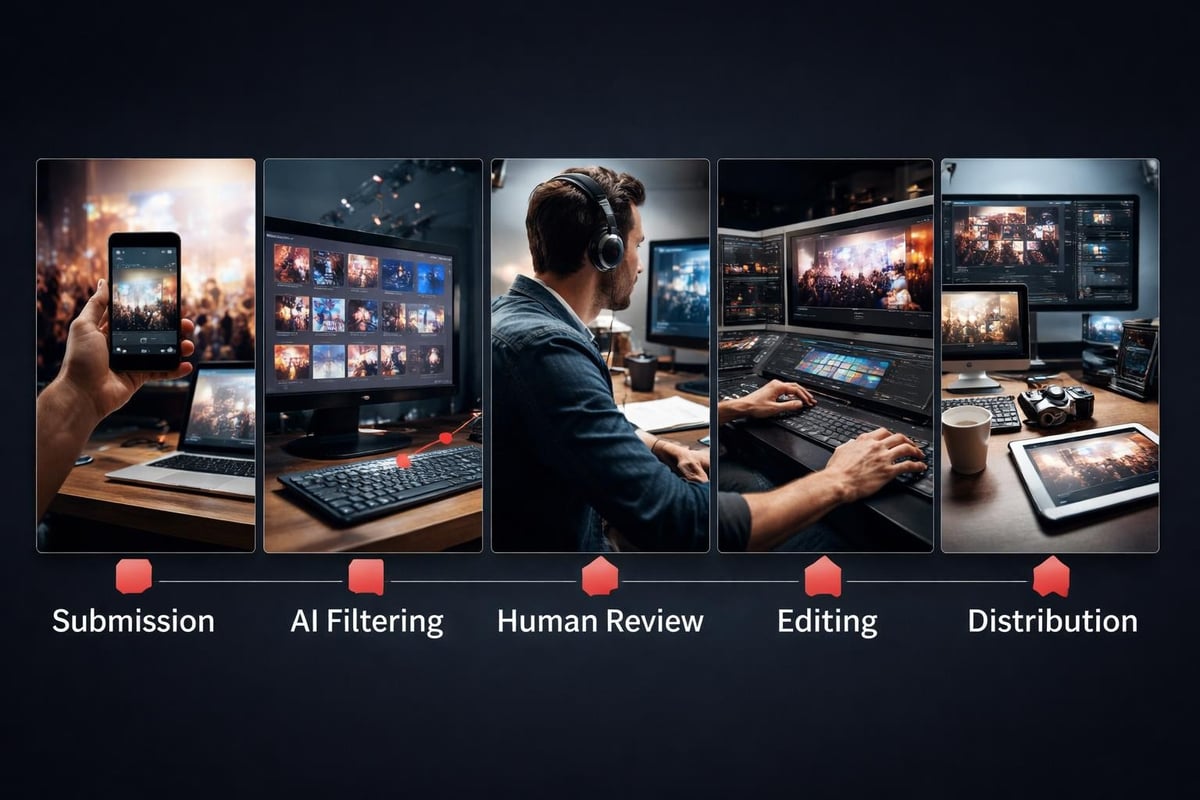
Crowd-sourced video creates volume. You'll get hundreds of clips. Most will be useless. Some will be gold. The trick is sorting efficiently.
This is where AI actually helps. Not by generating fake content, but by curating real content. It can flag clips with good audio, filter out duplicates, identify moments where multiple people filmed the same thing from different angles. You still make the final decisions. AI just makes those decisions faster.
Distribution That Actually Matters
You've got great footage. Now what?
Don't dump everything into one long video. Nobody watches that. Break it into moments. Each clip should make sense on its own. Understanding best practices for event videos means knowing that attention spans are short and context switching is constant.
Platform-Specific Editing
What works on LinkedIn doesn't work on Instagram. What works on Instagram doesn't work on YouTube. This isn't about aspect ratios (though those matter). It's about pacing, length, and context.
- LinkedIn: 60-90 seconds, business value clear within 5 seconds
- Instagram: 15-30 seconds, visually interesting immediately
- YouTube: 2-4 minutes, story arc with beginning/middle/end
- Twitter/X: 30-45 seconds, one clear point
Don't try to make one video fit all platforms. Cut versions for each. Automating event video curation helps here. You're not manually editing five versions. You're setting parameters and letting software handle formatting.
Legal Stuff You Can't Ignore
Everyone filming means everyone needs to consent. You need clear permissions from attendees. Not buried in ticket terms. Actual, informed consent.
Make it easy. Tell people upfront that filming happens and footage gets shared. Give them a simple opt-out. Most people are fine being filmed at professional events. They just want to know it's happening.
Consent management isn't glamorous. But it's necessary. One person claiming they didn't consent to being filmed can tank your entire content strategy.
Rights and Usage
Who owns the footage? You need this clear before the event starts.
Attendees upload content. You need rights to edit and distribute it. They should retain original ownership. Your platform should handle these content licensing agreements automatically. Nobody reads terms and conditions, but they need to exist and they need to be fair.
Measuring What Works
Views don't matter. Shares do. Comments do. People tagging colleagues do. People asking when the next event is do.
Track:
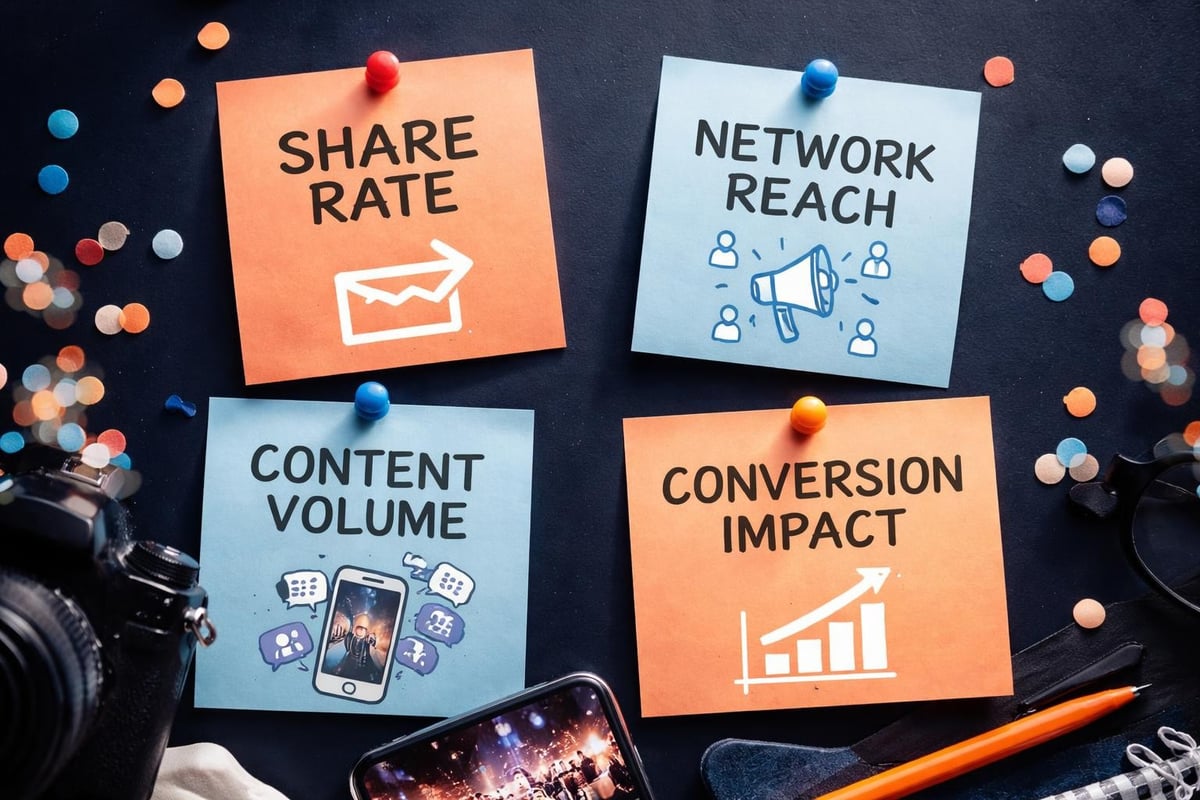
- Share rate: What percentage of viewers share the content?
- Completion rate: Do people watch the whole clip?
- Engagement timing: When do shares peak? (Usually within 24 hours of posting)
- Network reach: How far beyond your immediate audience does content spread?
The Real ROI
Event video isn't about the video. It's about what the video enables.
Does it help sales conversations? Marketing teams love metrics, but the real question is whether your event content makes deals easier to close. When prospects mention they saw clips from your event, that's working. When they specifically reference moments that resonated, that's really working.
Does it improve attendance next time? If people share clips saying "wish I'd been there," you're doing it right. Your event video becomes marketing for your next event.
The Production Reality Check
You don't need a production team. You need a system. Best practices for event highlight creation emphasise planning over equipment.
Here's what actually matters:
- Clear submission process - Attendees need to know how to send footage without thinking about it
- Quick turnaround - Content loses value fast; same-day edits beat perfect-in-three-weeks
- Audio quality - Bad audio kills good video; encourage people to get close to speakers
- Variety - You need wide shots, close-ups, reactions, and context
What You Can Skip
Fancy transitions. Motion graphics. Colour grading that takes hours. Perfect symmetry. Scripted voice-overs.
Nobody cares. They care about content. Save production budget for audio. Everything else is theatre.
Making It Sustainable
One event with great user-generated content is nice. A consistent system across all events is valuable.
Build templates. When someone submits footage, it should automatically get:
- Metadata tags (speaker, session, topic)
- Basic quality filtering (audio level, stability, lighting)
- Format conversion for different platforms
- Permission verification
This isn't manual work anymore. Content curation tools handle the repetitive stuff so humans can focus on editorial decisions.
Training Your Attendees
You don't need to make everyone a videographer. You need to make it easy for interested people to contribute.
Simple guidelines work:
- Hold your phone steady (or don't, shaky can be authentic)
- Get close enough to hear clearly
- Capture moments that mattered to you
- Don't worry about being perfect
Send these before the event. Remind people during the event. Most won't participate. That's fine. You only need 10-15% of attendees creating content to get plenty of material.
Why This Matters Now
Professional event video made sense when equipment was expensive and editing required expertise. Neither is true anymore.
What hasn't changed is that authentic moments create better stories than staged ones. User-generated content platforms just make it easier to collect and distribute those authentic moments at scale.
The companies winning at event marketing aren't the ones with the biggest production budgets. They're the ones making their attendees the storytellers. Because attendees have something professional crews never will: they were actually there, experiencing it, caring about it, and connected to networks that trust them.
Event video works when it's real, accessible, and shared by people who were actually there. The shift from professional crews to attendee-created content isn't about cutting costs (though it does). It's about capturing authentic moments that actually resonate. SureShot helps event organisers turn their attendees into video storytellers with a platform that makes capturing and sharing those moments effortless, creating content that spreads naturally while reducing your production overhead.


