



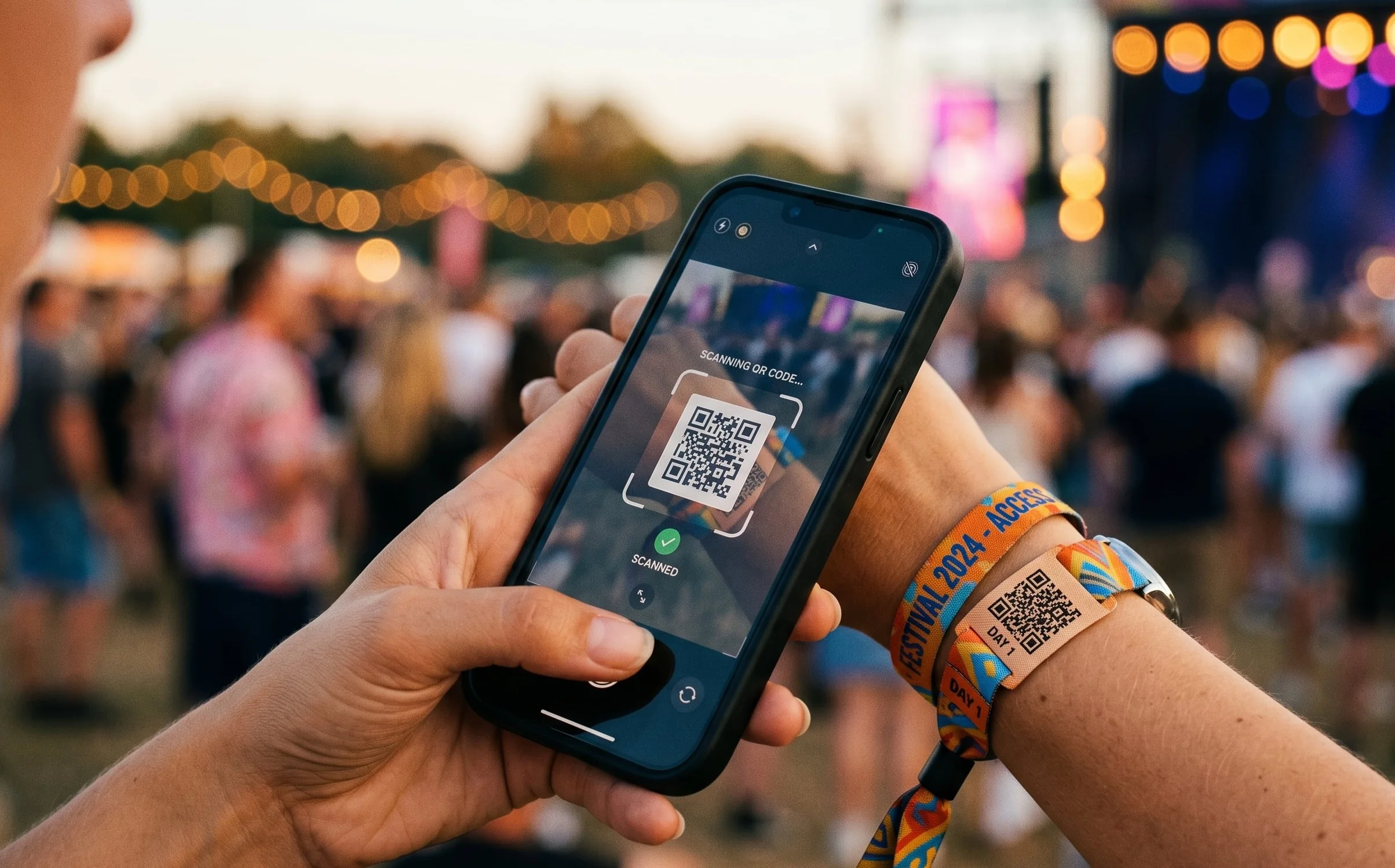

The most common concern organisers raise before using a crowd footage platform for the first time is participation. Will people actually upload? Will we get enough content to make it worthwhile?
The answer depends almost entirely on how the ask is made and how easy the process is. This is what we have learned works.
The participation problem is a friction problem
Most attendees film things at events. The question is not whether they will film. They already are. The question is whether they will share what they filmed with you.
Participation rates drop with every step added to the upload process. An ask that requires downloading an app, creating an account, and navigating to the right screen will get low participation. An ask that requires opening a camera, scanning a QR code, and tapping upload will get high participation. Every decision in the upload flow should be optimised against one question: how many steps does this add?
Before the event
Set the expectation early. Include the upload ask in pre-event communications. The confirmation email, the event app push notification, the day-before reminder. Attendees who know they are going to be asked to share footage think about it while they are filming. That changes what they capture and how.
The message should be honest and specific. Not "help us capture the magic" but something like: "Film what you see at [event name] and upload it via the SureShot portal. The best clips go into the official event archive and get shared on our channels."
At the event: signage and placement
QR codes and PIN codes displayed at the venue are the primary collection mechanism. Put the upload prompt at points where people are stationary and have their phones out: at the entrance, at bars and food queues, on programmes and wristbands. The copy on the sign should be one sentence. The QR code should be large enough to scan from a reasonable distance. The destination should load immediately with no login wall.
During the event: the right moment to ask
Upload prompts sent during the event via notification or SMS perform significantly better when sent at the right moment: immediately after a peak experience. After the headline act starts. After a big announcement. After a sports team scores. A prompt that arrives when attendees are already filming is the most effective prompt.
The upload flow itself
No mandatory account creation. Requiring a sign-up kills participation. Support both the app and a browser-based portal. Acknowledge the upload immediately. A confirmation screen that says the clip has been received and may appear in the official archive closes the loop.
After the event: closing the loop publicly
Participation in future events is driven by what happens after this one. Share a selection of crowd footage after the event with a note acknowledging the contributors. Tag the handles of people whose footage was used where possible. This turns contributors into promoters of the next event.
What the numbers look like in practice
At Vig Festival, 640 attendees uploaded 1,350 clips over the weekend. A meaningful archive from a single event. You can read the full Vig Festival case study to see exactly how the upload flow was set up.
Participation rates vary by event type, audience, and how well the ask is executed. Music festivals and sport events with engaged fan bases tend to see higher rates. Corporate events where attendees are less personally invested tend to see lower ones.
How SureShot handles this
SureShot is built around low-friction participation. Attendees enter their email address and a PIN to upload via the app or the event portal. The upload confirmation is immediate. Anyone who later signs up to the app with the same email can access their submitted footage, see highlight collections and reels when the organiser publishes them, and receive event updates. Consent and licensing are handled in the flow so organisers have rights to use everything that comes in.
If you want to see how the upload flow works and how to set it up for your event, book a demo and we can walk through it.


