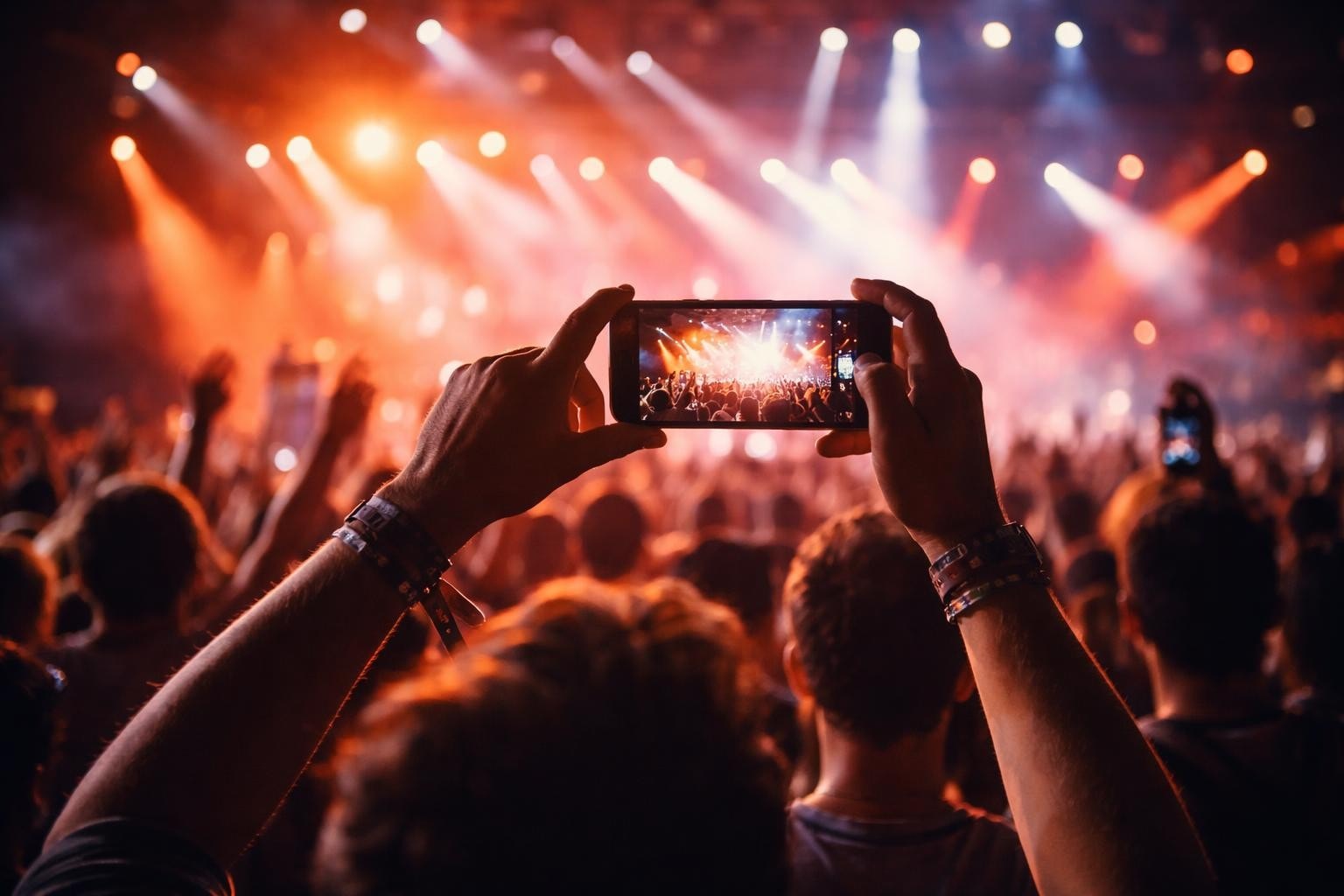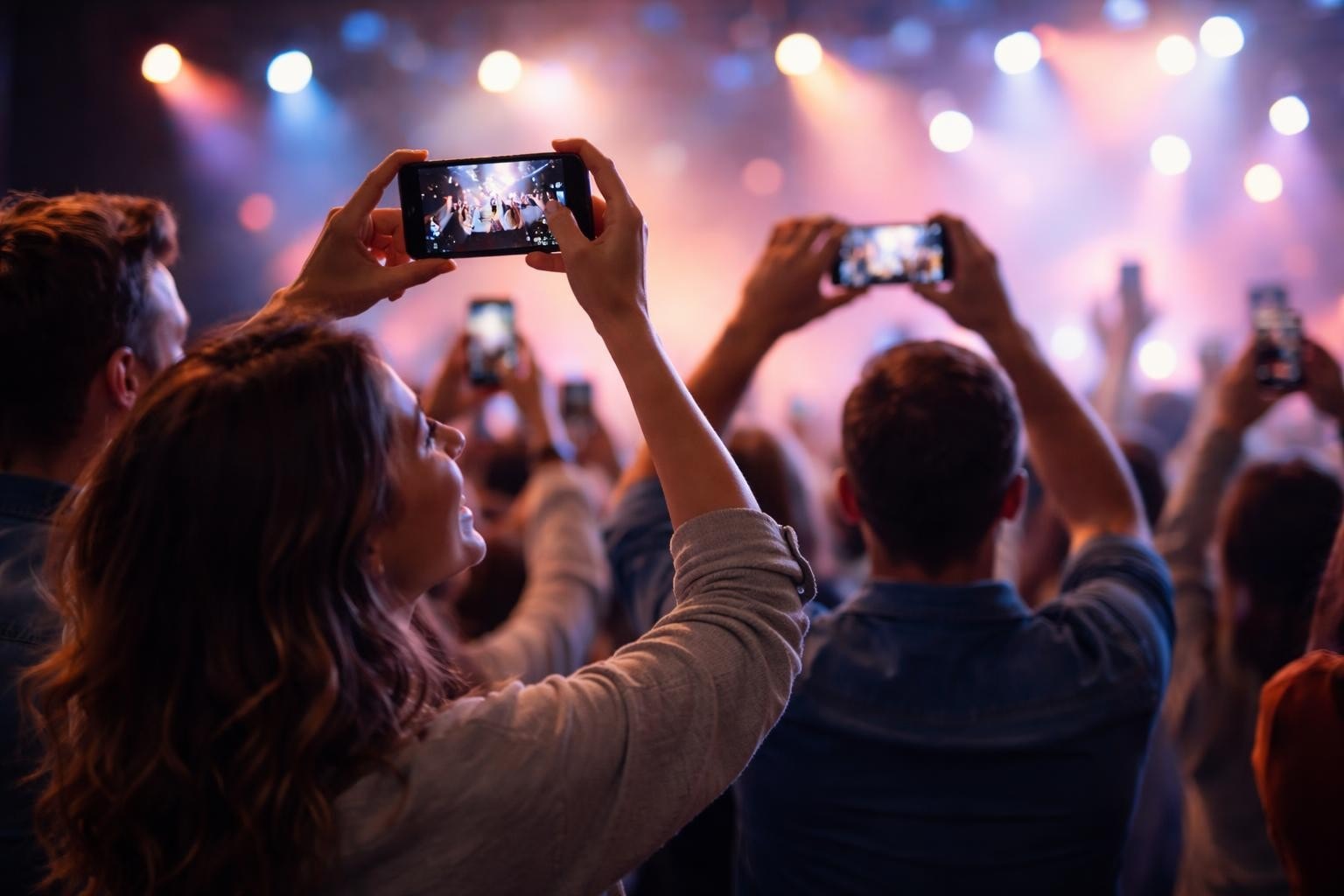

Getting people to submit a video shouldn't feel like pulling teeth. Yet most event organisers make it harder than it needs to be. The truth is, attendees already have their phones out. They're already filming. You just need to give them a reason and a way to hand that footage over. Here's what actually works when you're trying to collect authentic video content from the people who showed up.
Why People Don't Submit Videos (And How to Fix It)
The barrier isn't technical anymore. Everyone knows how to record on their phone. The problem is friction.
When you ask someone to submit a video, you're asking them to:
- Stop what they're doing
- Navigate some upload form
- Wait for a massive file to process
- Wonder if it actually worked
That's at least four opportunities to give up. The best submission systems remove all of that.
Make It Stupid Simple
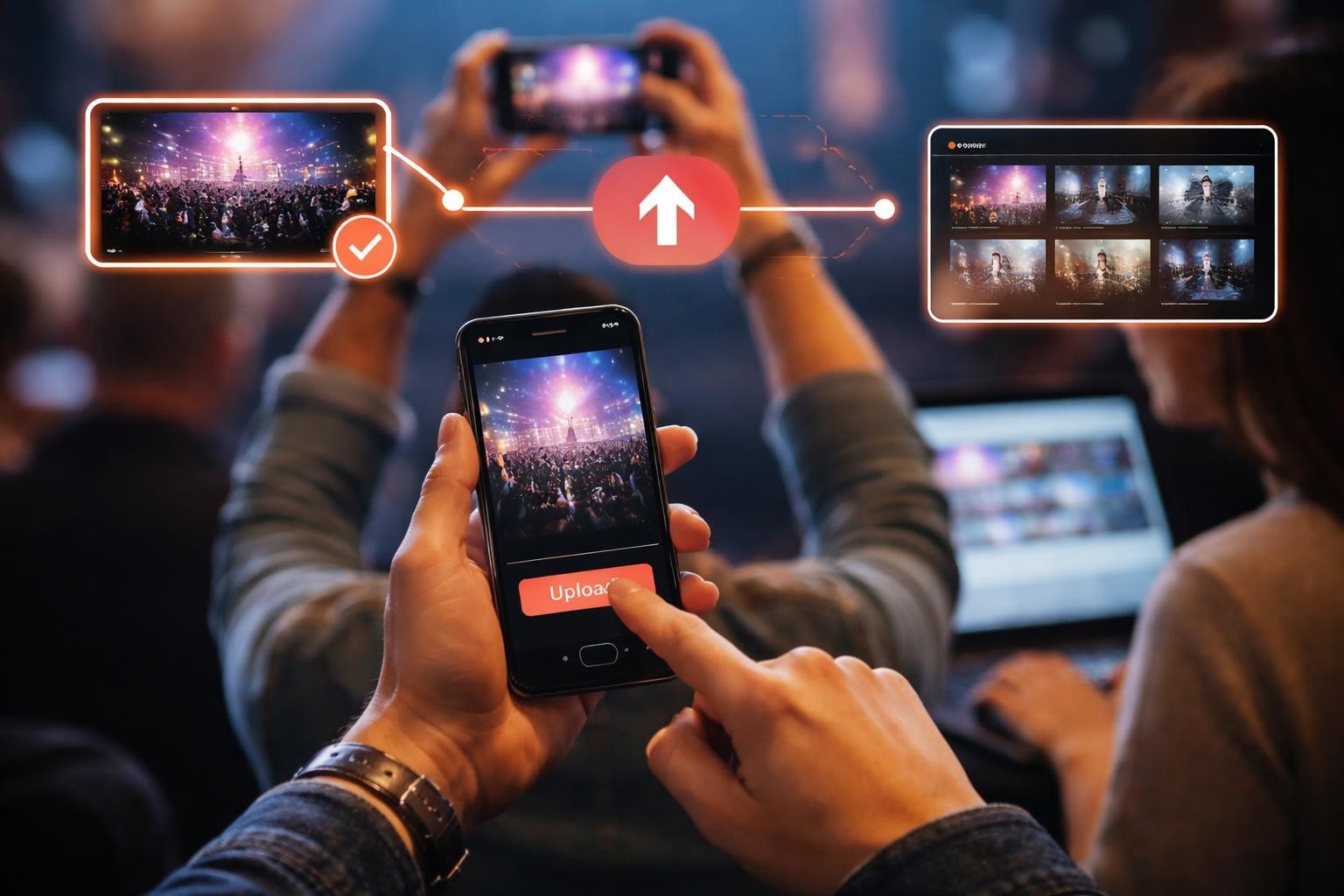
Your upload process should have exactly one step: tap and submit. If you're asking people to create accounts, verify emails, or fill in metadata fields, you've already lost half your content.
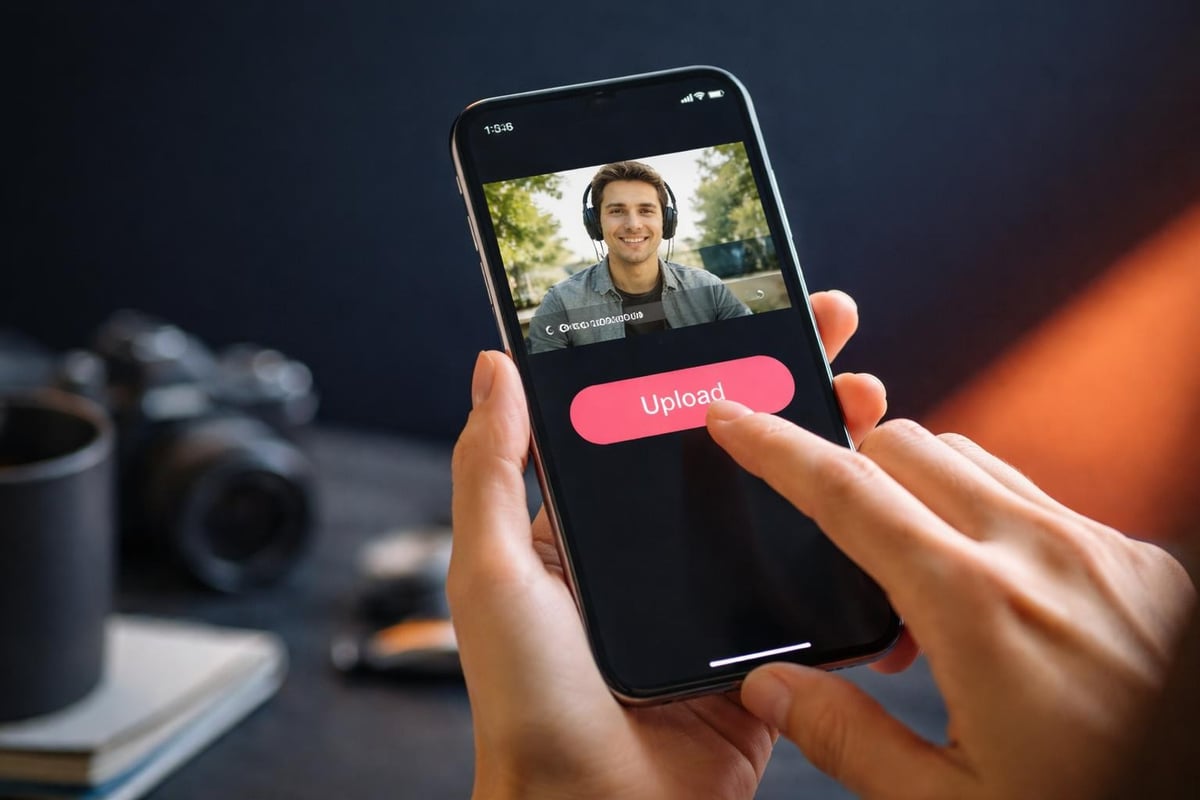
The best UGC platforms understand this. They let people submit a video directly from their phone's camera roll or record in-app. No login required. No forms. Just upload and done.
Getting the Right Quality Without Being Precious
You want footage that's usable, not broadcast-ready. There's a difference.
Usable means:
- Stable enough to watch without getting dizzy
- Audio that isn't completely blown out
- Lighting where you can actually see what's happening
That's it. You're not making a documentary. You're capturing moments.
Most phones shoot in decent quality by default. The video requirements for web content are lower than you think. 1080p is plenty. Even 720p works fine for social content.
What Actually Matters
Sound beats picture quality every single time. A slightly shaky video with clear audio is infinitely more valuable than perfectly stable footage where you can't hear anything.
Tell people this upfront. A quick tip before they submit a video: get close to the sound source. That's the whole trick.
| Priority | Why It Matters | Quick Fix |
|---|---|---|
| Audio clarity | People will forgive bad video, never bad sound | Get within 2 meters of your subject |
| Basic stability | Unwatchable if it's all over the place | Brace your elbows against your body |
| Sufficient light | Can't share what you can't see | Face your subject toward the light source |
The best practices for video content cover this in detail, but honestly, those three things handle 90% of issues.
Timing: When to Ask for Submissions
You have two windows: during the event and immediately after. Both work, but they're different beasts.
During the event gets you raw, genuine reactions. The energy is high. People are excited. The downside? They're also distracted, busy, possibly several drinks in.
Immediately after catches people while the experience is still fresh but they're calmer, more willing to review their footage and submit something decent.
The real answer? Use both. Set up your platform so people can submit a video whenever it makes sense for them.
The 48-Hour Rule
If someone doesn't submit within 48 hours of your event ending, they probably won't. The moment has passed. The footage is buried in their camera roll under 300 other photos.
Send one reminder at the 24-hour mark. Make it personal, not automated spam. Something like: "Your footage from last night would make this recap epic. Takes 30 seconds to upload."
That's it. No nagging. No guilt trips. Just a gentle nudge.
Technical Stuff That Actually Impacts Submissions
File size kills uploads. Someone's trying to submit a video on event WiFi (which is always terrible) or their mobile data. A 2GB file isn't happening.
Compression matters here. Most platforms handle this automatically, but if you're building your own system, you need to sort this out. Understanding video codecs helps, but the short version: H.264 is your friend. It's compatible everywhere and compresses well.
What Format to Accept
Accept everything. Seriously. MOV, MP4, whatever Android spits out. Your platform should handle the conversion, not your users.
The moment you tell someone "sorry, we only accept MP4 files," you've lost them. They don't know what that means. They don't care. They just wanted to share a cool moment.
- Accept: All common video formats from mobile devices
- Max file size: At least 500MB (preferably unlimited with chunked uploads)
- Orientation: Both vertical and horizontal (let people film how they want)
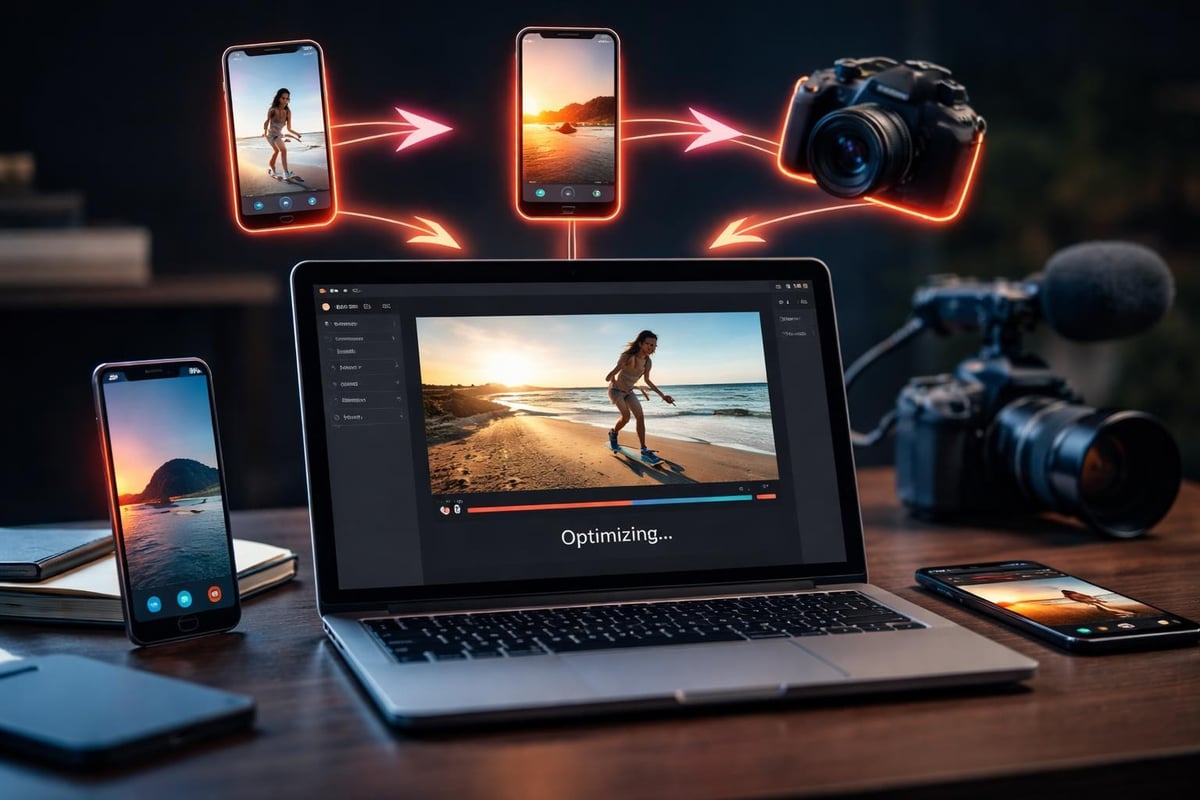
Making People Want to Submit
Here's the thing nobody talks about: most event footage sits on phones forever because there's no incentive to share it.
Give people a reason. Not a prize draw or some gimmicky contest. A real reason.
Recognition works. Tell people their footage might appear in the official event recap. Tag them when you use it. Make them part of the story.
Social proof works. When people see others submitting videos and getting featured, they want in. It's not complicated psychology.
The content curation process matters here. You need to actually use the videos people submit. If you collect 50 clips and use none of them, word gets around. Next time, nobody bothers.
Content Licensing Without the Lawyer Speak
You need permission to use people's footage. Obviously. But you don't need a 12-page legal document.
A simple checkbox works: "I agree to let [event name] use this video in promotional materials and social media." Done.
For anything more complex, look into what content licensing actually involves, but for most events, basic consent is enough. Just be clear about what you're doing with their content.
Mobile-First Is the Only Approach
Nobody's going home to their laptop to submit a video. It's happening on their phone or it's not happening at all.
Your submission platform needs to work flawlessly on mobile. That means:
- Responsive design that doesn't require zooming or horizontal scrolling
- Upload buttons big enough to tap with a thumb
- Progress indicators so people know their video is actually uploading
- Confirmation that it worked
Tips for better video uploads cover the technical side, but the user experience side is just as critical. A technically perfect upload system that's confusing to use might as well not exist.
Handling the Flood (If You're Lucky)
If your event goes well and your submission process is smooth, you'll get more footage than you know what to do with. This is a good problem.
You need a way to review, sort, and select content quickly. Watching 100 videos of varying quality manually is soul-destroying. Content curation software exists for this exact reason.
Quick Sorting Methods
- Thumbnail preview: See the first frame before committing to watch
- Duration filtering: Sometimes you only want clips under 15 seconds
- Basic metadata: When was it filmed? Where? (If your system captures GPS data)
The goal is to identify gems quickly and discard unusable footage without guilt. Not every submission makes the cut. That's fine.
| Review Stage | What You're Looking For | Time Per Clip |
|---|---|---|
| First pass | Technical quality, relevance | 10-15 seconds |
| Second pass | Story value, unique angles | 30-45 seconds |
| Final selection | Best of the best | Full watch |
The Edit Comes After
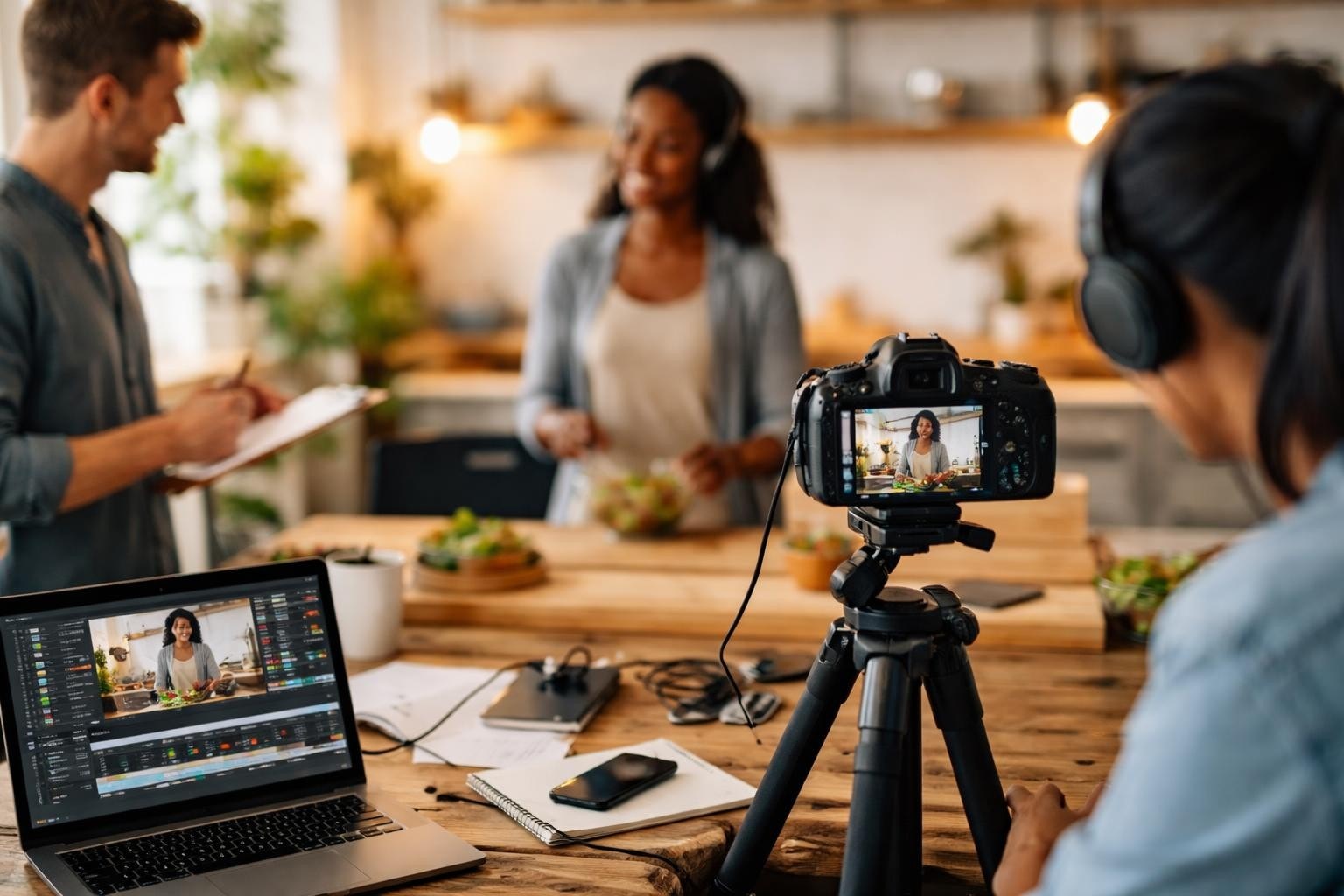
Raw submissions are just raw material. The magic happens in curation and editing. You're not using these videos as-is. You're building something from them.
This is where AI actually helps. Not in generating fake content, but in sorting through real content faster. Finding the best moments. Identifying duplicate angles. Matching footage to music beats.
The authenticity comes from the source. The polish comes from your editing. Automating event video curation speeds up the tedious bits so you can focus on storytelling.
Vertical vs. Horizontal Reality
People film vertically. Accept it. Fighting this is pointless.
Yes, horizontal video looks better on YouTube. But vertical video is what you'll actually receive, and it works better on Instagram, TikTok, and Reels anyway. Converting between formats is easy. Getting people to submit a video in the first place is hard.
Pick your battles.
What Good Submissions Actually Look Like
Forget the polished stuff. The best user-generated content shows real reactions, candid moments, and perspectives you'd never get from official cameras.
Someone filming their friend's surprise at winning something. A crowd shot from the middle of the audience. The artist on stage from barrier view. A quick interview with someone who just had an incredible experience.

That's gold. That's what makes people who weren't there wish they had been. That's what gets shared.
Event video crowdsourcing works because attendees have access to moments and angles your official videographer never will. They're in the crowd. They're backstage. They're at the after-party.
Making It Worth Their While
People give you their footage for free. The least you can do is make them look good.
When you use someone's clip:
- Tag them
- Credit them
- Send them the final edit
- Make it easy for them to share
This isn't just courtesy. It's strategy. When someone sees their footage in your official recap, they share it. Their friends see it. Those friends come to your next event. The cycle continues.
The Permission Conversation
Let's talk about the awkward bit. You need people's consent to use their videos. But you also need their consent if they're filming other people.
This is where consent management becomes important. Not in a heavy-handed legal way, but in a "hey, make sure the people in your video are cool with being filmed" way.
A simple disclaimer during submission helps: "By submitting this video, you confirm you have permission from anyone identifiable in the footage."
It's not perfect legal protection, but it makes people think twice before uploading something problematic.
Storage and Downloads
Once people submit a video, where does it go? How long do you keep it? Can they download it later?
These aren't exciting questions, but they matter. If someone submits great footage and then wants their own copy back, you should be able to provide it. Enabling video clip downloads isn't complicated technically, but it's a nice touch that people remember.
Storage costs money. Unlimited uploads are great until you're paying for 500GB of footage you'll never use. Set reasonable limits upfront. 100MB per submission is usually plenty for 30-60 seconds of phone footage.
The Follow-Through
The worst thing you can do is ask people to submit a video, collect a bunch of content, and then... nothing. Radio silence. No recap video. No acknowledgment.
People remember that. They don't submit next time.
If you're going to ask for content, use it. Even if it's just a quick montage on social media. Show people their contributions mattered.
This is basic respect. It's also smart marketing. Building a brand community means treating contributors like collaborators, not content sources.
Getting people to submit a video is simple when you remove the friction and give them a reason to care. Make the process dead simple, use what they give you, and credit them properly. If you're running events and want to tap into the authentic content your attendees are already creating, SureShot handles the entire workflow from submission to curation. Your attendees capture the moments. We help you turn them into something worth sharing.