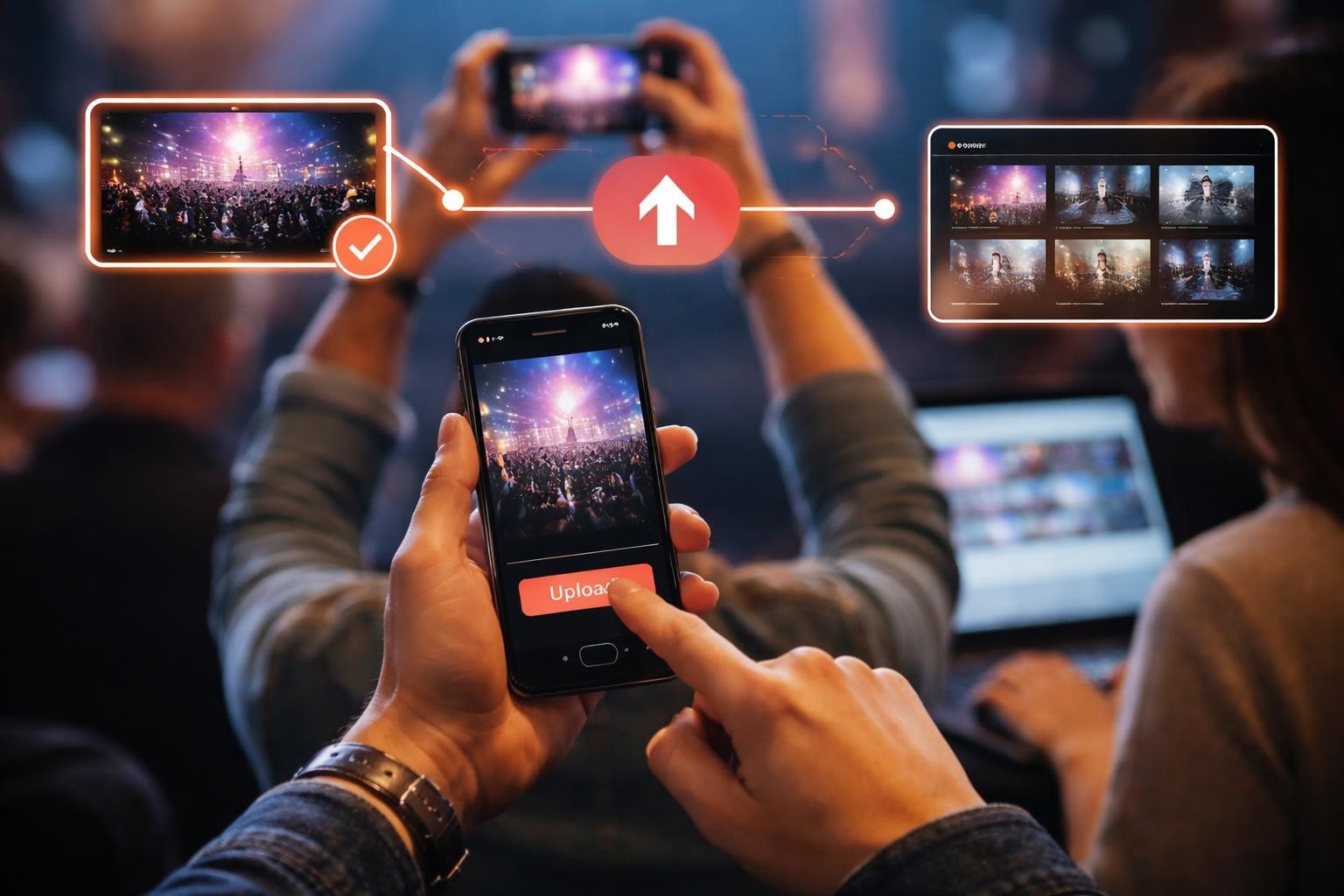

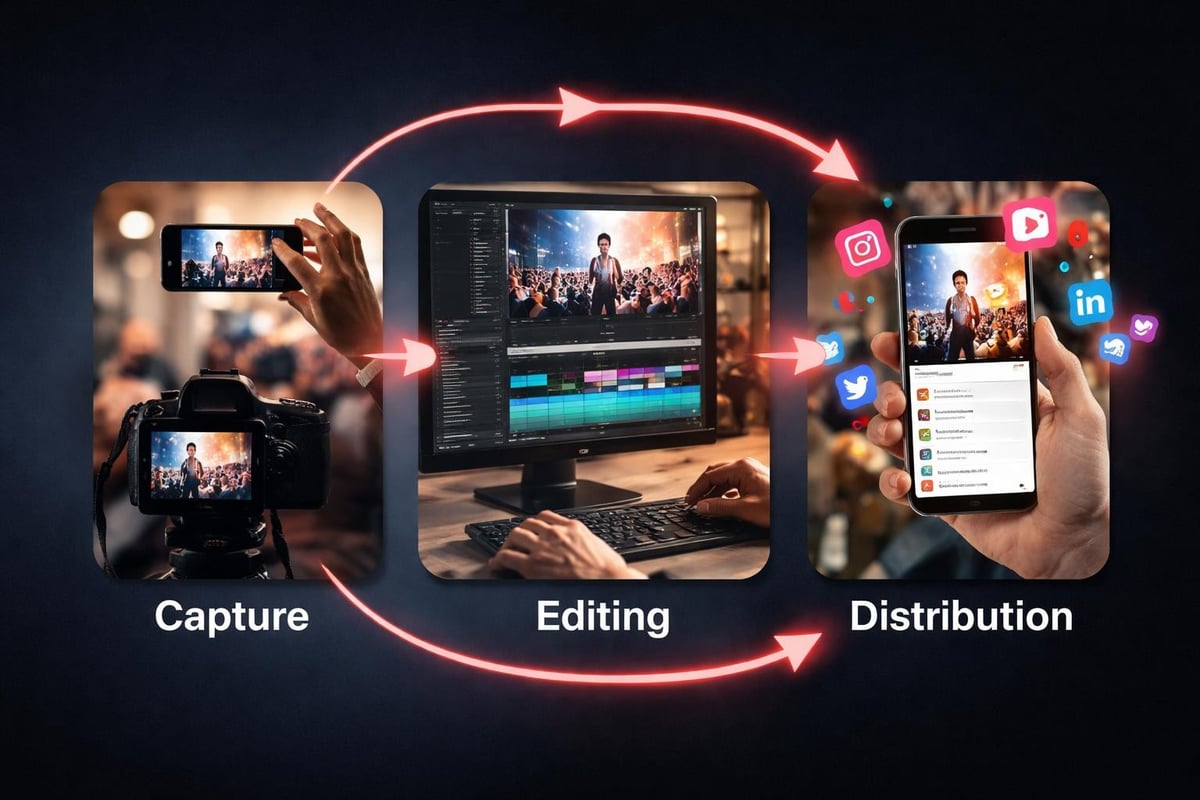
You're at an event. Someone's on stage doing something brilliant. Twenty people pull out their phones. Each captures a different angle, a different moment, a different reaction. That's not chaos - that's your content library. The question isn't whether to collect these moments. It's how to turn them into videos highlights that people actually want to watch.
Why Videos Highlights Matter More Than Full-Length Content
Nobody watches the full two-hour conference keynote. They watch the 45-second bit where the speaker drops something unexpected. That's the shift. Events generate hours of footage, but your audience consumes in seconds.
Videos highlights work because they're honest. When attendees film what matters to them, you get authentic reactions. No staged shots. No corporate polish that makes everything look the same. Just real people capturing real moments.
The numbers back this up. Short-form content gets shared more, watched more, and remembered more. But here's what most people miss: the best highlights come from attendees, not production crews. Production teams capture what they're told to capture. Attendees capture what actually resonates.
The Economics of Event Content
Traditional video production costs thousands. You hire a crew, rent equipment, spend days editing. Then you post one polished video that gets decent views and dies in a week.
Compare that to user-generated content. Your attendees already have the cameras. They're already filming. You just need to collect what they're creating anyway. The cost? Practically nothing. The reach? Potentially massive, because each person who films also shares.
What Makes a Videos Highlights Package Actually Work
Not every clip deserves to be in your highlight reel. The difference between good and forgettable comes down to selection. Here's what separates content people share from content people scroll past.
Authentic emotion beats production value every time. A shaky phone video of someone's genuine reaction outperforms a perfectly framed shot of nothing happening. Look for moments where people forget they're being filmed.
Context matters less than you think. You don't need to explain why someone's cheering. The energy explains itself. Don't over-edit trying to make everything make sense. Let the moment speak.
Variety keeps people watching. Mix wide shots with close-ups. Swap between different attendee perspectives. Change the pace. A highlight reel that's all the same energy level puts people to sleep.
Selection Criteria That Actually Work
| What to Include | What to Skip |
|---|---|
| Unexpected reactions | Planned photo ops |
| Peak energy moments | Transition times |
| Unique perspectives | Duplicate angles |
| Clear audio peaks | Background noise |
| Authentic interactions | Staged content |
The tech platforms are catching on. Google Photos introduced customizable templates for creating year-end highlights, and their trending video templates show how mainstream this has become. But those are built for personal use. Events need something different.
Building Videos Highlights from User Content
You've got clips from twenty different phones. Different formats, different quality, different everything. Now what?
First, collect everything in one place. Don't try to manage this through email attachments or Dropbox folders. You need a system where people upload directly and you can see everything at once.
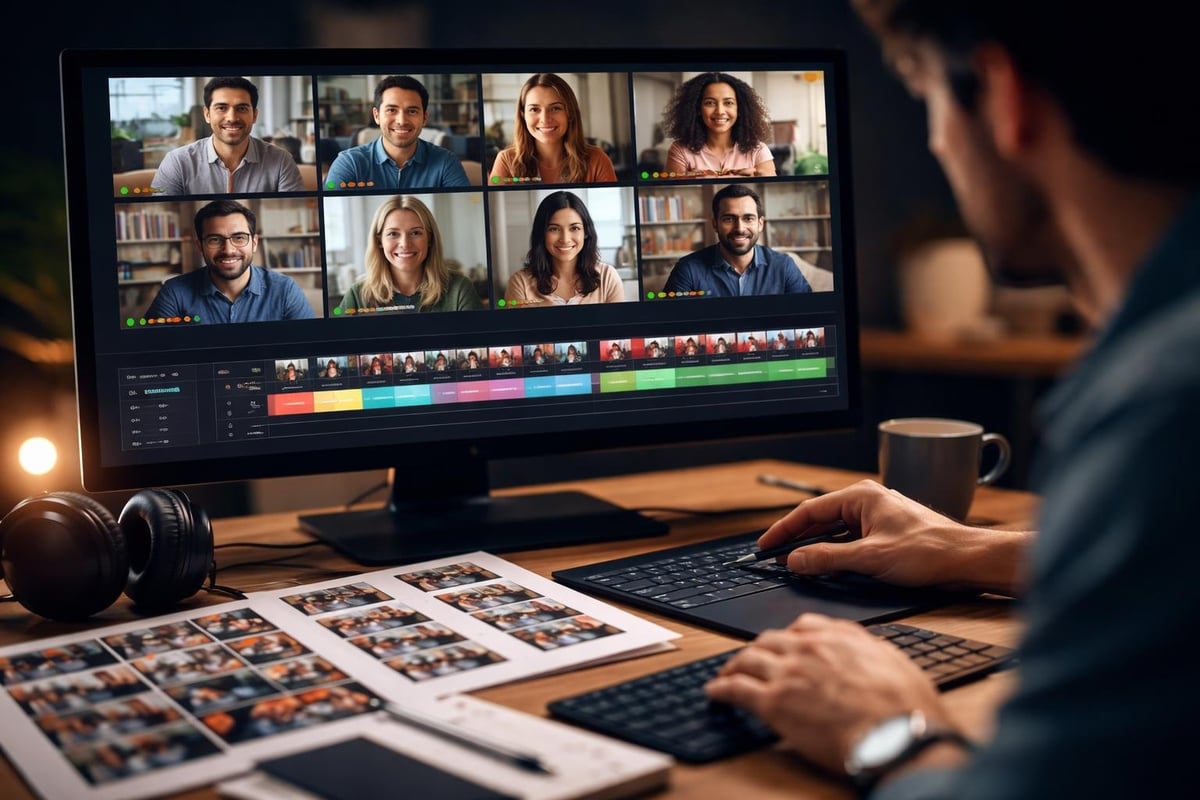
Second, watch it all. Yes, all of it. You're looking for patterns. Which moments did multiple people film? Those are your anchors. What did only one person catch? Those might be your gold.
Third, build sections. Your videos highlights need structure, even if each individual clip is chaotic. Group by theme, by energy level, by chronology - whatever makes sense for your event.
The Editing Approach
- Start with your strongest moment. Not an introduction. Not context. The thing that makes people stop scrolling.
- Keep clips between 3-8 seconds. Anything longer better be exceptional.
- Use attendee audio when it's good. Real crowd reactions beat added music.
- Cut on action. Movement to movement flows better than static to static.
- End with a call back. Your strongest moment or a payoff that rewards watching.
Distribution: Where Videos Highlights Actually Get Seen
You've built something good. Now it needs to reach people. This is where most event organizers mess up. They post once on their company page and wonder why it doesn't take off.
The secret is in the source. The people who filmed these moments have their own audiences. When they share content they helped create, their networks see it. That's organic reach you can't buy.
Give contributors their clips first. Before you post the full highlight reel, send each person their moment. Make it easy to download. Make it easy to share. They'll post it because it's theirs.
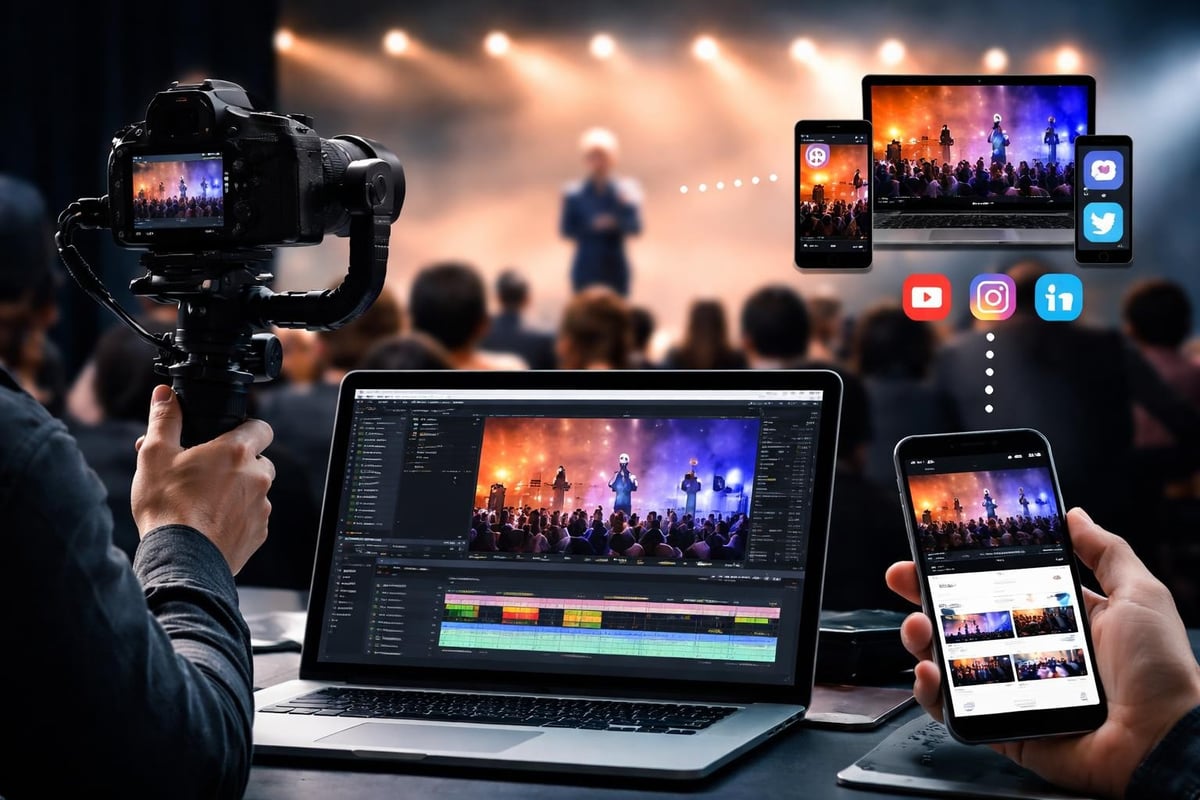
Format for each platform differently. What works as a YouTube Short differs from a TikTok differs from an Instagram Reel. Same content, different cuts. Different captions. Different hooks.
Post at different times. Your full highlight reel goes on your main channels. Individual moments get posted throughout the following weeks. One event generates weeks of content.
Platform-Specific Specs
| Platform | Length | Ratio | First Frame |
|---|---|---|---|
| Instagram Reels | 15-90s | 9:16 | Text hook |
| TikTok | 15-60s | 9:16 | Motion |
| YouTube Shorts | 15-60s | 9:16 | Visual pop |
| 30-90s | 16:9 or 1:1 | Professional context | |
| Twitter/X | 15-45s | 16:9 or 1:1 | Immediate value |
The tools for creating videos highlights keep getting smarter. Services like Chopcast identify key moments automatically, and VEED helps polish footage quickly. But automation only works when you start with authentic content. Polish fake moments and you get polished garbage.
Technical Details That Matter
Your videos highlights look like nothing if the quality's terrible. But quality doesn't mean cinema cameras. It means understanding basics.
Lighting makes or breaks phone footage. Attendees filming in dark venues create unusable content. If your event has stages, light them properly. If it's outdoors, schedule key moments when the sun's not directly overhead.
Audio requires more attention than video. People forgive shaky footage. They don't forgive audio they can't hear. If you're doing speeches or performances, make sure your sound system is strong enough that phone mics catch it clearly.
File formats matter for workflow. Most phones shoot in H.264, which is fine for social but large for storage. Understanding video encoding options helps when you're managing hundreds of clips. Though honestly, storage is cheap enough now that you can just keep everything in original quality.
Technical Minimums
- Resolution: 1080p minimum (most phones default to this anyway)
- Frame rate: 30fps or higher for smooth motion
- Bitrate: Let phones decide (they're smarter than you think)
- Audio: 48kHz if you can control it, but phone defaults work fine
The advantage of user-generated videos highlights over professional shoots isn't just cost. It's perspective. A professional videographer films what you tell them to film. Your attendees film what actually matters to them. That's the difference between content that represents your event and content that captures it.
Rights and Permissions Without the Headache
You can't just take videos people filmed and use them however you want. Well, legally you can't. Practically, people will get upset. This matters more than you'd think.
Clear consent up front. When people upload footage, they need to know what you're doing with it. Not buried in terms nobody reads. A simple explanation: "We'll use this in highlight videos and promotional content. You'll get credit."
Using proper consent management isn't about covering yourself legally (though it does that). It's about respecting contributors. When people feel respected, they share more, engage more, and come back to your next event.
Credit matters. When you post someone's clip, tag them. When you use their footage in a compilation, mention them in the caption. This isn't just nice - it's smart. Every tag reaches their network.
Be clear about licensing. Most events need simple usage rights, not complete ownership. Explain what you will and won't do with content. If you're licensing content for commercial use, say so clearly and consider compensation.
What Changes in 2026
The shift isn't in the tools. It's in expectations. Audiences know what authentic looks like now. They've seen enough polished corporate content to spot it instantly. They scroll past it just as fast.
Events that win in 2026 understand this. They don't try to hide that their videos highlights come from attendees. They celebrate it. "Here's what you created together" beats "Here's our official recap" every time.
The technical barriers keep dropping. Phones shoot better video than professional cameras from five years ago. Editing tools that required expensive software now run in browsers. The only bottleneck is willingness to let go of control.
Your attendees already create better content than you could produce. They capture moments you didn't know happened. They find angles you wouldn't think to set up. The question isn't whether to use their footage. It's why you'd use anything else.
Making Videos Highlights Part of Your Event Strategy
This isn't an add-on. It's not something you think about after the event ends. Videos highlights work when they're built into your event planning from the start.
Design moments worth filming. Not photo ops. Actual experiences that generate genuine reactions. When something surprising happens, phones come out. Plan surprising moments.
Make it easy to contribute. Nobody's emailing you files. They need a simple upload link they can access from their phones. Content curation tools handle this, but even a shared folder works if it's dead simple to find and use.
Set expectations before the event. Tell attendees you're collecting their footage. Explain what you'll do with it. Give them a reason to film and share. People create better content when they know it matters.
Pre-Event Checklist
- Set up collection system with clear upload instructions
- Create consent process that's quick and clear
- Brief team on encouraging (not forcing) video capture
- Identify key moments you want captured
- Test upload system with dummy files
- Prepare social templates for quick posting
The platforms keep trying to automate this. AI highlight tools promise to identify key moments automatically. Smart summarizers offer to pull the best bits. But automation trained on generic content can't identify what matters at your specific event. You need human judgment combined with smart tools.
The Return on Videos Highlights
Measuring this matters. Not in vanity metrics. In actual value.
Organic reach. Every contributor who shares expands your audience. Track how far your content travels beyond your owned channels. That's reach you didn't pay for.
Content volume. One event generates weeks of posts. Count how many pieces of content you create from a single day. Compare that to what you'd get from traditional coverage.
Production costs. What would this content cost to produce conventionally? Crew, equipment, editing time. User-generated videos highlights cost a fraction of that.
Engagement quality. Views matter, but watch time matters more. Comments and shares matter most. Authentic content gets all three.
The numbers tell you if it's working, but the feel tells you if it's right. When your videos highlights look like your event felt, you've got it. When they look like every other corporate video, you're doing it wrong.
Videos highlights work when they're authentic, timely, and easy to share. The content's already being created at your events - you just need to collect it, curate it, and distribute it properly. SureShot handles exactly this: turning your attendees into content creators and their footage into shareable moments that extend your event's reach long after everyone's gone home. Stop paying for production crews to capture what your audience is already filming.