
You've probably sat through a how-to video that spent three minutes introducing itself before getting to the point. Or one that was shot in someone's dimly lit basement with audio that sounded like it was recorded underwater. When you create how to videos, you're making a promise: this will help someone do something. Most videos break that promise in the first 30 seconds. Let's fix that.
Why How-To Videos Still Matter
Video is how people learn now. Not because it's trendy. Because it works.
When you need to figure out how to do something, you search. You click. You watch. If the video doesn't deliver in seconds, you're gone. Tutorial videos enhance learning when they're done right, cutting through the noise to show rather than tell.
The best how-to videos don't feel produced. They feel real. Someone who knows the thing showing you the thing. No scripts that sound like they were written by a committee. No corporate voice. Just clarity.
What Makes People Actually Watch
Here's what keeps someone watching:
- They know what they'll learn within five seconds
- The person sounds human, not like a text-to-speech bot
- It shows the actual steps, not promotional nonsense
- The pacing matches the complexity of what's being taught
Short-form content dominates because people's attention is finite. But understanding platform differences helps you pick where your video lives.
Planning Before You Hit Record
You don't need a 47-page production plan. But you need to know what you're making.
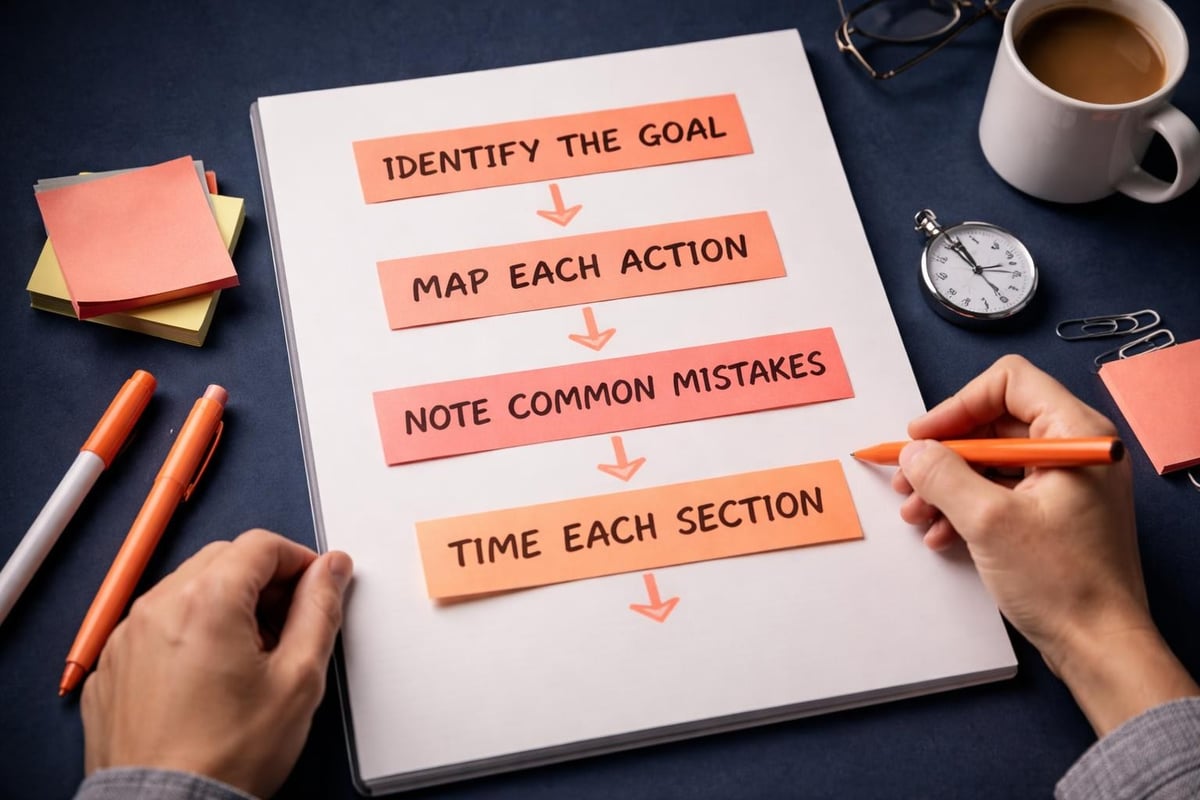
Start with the outcome. What can someone do after watching that they couldn't do before? Write that down. One sentence. That's your north star.
Then map the steps. Actually do the thing you're teaching while taking notes. You'll catch details you'd forget otherwise. How many clicks? What's the order? Where do people usually get stuck?
Structure That Works
| Element | Purpose | Time Allocation |
|---|---|---|
| Hook | State exactly what they'll learn | 5 seconds |
| Overview | Show the finished result | 10-15 seconds |
| Steps | Walk through each action | 60-80% of video |
| Recap | Summarize key points | 10-15 seconds |
Effective planning makes the difference between a video people finish and one they abandon halfway through.
Don't script word-for-word unless you're a trained actor. Bullet points work better. You'll sound like yourself instead of reading.
Shooting Without Overthinking It
Your phone is probably good enough. Seriously.
The gear doesn't matter as much as you think. What matters: can people see what you're showing them? Can they hear you clearly? That's it.
Equipment That Actually Matters
Spend money here first:
- Decent microphone (even a £30 lapel mic beats your phone's built-in)
- Stable mounting (tripod, desk mount, whatever keeps it still)
- Good lighting (natural light from a window works fine)
Save money here:
- Expensive cameras (your phone is probably 4K)
- Professional editing software (free options work brilliantly)
- Fancy backgrounds (nobody cares, they're watching the content)
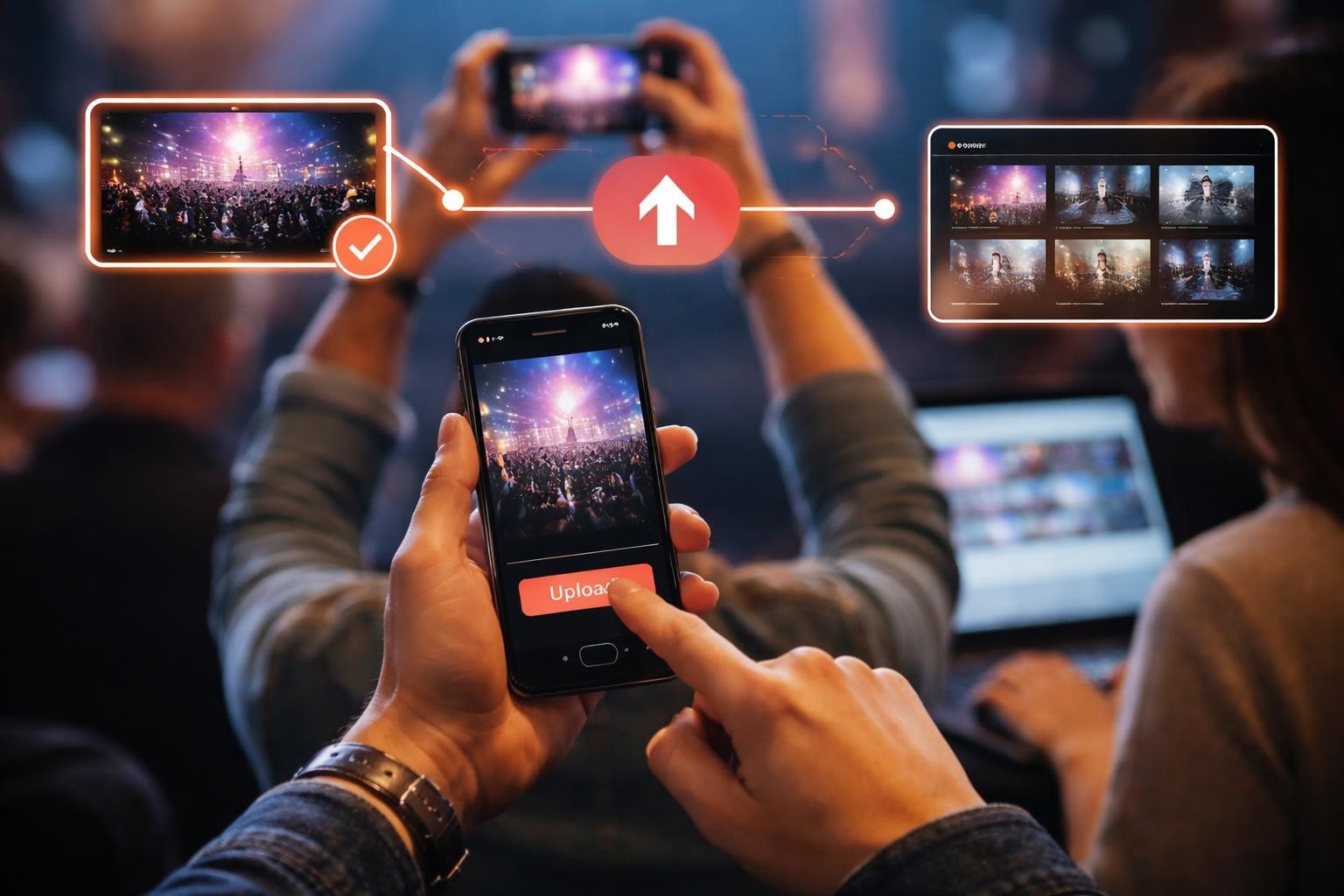
When you create how to videos for events or demonstrations, authentic footage from real participants often outperforms polished studio content. People trust what feels real.
Recording the Thing
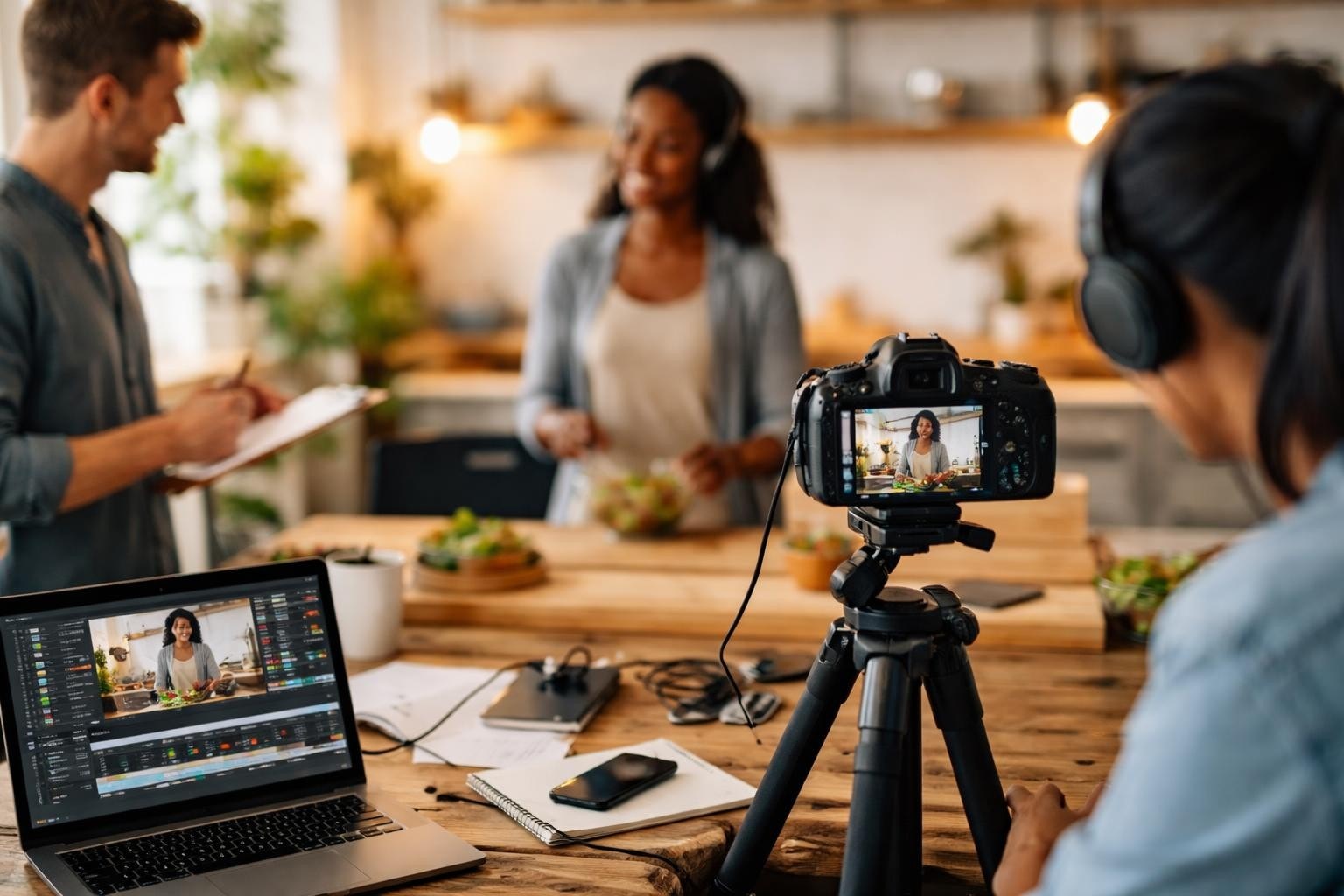
Hit record and pretend you're showing a mate how to do this. Because that's exactly what you're doing.
Start every tutorial by showing what you're about to make. The finished thing. This anchors people. They know it's possible because you just showed them.
Then walk through it. One step at a time. Say what you're doing as you're doing it. Point to things. Zoom in if needed. If you mess up, keep going. Edit it later or leave it in. People relate to mistakes.
Screen Recording vs Physical Demonstration
Software tutorials need screen recording. Choosing the right tools depends on what you're teaching, but the principle stays the same: show exactly what someone needs to see.
Physical tasks need your hands in frame. Obvious, but you'd be surprised how many cooking tutorials never show the food.
Audio clarity beats video quality every time. People will tolerate average visuals if they can hear clearly. Mumbled audio? They're gone.
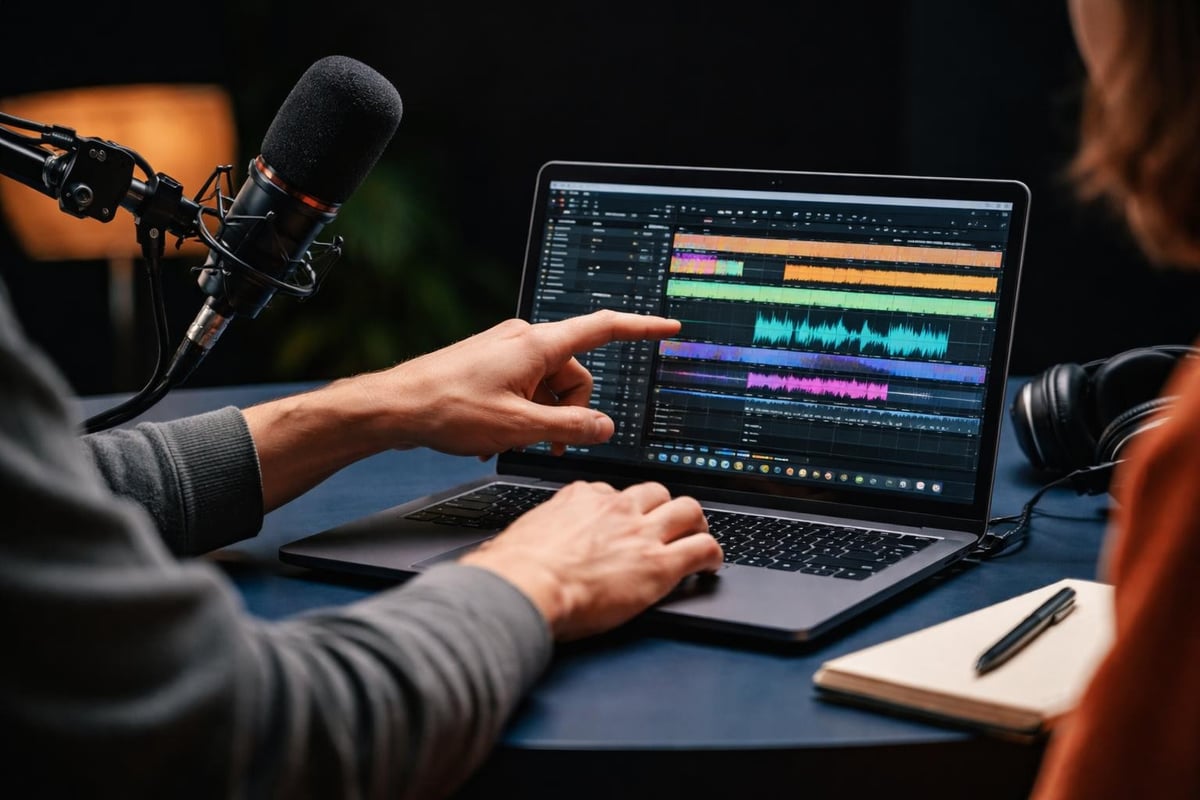
Keep your takes short. Explaining for 10 minutes straight is exhausting. Do it in chunks. Easier to record. Easier to edit. Easier to watch.
Editing Down to What Matters
Editing isn't about fancy transitions. It's about removing everything that doesn't help someone learn.
Cut the pauses. Cut the "umms." Cut yourself searching for the right tool. Cut everything where nothing happens. Professional video editing tools help, but the real skill is knowing what to remove.
Your first edit should cut 30-40% of the footage. Feels brutal. Absolutely necessary.
The Four Essential Edits
- Trim dead air at the start and end of every clip
- Speed up slow parts where nothing changes (installations, loading screens)
- Add text overlays for key terms or measurements
- Include chapter markers for longer videos
When curating content from multiple sources, like event footage, automated curation tools save hours of manual review time. The goal is finding the authentic moments that actually teach something.
Tables help for comparison tutorials:
| Approach | When to Use | Skill Level |
|---|---|---|
| Method A | Quick fixes | Beginner |
| Method B | Permanent solutions | Intermediate |
| Method C | Custom needs | Advanced |
Don't add music unless it genuinely helps. Most of the time, it's just noise competing with your voice.
Making It Searchable
Nobody finds your video if you title it "Tutorial Part 1" and call it done.
The title needs the exact phrase someone would search. Not clever. Not mysterious. Literal. "How to Replace a Bicycle Chain" beats "Essential Bike Maintenance Tips" every single time.
Write the description like you're explaining the video to someone who can't watch it. Include the steps. Include the tools needed. Include timestamps for longer videos.
Tags and Metadata That Work
Use the words people actually say. Not industry jargon. Not abbreviations only you use. The phrases normal humans type into search boxes.
When creating instructional content, understanding your platform matters. YouTube Shorts need different optimization than long-form tutorials. TikTok needs different framing than LinkedIn.
Three to five relevant keywords in your description. Front-loaded. Natural sounding. The best how-to videos balance searchability with actual usefulness.
Distribution Without the Headache
Upload it where your audience already is. Revolutionary concept, I know.
If you're teaching professional skills, LinkedIn might work better than TikTok. If you're showing cooking techniques, Instagram and YouTube make sense. Don't spread yourself thin trying to be everywhere.
Thumbnails matter more than you think. Bright, clear, showing the thing being made. Text overlay with the main benefit. Your face if it's a personal brand. Simple.
Cross-Platform Considerations
Different platforms need different formats:
- YouTube: 16:9, longer content works
- Instagram/TikTok: 9:16, under 90 seconds preferred
- LinkedIn: 16:9 or 1:1, professional context
- Twitter: 16:9, keep it punchy
Converting between formats isn't hard, but plan for it during filming. Leave space at the top and bottom of your frame.
When you create how to videos for events, user-generated content gives you multiple perspectives without hiring multiple videographers. The right UGC platform handles collection and organization automatically.
Getting People to Actually Do the Thing
The point isn't views. It's whether someone learned something.
Include a clear next step. Try this technique. Download this template. Join this community. Something specific they can do right now while they're motivated.
Pin a comment with common questions you forgot to address in the video. Update it as people ask things. Shows you're paying attention. Helps the next viewer.
Reply to comments. Especially in the first 48 hours. It signals to the platform that people are engaging, which pushes your video to more people. Also, it's just decent.
Measuring What Matters
Vanity metrics (total views) are nice. Useful metrics tell you if it worked:
- Average watch time: Are people watching the whole thing?
- Drop-off points: Where do they leave?
- Comments asking questions: What did you miss?
- Shares to specific people: Are they recommending it?
If half your viewers drop off at the two-minute mark, that's where you lost them. Fix it in the next video.
Common Mistakes Everyone Makes
You'll make these too. Everyone does.
Assuming knowledge. You know the context. Your viewer doesn't. Define terms. Show basics. Don't skip steps because they're "obvious."
Talking too fast. You're nervous. You speed up. The viewer can't follow. Breathe. Pause between steps. Let things sink in.
Too much context before getting started. Nobody needs your life story before learning how to change a tire. Hook first. Context later. Maybe never.
Forgetting to show the screen/hands/thing. You're narrating but the camera's pointed at your ceiling. Production essentials include basic framing and focus.
Making it too long. If it's over 10 minutes, it better be teaching something complex. Otherwise, trim.
Authenticity Over Production Value
Polished videos look nice. Authentic videos get shared.
People trust content that feels real. Slight imperfections signal honesty. Everything too perfect triggers skepticism. We've been trained by years of advertising to distrust the overly produced.
This doesn't mean make it deliberately bad. It means don't waste time obsessing over details that don't help anyone learn. The lighting doesn't need to be cinema-quality. Your shirt doesn't need to be pressed. Just be clear and helpful.
User-Generated Content as Teaching Tool
Events generate authentic how-to content naturally. Attendees figuring things out. Sharing tips with each other. Discovering features. That raw footage often teaches better than scripted content because it shows real discovery.
Content curation strategies help identify the most valuable moments from hours of footage. AI assists in sorting and tagging, but human judgment picks what actually resonates.
When you create how to videos from real events or user submissions, you're showing genuine reactions and authentic problem-solving. That's worth more than perfect lighting.
Repurposing Without Rehashing
One good tutorial can become six pieces of content.
The full video lives on YouTube. Pull out the three key tips for Instagram. Turn the steps into a Twitter thread. Screenshot interesting moments for Pinterest. Write a blog post expanding on the concept.
Not copying. Adapting. Different platforms. Different formats. Same core value.
Timestamps let people jump to what they need. Someone might only need step 4. Let them skip to it. They're more likely to bookmark and return.
Content That Builds on Itself
Create series. Part 1: basics. Part 2: common issues. Part 3: advanced techniques. People binge tutorials like Netflix shows when they're learning something new.
Reference previous videos when relevant. "We covered this in detail last week" with a link in the description. Builds your library. Keeps people watching.
Building a content library compounds value over time. Each new video makes the previous ones more useful.
Legal Bits Nobody Thinks About
If you're filming other people, you need their permission. Obvious in theory. Forgotten in practice.
Get consent before publishing. Verbal works. Written is better. Consent management platforms handle this automatically for larger projects.
If you're using music, it needs to be licensed or royalty-free. "I'm not making money from this" isn't a legal defense. Platforms have libraries. Use them.
Screen recording software? Shows apps and websites? Make sure you're allowed to demonstrate them publicly. Most don't care. Some do. Check first.
Content licensing basics matter more as your videos reach more people. Start with good habits.
When Tutorials Don't Work
Some things don't translate to video. Accept it.
Extremely complex topics might need written documentation with diagrams. Highly visual creative work might need in-person guidance. Dangerous procedures might need certified training.
Know when video is the wrong medium. Don't force it because video is trendy.
But for most practical skills? Video works brilliantly. Creating instructional presence helps students and users connect with content in ways text can't match.
Just Start
Your first how-to video will be rough. Make it anyway.
You learn more from publishing five imperfect videos than planning one perfect one for six months. The skill develops through repetition, not research.
Pick something you know cold. Something you could teach half-asleep. Record yourself teaching it. Edit out the worst bits. Publish it. Then make another one.
Each video teaches you something about what works. What people respond to. What questions they ask. What you forgot to explain. Use that to make the next one better.
The goal isn't perfection. It's helping someone do something they couldn't do before. Start there. Everything else is details.
Creating how-to videos that people actually finish requires cutting the fluff and focusing on clarity. When you're ready to create how to videos from authentic moments at your events, SureShot ApS turns attendees into storytellers who capture real, unscripted content worth sharing. Less production cost, more genuine engagement, and video content that actually helps people learn.