



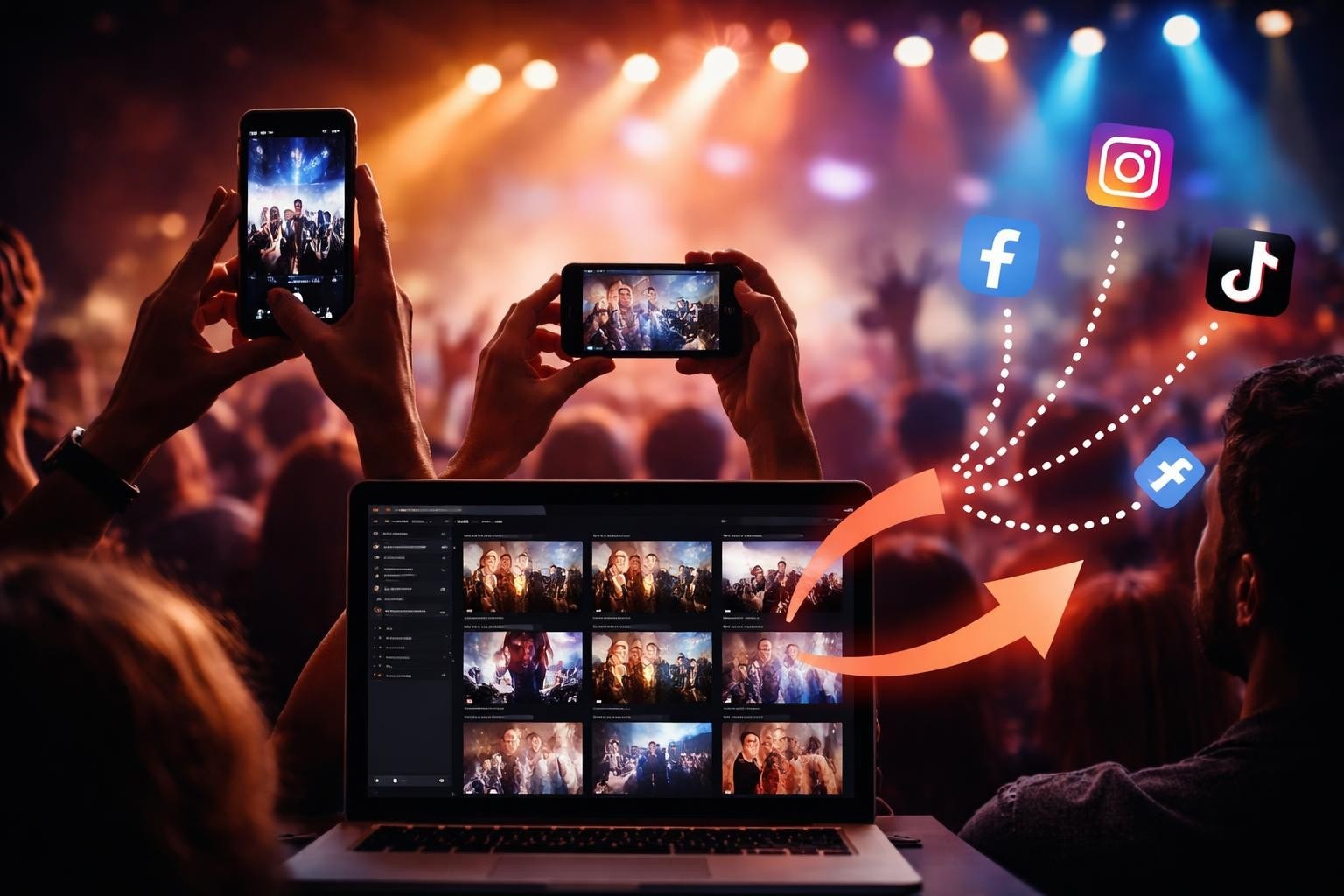

When you ask people to upload your event footage, you're asking them to trust you with content they've created. That's not nothing. It's their time, their creative energy, their moment captured on camera. The easier you make it to upload your videos, the more content you'll get. The harder you make it, the more you'll lose people between "I'll do it later" and never actually doing it.
The thing is, most event organizers overcomplicate this. They get hung up on resolution, file formats, and platform features when what really matters is whether someone can actually complete the upload whilst waiting for a coffee. Let's talk about what works.
Why People Don't Upload Your Videos
The gap between filming and uploading is where most content goes to die. Someone captures a brilliant moment at your festival, your conference, your brand activation. They mean to share it. Then they don't.
Three reasons this happens:
- The process is confusing. Too many steps, too many fields to fill in, unclear instructions.
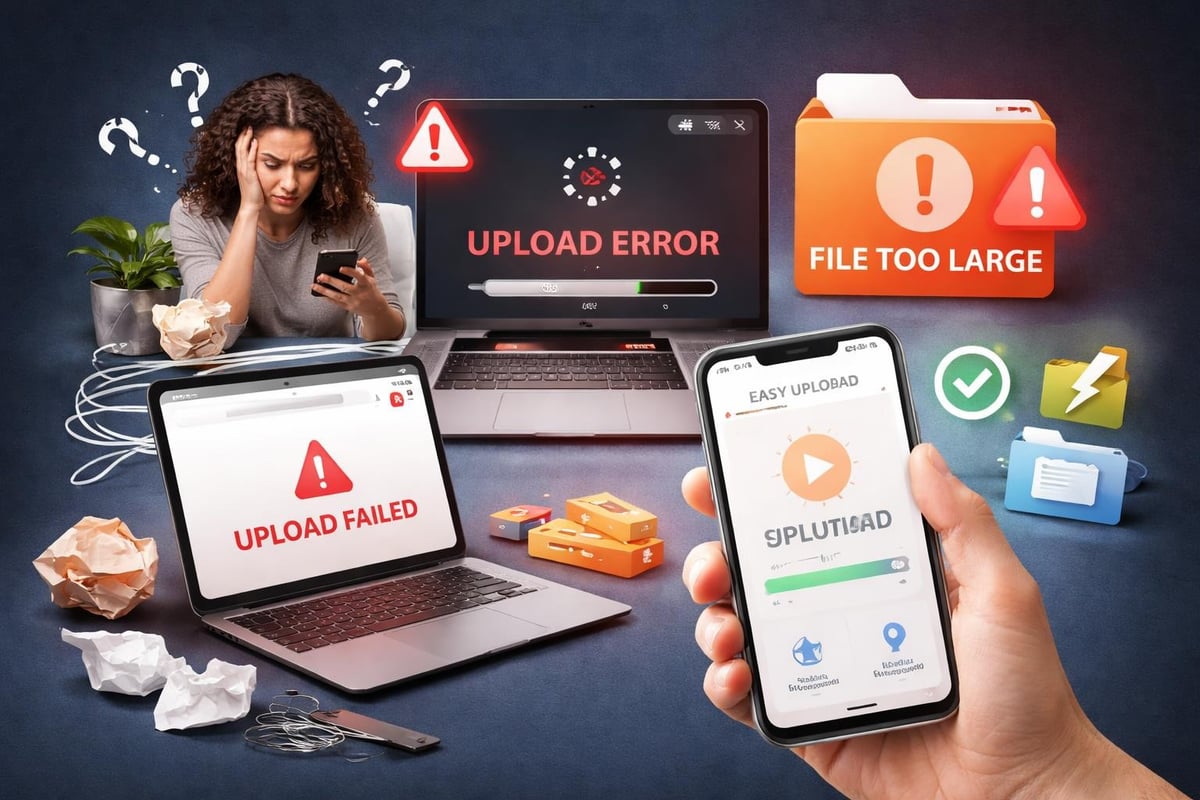
- The upload fails. Poor connection, file too large, platform crashes halfway through.
- They forget. The moment passes, the motivation fades, life moves on.
You can't fix number three entirely, but you can absolutely sort the first two. And when you do, you'll see your submission rates climb.
Technical Stuff That Actually Matters
File size is your biggest enemy. Someone records a 2-minute video on their iPhone, and it's often 300-500MB. Ask them to upload your footage on patchy event WiFi, and you're asking for failure.
Here's what helps:
Compression Before Upload
Modern phones shoot in high resolution by default. That's great for quality, but terrible for uploads. The best platforms handle compression server-side or guide users through it beforehand.
If you're directing people to upload your content to platforms like YouTube, the technical guidance from the Council of Europe covers accessibility and visibility considerations worth knowing.
Format Flexibility
Your platform should accept whatever format phones naturally create. MP4, MOV, HEVC (H.265). Don't make people convert files. The difference between H.264 and H.265 matters for compression efficiency, but users shouldn't need to think about it.
| Format | Typical Use | Upload Friendliness |
|---|---|---|
| MP4 (H.264) | Most Android phones | High - widely compatible |
| MOV (H.265) | iPhone default | Medium - needs handling |
| MOV (ProRes) | iPhone 13+ Pro mode | Low - massive files |
Connection Resilience
Uploads need to survive dodgy connections. That means chunked uploads that resume if interrupted, not starting from scratch every time someone's WiFi hiccups.
Platform Choices for User-Generated Content
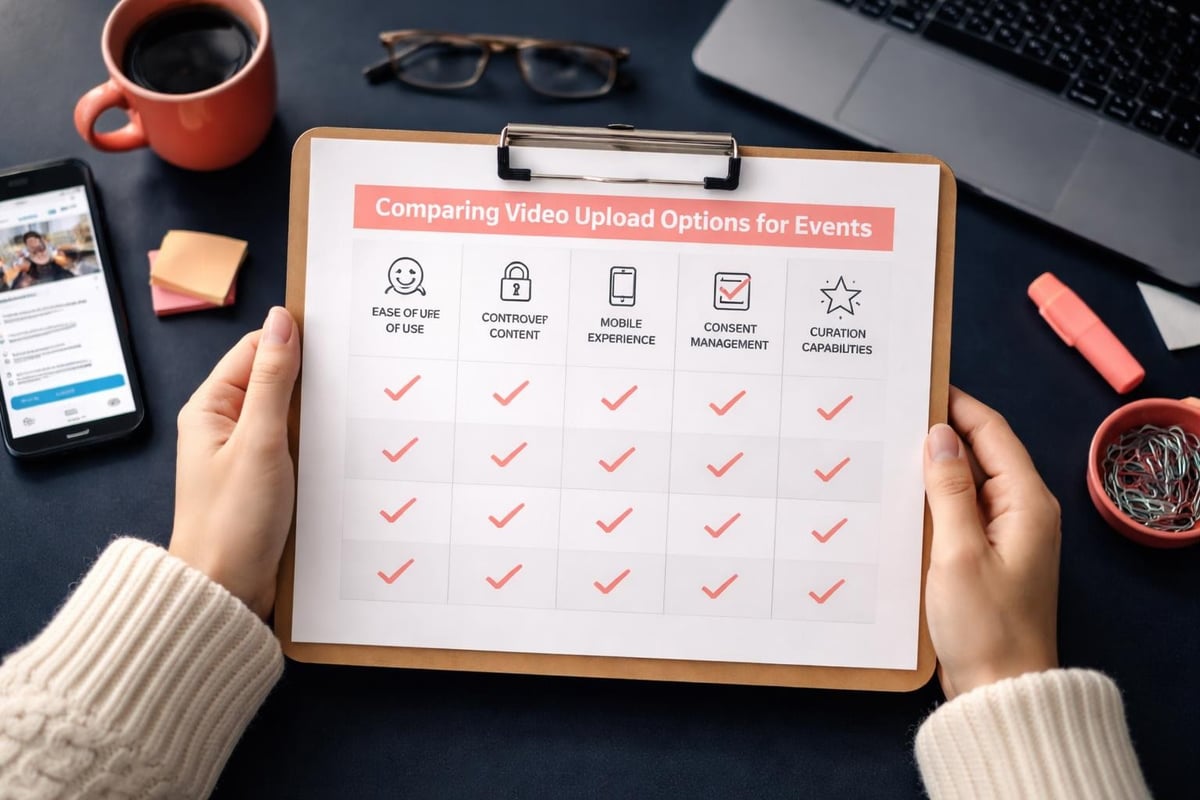
Where you ask people to upload your videos changes everything. You've got a few options, each with trade-offs.
Direct to Social Platforms
YouTube, TikTok, Instagram. The advantage? People already know how to use them. The disadvantage? You've got zero control over the content once it's up, and collecting rights becomes messy.
Resources like PhillyCAM's upload guide show how community media handles YouTube uploads, but for events, you need more control.
Email or Cloud Storage
Simple, but clunky. Asking someone to upload your footage to Dropbox or WeTransfer and then email you a link adds friction. You'll lose half your contributors before they finish.
Dedicated UGC Platforms
This is where choosing the right UGC platform matters. The best ones handle uploads natively in mobile apps, manage consent automatically, and give you curation tools without making contributors jump through hoops.
For events specifically, you want something that works as smoothly as posting to Instagram but gives you back control over licensing and distribution. That's the sweet spot.
Making the Upload Process Invisible
The best upload experience is the one people don't notice. It just works.
Mobile-first design isn't optional anymore. Most event footage comes from phones. If your upload process isn't built for mobile, you're already losing.
Pre-filled metadata saves time. If you've sent someone a unique upload link for your corporate event, you already know the event name, date, and context. Don't make them type it again.
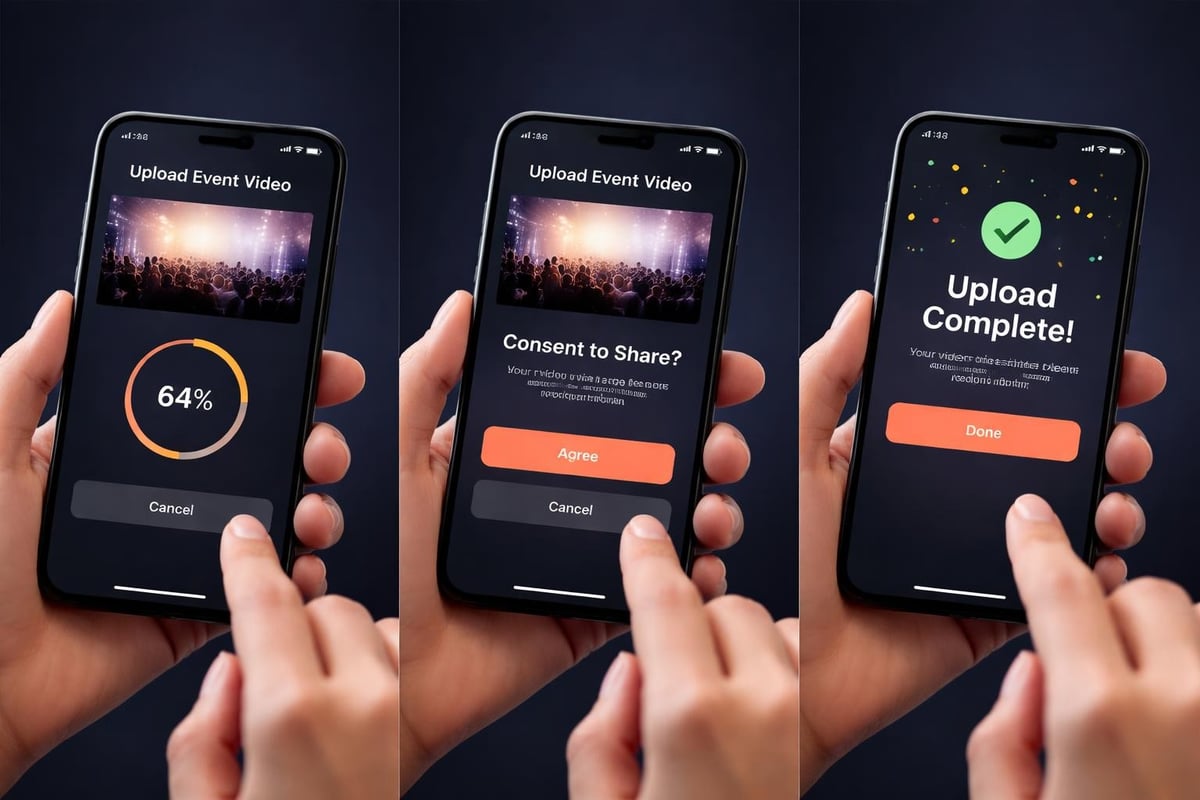
Real-time feedback matters. Show upload progress. Confirm when it's complete. Tell people what happens next. The silence between "submit" and "did that work?" kills conversions.
The Consent Problem
You can't use uploaded content if you don't have rights to it. But asking people to read and sign legal documents before they upload your video? That's where enthusiasm goes to die.
Smart platforms bake consent into the upload flow. Quick, clear language. Checkboxes that make sense. Maybe even open-source consent management approaches that keep things transparent.
The goal is informed consent without lawyers' prose. "We'll edit and share your video on our social channels. Cool?" works better than three paragraphs of legalese.
What Happens After Upload
Getting people to upload your content is half the job. What you do with it determines whether they'll do it again.
Curation Without Bottlenecks
You'll get varied quality. Some clips will be brilliant. Some won't. You need to sort through them fast, which is where content curation best practices come in.
AI helps here, not by generating fake content, but by flagging the good stuff. Finding clips with decent audio, stable footage, or specific content markers. You still make the creative calls, but you're not watching 400 unedited videos manually.
Editing and Adaptation
Raw uploads rarely work as-is for social media. You'll need to crop, trim, add branding, maybe convert horizontal to vertical. The question is whether this happens in your workflow or you expect contributors to do it.
Spoiler: contributors won't do it. That's on you.
Tools that automate event video curation speed this up considerably. They handle the grunt work whilst you focus on storytelling.
Distribution Strategy
Where do these videos go once you've got them? Your website? Instagram? A highlights reel?
Think about this before you start collecting content. Different platforms need different formats. YouTube Shorts versus TikTok versus Reels all have their quirks.
You might upload your master files once, but you'll export multiple versions. Vertical for Stories, square for feeds, widescreen for YouTube. Your workflow needs to handle that without re-uploading everything.
Common Upload Failures and Fixes
Things go wrong. Here's what to watch for.
File size limits that aren't clearly communicated upfront. Tell people the maximum file size before they spend 10 minutes uploading.
Timeout errors on slow connections. Extend your server timeout settings or implement chunked uploads that can pause and resume.
Format rejections that give unhelpful error messages. "Invalid file" tells someone nothing. "This file format isn't supported. Please use MP4 or MOV" actually helps.
Missing progress indicators that leave people staring at a blank screen wondering if anything's happening. Show a progress bar. Always.
Testing Your Upload Flow
Before you launch, test with real devices on real connections. Not your office WiFi. The patchy 4G someone gets in a festival field.
Try to upload your test videos:
- On an iPhone 15 with 5G
- On a three-year-old Android with dodgy WiFi
- On whatever your mum uses
If all three work, you're probably fine. If only the first one works, you've got problems.
Integration With Your Broader Strategy
Collecting user-generated video isn't a standalone tactic. It fits into how you think about content curation versus content creation.
Professional videographers give you polished, controlled content. Attendees give you authentic moments you couldn't stage if you tried. Both matter. The latter is cheaper and often more engaging.
When you upload your curated attendee content to social channels, you're also generating earned media. People share videos they're in. Their networks see your brand. It spreads organically in ways paid advertising can't match.
Rights and Licensing
You need clear content licensing from the start. What can you do with uploaded content? How long can you use it? Can you edit it?
These questions need answers before someone clicks "upload." Sorting them out afterwards is messy and sometimes legally questionable. Get it right upfront, even if that means working with consent management platforms that handle the complexity.
Making It Worth Their While
Why should someone bother to upload your event footage? What's in it for them?
Sometimes it's simple: they want to see themselves on your brand's Instagram. Sometimes it's deeper: they feel part of something and want to contribute.
Either way, acknowledge contributions. Feature their content. Tag them when you can. Show that uploading your video to the platform wasn't just shouting into a void.
People remember whether you valued their effort. If you did, they'll do it again next time. If you didn't, they won't.
The Upload Experience as Brand Touchpoint
How smoothly someone can upload your content says something about your brand. A clunky, frustrating process suggests you don't really have your act together. A smooth one suggests competence and respect for people's time.
For events, this matters more than you'd think. Attendees judge the whole experience, not just the keynote or the catering. If you asked them to contribute content and made it painful, that's what they'll remember.
The organisations that build strong brand communities get this. They treat every interaction, including uploads, as an opportunity to reinforce trust.
What Good Looks Like
A properly executed upload flow feels effortless. Someone opens a link on their phone, selects a video, confirms they're happy for you to use it, and it's done. 30 seconds, maybe 45.
Behind the scenes, your system handles compression, metadata, rights management, and initial curation. The contributor doesn't see any of that. They just see "Thanks, we've got it."
That gap between what the user experiences and what the system handles is where the magic lives. Simple on the surface, sophisticated underneath.
If you're running events regularly and treating user-generated content as core to your content curation strategy, invest in getting this right. The return on effort is massive.
Getting people to upload your event videos doesn't need to be complicated, but it does need to be considered. Remove friction, respect contributors' time, handle the technical complexity behind the scenes. If you're running events and want attendees to actually share their footage, SureShot ApS handles the entire flow from upload to curation to distribution, turning your attendees into content creators without the usual headaches. It's built specifically for this, so you don't have to cobble together tools that weren't designed for events in the first place.


