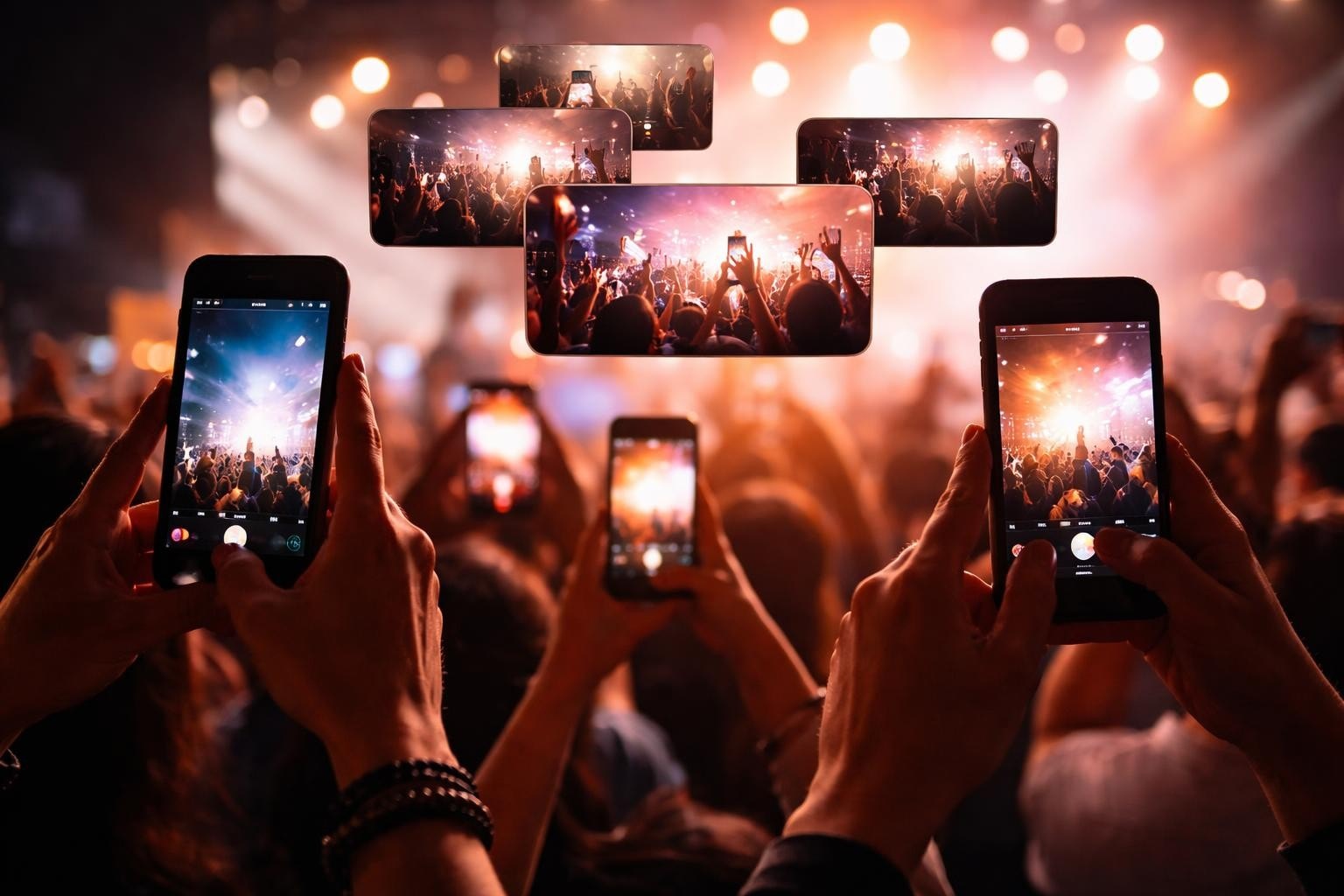

Managing your clips from events used to mean hiring a film crew, sorting through hundreds of gigabytes, and waiting weeks for edited content. Now? Your attendees are already filming. They're capturing angles, moments, and emotions that no professional crew could orchestrate. The trick is collecting all that content without turning it into a massive headache.
Why Your Clips Matter More Than Professionally Shot Content
Professional video looks polished. User-generated content looks real.
That difference is worth paying attention to. When someone shares their experience from your event, their mates actually watch it. They comment, they save it, they ask about tickets for next year. Meanwhile, your £5,000 highlight reel gets 47 views and three likes from your mum's different accounts.
The numbers back this up:
- User-generated videos get shared 5x more than branded content
- Authentic clips convert 3x better than studio productions
- Production costs drop by 60-80% when attendees do the filming
Your clips tell stories that scripted content can't. Someone catches the exact moment a crowd loses it during a drop. Another person films their mate's face during a surprise performance. These aren't planned shots, and that's exactly why they work.
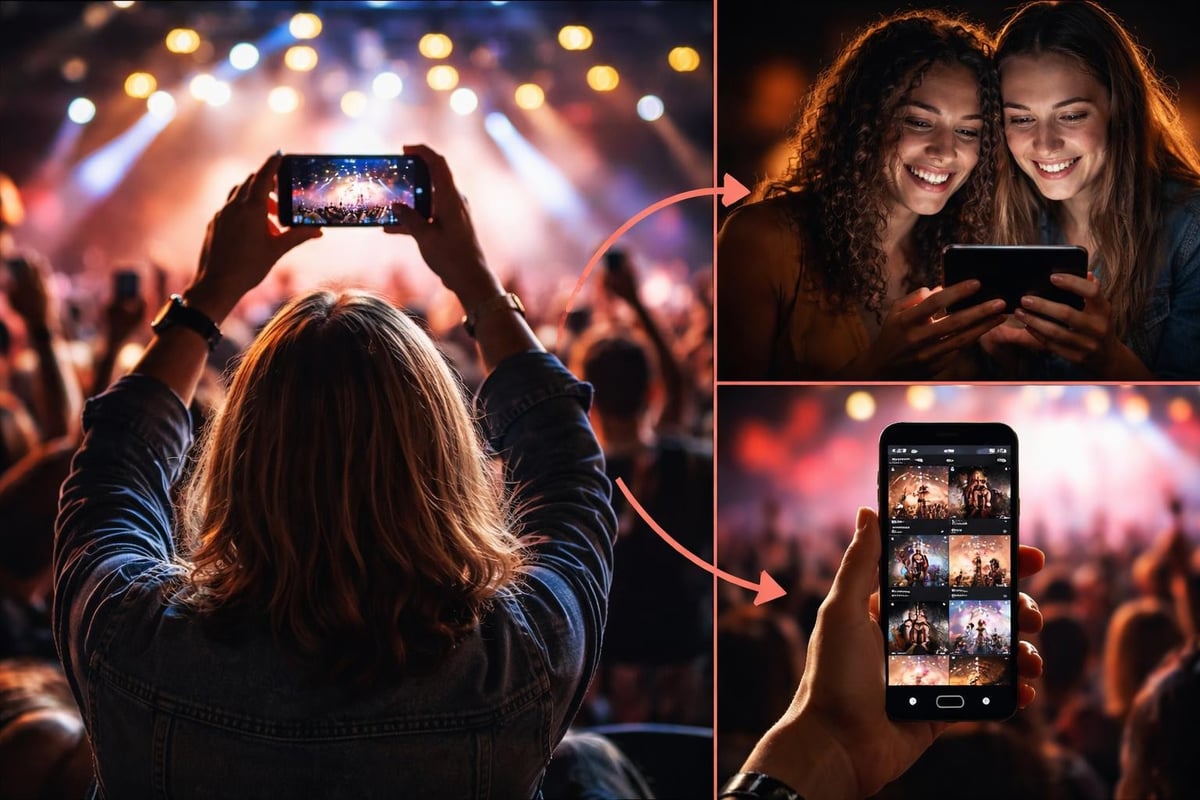
Collecting Your Clips Without Losing Your Mind
Here's where most events mess up. They ask attendees to email videos, or use a hashtag, or upload to some portal that requires seventeen steps and a blood oath.
Make It Stupid Simple
Your collection method needs to work when someone's three drinks deep and running on 4% battery. The right platform removes every possible friction point.
What actually works:
- QR codes everywhere - Toilets, bars, entry points, stages
- One-tap upload - No accounts, no forms, no faff
- Mobile-first everything - Because nobody's pulling out their laptop at a festival
- Instant confirmation - People need to know their video made it
When Apple introduced their Clips app, they understood something crucial. Making videos needs to be faster than texting. The same applies to collecting your clips from attendees.
Getting Permission Right
You need consent. Obviously. But "sign this 8-page legal document" kills participation dead.
Instead, build consent into the upload flow. One screen, plain English, two taps. Done. The best consent management platforms handle this automatically, so you're not manually tracking permissions for 400 clips.
Organising Your Clips Like You Mean It
You've got 200 videos. Brilliant. Now what?
This is where AI actually helps instead of just being marketing nonsense. Recent research on video editing frameworks shows how multimodal analysis can identify the clips that'll actually connect with viewers.
Sort by What Matters
| Sorting Method | Why It Works | When to Use It |
|---|---|---|
| Timestamp | Groups moments from same performance | Live event recaps |
| Engagement signals | Surfaces clips people reacted to | Social media content |
| Content type | Separates performances, crowds, backstage | Themed compilations |
| Quality metrics | Filters shaky, dark, or muted clips | Professional-feeling edits |
Your clips need metadata, but the platform should add it automatically. Location, time, video quality, audio levels - all tagged without anyone thinking about it.
Finding the Gold
Not all clips are created equal. Some are magic. Most are fine. A few are unusable.
Quick filtering saves hours:
- Auto-remove clips under 3 seconds (usually mistakes)
- Flag low-light or shaky footage for review
- Prioritise clips with clear audio
- Highlight content from key moments you've marked
Content curation tools do this heavy lifting. You review the good stuff, not every single upload.
Editing Your Clips Without a Film Degree
You don't need Final Cut Pro. You need clips that don't look like a student project.
The Basics That Actually Matter
Orientation: Your clips will come in every possible aspect ratio. Portrait for Instagram Stories. Landscape for YouTube. Square for... somewhere? Converting horizontal to vertical used to be a pain. Now it's automated.
Length: Attention spans are rubbish. Keep clips between 15-60 seconds. Longer content goes to YouTube. Everything else gets trimmed. YouTube's clip feature lets you share specific segments, but you still want the original tight.
Consistency: Your clips should feel like they belong together. Matching colour grades, consistent intros, unified branding. But subtle. Nobody wants your logo blocking half the screen.
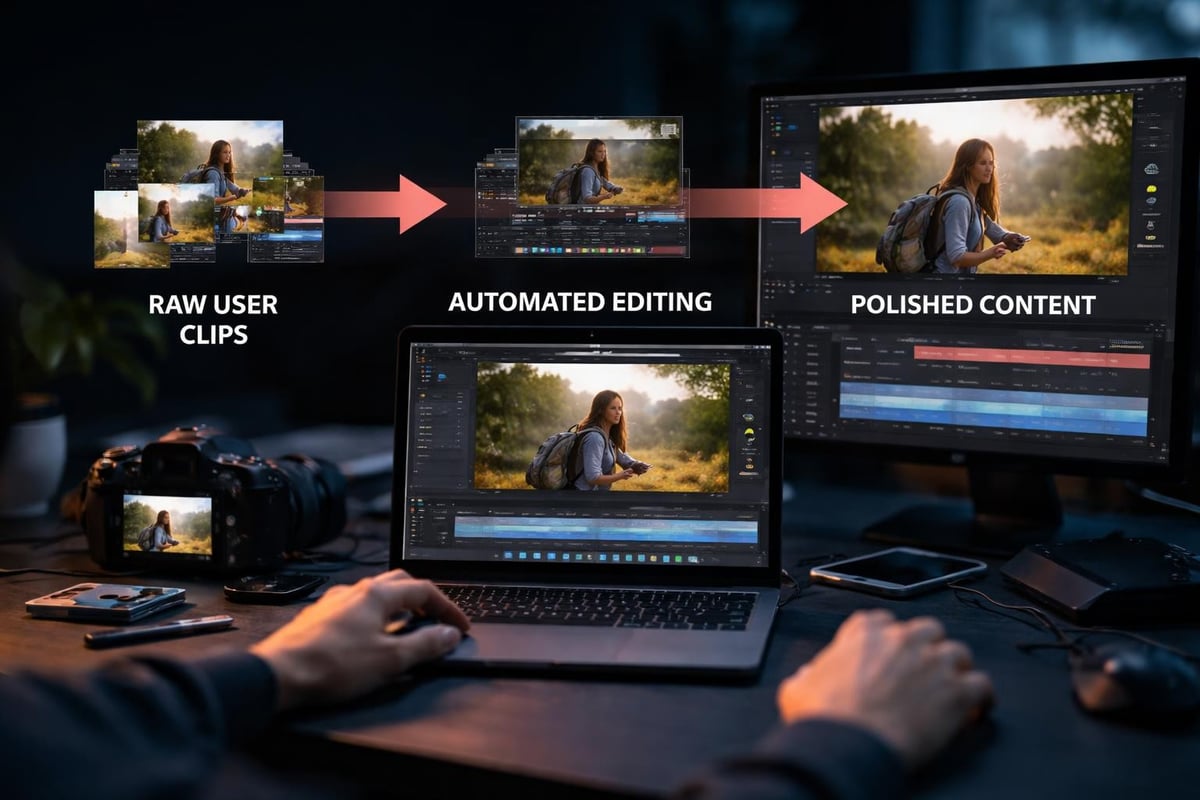
Automated vs Manual Editing
| Approach | Best For | Limitations |
|---|---|---|
| Fully automated | High volume, quick turnaround | Less creative control |
| AI-assisted | Balanced quality and speed | Requires review time |
| Manual editing | Hero content, key moments | Doesn't scale |
For most events, AI-assisted hits the sweet spot. The system handles colour correction, stabilisation, and basic cuts. You make creative decisions and fix anything that looks off.
Research into instruction-based video editing shows how far automation's come. You can literally tell the system "create a 30-second compilation of crowd reactions" and get something usable.
Sharing Your Clips Where People Actually Are
You've collected and edited your clips. Now distribute them before the event's forgotten.
Platform-Specific Strategies
Instagram: Stories expire, Reels don't. Your clips work harder as Reels. Add trending audio, use relevant hashtags, post when your audience is actually scrolling.
TikTok: Fast cuts, strong hooks, authentic moments. Your user-generated clips are perfect here. No polish necessary.
YouTube: Longer compilations work. Create a playlist of individual moments. Great for SEO and discoverability.
Event website: Embed a gallery. Let people relive the experience. Drives ticket sales for next year.
Timing Is Everything
- During the event: Share clips in real-time. Creates FOMO. Drives last-minute ticket sales.
- Next day: Post the highlight reel while everyone's still buzzing.
- Week after: Targeted compilations to specific audiences.
- Month before next event: Reminder content. "Remember this?"
Studies on video copy detection highlight challenges with short-form content, but they also show how clips spread organically. Your attendees sharing your clips is free marketing that actually converts.
Maximising the Value of Your Clips
Your clips aren't just social media filler. They're assets.
Content Repurposing
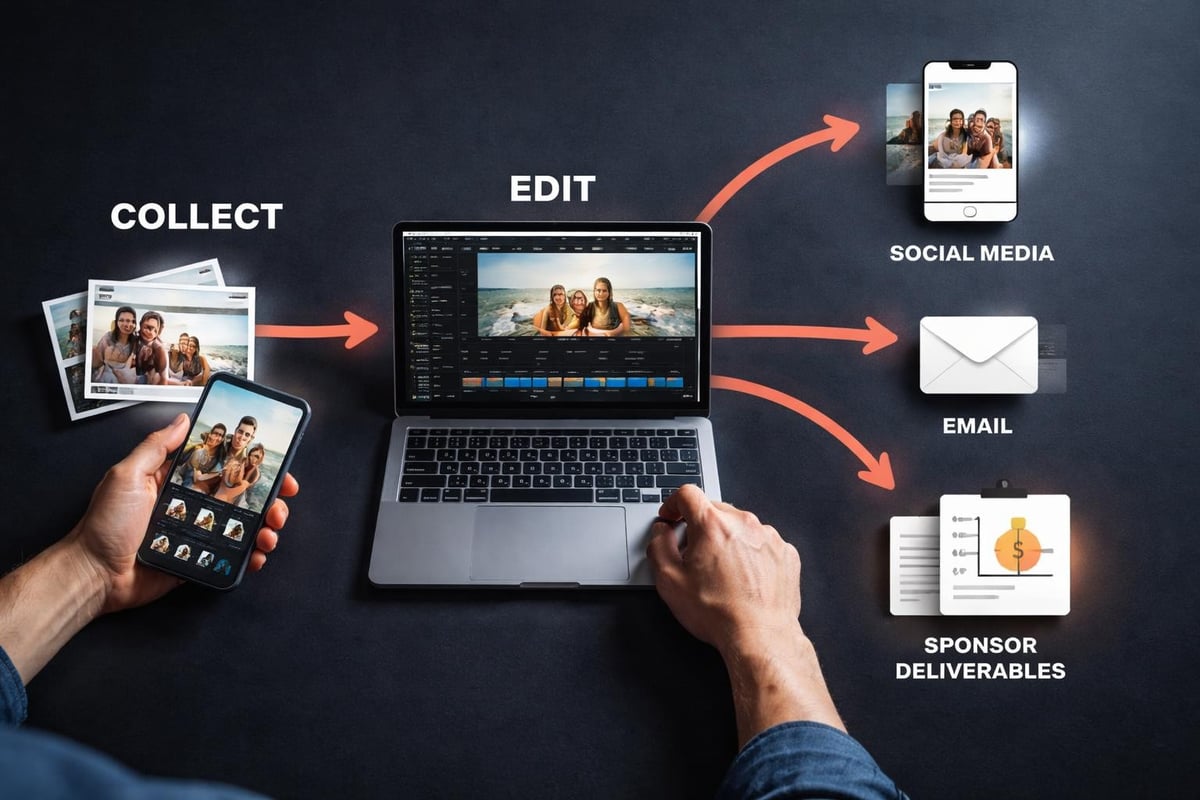
One good clip becomes:
- A social media post
- Part of a highlight reel
- B-roll for promotional content
- Email marketing material
- Website homepage content
- Sponsor deliverables
Creating video from clips that you've already collected is the most cost-effective content strategy going. You've already paid for it (by letting attendees film for free). Now squeeze every drop of value out.
Sponsor Integration
Sponsors want visibility. Your clips give them authentic exposure.
What sponsors actually value:
- Brand presence in real moments (not forced product placement)
- Social media reach through attendee shares
- Content they can use in their own marketing
- Metrics showing actual engagement
When you're building your brand activation strategy, user-generated clips prove ROI better than any other content type.
Building Community
Your clips create connection between events.
Share compilation videos in your community groups. Highlight individual attendees. Create a culture where filming and sharing is part of the experience. Community videos turn one-time attendees into loyal advocates who recruit their mates.
Measuring What Your Clips Actually Achieve
Views are vanity. Engagement is better. Conversions are what matter.
Metrics Worth Tracking
Social metrics:
- Share rate (most important)
- Save rate (second most important)
- Comments and replies
- Follower growth from viral clips
Business metrics:
- Traffic to ticket pages
- Conversion from video viewers
- Cost per acquisition vs paid advertising
- Sponsor satisfaction scores
Content metrics:
- Which moments get filmed most
- What clip styles perform best
- Optimal posting times
- Platform-specific performance
Research on video retrieval techniques shows how proper clip organisation improves discoverability. Better organisation means better performance across all metrics.
Continuous Improvement
Each event teaches you something about your clips.
- Which performances generate the most content?
- What angles work best?
- When do people actually film vs just watch?
- Which clips drive the most ticket sales?
Track this. Adjust. Repeat.
Legal and Technical Considerations
Boring but necessary.
Rights and Licensing
When people upload clips to your platform, you need clear terms. What can you do with their content? Can you edit it? Share it? Use it commercially?
Content licensing doesn't need to be complicated, but it needs to be explicit. Your upload flow should cover:
- Usage rights you're requesting
- How long you can use the content
- Where you can publish it
- Whether you can modify it
- How you'll credit creators
Storage and Management
Your clips add up fast. A weekend festival might generate 500GB of video.
Technical requirements:
- Cloud storage that scales
- Automatic backup systems
- Fast upload speeds (nobody waits 10 minutes)
- Compression without quality loss
- Easy retrieval and download
The SureShot platform handles this infrastructure so you're not building your own video hosting solution or maxing out Dropbox.
Data Protection
GDPR isn't optional. Your attendees' videos are personal data.
You need:
- Clear privacy policies
- Secure storage
- Right to deletion
- Data processing agreements
- Breach notification procedures
Following AWS data protection best practices keeps you compliant and keeps your attendees' content safe.
Making Your Clips Part of the Event Experience
The best events make filming part of the fun, not an afterthought.
Encourage Participation
Give people reasons to film:
- Competitions for best clip
- Featured creator shoutouts
- Prize draws for uploaders
- Real-time display of incoming clips
- Social media features and reshares
When attendees know their content might be featured, they put in effort. Better angles, better moments, better clips.
Create Filming Opportunities
Design your event with content creation in mind:
- Instagram-worthy photo/video spots
- Behind-the-scenes access for uploaders
- Unique angles only attendees can capture
- Moments worth filming (surprise guests, special effects)
Event videos that go viral aren't accidents. They're the result of creating moments people want to capture and share.
Integration With Event Flow
Don't interrupt the experience to ask for content. Build it in naturally:
- QR codes at natural gathering points
- Upload prompts during breaks
- End-of-night thank you screens
- Next-day follow-up emails
The smoother the process, the more clips you collect, the richer your content library becomes.
Managing your clips effectively turns every attendee into a content creator and every event into a marketing engine. The technical bits - collection, editing, distribution - matter less than the strategy behind them. SureShot removes the technical headaches so you can focus on creating events worth filming and building communities that keep coming back.