

You're running an event. You want video content. Not the polished, corporate stuff-the real moments that actually happened. The stuff people film on their phones because they genuinely want to, not because you asked them to. But here's the thing: getting people to upload video clips shouldn't feel like filing taxes. If it's complicated, they won't do it. Let's talk about making it dead simple.
Why File Format Actually Matters
Most people don't think about video formats. They just hit record and hope it works. But when you're collecting authentic content from dozens or hundreds of attendees, format compatibility becomes your problem, not theirs.
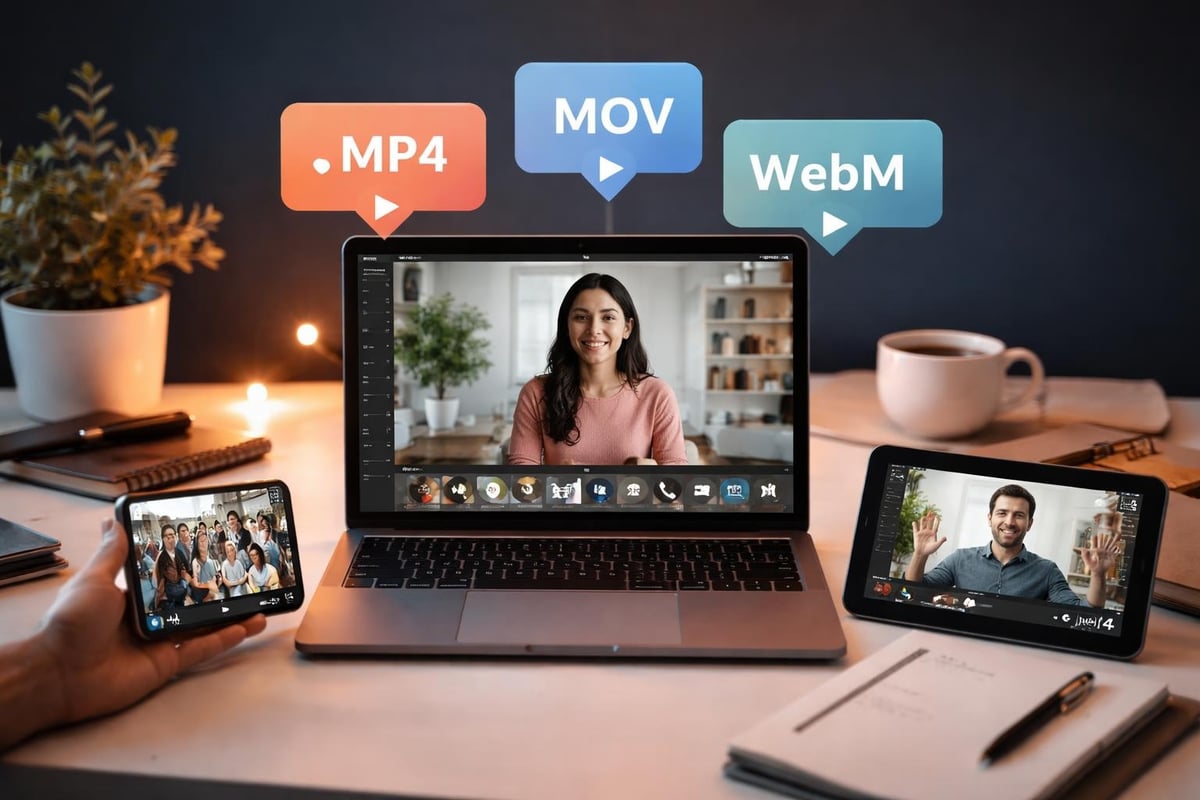
MP4 is your safe bet. It works everywhere, compresses well, and doesn't confuse people. When someone tries to upload video clips from their iPhone, it'll likely be in HEVC (H.265) or H.264 format wrapped in an MP4 container. Android users? Usually MP4 too. This isn't exciting stuff, but it's reliable.
What Your Platform Needs to Handle
Here's what you're actually dealing with:
- MP4 (H.264): Universal compatibility, decent compression, works on everything
- MOV: Apple's preference, bigger files, needs conversion sometimes
- WebM: Great for web, but Android's inconsistent with it
- HEVC (H.265): Better compression than H.264, but older devices struggle
The technical details matter less than this: your upload system needs to accept whatever people throw at it. If someone pulls out a three-year-old Samsung and tries to upload video clips from the concert, it should just work.
Cloudinary's comprehensive guide on video file formats covers the technical differences if you want the full picture, but the short version is: build for MP4, handle everything else gracefully.
Making Uploads Actually Work
You know what kills user-generated content? Friction. Every extra step is another reason someone gives up halfway through.
Size and Speed
Big files take forever to upload. People lose patience. They're at your festival, their battery's at 23%, and they've got three bars of signal. You need compression that doesn't trash quality.
Most phones shoot 1080p at 30fps by default. That's perfectly fine. A minute of footage is about 100-150MB. Your platform should handle that without making them wait five minutes watching a progress bar.
Server-side compression helps, but it costs processing power. Client-side compression (on their phone) saves bandwidth but requires smarter apps. There's always a trade-off. The folks at SproutVideo have documented best practices that balance quality with upload speed.
| Upload Method | Speed | Quality Retention | Battery Impact |
|---|---|---|---|
| Direct upload | Medium | 100% | Medium |
| Client compression | Fast | 85-95% | High |
| Server compression | Slow | 90-98% | Low |
Resolution Reality Check
Do you really need 4K video clips from a music festival? Probably not. Here's what actually makes sense:
- 1080p (1920x1080): Perfect for most uses, reasonable file sizes
- 720p (1280x720): Fine for social media, much smaller files
- 4K (3840x2160): Overkill unless you're doing something specific
The University of California's technical guidelines recommend 1080p as the sweet spot for most online content. Going higher just creates storage headaches without much benefit when the video ends up on Instagram anyway.
Building for Mobile Reality
Here's the uncomfortable truth: nearly everyone uploads from their phone. Your beautiful desktop interface? Most people will never see it.
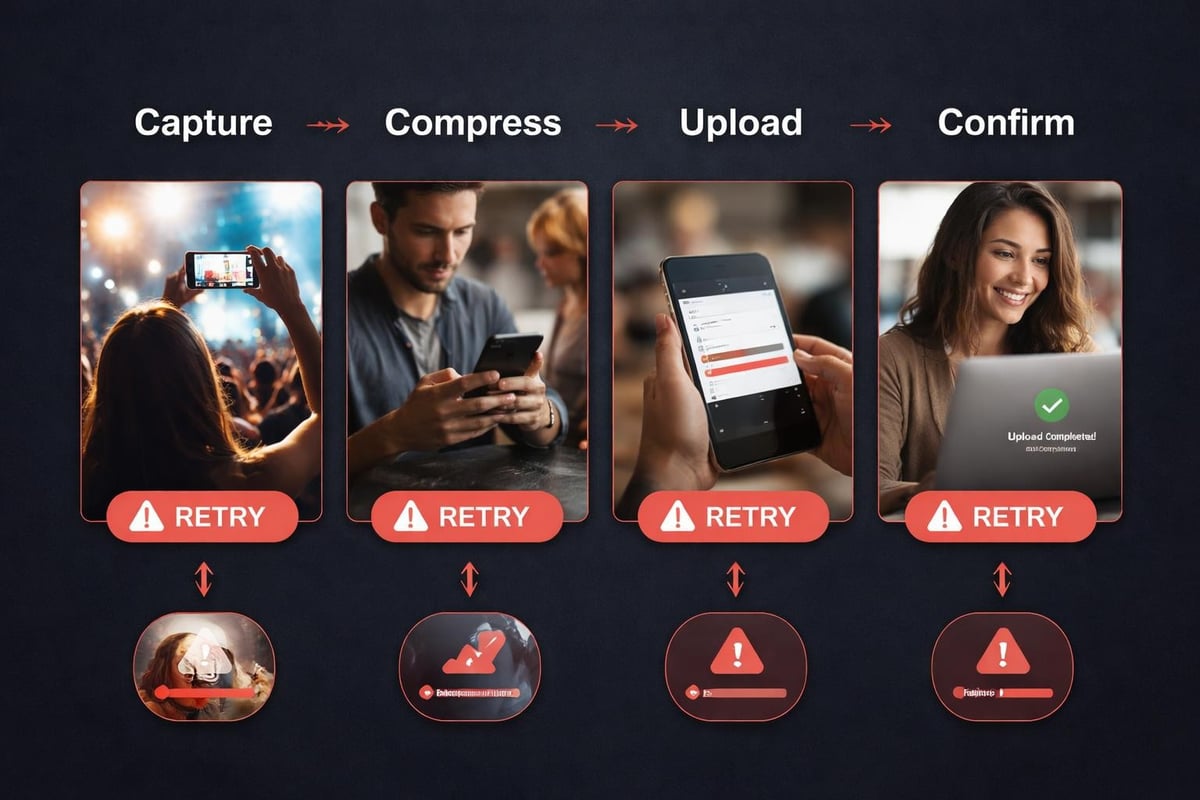
Mobile uploads fail for predictable reasons. Connection drops. Apps crash. Files are huge. The phone runs out of storage mid-upload. You need systems that handle these problems without losing everything.
Progressive Uploads Save Lives
Chunked uploading lets people pause and resume. If their connection dies halfway through, they don't start over from zero. This isn't complicated tech-it's just respecting that Wi-Fi at venues is terrible and mobile data is spotty.
Background uploads matter too. Someone starts uploading video clips, then switches apps to check messages. The upload shouldn't just die. iOS and Android both support background transfers if you implement them properly.
Getting the Tech Right
You don't need a lecture on codecs, but you do need to know what breaks things.
Codec Compatibility
H.264 is ancient by tech standards (2003), but it's everywhere. H.265 (HEVC) compresses better-about 50% smaller for the same quality-but browser support is patchy. If you're curious about the practical differences between H.264 and H.265, that comparison explains when each matters.
Adobe's encoding documentation goes deep on format support, but the practical answer is: accept everything, transcode to H.264 for distribution.
| Codec | Compression | Compatibility | Use When |
|---|---|---|---|
| H.264 | Good | Universal | Distribution |
| H.265 | Better | Patchy | Storage |
| VP9 | Good | Chrome/Firefox | Web-only |
| AV1 | Best | Limited | Future-proofing |
Handling Platform-Specific Quirks
Instagram, TikTok, YouTube-they all have opinions about what makes a "good" video. Aspect ratios, maximum lengths, preferred formats. It gets messy fast.
Vertical video is standard now for social media. When someone films horizontally, you'll need to decide: letterbox it or crop it? Neither option is perfect, but converting horizontal video to vertical doesn't have to look terrible if you do it smartly.
Multi-Platform Distribution
You're not just collecting video clips to sit in a folder somewhere. This content needs to go places. That means:
- Instagram/TikTok: 9:16 vertical, under 60 seconds usually works best
- YouTube: 16:9 horizontal, any length
- Facebook: Accepts anything but prefers square or vertical
- Twitter/X: Square (1:1) gets more engagement
The best practices for video curation include planning for multi-platform distribution from the start. You can't just dump the same file everywhere and expect good results.
Storage Costs Nobody Talks About
Raw video eats storage. A weekend festival with 200 attendees each uploading 5 clips? That's potentially 100+ GB even with compression. And it needs to live somewhere accessible, backed up, and fast enough for people to actually watch.
Cloud storage pricing is straightforward until you factor in egress charges. Those "free" storage tiers get expensive when thousands of people start streaming your videos. You'll want a strategy that doesn't surprise you with a massive bill.
Compression Without Catastrophe
Nobody wants their footage to look like it survived three generations of photocopying. But you also can't store everything in pristine 4K forever.
Two-tier storage works well: Keep originals for a set period (30 days? 90 days?), then archive compressed versions. If someone really needs the full-quality original later, you've got it. For everything else, a well-compressed 1080p version looks fine and costs 70% less to store.
Dream Engine's guide to video codecs covers the technical side of choosing compression settings that preserve quality while reducing file sizes.
User Experience Beats Everything
The best upload system in the world fails if people don't use it. And people won't use it if it's confusing, slow, or frustrating.
What Actually Works
Simple upload interfaces win. Here's what matters:
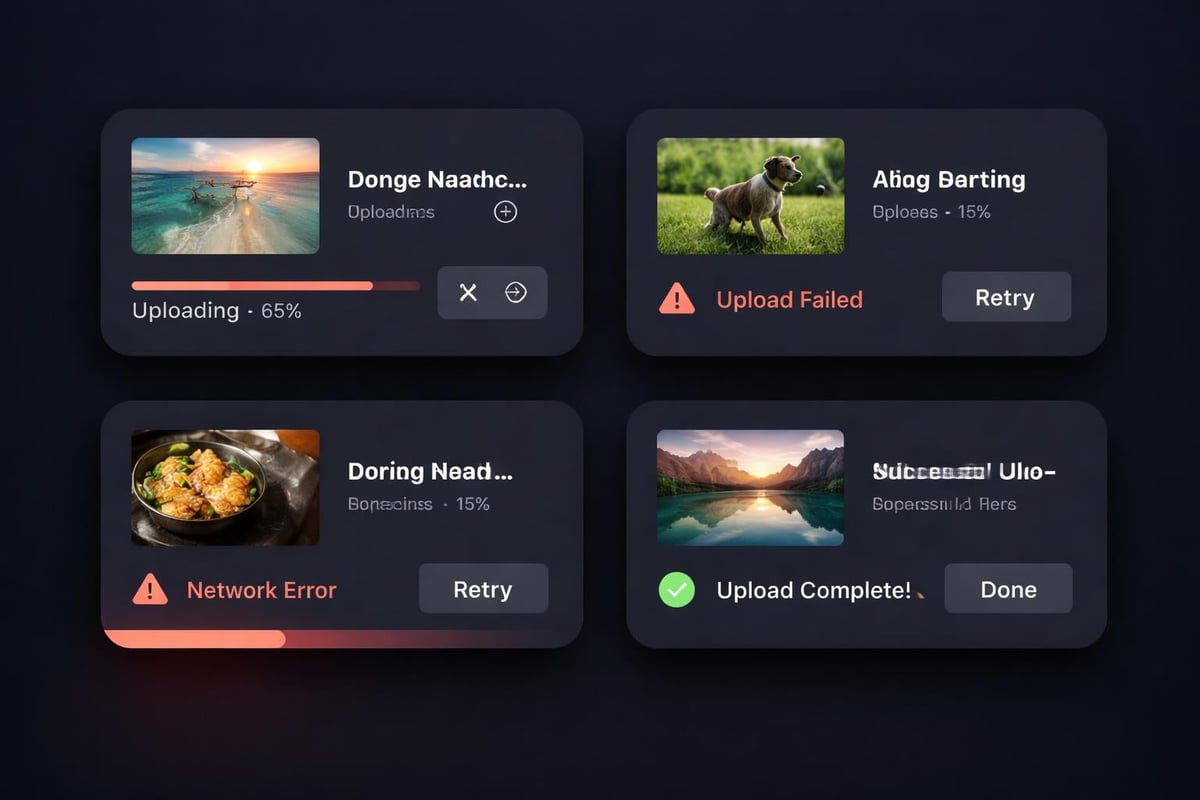
- Clear progress indication: Show them what's happening
- Error messages that mean something: "Upload failed" is useless; "Connection lost-tap to retry" is helpful
- Preview before upload: Let them see what they're about to share
- One-tap sharing: The fewer steps, the better
When you're building a platform for user-generated content, these details separate tools people actually use from ones they abandon after the first attempt.
Permissions and Privacy
People care about who sees their content. Some want everything public. Others only want organisers to see it. A few will upload video clips then panic and want them deleted immediately.
Consent management isn't optional. Before someone hits upload, they need to know what happens to their video. Where it goes. Who can see it. Whether you'll use it for marketing. The legal side of content licensing and consent management gets complicated fast, but the basic principle is simple: be clear upfront.
Moderation Realities
User-generated content means you'll eventually get something you don't want published. Maybe it's blurry and unwatchable. Maybe someone filmed something inappropriate. You need moderation systems that catch problems before they go live.
Pre-moderation (review before publishing) is safer but slower. Post-moderation (publish then review) is faster but riskier. Most platforms blend both: automated filters for obvious problems, human review for edge cases.
Speed Matters More Than You Think
If uploading video clips takes ten minutes, people give up. If it takes thirty seconds, they'll do it while queuing for the toilets.
Network conditions at events are uniquely terrible. Thousands of people all trying to upload Instagram stories at once. Your upload system needs to work anyway. That means:
- Adaptive bitrate uploads (adjust quality based on connection speed)
- Retry logic that doesn't make people start over
- Offline queuing (save to upload when connection improves)
Making It Worth Their Time
Here's the real question: why would someone bother to upload video clips from your event? What's in it for them?
Recognition helps. Feature the best content prominently. Give credit. Make people feel like they contributed something valuable. The ecommerce community at Talk Shop has built engagement through highlighting member contributions-the same principle applies to event content.
Some organisers offer incentives-prize draws, exclusive access, discount codes. Others rely purely on social proof and the appeal of seeing your content on the big screen or official social channels.
Technical Requirements Checklist
Here's what your system needs before anyone uploads anything:
- Maximum file size limit: At least 500MB, ideally 1GB+
- Accepted formats: MP4, MOV, HEVC as minimum
- Upload method: HTTP(S) with chunked transfer
- Progress tracking: Real-time percentage and time remaining
- Error handling: Automatic retry with exponential backoff
- Format conversion: Server-side transcoding to standard format
- Storage redundancy: Multiple backups, geographically distributed
- Bandwidth management: CDN for distribution, throttling for uploads if needed
Platform requirements for video submissions go beyond just accepting files-you need the whole infrastructure working together.
Real-World Usage Patterns
People don't upload videos the way you expect. They do it in bursts-right after something exciting happens, or at the end of the day when they're back at their accommodation reviewing footage.
Peak times kill systems. If your event has a headline act at 10pm, expect a massive upload spike at 10:15pm. Your infrastructure needs to scale. Queue systems help-uploads go into a buffer and process as capacity allows.
What Gets Uploaded
Not all content is created equal. Some clips are gold. Many are mediocre. A few are completely unusable. Here's roughly what you'll see:
| Content Quality | Percentage | Action Needed |
|---|---|---|
| Great (featured) | 10-15% | Highlight prominently |
| Good (usable) | 40-50% | Include in compilations |
| Mediocre | 25-30% | Archive or discard |
| Unusable | 10-15% | Delete after review |
Smart content curation software helps surface the best content automatically, saving hours of manual review.
Integration with Existing Workflows
Your upload system doesn't exist in isolation. It needs to connect with content management, social media publishing, analytics, and whatever else your organisation uses.
APIs matter. You'll want to pull uploaded content into your editing software, push approved clips to social channels, and track which content performs best. The more seamless these integrations, the less manual work required.
When Things Go Wrong
They will. Connection failures, corrupted files, weird phone settings that produce incompatible formats. Your system needs graceful degradation-it should fail in ways that don't lose people's content or make them want to throw their phone.
Detailed logging helps. When someone reports "my upload didn't work," you need to see exactly what happened. What device? What format? Where did it fail? Without logs, you're guessing.
Future-Proofing Your Setup
Video tech changes. New codecs appear. Phones get better cameras. Network speeds improve. Your upload system needs to adapt without requiring complete rebuilds every year.
Container formats help. MP4 containers can hold different codecs. When AV1 becomes standard (and it will), you can switch the codec without changing the container format or breaking compatibility.
Uploading video clips from events shouldn't be complicated, but making it simple requires proper infrastructure and planning. When you get it right, attendees become content creators, generating authentic moments that no production company could script. SureShot handles the technical complexity of collecting, curating, and distributing user-generated event content so you can focus on creating experiences worth filming. The platform manages everything from upload optimisation to consent management, turning your attendees into a distributed content team that captures the moments that matter.