
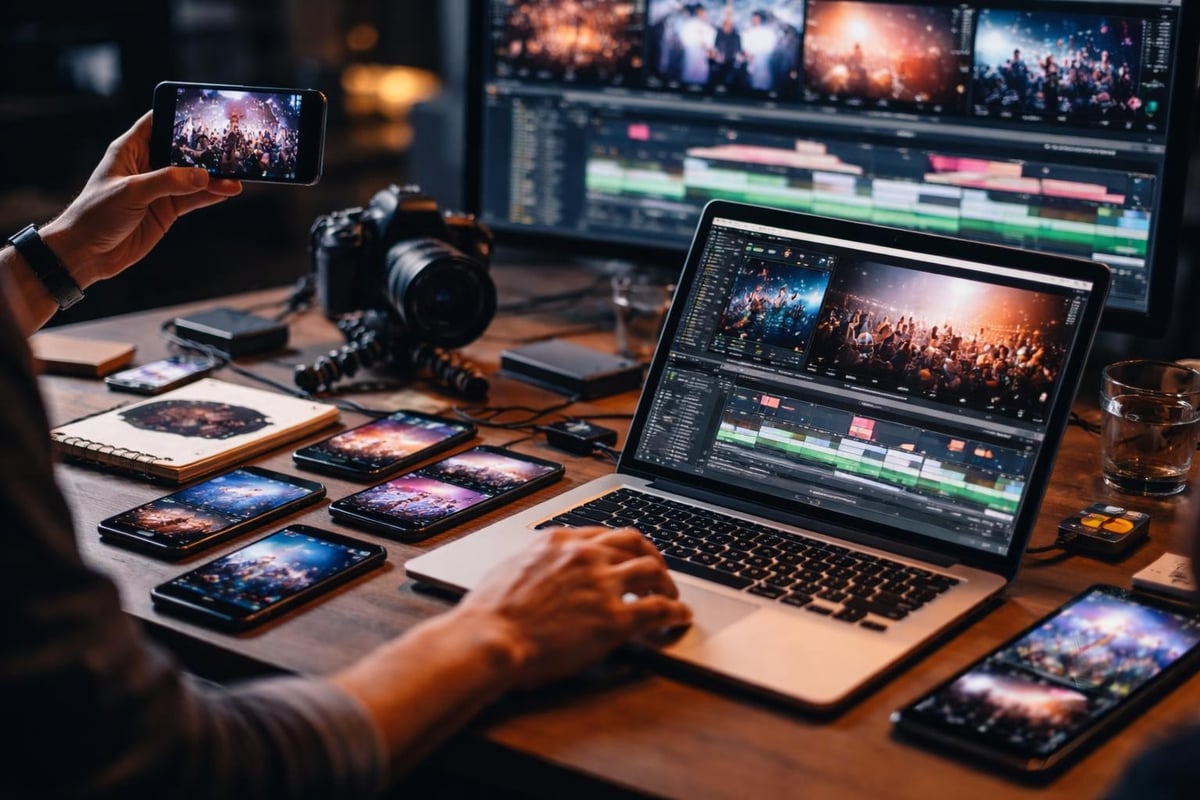
You've got hundreds of video clips from an event. Maybe thousands. Your attendees recorded moments that actually mattered to them, not what you told them to capture. Now you need to create video from clips that people will actually watch. The good news: you don't need to become a video editor. The bad news: you need a process that won't waste three days of your life.
Why Multiple Clips Beat Single-Take Videos
Single-camera event videos are boring. They're one perspective, one story, one version of what happened. When you create video from clips from multiple attendees, you get something closer to truth. Different angles, different moments, different energy.
Your audience knows the difference between produced content and authentic moments. They scroll past the former and stop for the latter.
The Real Benefits
- Authentic perspective: Real attendees capture what genuinely excited them
- Broader coverage: You can't be everywhere, but your attendees can
- Social proof: User-generated clips show real engagement, not staged interactions
- Lower production costs: Your attendees are already filming anyway
User-generated content platforms handle the logistics of collecting clips from attendees without chasing people down via email for a week.
Getting Clips Worth Using
Before you create video from clips, you need clips worth creating from. Sounds obvious, but most event organisers skip this bit and wonder why they end up with 400 unusable videos.
Tell attendees what you're after. Not in a corporate "please capture content" way. Just tell them you want their highlights. The moments they'd show a friend who wasn't there.
Make it stupid simple to submit:
- Share a link or QR code at the event
- Let people upload directly from their phones
- Don't require accounts or complicated forms
- Accept whatever format they've got
The best content curation tools handle format conversion automatically. You shouldn't need to tell attendees about codec requirements.
What Makes a Clip Useful
| Good Clip | Useless Clip |
|---|---|
| 5-30 seconds of genuine reaction | 3-minute shaky pan of the crowd |
| Clear audio of a specific moment | Wind noise over muffled speech |
| Visible action or emotion | Someone's thumb over the lens |
| Steady enough to watch | Motion sickness simulator |
You'll get both types. That's fine. The curation step is where you separate them.
Curation Matters More Than Editing
This is where most people waste time. They try to edit everything. Don't. Content curation best practices start with brutal selection.
Watch each clip once. Keep or bin it. No maybes.
You're looking for clips that:
- Show something happening
- Have usable audio or don't need it
- Fit the story you're trying to tell
- Don't require forensic stabilisation
AI can help here, but not in the way you'd think. It won't make creative decisions for you. It can flag clips with faces, detect duplicate moments, identify clips with clear audio, and sort by visual quality metrics.
Building Your Edit Sequence
Once you've got your keepers, combining video clips into one smooth video requires thinking about flow. Not transitions or effects. Just logical progression.
Think about it like showing clips to someone who wasn't there:
- What happened first?
- What was the peak moment?
- What feeling do you want them left with?
Your clips should answer those questions in order.
Technical Bits That Actually Matter
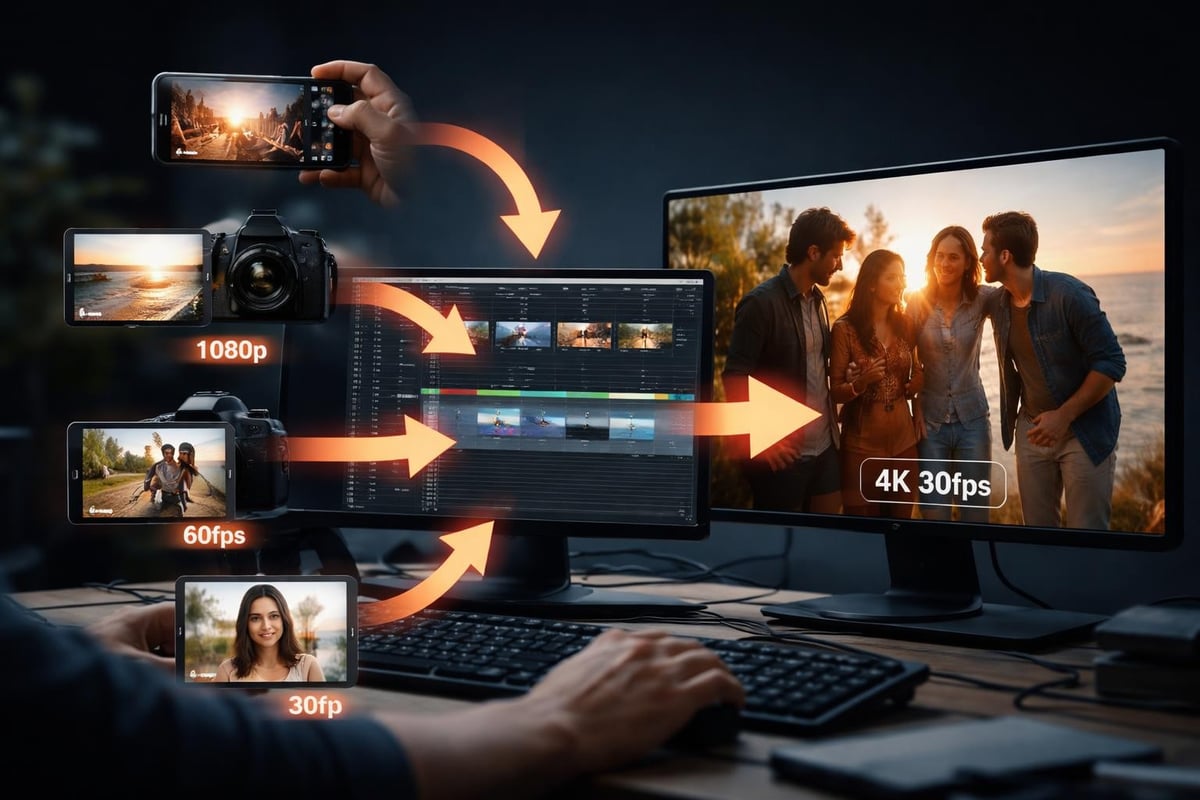
Format incompatibility is less of an issue in 2026 than it was, but it still trips people up. When you create video from clips shot on different phones, you'll have different resolutions, frame rates, and codecs.
Here's what matters:
Resolution: Export at 1080p unless you've got a specific reason to go 4K. Most social platforms compress it anyway.
Frame rate: Lock everything to 30fps or 24fps. Mixing frame rates looks janky.
Aspect ratio: Decide early whether you're making vertical (9:16), square (1:1), or horizontal (16:9) content. Don't try to repurpose one edit for all three unless you know how to convert horizontal video to vertical properly.
Audio Is Where People Mess Up
Visuals can be imperfect. Shaky footage adds energy. But bad audio makes people click away.
When combining clips:
- Normalise audio levels across all clips
- Cut background noise where possible
- Use music sparingly and only where it adds something
- Don't let music overpower dialogue or genuine audio moments
Merging video clips effectively means paying attention to audio transitions as much as visual ones. A hard audio cut is more jarring than a hard visual cut.
The Actual Assembly Process
Right, you've curated your clips and sorted your technical requirements. Now you need to create video from clips without spending three days in an editing suite.
Quick Assembly Tools
| Tool Type | Best For | Watch Out For |
|---|---|---|
| Automated platforms | High volume, consistent output | Generic results if not properly curated |
| Template-based editors | Brand consistency | Can feel repetitive |
| Traditional NLEs | Full creative control | Time-intensive |
| AI-assisted editors | Speed with customisation | Still need human curation decisions |
Most event organisers don't need professional editing software. They need something that respects their curation choices and assembles clips without adding unnecessary flair.
The workflow that works:
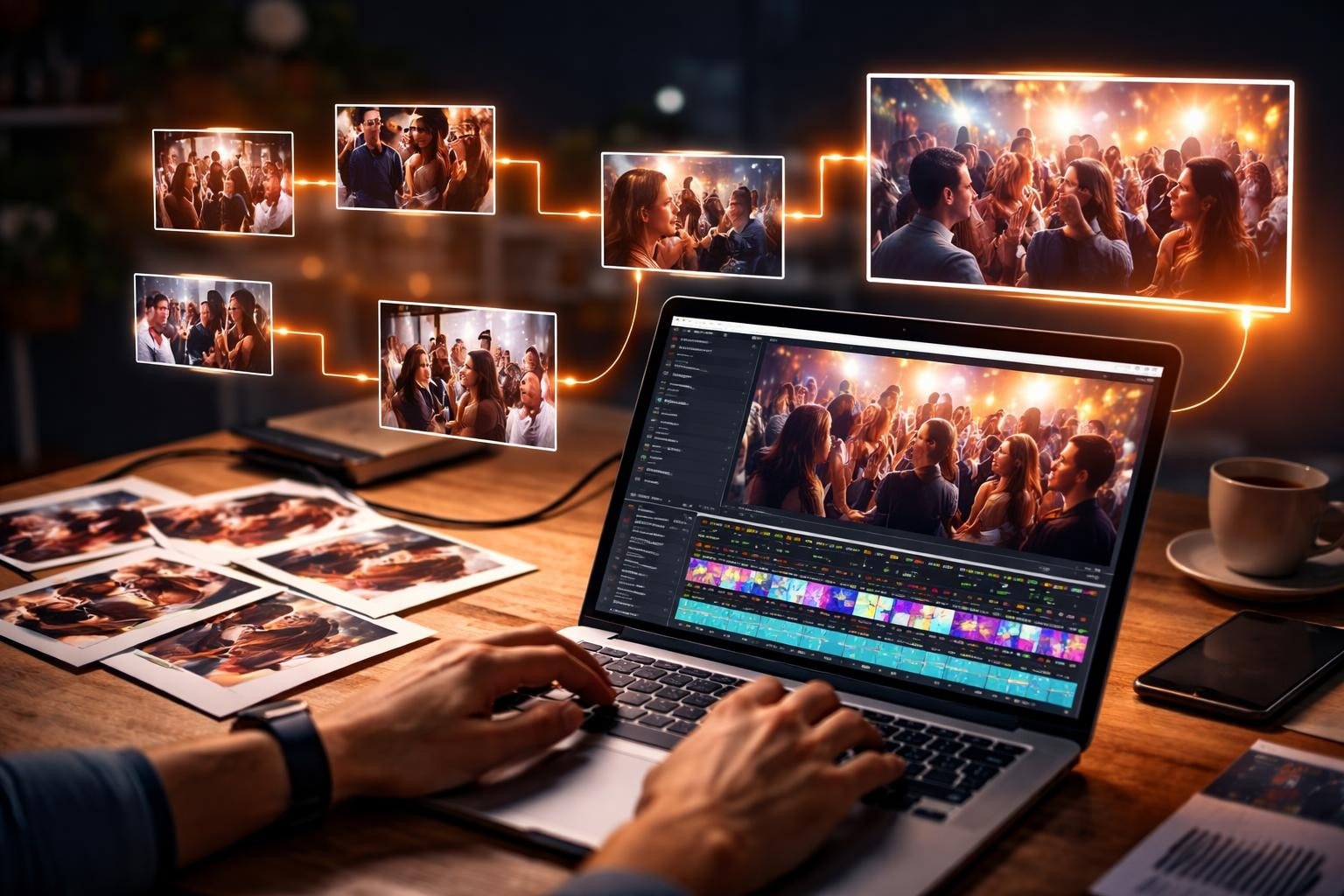
- Import your curated clips
- Arrange them in story order
- Trim dead space at the start and end of each clip
- Add simple transitions where they feel natural (usually just cuts)
- Balance audio levels
- Export in the format you need
That's it. If you're adding more steps, question whether they're actually improving the video.
When to Add What
Not every video needs text overlays, graphics, or effects. Most don't.
Add elements only when they serve the content:
- Text: When you need to identify speakers or add context
- Graphics: When clarifying information that's not visual
- Effects: Rarely, and only subtle ones
- Music: When you need to fill dead audio or create atmosphere
User-generated event videos work because they feel real. Every production element you add moves them further from that authenticity.
Making It Shareable
You didn't create video from clips to let it sit on your hard drive. You need people to watch and share it.
Short-form video content performs better on social platforms. If your assembled video is longer than 60 seconds, consider cutting multiple versions:
- A 15-second teaser
- A 30-second highlight
- A 60-second full version
- A longer 2-3 minute extended cut for your website
Each serves a different purpose. The teaser gets attention. The highlight tells the story. The full version gives depth to people who want it.
Platform-Specific Considerations
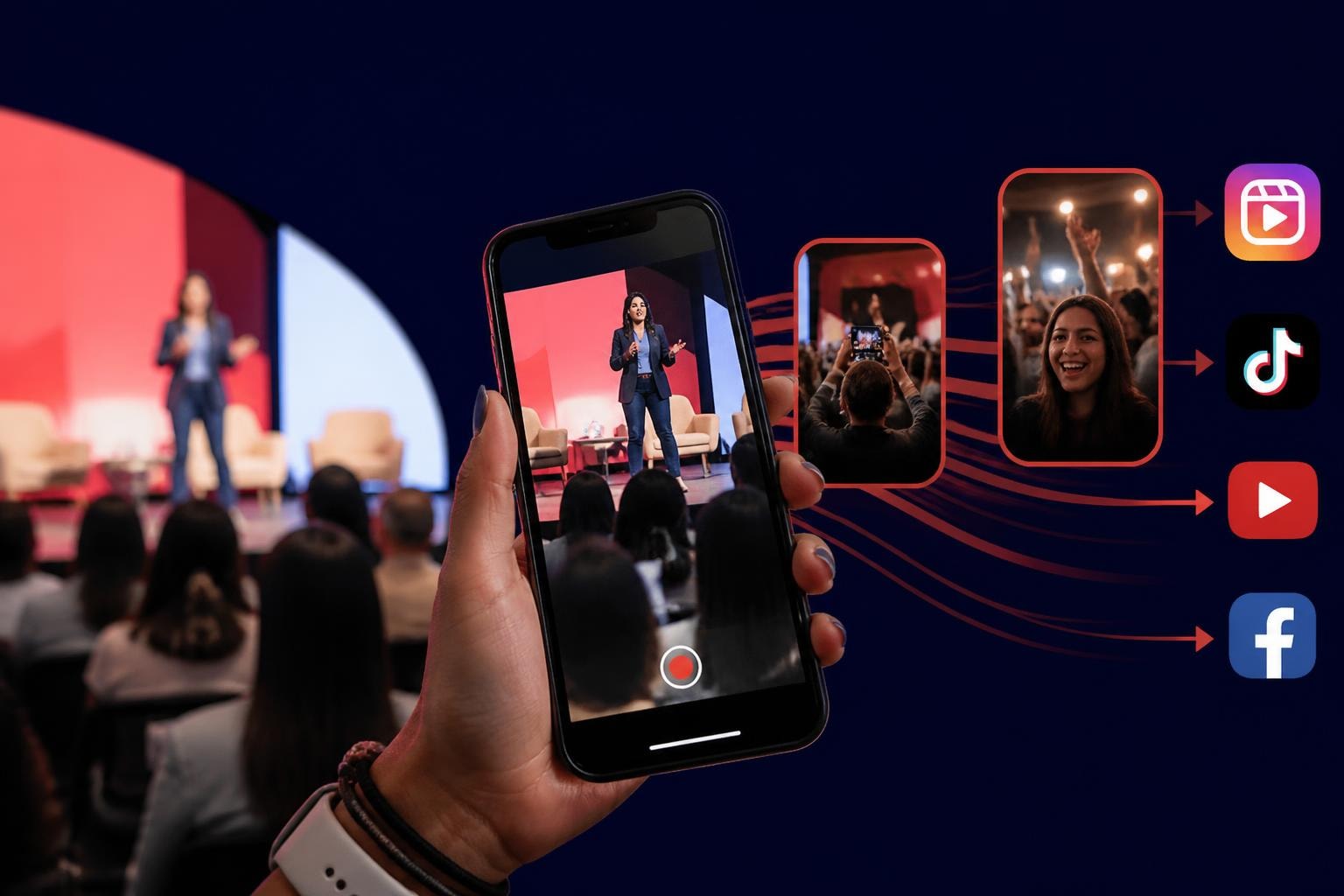
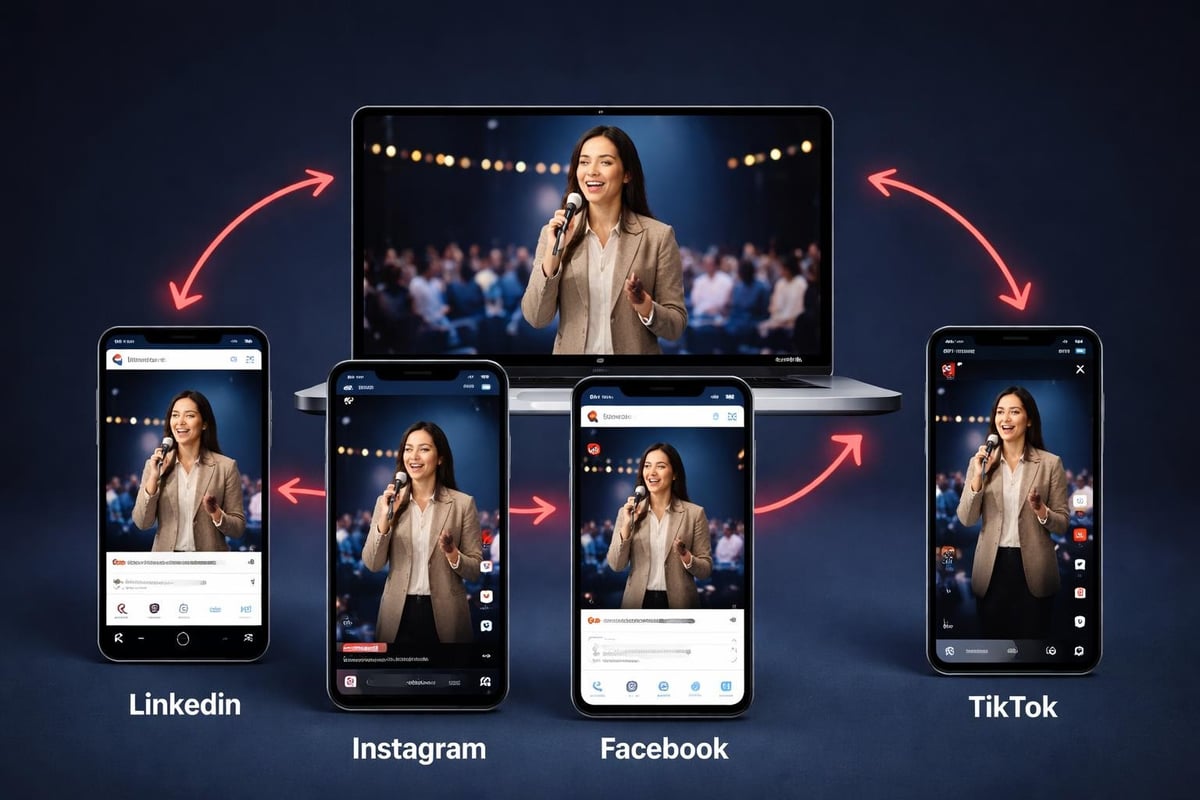
Different platforms want different things. LinkedIn video best practices differ from what works on Instagram or TikTok.
LinkedIn: Professional context, can go longer, needs captions for silent viewing
Instagram: First 3 seconds matter most, vertical works best for Reels, keep it under 60 seconds
Facebook: Facebook Reels favour authentic moments over production value, use captions
TikTok: Fast cuts work, trend-aware content performs better, vertical only
Don't try to make one video work everywhere. Export variations.
Rights and Permissions
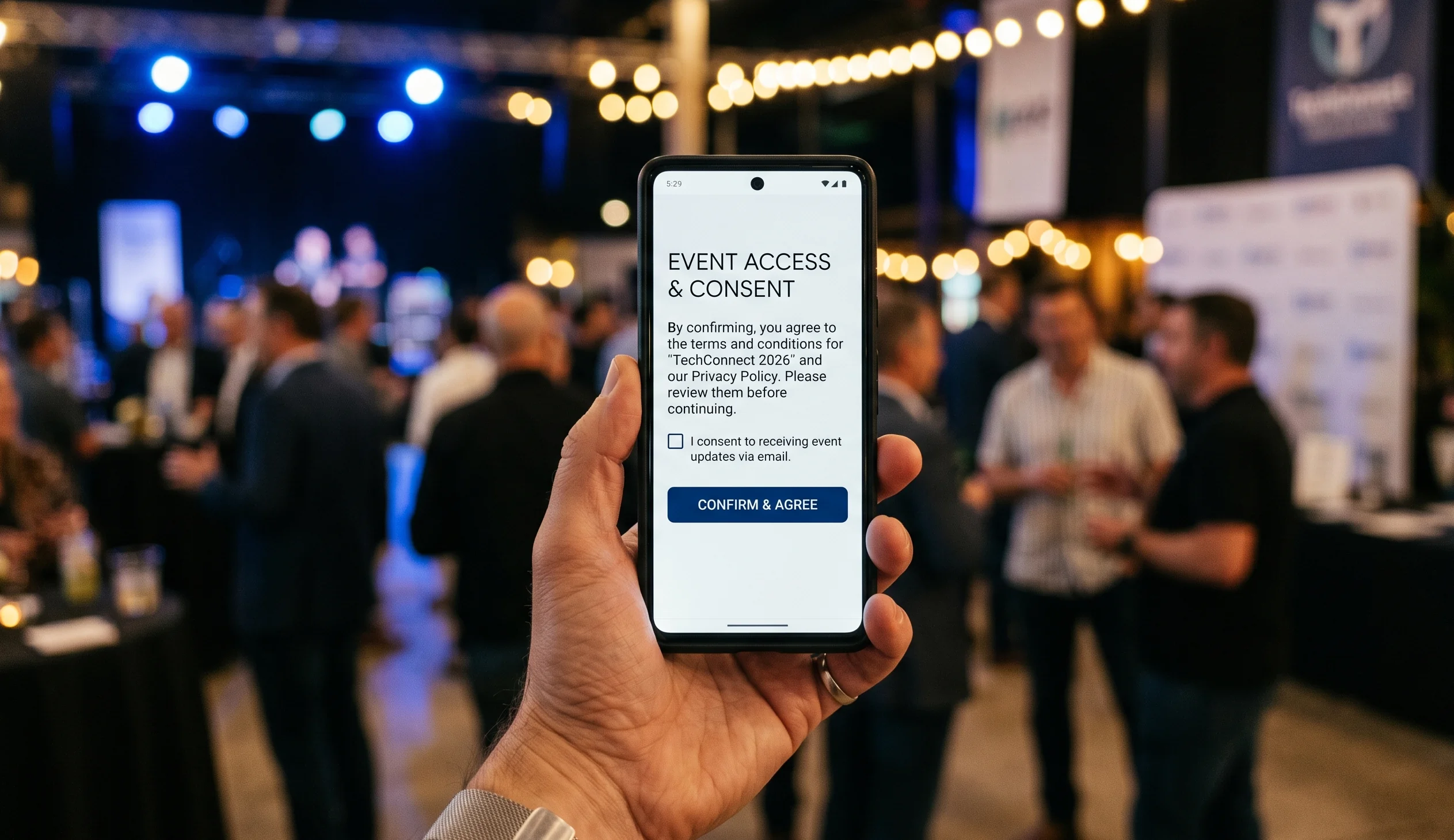
This bit is boring but necessary. When attendees film content at your event, you need permission to use it. Not verbal permission. Not implied permission. Actual documented consent.
Your collection process should include:
- Clear terms about how clips will be used
- Opt-in consent before upload
- Easy opt-out options post-event
- Transparent storage and usage policies
Consent management platforms handle this properly so you're not manually tracking who agreed to what. One attendee complaint about unauthorised use of their clip can create more problems than the video was worth.
What Not to Do
Common mistakes that make assembled videos unwatchable:
Over-editing: If every clip has three transitions and two effects, you've lost the plot. The content should carry the video, not the editing.
Inconsistent pacing: Don't mix 2-second quick cuts with 30-second lingering shots unless you're intentionally creating contrast.
Ignoring story arc: Random clips in random order don't create a video. They create confusion.
Forgetting mobile viewers: Most people will watch on phones. If your text is unreadable on a 6-inch screen, rewrite it bigger.
Auto-everything: AI can assist, but letting it make all your creative decisions results in generic content that feels like everyone else's.
Getting Better at This
The first time you create video from clips, it'll take longer than you'd like. The tenth time, you'll have a process that works.
Track what actually gets watched:
- Which clips do viewers rewatch?
- Where do they drop off?
- What videos get shared versus just liked?
- Which platforms give you the best reach?
Use that data to inform your next curation decisions. If clips featuring attendee reactions perform better than clips of speakers, collect more of the former.
Building a Sustainable Workflow
One-off event videos are fine, but if you're running multiple events, you need repeatability.
Document your process:
- Collection method and tools
- Curation criteria
- Assembly approach
- Export settings for each platform
- Distribution schedule
This isn't about rigid templates. It's about not reinventing the wheel every time you create event videos from attendee clips.
The Reality of Scale
When you've got clips from 50 attendees, manual curation works. When you've got clips from 500 attendees, it doesn't.
This is where automated event video curation becomes necessary, not optional. You can't watch 2,000 clips and make thoughtful decisions about each one.
Automation should handle:
- Initial quality filtering
- Duplicate detection
- Basic sorting and categorisation
- Format standardisation
You should handle:
- Final selection decisions
- Story sequencing
- Brand alignment
- Distribution strategy
The human-AI split matters. Let machines do what they're good at. Keep the creative decisions for yourself.
What Success Looks Like
A successful assembled video isn't the most polished one. It's the one that captures what actually happened and makes people who weren't there wish they had been.
Metrics that matter:
- Completion rate: Did people watch to the end?
- Share rate: Did they send it to others?
- Engagement rate: Did they comment or react?
- Conversion rate: Did they register for your next event?
Views alone don't tell you much. A video can get 100,000 views and change nothing. A video can get 1,000 views and sell out your next event.
Focus on creating videos that serve your actual goals, not vanity metrics.
The best event videos come from attendees who were actually there, experiencing moments that mattered to them. When you create video from clips captured by real people, you get authenticity that no production team can manufacture. If you're running events and want to turn your attendees into video storytellers without adding hours of editing work to your plate, SureShot ApS handles the collection, curation, and assembly process so you can focus on running great events instead of chasing down clips.