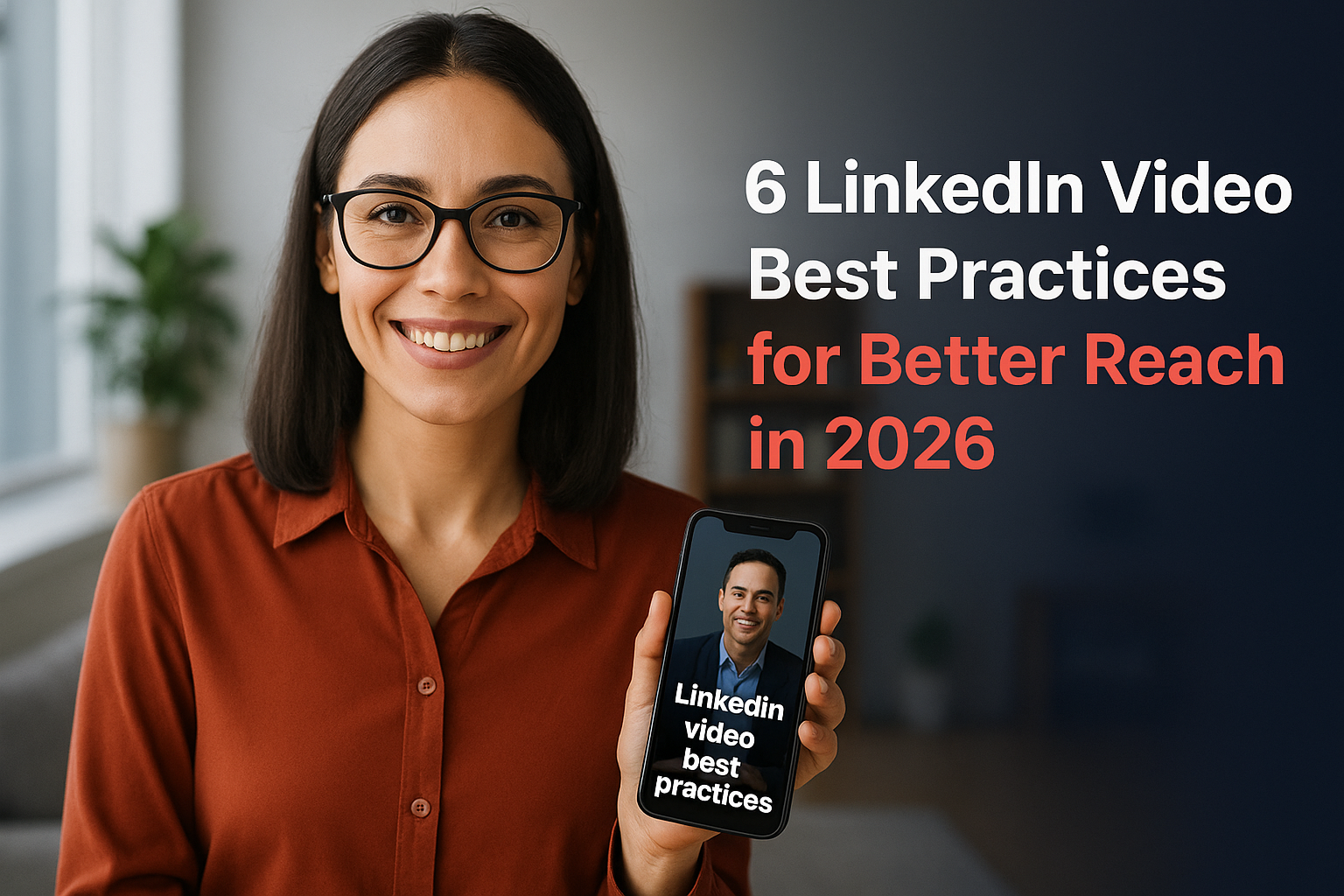

6 LinkedIn Video Best Practices for Better Reach in 2026
LinkedIn's algorithm heavily favours video content, yet most event organizers still struggle to get their videos seen. The platform reports that video posts generate 5x more engagement than static content, but only when you follow the right LinkedIn video best practices.
If you're collecting authentic video content from your event attendees through SureShot or similar methods, you already have a goldmine of authentic material ready to share. The real challenge isn't creating content anymore; it's optimising it for LinkedIn's specific requirements and the expectations of a professional audience.
This guide breaks down six practical strategies to maximise your video reach on LinkedIn in 2026. From technical specs to posting tactics, you'll learn what actually works right now, no recycled advice from three years ago.
1. Use SureShot to collect attendee UGC video
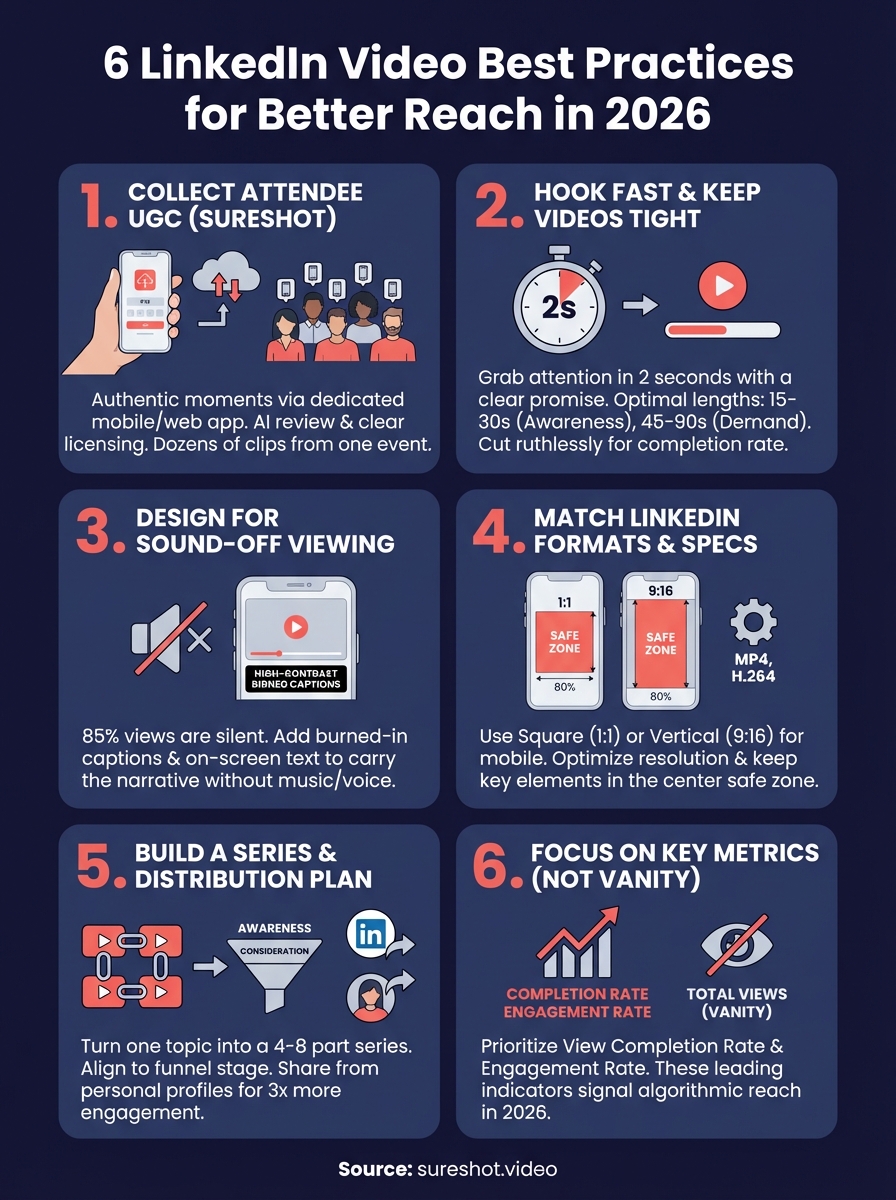
You can't execute effective LinkedIn video best practices if you don't have enough quality footage to work with. SureShot solves this by turning your event attendees into a distributed video crew, capturing authentic moments from perspectives no hired team could replicate. This approach gives you dozens or hundreds of clips from a single event, ready to transform into LinkedIn content.
Choose the moments you want attendees to capture
Before your event starts, identify three to five key moments you want captured on video. These might include keynote speakers, product demos, crowd reactions, or behind-the-scenes setup. Your attendees need clear direction on what to film, not just an open invitation to record anything.
Set up frictionless capture and uploading on site
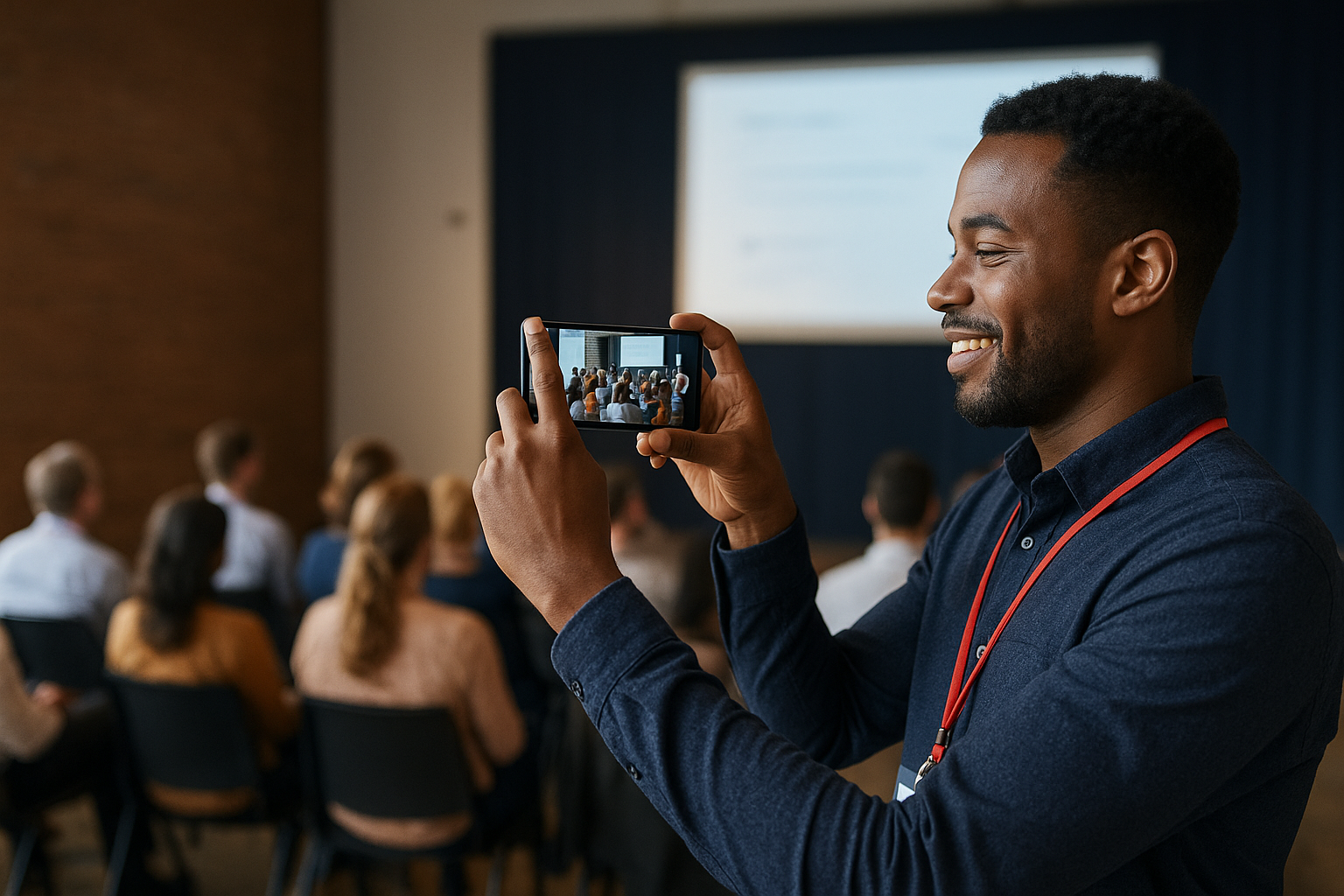
Deploy SureShot's dedicated mobile app for iOS users and web interface for Android attendees at your event. Attendees access the platform using a unique PIN you generate, then upload clips directly from their phones. The barrier to participation drops dramatically when people don't need to email files or deal with complicated transfers.
Curate fast with clear licensing
SureShot's review tools surface uploaded clips so you can quickly identify the strongest moments, saving hours of manual review. The platform also handles content licensing upfront, so attendees grant you usage rights as part of the upload process. You skip the legal headaches that come with scraping social media or chasing down permissions later.
When attendees grant licensing during upload, you gain immediate clearance to use their clips across LinkedIn posts, ads, and campaigns without additional paperwork.
Repurpose clips into LinkedIn-ready cuts for posts and ads
Raw event footage rarely works on LinkedIn without editing. Pull your best 5 to 15 second clips from SureShot and combine them into format-specific cuts. Organic posts perform better with authentic, unpolished moments, while paid ads often need tighter editing and clearer calls to action.
Protect privacy and keep your content permissions clean
SureShot securely handles all uploaded content and attendee data, meeting standard privacy requirements. You maintain a clean chain of custody for every clip, with documentation showing when and how each attendee granted usage rights. This protection matters when you're running paid campaigns that require proof of content ownership.
2. Hook fast and keep videos tight
LinkedIn users scroll fast, especially on mobile. Your video has two seconds to grab attention before someone swipes past. Following LinkedIn video best practices means treating those opening moments like paid media, even when you're posting organically. The tighter you keep your videos, the better your watch time metrics perform, which directly impacts how far LinkedIn pushes your content.
Write a one-sentence promise for the first 2 seconds
Start with a single claim that tells viewers exactly what they'll learn or see. Skip introductions, logos, and context setting. Your opening line might be "This backstage moment shows why attendees trust our brand" or "Watch what happened when we asked 200 people this question." You need immediate payoff, not buildup.
Use opening visuals that match the promise
Your first frame should visually demonstrate what you promised in the opening line. If you said "backstage moment," show backstage footage immediately. When your words and visuals align from second one, viewers trust they're in the right place and keep watching.
Pick the right length for awareness vs demand
Awareness content performs best between 15 to 30 seconds, while demand generation videos can run 45 to 90 seconds if they deliver value throughout. Test both lengths with similar content to learn what your specific audience tolerates.
Videos under 30 seconds maintain higher completion rates, but longer videos can generate more qualified engagement when the content justifies the length.
Cut ruthlessly to protect watch time and completion rate
Remove every frame that doesn't advance your message or add entertainment value. LinkedIn's algorithm rewards high completion rates, so a tight 20-second video that 80% of viewers finish outperforms a 60-second video with 40% completion.
End with one clear next step
Tell viewers exactly what to do: visit your site, comment with their experience, or follow your page. You lose momentum and conversions when you end with vague calls like "let us know what you think."
3. Design for sound-off viewing
LinkedIn reports that 85% of video views happen without sound, yet many event organizers still produce videos that depend on narration or music. Effective LinkedIn video best practices require you to design for silence first, then treat audio as a bonus layer. Your attendee footage from SureShot becomes more versatile when you add text elements that work independently of sound.
Add burned-in captions that read on mobile
Burned-in captions live directly on your video file, not as a separate subtitle track. You need large, high-contrast text that remains readable on a phone screen held at arm's length. Position captions in the bottom third of your frame, using white text with a dark background or shadow to ensure legibility against any backdrop.
Use on-screen text to carry the structure of the video
Layer in title cards and labels that identify speakers, locations, or key moments. These text elements help viewers follow your narrative when they can't hear who's talking or what's happening. Place text strategically to guide attention without blocking important visual elements.
Make the message clear without relying on music or voice
Test your video by watching it completely muted. If you lose the core message, add more on-screen text or visual cues. Your strongest clips should communicate value through actions and reactions, not just dialogue or soundtrack.
Videos designed for sound-off viewing maintain message clarity across all viewing contexts, from busy office spaces to late-night mobile scrolling.
Improve accessibility without slowing down production
Burned-in captions simultaneously serve viewers who prefer sound-off and those who require captions for accessibility. You handle both audiences with a single production step, making this one of the most efficient improvements you can implement.
Avoid common caption and overlay mistakes
Skip animated text that flies in or bounces, which distracts from your content. Don't use decorative fonts that sacrifice readability for style. Keep caption duration synchronised with speech patterns, giving viewers enough time to read without holding static text too long.
4. Match LinkedIn formats and specs
LinkedIn's technical requirements change less frequently than its algorithm, but ignoring them costs you reach. When you upload videos that don't meet platform specs, LinkedIn compresses them aggressively or crops them awkwardly, damaging the quality of your attendee footage. Following proper LinkedIn video best practices for technical formatting ensures your content displays correctly across desktop and mobile devices.
Pick one aspect ratio and commit to it
Choose square (1:1) or vertical (9:16) for mobile optimization, or landscape (16:9) if your audience primarily watches on desktop. LinkedIn displays all three formats, but mixing aspect ratios across your content creates an inconsistent brand presence on your profile. Square videos take up more screen space in mobile feeds, making them the safest default choice.
Use reliable file formats and export settings
Export videos as MP4 files with H.264 codec, which LinkedIn processes most reliably. Keep your file size under 5GB and your video length under 10 minutes for native uploads. Higher bitrates don't improve quality after LinkedIn's compression, so you waste upload time without gaining visual benefits.
Optimise resolution, framing, and safe zones for mobile
Upload at 1080 x 1080 pixels for square or 1080 x 1920 for vertical videos. Keep critical elements like faces and text inside the centre 80% of your frame to avoid cropping on different screen sizes.

Mobile devices account for 57% of LinkedIn traffic, making mobile-first framing non-negotiable for maximum reach.
Create a cover image that earns the click
LinkedIn pulls a thumbnail automatically, but you should upload a custom cover image that shows the most compelling moment from your video. Choose frames with visible faces and clear text that communicate value before the video plays.
QA the upload to avoid compression and clipping issues
Watch your video immediately after uploading on both mobile and desktop views. Check that captions remain readable, colours look accurate, and audio syncs properly if you included sound.
5. Build a repeatable series and distribution plan
One video rarely moves the needle on LinkedIn. You need consistent output that builds recognition and gives the algorithm multiple chances to connect your content with the right viewers. Applying these linkedin video best practices through a structured series approach multiplies your return on every piece of attendee footage you collect through SureShot.
Turn one topic into a 4 to 8 part series
Take a single event theme and break it into multiple angles. If you ran a product conference, you could create separate videos highlighting customer testimonials, feature demonstrations, speaker insights, and behind-the-scenes moments. Each video stands alone but reinforces the same core message, training LinkedIn to show your content to people who engage with similar topics.
Align topics to funnel stage and audience segment
Awareness content showcases event highlights and attendee reactions, targeting people who don't know your brand yet. Consideration videos demonstrate specific outcomes or features, speaking to prospects evaluating options. Match your video topics to where viewers sit in their decision process.
Decide where to post for reach and credibility
Post videos to your company page for brand reach and have executives share them from personal profiles for amplified distribution. Personal profiles generate higher organic reach than company pages, making them valuable for your strongest content.
Videos shared from personal profiles receive 3x more engagement than identical content posted only to company pages.
Use light testing to improve hooks, formats, and CTAs
Run two versions of your opening hook or call to action with similar videos to identify what drives better completion rates. Small changes to your first two seconds often produce significant performance differences.
Track performance with the metrics that matter in 2026
Focus on view completion rate and engagement rate instead of vanity metrics like total views. LinkedIn prioritizes videos that keep viewers watching and generate comments, making these leading indicators of algorithmic reach.
Next steps
You now have six proven strategies to improve your video performance on LinkedIn in 2026. The gap between knowing these linkedin video best practices and actually implementing them comes down to having enough quality content to work with. Most event organizers collect footage once or twice per year, then struggle to maintain consistent posting between events.
SureShot changes that equation by turning every event into a content production engine. Your attendees capture authentic moments from angles professional crews miss, giving you dozens of clips ready to repurpose into LinkedIn posts and ads. The platform handles licensing and organisation, so you spend your time editing and distributing rather than chasing down footage.
Ready to fill your content calendar with authentic event footage that performs? Book a 30-minute demo to see how SureShot collects and organises attendee video at scale.