



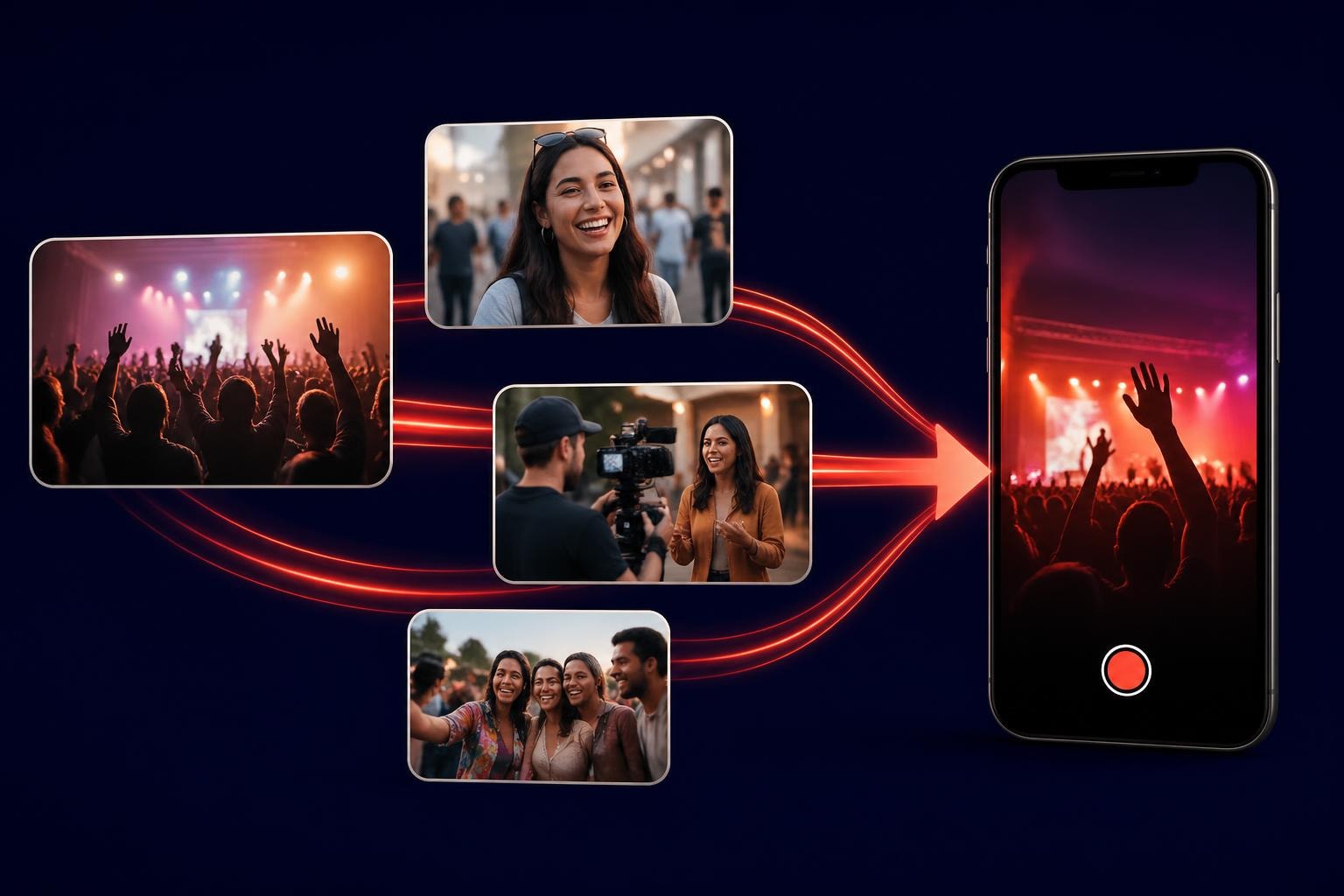

You've probably scrolled past hundreds of videos today without thinking twice about them. But some stick. Some make you pause, share, or actually feel something. That's not magic, it's just good content hitting the right notes. Let's look at examples of videos that work, why they connect, and how you can use them without burning through your budget or losing your mind in the process.
User-Generated Content Videos
People trust people more than they trust brands. That's not new information, but it's why user-generated content keeps winning.
Think about festival footage captured by attendees on their phones. It's shaky, authentic, and exactly what someone scrolling at 11pm wants to see. These videos show real moments that polished corporate content can't replicate.
Event Highlights from Attendees
When someone films their mate absolutely losing it during their favourite band's set, that's marketing gold. Not because it's professional, but because it's genuine.
- Raw emotion beats production value
- Multiple perspectives tell a richer story
- Attendees become your storytelling team
- Content spreads organically without ad spend

Conference attendees filming speaker reactions, workshop moments, or networking sessions create a library of content that actually represents the experience. You're not asking people to trust your edited highlight reel. You're showing them what it actually felt like to be there.
| Video Type | Production Cost | Authenticity Rating | Engagement Potential |
|---|---|---|---|
| Professional Event Video | High | Medium | Medium |
| User-Generated Clips | Low | Very High | Very High |
| Hybrid Curated UGC | Medium | High | Very High |
Testimonial and Review Videos
Nothing sells like someone saying "this actually worked" on camera. Testimonial videos are examples of videos that convert because they remove doubt.
The best testimonials aren't scripted. They're someone talking about a specific problem and how it got solved. When different types of corporate videos get deployed, testimonials consistently punch above their weight.
Customer Success Stories
A three-minute video of a customer explaining how your product saved them time or money does more than ten landing pages. Especially when it's not overly produced.
- Specific problems with specific solutions
- Real people, not actors
- Actual results, not vague promises
- Short enough to watch while waiting for coffee
Behind-the-Scenes Content
Everyone wants to see how things actually work. Behind-the-scenes videos satisfy curiosity and build connection.
When you show the messy middle of getting something done, you're not just making content. You're building trust. People see the effort, the team, the mistakes, and the wins.
Setup and Breakdown Footage
Event setup videos show the chaos before the magic. Breakdown footage shows the exhaustion after. Both are fascinating because they're true.
This ties into various types of video production that focus on process over polish. The imperfection is the point.
- Time-lapse of venue transformation
- Team preparing before doors open
- Post-event wrap-up and debrief
- Technical setup and sound checks
Tutorial and How-To Videos
If someone's searching for how to do something, they want answers, not a documentary. Tutorial videos that respect people's time get watched and shared.
The different types of videos for marketing include tutorials because they provide immediate value. You're not selling, you're helping. Sales follow naturally.
Quick Tips and Walkthroughs
Thirty-second tips work better than ten-minute deep dives for most topics. Show the thing, explain the thing, done.
When you're explaining how to curate video content effectively, demonstrate with actual examples. Don't just talk about it.
- Identify the specific problem
- Show the solution step-by-step
- Highlight common mistakes
- Keep it under two minutes
- End with a clear next action
Social Media Native Videos
Platform-specific content wins. What works on LinkedIn dies on TikTok. What works on Instagram Reels feels weird on YouTube.
Understanding effective video content examples across platforms helps you adapt rather than copy-paste. A vertical video optimised for mobile scrolling beats a horizontal corporate upload every time.

Short-Form Vertical Content
People watch on phones. Vertical videos fill the screen. Horizontal videos don't. That's the entire strategy.
When creating content for mobile-first platforms, think about choosing the best video format for web and how aspect ratios affect engagement. Sometimes you need to convert horizontal video to vertical to make existing content work on new platforms.
- 9:16 aspect ratio for Stories and Reels
- Hook within first three seconds
- Captions for sound-off viewing
- Clear call-to-action before the end
Live Stream and Real-Time Content
Live video creates urgency. You either watch now or miss it. That FOMO drives engagement in ways pre-recorded content can't match.
The beauty of live content is its imperfection. Technical glitches happen. People stumble over words. That's fine. It's real, and real works.
Event Broadcasting
Streaming your event live extends your reach beyond physical attendance. People who couldn't make it still feel included.
| Live Stream Type | Best Use Case | Engagement Level | Production Complexity |
|---|---|---|---|
| Single Camera Static | Panel discussions | Medium | Low |
| Multi-Angle Switching | Main stage performances | High | High |
| Mobile Live Stream | Behind-the-scenes access | Very High | Very Low |
| Interactive Q&A | Workshops and training | Very High | Medium |
Explainer and Educational Videos
When you need to explain something complex, video beats text. Types of explainer videos range from animated to live-action, but they all share one goal: making complicated things simple.
The key isn't dumbing things down. It's breaking them into digestible pieces.
Product Demonstrations
Show how it works in real conditions, not a sterile studio. Demonstrations answer the "will this actually work for me?" question that stops purchases.
When explaining different video content types, actual examples matter more than theoretical descriptions. Show, don't tell.
- Real-world use cases
- Common troubleshooting scenarios
- Comparison with alternatives
- Honest limitations and constraints
Documentary-Style Storytelling
Longer-form content still has its place. When you've got a story worth telling, take the time to tell it properly.
Documentary-style videos work for brand stories, impact reports, or deep dives into topics your audience cares about. They're examples of videos that build authority and emotional connection.
Brand Story Videos
Your origin story, your mission, your people. Not as a marketing exercise, but as genuine storytelling.
These work when they're honest about challenges, not just celebrating wins. The struggle makes the success meaningful.
- Founder interviews with real talk
- Employee perspectives on company culture
- Customer impact stories with measurable outcomes
- Community involvement and social responsibility
Animation and Motion Graphics
Sometimes the best way to explain abstract concepts is through animation. Data visualisation, process flows, and theoretical frameworks all benefit from visual movement.
Motion graphics transform boring statistics into engaging content. They're particularly useful when filming real-world examples isn't practical or possible.
Data Visualisation Videos
Numbers alone put people to sleep. Animated charts showing growth, impact, or change over time tell a story that static graphs can't match.
- Quarterly results and company metrics
- Survey findings and research data
- Timeline visualisations of project progress
- Comparison charts and benchmark analysis
Compilation and Highlight Reels
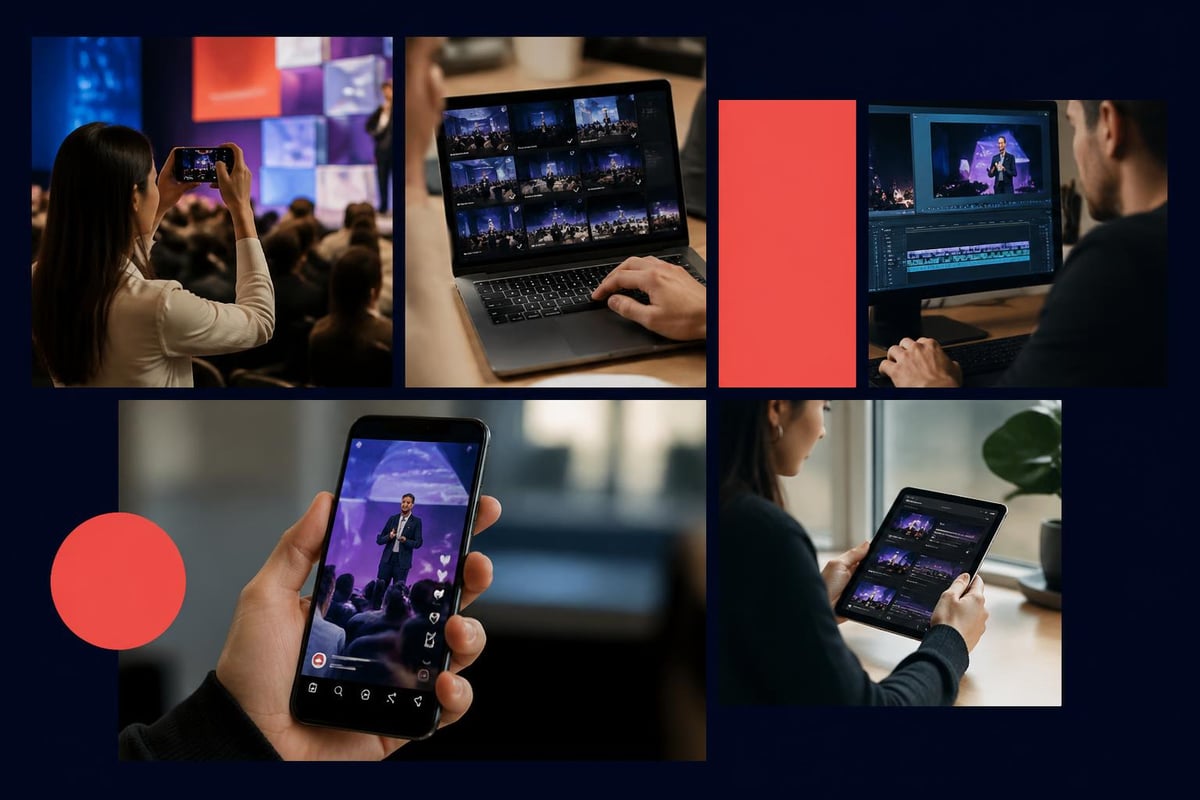
Taking the best moments from multiple sources and creating a coherent narrative is video content curation at its finest.
Highlight reels work because they respect time. Instead of watching hours of footage, viewers get the good bits in three minutes.
Multi-Perspective Event Recaps
When you combine clips from attendees, official cameras, and spontaneous moments, you create something more complete than any single perspective could offer.
This approach to automating event video curation means you're not manually sorting through hundreds of clips. Technology helps identify the best moments, but human judgment makes the final call.
- Collect footage from multiple sources
- Review and tag key moments
- Create thematic sequences
- Add context through captions or voiceover
- Distribute across relevant channels
Training and Internal Communication Videos
Not all examples of videos are customer-facing. Internal training videos save time, ensure consistency, and scale knowledge across teams.
The various types of videos used in corporate settings include onboarding, process documentation, and company announcements. They're practical tools, not just content.
Process Documentation
Recording how things get done means new team members don't need to bug colleagues with basic questions. It also ensures everyone follows the same procedures.
- Standard operating procedures
- Software walkthroughs and tool training
- Safety protocols and compliance requirements
- Best practice demonstrations
Interactive and Shoppable Videos
Adding interactive elements transforms passive watching into active participation. Clickable hotspots, embedded quizzes, or direct purchase links turn videos into conversion tools.
Shoppable videos work particularly well for product launches or collections where viewers can click to buy without leaving the video. Friction kills sales, so removing steps matters.
Product Launch Announcements
Announce new products with videos that let viewers explore features, compare options, and purchase directly. The whole journey happens in one place.
When you're selecting the best UGC platform or video content creation software, consider whether it supports these interactive features. Some tools make it easy, others require custom development.
| Interactive Element | Use Case | Engagement Boost | Implementation Difficulty |
|---|---|---|---|
| Clickable Hotspots | Product details | Medium | Medium |
| Embedded Forms | Lead capture | High | Low |
| Chapter Markers | Long-form navigation | Medium | Low |
| Purchase Links | E-commerce | Very High | Medium |
| Branching Paths | Personalised content | Very High | High |
Q&A and Interview Videos
Conversations are easier to watch than monologues. Interview-format videos feel natural and allow for spontaneous moments that scripted content misses.
Q&A sessions address real questions from your audience, making the content immediately relevant. You're literally answering what people want to know.
Expert Interviews
Bringing in outside experts adds credibility and fresh perspectives. It's not just you talking about your thing anymore.
These videos work particularly well on LinkedIn and professional platforms where thought leadership matters. The key is asking questions your audience actually cares about, not softballs that let the expert ramble.
- Industry trend discussions
- Problem-solving approaches
- Contrarian viewpoints and debates
- Practical advice and actionable tips
Announcement and Update Videos
Email updates get ignored. Video announcements get watched. Especially when they're short and to the point.
Company updates, product releases, policy changes, or event announcements all work better as quick videos than as text blocks.
Event Invitations and Previews
Show people what they're missing if they don't attend. Teasers from previous events, speaker introductions, or venue tours create anticipation.
When promoting events, understanding content curation strategy helps you select which moments to highlight. Not everything is equally compelling.
- Speaker highlight reels
- Venue and location showcases
- Agenda walkthroughs with context
- Early bird and ticket information
The best examples of videos share one thing: they respect their audience's time and intelligence. Whether you're collecting clips from event attendees or producing polished corporate content, authenticity beats perfection. If you're looking to transform your event attendees into video storytellers who capture genuine moments that actually spread, SureShot ApS provides the platform to collect, curate, and share user-generated content that enriches your events while cutting production costs. Your attendees are already filming; you just need to harness it.


