
You've run a brilliant event. Your attendees captured hundreds of moments on their phones. Now you need to actually get that footage. Sounds simple. It's not always. When you're trying to download footage from multiple sources, across different devices, in various formats, things get messy fast. Here's what actually works.
Why Download Footage Matters for Events
Event content used to mean hiring a videographer for £2,000 and getting one polished three-minute recap. That's still fine if you want one perspective. But your attendees already filmed the event. They got angles your hired camera missed. They captured genuine reactions. They created content they'll actually share.
The trick is getting that footage off their phones and into your workflow. When you download footage from attendees, you're not just collecting files. You're gathering raw material that cost you nothing to produce and comes with built-in authenticity.
The Format Problem
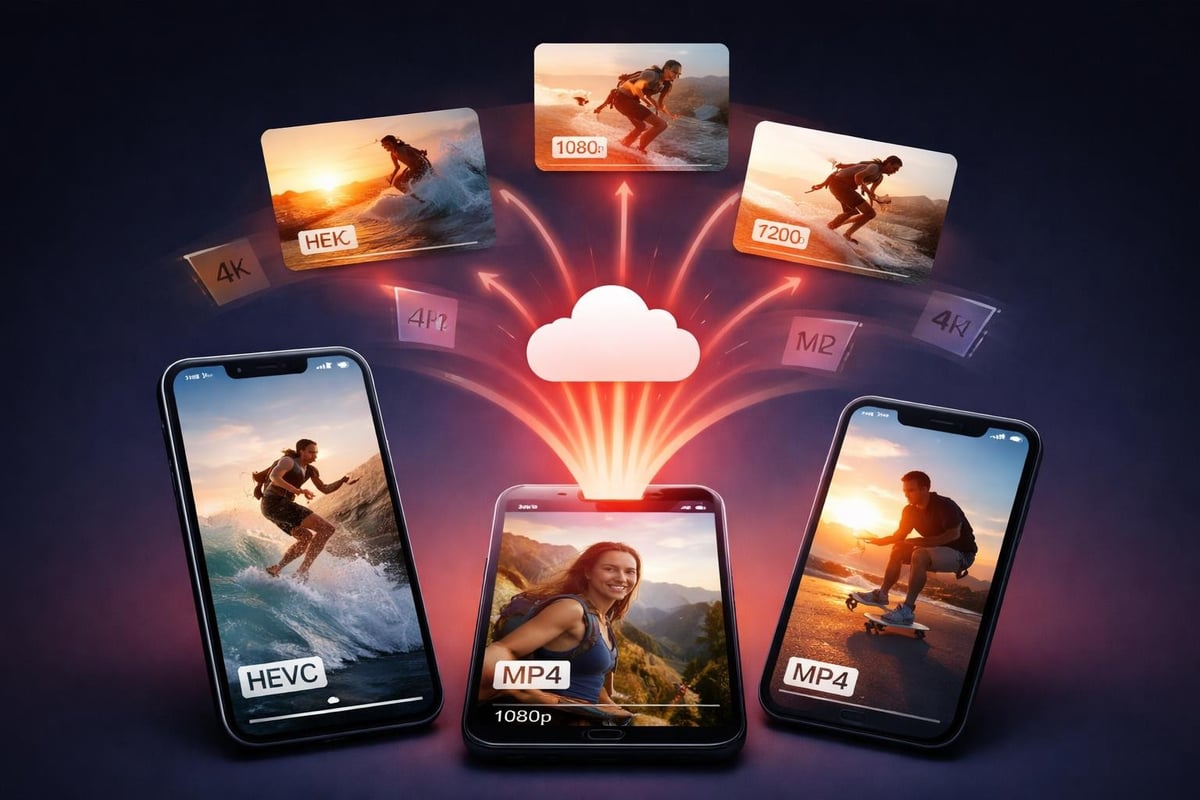
Everyone films differently. iPhones shoot HEVC by default. Android varies wildly. Some people film vertical, some horizontal. Some in 4K, some in 1080p. When you download footage, you're inheriting this chaos.
Understanding codec differences helps, but you can't control what people use. You need a system that handles whatever arrives. The alternative is spending hours converting files manually, which defeats the entire point of user-generated content.
Getting People to Actually Submit
Here's the uncomfortable truth: most attendees won't send you footage unless you make it dead simple. Email attachments? Too large. File transfer services? Too many steps. Social media DMs? They'll forget.
What works:
- QR codes at the event that open a submission page
- In-app uploads directly from their camera roll
- Immediate confirmation they uploaded successfully
- No login required before they submit
The best time to download footage is while people are still at your event. Their phones are full, they want to free up space, and they're still buzzing from the experience. Wait until next week and you'll get maybe 20% of what you could have collected.
The Upload Experience
People won't upload a 2GB file on event WiFi. They just won't. Following video upload best practices means optimizing on their device before transmission, or accepting lower-resolution uploads initially.
You can either:
- Compress on their device (requires app permissions)
- Accept the wait time (requires patience they don't have)
- Get uploads later via better connection (requires them to remember)
None of these options are perfect. Pick the one that matches your audience's tolerance for friction.
Managing Downloaded Content
You've successfully convinced 50 people to submit footage. Congratulations, you now have 50 files to review. This is where most event organisers give up and just use the professional footage they paid for.
Smart content curation platforms filter before you download footage to your local machine. They handle:
- Duplicate detection
- Quality filtering
- Rights management
- Automatic tagging
| Feature | Manual Process | Automated Platform |
|---|---|---|
| Review 100 clips | 3-4 hours | 20 minutes |
| Check permissions | Email each person | Built-in consent flow |
| Find best moments | Watch everything | AI highlights |
| Format for socials | Export, edit, resize | One-click variants |
The time savings aren't marginal. They're the difference between actually using UGC and letting it sit in a folder forever.
Storage and Organisation
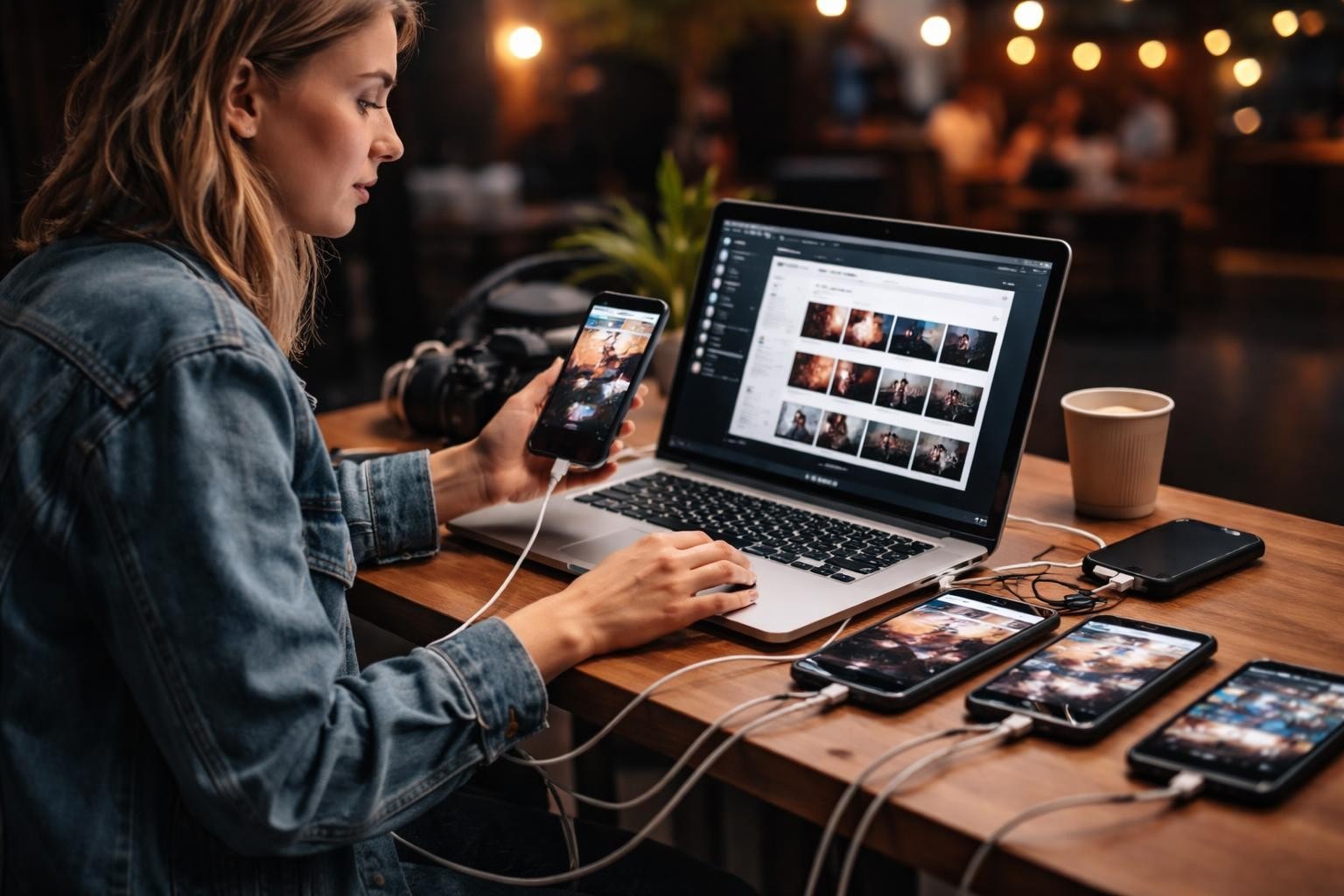
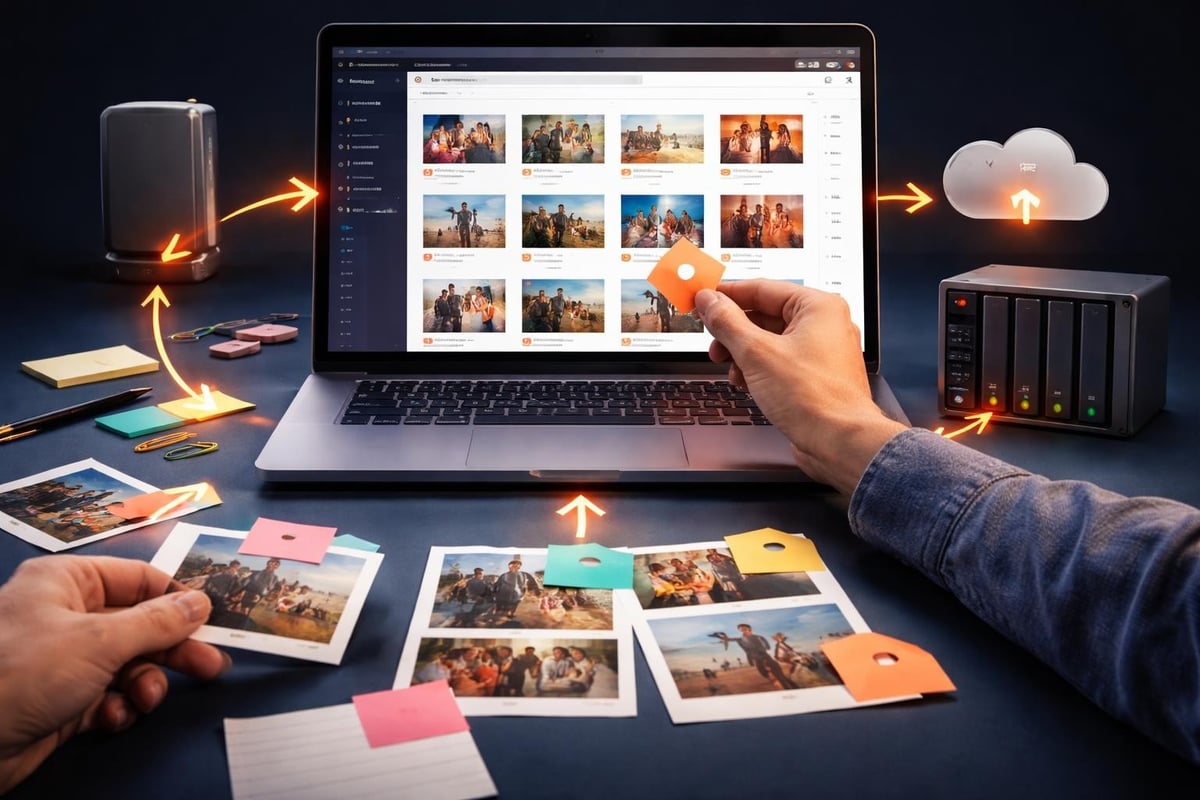
When you download footage, where does it go? If the answer is "my laptop", you're setting yourself up for disaster. Hard drives fail. Laptops get replaced. Cloud storage services have upload limits.
Event footage needs:
- Redundant backup (at minimum two locations)
- Searchable metadata (date, event name, contributor)
- Access controls (not everyone needs everything)
- Long-term retention policy (how long do you keep it?)
Most event organisers underestimate storage needs. A single 4K clip can be 500MB. Multiply by 100 submissions and you're at 50GB for one event. Run monthly events and you're looking at 600GB annually before any editing or derivatives.
The Legal Side Nobody Wants to Think About
Here's an awkward question: do you actually have permission to download footage from attendees? Just because someone uploads a video doesn't mean you own it or can use it however you want.
Proper consent management handles this before download. When someone submits footage, they need to explicitly agree to terms that specify:
- What you'll use it for (social media, website, ads?)
- How long you'll keep it
- Whether you'll credit them
- If they can revoke permission later
Understanding content licensing prevents the nightmare scenario where you build an entire campaign around user footage, then get a cease-and-desist because you never actually secured rights.
Release Forms in 2026
Nobody reads a PDF release form. They definitely won't print, sign, and scan one. Digital consent needs to happen in-flow when they upload. One screen, plain language, clear checkboxes.
The legally sound approach and the user-friendly approach aren't opposites. You just need to make legal requirements feel natural, not like homework.
Actual Quality Standards
Not all footage is usable. Some is shaky. Some is dark. Some features excellent content filmed vertically when you need horizontal. When you download footage, you need criteria for what makes the cut.
Minimum technical standards:
- Resolution: 1080p minimum (4K preferred)
- Stability: Watchable without inducing nausea
- Audio: Clear enough to understand if there's dialogue
- Lighting: Faces visible, not silhouettes
- Duration: At least 5 seconds of usable content
But technical quality isn't everything. A slightly shaky video of a genuine emotional moment beats perfectly stable footage of nothing interesting. Best practices for UGC platforms prioritize authenticity over polish.
Editing with AI Assistance
You can download footage and edit it entirely manually. Or you can let AI handle the tedious parts. We're not talking about AI-generated content here. We're talking about AI that:
- Identifies the best moments in real footage
- Detects faces and emotions
- Suggests cuts and transitions
- Auto-generates captions from actual audio
The content stays authentic. The efficiency doesn't.
Distribution After Download
You've collected, curated, and downloaded footage. Now what? The files sitting on your drive don't help anyone. Distribution matters as much as collection.
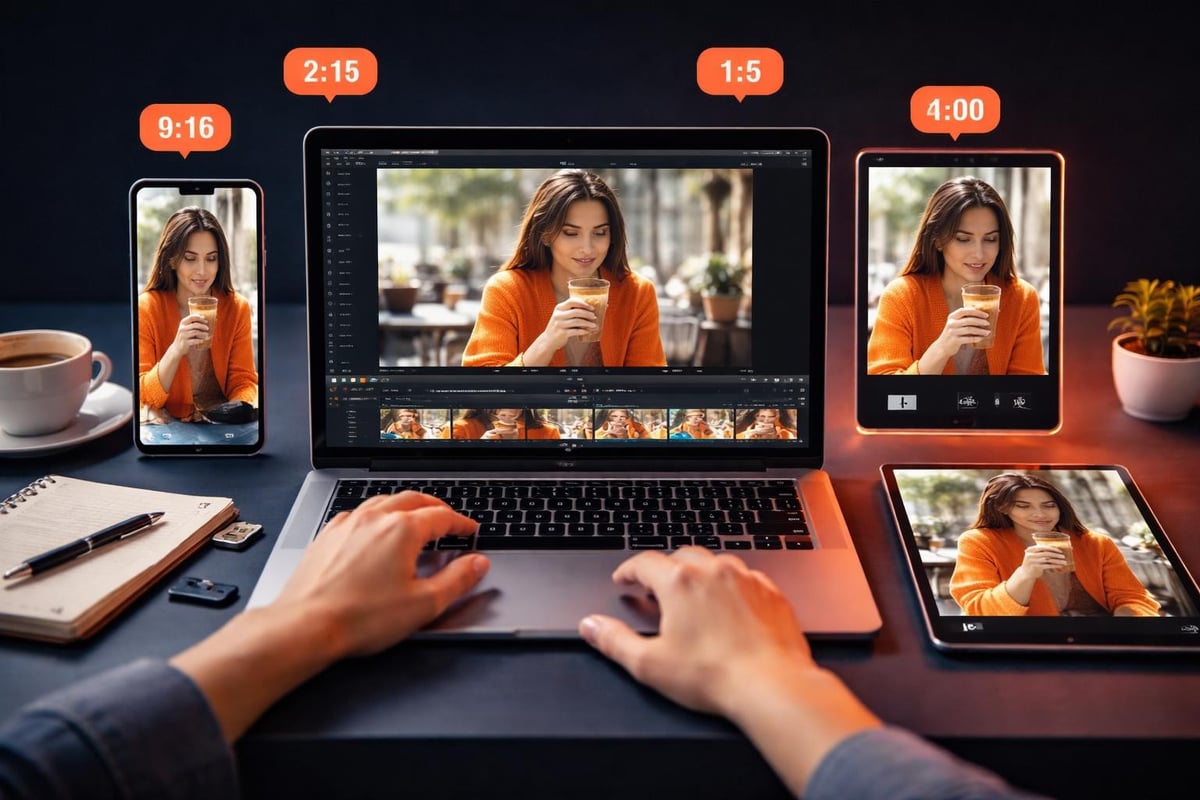
Different platforms need different formats. When you're working with downloaded footage, you're reformatting constantly:
| Platform | Aspect Ratio | Max Length | Format Notes |
|---|---|---|---|
| Instagram Feed | 1:1 or 4:5 | 60 seconds | H.264 recommended |
| Instagram Stories | 9:16 | 15 seconds | Vertical only |
| TikTok | 9:16 | 3 minutes | Vertical preferred |
| YouTube | 16:9 | Unlimited | Best web formats matter |
| 16:9 | 10 minutes | Professional context |
Understanding the differences between short-form platforms helps you repurpose downloaded footage efficiently. One piece of raw content becomes five platform-specific pieces.
Making Download Links Accessible
When you share downloaded footage with stakeholders (sponsors, partners, team members), how you send it matters. Following accessibility guidelines for download links means including file size and format in the link text, not burying it.
"Download video (MP4, 150MB)" is better than "Click here". Seems obvious. Most people still get it wrong.
Bandwidth and Streaming Considerations
Sometimes you don't want to download footage at all. Streaming directly from source saves local storage and bandwidth. But streaming best practices require reliable internet and proper technical setup.
For live events, you're weighing:
Download pros:
- Works offline
- Consistent playback
- Full editing control
- No buffering issues
Streaming pros:
- No storage needed
- Instant access
- Automatic updates
- Lower bandwidth for viewers
Neither option wins every scenario. Multi-day festivals might stream during the event and download footage for post-production. Corporate events with spotty WiFi download everything locally first.
What Actually Happens at Scale
Run one event with 20 submissions and managing downloaded footage is straightforward. Run 50 events annually with 100+ submissions each and you need industrial-strength systems.
At scale, you're not managing files. You're managing metadata, permissions, workflows, teams, and deadlines. The tools that work for small projects break down when you're processing thousands of clips.
Event video curation automation becomes essential. You can't manually review 5,000 submissions. You need smart filtering that surfaces the best content and deprioritizes the unusable without requiring human review of every frame.
Building Sustainable Workflows
The goal isn't handling this event's footage. It's building a repeatable system that works every time. That means documenting processes, training team members, and choosing tools that won't require complete overhauls next quarter.
When you download footage repeatedly, small inefficiencies multiply. Shaving five minutes off your review process saves hours across a year of events. Automating format conversion saves days.
ROI on User-Generated Footage
Here's what matters: does downloading footage from attendees actually deliver value? Professional videography costs £1,500-£5,000 per event day. You get one camera angle, one perspective, zero social sharing from the crew.
User-generated content costs platform fees (if you use one) and your time to curate. You get dozens of perspectives, authentic moments, and content creators who actively share their contributions with their networks.
The comparison isn't even close. UGC wins on cost, volume, and organic reach. The only thing professional footage wins on is guaranteed consistency. Sometimes you need that. Most events don't.
Organic Reach Through Contributors
When attendees submit footage and see themselves featured in your event recap, they share it. Their friends see it. Those friends attend your next event. The cycle continues.
This doesn't happen when you download footage and never credit contributors. It doesn't happen when you ghost the people who gave you free content. Basic acknowledgment turns one-time contributors into repeat participants.
Technical Details That Matter
File naming conventions sound boring. They're critical when you're managing hundreds of downloads. "VID_20260330_142301.mp4" tells you nothing. "Festival2026_Mainstage_Crowd_UserJohn_001.mp4" tells you everything.
Consistent naming enables:
- Automated sorting
- Quick searching
- Clear attribution
- Logical archiving
Same goes for folder structure. Random organization creates future headaches. Systematic organization (Event > Date > Source Type > Contributor) scales indefinitely.
Safe and Legal Downloads
Downloading videos safely means more than just avoiding malware. It means respecting copyright, maintaining quality, and preserving original metadata.
When you're downloading footage from attendees, you're usually getting original content they created. That's straightforward. But if someone submits a clip that includes copyrighted music or third-party branding, that's your problem now.
Pre-screening saves legal headaches. Automated audio detection flags copyrighted music before you download footage to your library. Manual review catches obvious brand violations.
Managing downloaded footage doesn't need to be complicated, but it does need to be systematic. The difference between usable UGC and a folder of forgotten files is workflow, not luck. SureShot handles the entire process, from collection through curation to distribution, letting your attendees become your content team while you focus on running excellent events.