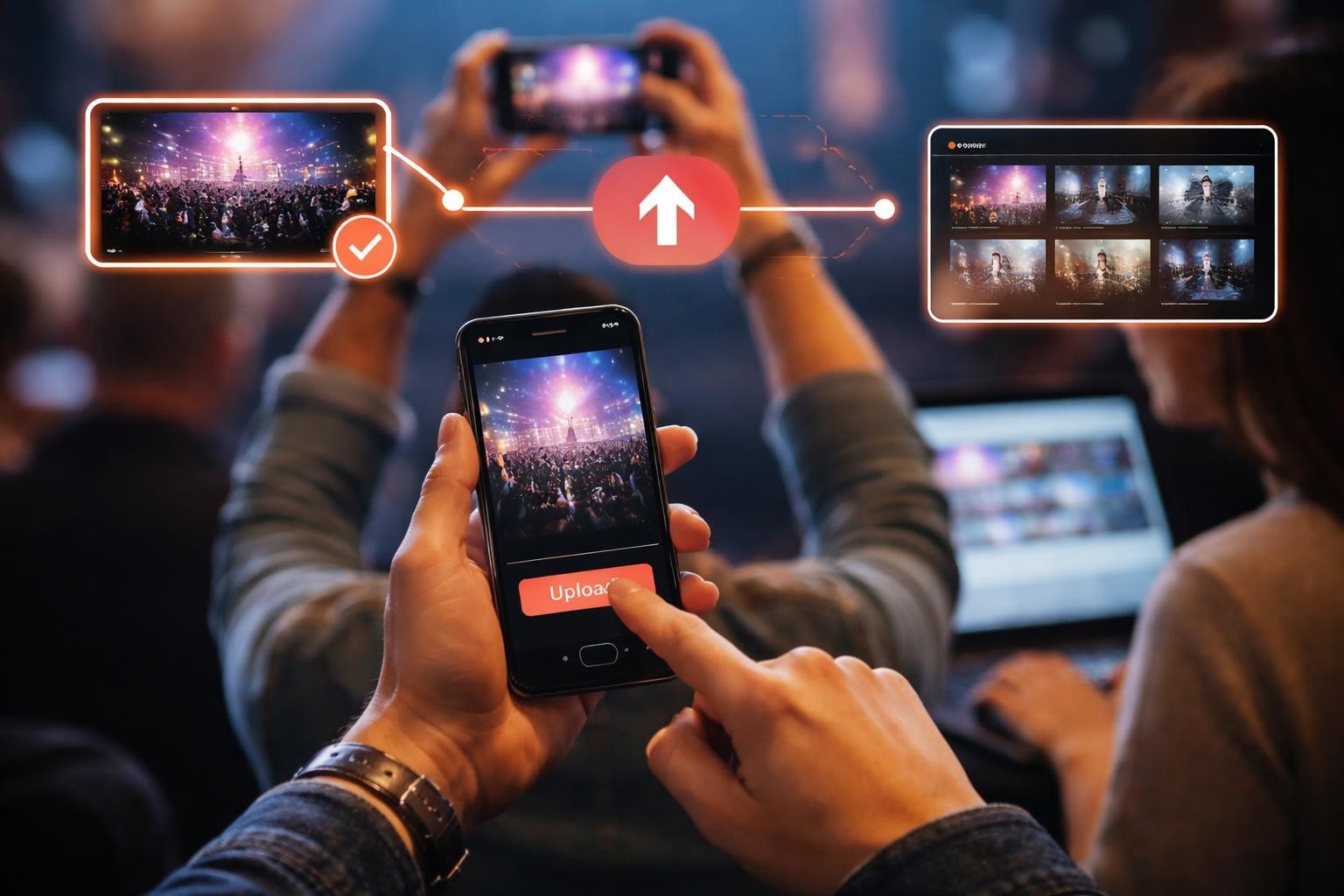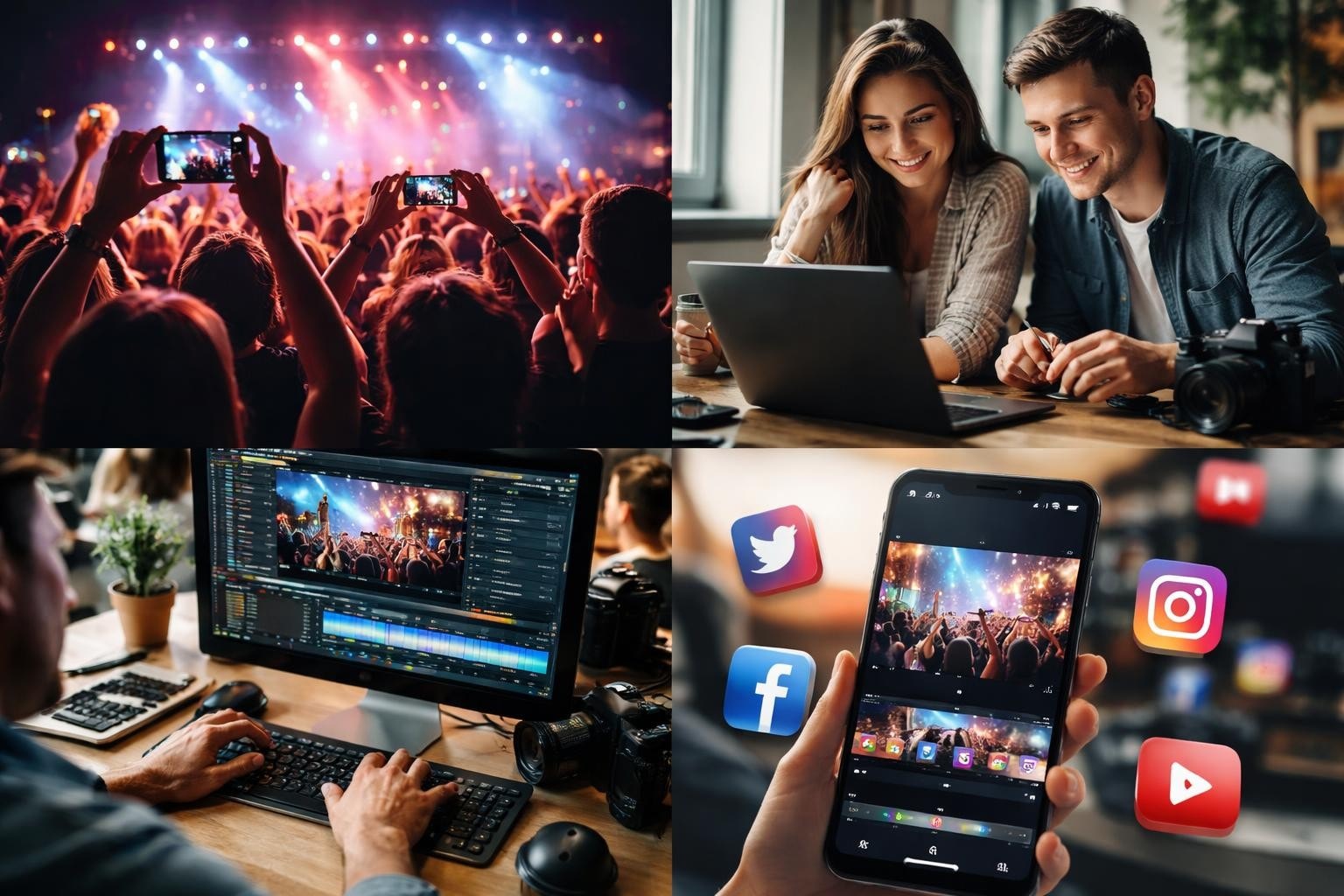

You've got hours of raw footage from your event. Attendees filmed everything. Now what? The difference between content that sits in a folder and content that spreads across social media comes down to how you create clips. Not fancy production. Not expensive equipment. Just knowing what to cut, how to cut it, and what people actually want to watch.
Why Most Event Clips Don't Work
Most event organisers make the same mistake. They film everything and post everything. A 90-second clip of someone walking to a stage. A two-minute intro that could've been ten seconds. Content that makes perfect sense if you were there, but means nothing if you weren't.
The problem isn't the footage. It's what you do with it.
When you create clips from authentic moments, you need to remember that your audience has about three seconds to decide if they care. That's it. Three seconds before they scroll past.
What Makes a Clip Worth Watching
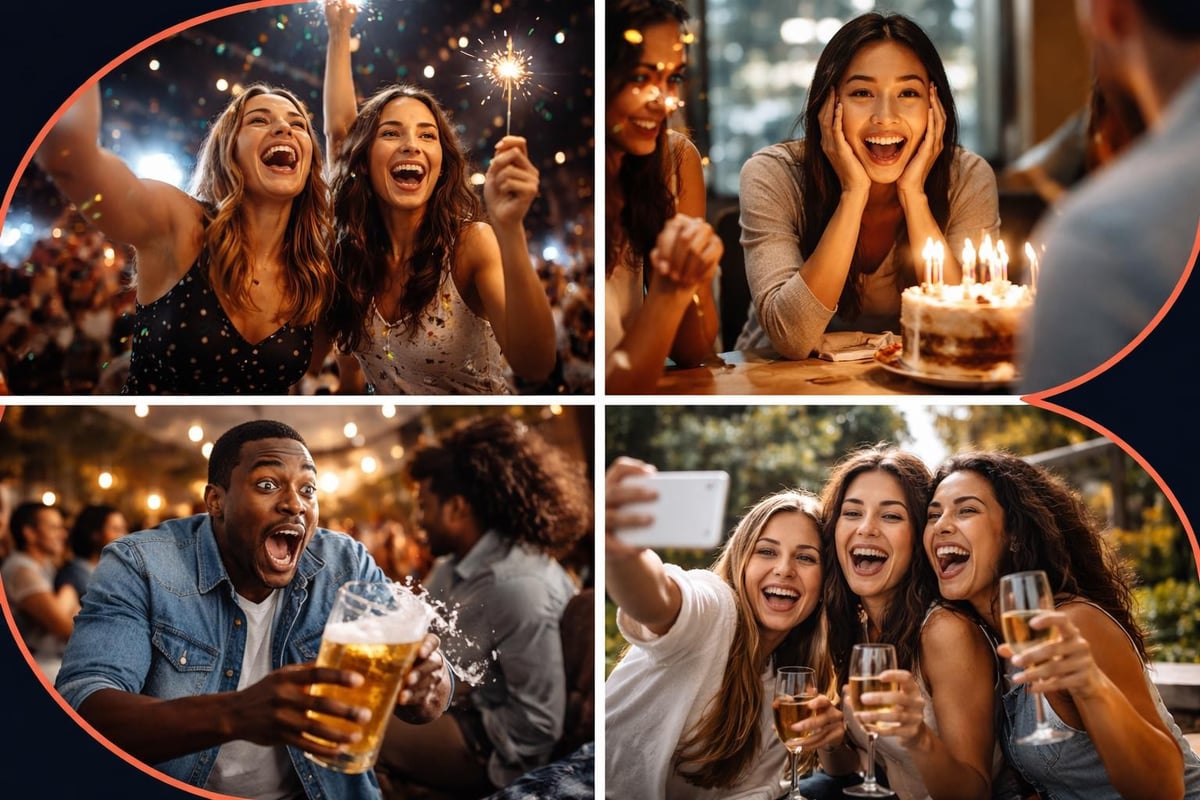
Emotion beats production value every time. A shaky phone video of someone genuinely surprised? That'll outperform a perfectly lit corporate talking head. User-generated content works because it feels real, not because it looks expensive.
Here's what actually matters when you create clips:
- Length: 15-30 seconds for social platforms. Maybe 60 if it's genuinely compelling.
- Hook: The first three seconds need to stop the scroll. No logos. No intros. Straight to the point.
- Story: Even a ten-second clip needs a beginning, middle, and end. Someone reacting to something is a story. Someone talking isn't.
- Context: If it needs explanation, it's not a clip. It's a longer video that you're trying to force into a clip.
Finding the Moments That Matter
When attendees capture content at your event, they're filming what actually interested them. That's your goldmine. Not the keynote (unless something unexpected happened). Not the sponsor shout-outs. The moments between the moments.
Someone meeting their hero. A crowd losing it over an announcement. Two strangers becoming friends. That's what spreads.
The U.S. Chamber of Commerce highlights that social video needs to grab attention immediately and deliver value fast. Your attendees already know this instinctively. They film what grabs them.
How to Actually Create Clips
You don't need a film degree. You need to know what works and what doesn't.
Step 1: Sort Before You Cut
Watch everything first. Mark the bits that made you react. If you didn't react, your audience won't either. Create a folder system:
- High-priority: Clips with clear emotion, action, or surprise
- Medium-priority: Good moments that need context
- Low-priority: Everything else (probably won't use it)
This isn't about perfect organisation. It's about not wasting time editing footage that'll never work.
Step 2: Cut Ruthlessly
Every second that doesn't add value removes value. That's just how it works.
Start with the best moment in the middle. Then work backwards to find the shortest possible intro. Then find the quickest possible ending. When you think you're done, cut another two seconds.
| What to Keep | What to Cut |
|---|---|
| Genuine reactions | Setup and context |
| The peak moment | Lead-up and wind-down |
| Clear audio | Background noise |
| Movement and energy | Static shots |
When you create clips from event content, you're not making a documentary. You're making something someone chooses to watch instead of scrolling to the next thing.
Step 3: Format for Platform
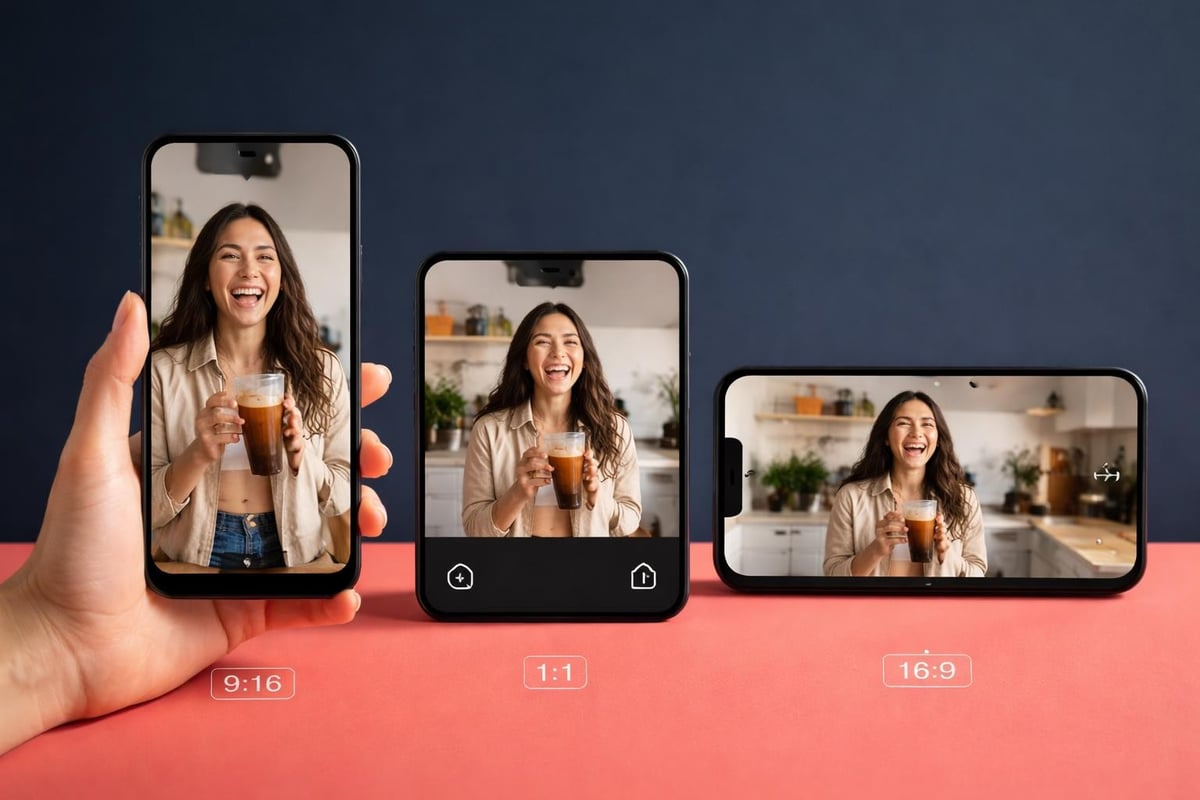
Vertical video for stories and reels. Square for feeds. Horizontal for YouTube. This matters more than you'd think. Knowing the differences between YouTube Shorts vs TikTok vs Reels helps you adapt your clips for maximum reach.
Don't just crop your horizontal footage to vertical. Frame it properly. Put the important stuff in the middle third where it'll work on any platform.
Making Authentic Content Actually Work
Here's the thing about user-generated content: it's authentic by default, but that doesn't mean it's automatically good.
Raw footage from attendees gives you authenticity. What you do next gives you effectiveness.
The Curation Process
You'll have dozens or hundreds of clips from attendees. Some brilliant. Most average. A few terrible. Content curation for social media is about finding signal in the noise.
What to look for:
- Clear audio (or moments where audio doesn't matter)
- Stable-enough footage (a bit of shake is fine, motion sickness isn't)
- Faces and reactions (people connect with people)
- Movement and action (static shots are forgettable)
What to skip:
- Anything that needs a disclaimer or explanation
- Footage where the subject clearly didn't want to be filmed
- Clips that only make sense if you were there
- Content that requires three paragraphs of caption to work
Editing Without Losing Authenticity
AI can help you find the good bits and trim the fat. What it can't do is decide what matters. That's still on you. Automating event video curation speeds up the process, but you still need human judgment for the final call.
Light colour correction? Fine. Fixing shaky footage? Sure. Adding transitions and effects and music that wasn't there? Now you're making it feel produced instead of authentic.
The goal is to make the clip better, not different.
Technical Stuff That Actually Matters
Most technical details don't matter as much as people think. But a few things do.
Resolution and Format
Shoot or export at 1080p minimum. 4K if you've got it, but 1080p is fine for social. The debate between H.264 vs H.265 is relevant for storage and quality, but for social sharing, compatibility wins. Stick with H.264 for now.
File size matters more than you'd think. A 200MB clip won't upload smoothly on dodgy wifi. Compress without losing noticeable quality.
Audio Quality
Bad audio kills good footage. If someone's speaking and you can't understand them, the clip doesn't work. Background music can't fix unclear dialogue.
When you create clips from events, prioritize moments with clean audio or moments where audio doesn't matter (reactions, dancing, visual surprises).
Captions and Text
80% of social video gets watched without sound. Add captions. Not as an afterthought. As part of the creation process.
Keep text big enough to read on a phone. Don't use fancy fonts. Don't cover faces or important action.
Managing Rights and Permissions
This is where most people mess up. You can't just use footage because someone filmed it at your event.
You need consent management systems in place before the event starts. Clear opt-ins. Clear terms. Clear communication about how content might be used.
What You Actually Need
A simple agreement that covers:
- Permission to use their footage
- Permission to edit it
- Permission to share it on your channels
- Credit requirements (if any)
Apple's app privacy details show how serious platforms are about user consent. Don't skip this bit because it feels like admin. It's what keeps you from pulling down content later.
Distribution Strategy
Creating good clips is half of it. Getting them seen is the other half.
Where to Post
| Platform | Best Clip Length | Format | Timing |
|---|---|---|---|
| TikTok | 15-30 seconds | Vertical | Peak evening hours |
| Instagram Reels | 15-30 seconds | Vertical | Lunch and evening |
| Instagram Feed | 30-60 seconds | Square/Vertical | Anytime |
| Twitter/X | 15-45 seconds | Square/Horizontal | Morning/Evening |
| 30-90 seconds | Square/Horizontal | Weekday mornings |
Don't post everything everywhere. Match content to platform. Your professional networking moment goes to LinkedIn. Your crowd going wild goes to TikTok and Instagram.
Timing Matters
Post while the event is still happening or immediately after. Event content has a shelf life measured in days, not weeks. Strike while people still care.
Batch your content releases. Three great clips spread over three days beats nine average clips posted in one afternoon.
What Success Actually Looks Like
Forget vanity metrics for a minute. Views are nice. Shares matter more.
When you create clips that work, people don't just watch them. They send them to friends. They repost them. They show up in DMs with "this is us" or "we need to go next year."
Track:
- Share rate: How many people shared vs just watched
- Completion rate: Did they watch the whole thing
- Comments and saves: Active engagement, not passive scrolling
- Profile visits: Did the clip make people curious about your event
UserTesting's guide on video highlight reels emphasizes selecting impactful moments and assembling them into narratives that resonate. The same principles apply to event clips.
Common Mistakes to Avoid
Making clips too long. If it's over a minute, it's not a clip. It's a video that you're calling a clip.
Over-editing. You're working with authentic moments. Keep them feeling authentic. Polish removes personality.
Forgetting mobile. 90% of social media happens on phones. If it doesn't look good on a phone screen, it doesn't work.
Ignoring accessibility. Captions aren't optional. They're essential. Best practices for incorporating audio and video include accessibility from the start, not as an afterthought.
Posting once and forgetting. Good clips deserve multiple posts across multiple platforms. Reformat and repost.
Making It Sustainable
You can't manually create clips for every event if you're running multiple events. You need systems.
Templates for common clip types. Software that helps with content curation and basic editing. Clear processes for who does what and when.
Document what works. When a clip performs well, note what made it work. Build a library of examples. Train your team on patterns, not individual techniques.
The goal is to create clips consistently, not perfectly. Consistency wins. Perfection is a distraction.
Creating clips from authentic event moments isn't complicated, but it requires knowing what to keep and what to cut. When you get it right, attendee footage becomes your most powerful marketing tool. SureShot helps you collect that authentic content from your attendees, manage permissions properly, and turn raw moments into shareable clips that actually spread. Your attendees are already filming. Make it count.