
Creating a 'video how to use' guide sounds straightforward until you're staring at hundreds of clips from your event, wondering how to turn them into something people actually want to watch. The difference between video content that spreads organically and stuff that gets ignored comes down to authenticity and knowing what to do with it once you've got it.
Event organizers face a particular challenge. You need content that shows the real experience, not some polished corporate video that looks like every other branded piece out there. The good news? Your attendees are already creating it. The trick is understanding the video how to use process from capture to distribution.
Getting Attendees to Actually Record
You can't curate what doesn't exist. The first hurdle is getting people to pull out their phones and record in the first place.
Make it stupidly easy. If your process requires downloading an app, creating an account, watching a tutorial, and then figuring out where to upload, you've already lost. The best user-generated content platforms remove friction until participation feels effortless.
Give people a reason beyond "please help us with content." What's in it for them?
- Instant access to their own videos after the event
- A chance to be featured on official channels
- Simple sharing tools that make them look good on social media
- Recognition or small incentives for top contributors
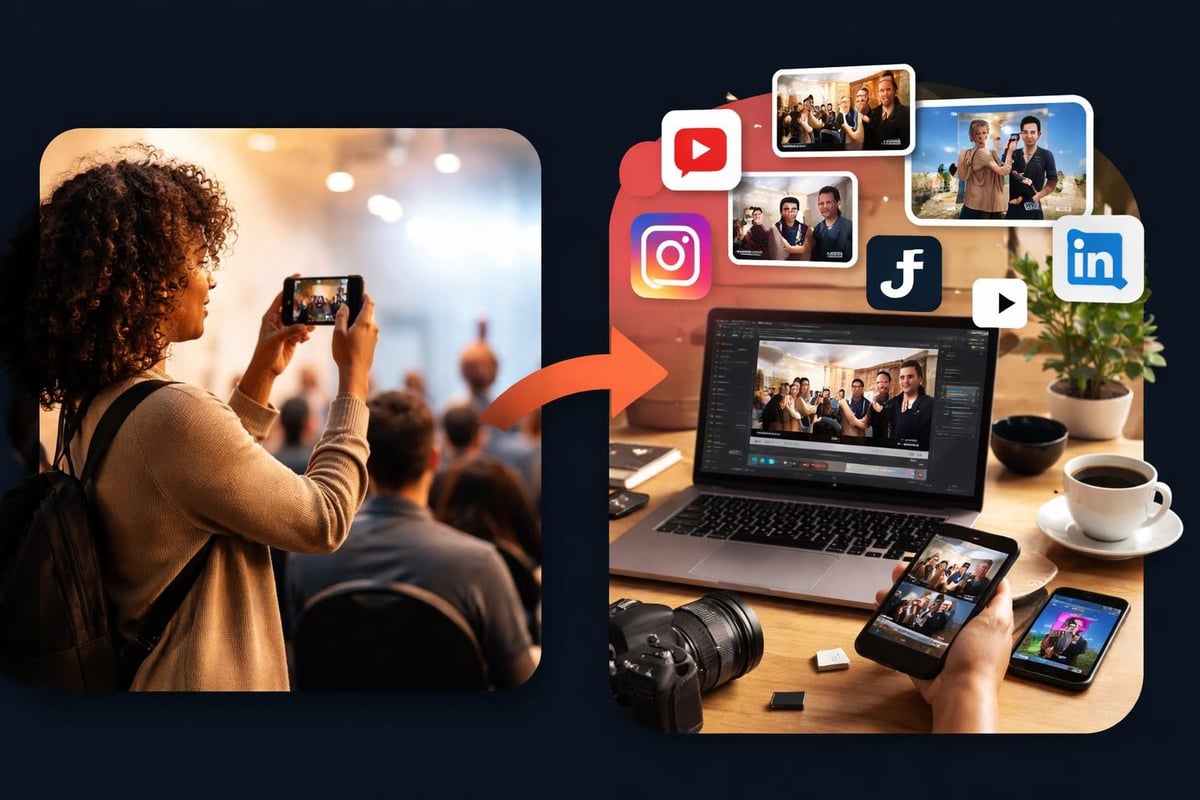
The timing matters too. Prompt people when they're already experiencing something worth recording. Send a notification during the headline act, not three hours later when they're in a taxi heading home.
Structuring Your Video How to Use Process
Once you've got content flowing in, you need a system. Wing it and you'll drown in footage that never gets used.
Content Collection Strategy
Set up clear categories before your event starts. Sport events might organize by match, quarter, or player highlights. Festivals could sort by stage, artist, or crowd moments. Conferences might divide by session, speaker, or networking.
| Collection Phase | Action Required | Tools Needed |
|---|---|---|
| Pre-Event | Create submission categories | Platform setup |
| During Event | Monitor incoming content | Mobile moderation |
| Post-Event | Review and select best clips | Editing workflow |
The video submission process should automatically tag content based on when and where it was captured. Manual sorting later is a waste of time you don't have.
Quality Control Without Killing Authenticity
Here's where most video how to use guides get it wrong. They obsess over production values that don't matter for user-generated content.
Shaky footage? That's fine if the moment is genuine. Audio isn't perfect? Doesn't matter if you can feel the energy. Focus on these instead:
- Does it show something real and engaging?
- Is it clear enough to understand what's happening?
- Does it capture the atmosphere of your event?
- Would someone actually want to share this?
According to best practices for creating instructional videos, clarity trumps polish every time. That applies double for authentic event content.
Editing User Content That Actually Works
You've collected the footage. Now what? Raw clips rarely work as-is, but over-editing kills what made them special.
Trim ruthlessly. The first three seconds of most user videos are rubbish. Someone pointing their phone at the ground, finding focus, or panning around aimlessly. Cut it. Start with the moment that matters.
Keep individual clips short. Between 6-15 seconds is the sweet spot for social media. Long enough to show something interesting, short enough that people watch to the end.
Compilation Strategies
Single clips are fine, but compilations multiply your reach. Here's what works:
- Chronological montages showing an event's progression
- Thematic edits focusing on one aspect (crowd reactions, performances, funny moments)
- Highlight reels featuring the absolute best content
- Before/after sequences showing transformation or reveals
The video content creation approach you choose depends on your goals. Building hype for next year? Go with highlights. Showing the full experience? Chronological works better.
Technical Considerations That Actually Matter
Skip the debates about H264 vs H265 unless you're encoding massive files. For user-generated content, focus on what impacts distribution.
Platform-Specific Formatting
Different platforms need different treatments:
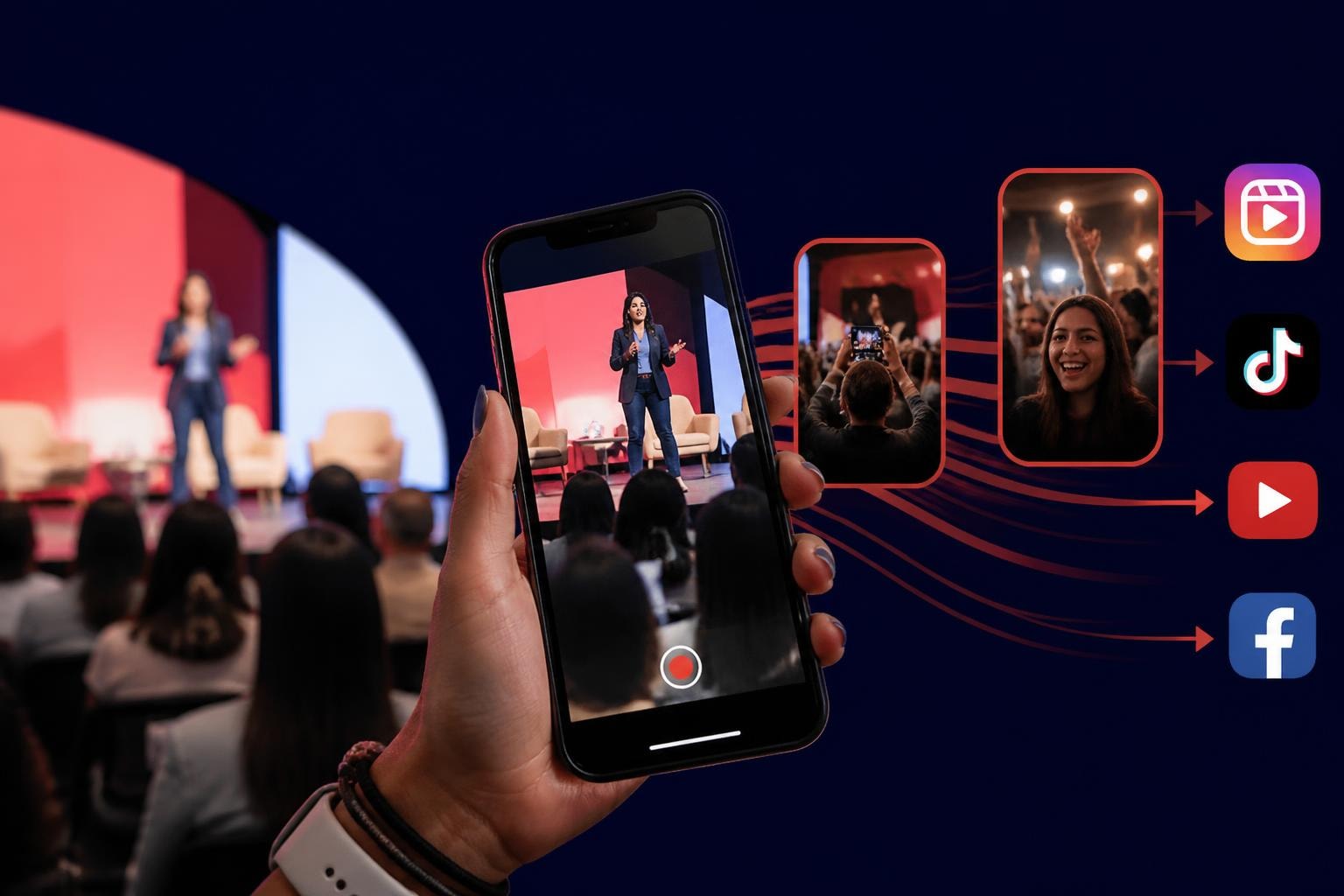
- Instagram Reels and TikTok prefer vertical 9:16 format
- YouTube works with horizontal 16:9
- Facebook handles both but prioritizes what performs well
Don't create separate content for each platform. Start with vertical since that's what people naturally shoot on phones, then crop or reframe if needed. Learn to convert horizontal video to vertical when you've got landscape footage that's too good to skip.
File sizes matter for upload speeds and mobile data. Compress enough that uploads don't fail, but not so much that quality suffers noticeably on phone screens.
Distribution Strategy for Maximum Reach
Creating great content means nothing if nobody sees it. The video how to use journey doesn't end at export.
Leveraging Contributors' Networks
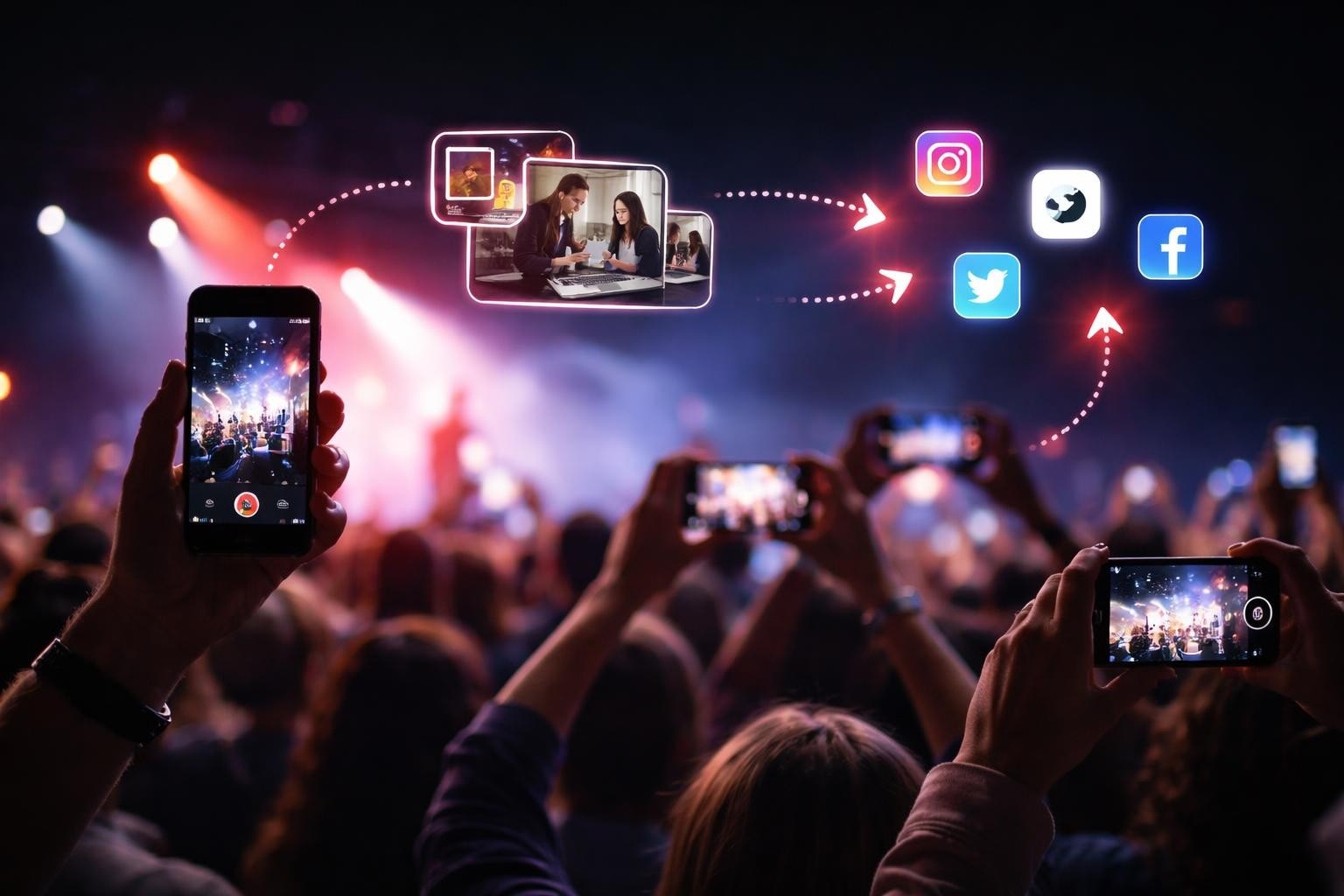
The people who created your content have audiences. Make it easy for them to share:
Notify contributors when their content goes live. Include a direct link and suggested caption. Most people will share their own moment, especially if you've edited it to look better than their original.
Tag contributors (with permission) when posting to your channels. Their friends see it, engagement goes up, and your content spreads to networks you couldn't reach otherwise.
Timing Your Posts
Don't dump everything at once. Spread content across days or weeks to maintain momentum. Event ended Saturday? Post highlights Sunday, behind-the-scenes Monday, crowd reactions Wednesday, best moments Friday.
According to Vidyard's comprehensive guide on creating effective how-to videos, consistency beats volume. Three posts a week for a month outperforms fifteen posts in one day.
| Post Type | Best Timing | Expected Engagement |
|---|---|---|
| Highlights | 24h after event | High initial spike |
| Behind-scenes | 2-3 days after | Moderate sustained |
| Compilations | 1 week after | Nostalgia-driven |
| Throwbacks | Ongoing monthly | Steady baseline |
Rights Management and Consent
This is where video how to use guides often skip crucial details. You need clear permissions to use people's content and footage of attendees.
Getting Proper Consent
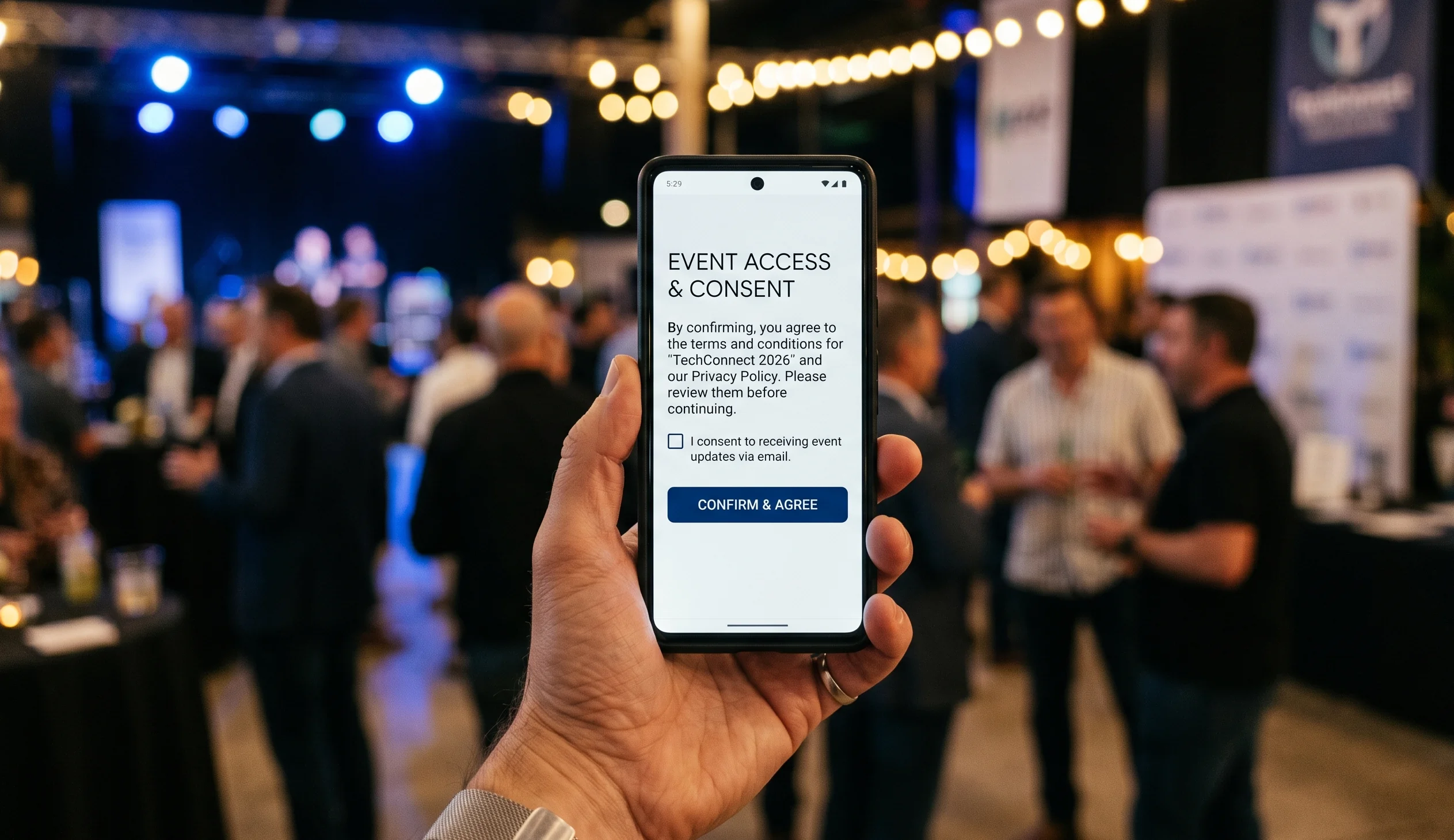
Don't hide consent in page 47 of your terms and conditions. Make it explicit:
- Clear opt-in when people submit content
- Visible notices that filming is happening
- Simple process to request removal if someone changes their mind
- Transparency about how content will be used
A good consent management platform handles this automatically. Manual tracking gets messy fast when you're dealing with dozens or hundreds of contributors.
Licensing for User Content
Decide upfront what rights you need. Exclusive ownership? Non-exclusive usage rights? Limited time periods? Be clear with contributors so there's no confusion later.
For most events, non-exclusive rights work fine. Contributors keep ownership, you get permission to use their content for promotional purposes. Everyone wins.
Measuring What Actually Matters
The video how to use process isn't complete without knowing if it worked.
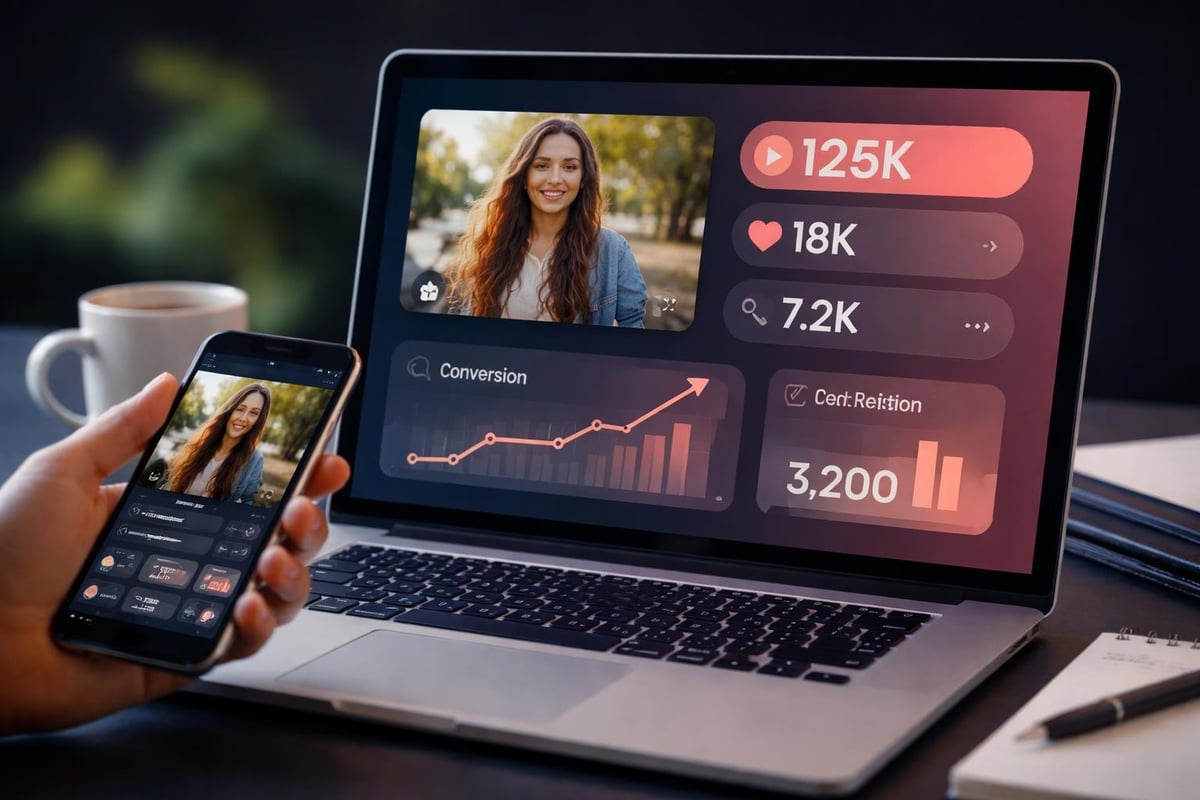
Vanity metrics lie. Total views sound impressive but mean nothing if nobody engaged. Focus on:
- Watch-through rate (did people finish the video?)
- Shares and saves (thought it was worth keeping or showing others?)
- Comments and reactions (sparked actual engagement?)
- Click-through to your event page or ticket sales
Track which types of content perform best. Crowd shots? Performer closeups? Behind-the-scenes moments? Double down on what works.
Attribution and Tracking
Use UTM parameters when sharing video links to track traffic sources. Know which platforms drive actual results versus which just inflate view counts.
Monitor how contributor sharing amplifies reach. When attendees post to their networks, that's earned media you couldn't buy. Earned media often outperforms paid promotion because it comes with built-in trust.
Common Mistakes to Avoid
Most video how to use failures come from predictable mistakes.
Over-curating kills authenticity. Yes, remove truly bad content. But leaving in minor imperfections makes it feel real. That shaky camera during an exciting moment? That's not a flaw, it's proof someone was genuinely caught up in the experience.
Waiting too long to post. Strike while memory is fresh. Content from last month's event posted today has already lost half its impact.
Ignoring contributor recognition. People want credit for their work. A simple tag or mention costs you nothing and builds goodwill for next time.
Making the process complicated. Every extra step halves participation. Keep it simple or people won't bother.
According to best practices for video tutorials from Washington State University, clarity and simplicity drive engagement more than production quality.
Scaling Your Video Content Operation
One event is manageable manually. Regular events or multiple venues require systems.
Automation That Helps, Not Hinders
Automate the tedious stuff:
- Collecting and organizing incoming videos
- Basic quality filtering (too dark, too short, corrupt files)
- Notification to contributors when content goes live
- Scheduled posting to social platforms
Keep humans in the loop for creative decisions. Which clips to feature? How to edit compilations? What captions to write? That's where judgment matters.
Building a Content Library
Don't treat each event as isolated. Build a library of authentic moments you can repurpose:
- Promotional content for future events
- Social media filler between major activities
- Testimonial-style content showing real experiences
- Comparison content (this year vs last year)
The best content curation tools make it easy to find that perfect clip from six months ago when you need it.
Creating Repeatable Workflows
The video how to use process should get easier each time, not harder.
Document what works. When a particular editing style or posting schedule drives results, write it down. Build templates for common compilation types. Create checklists for pre-event setup and post-event processing.
Train team members on the workflow. One person knowing everything creates a bottleneck. Distribute knowledge so anyone can step in.
Review and refine after each event. What took too long? What got skipped due to time pressure? What surprised you with performance? Adjust your process accordingly.
Integration with Broader Marketing
Video content doesn't exist in isolation. It feeds your event marketing plan and strengthens your overall content strategy.
Use video to drive ticket sales for future events. Show potential attendees what they're missing. Real footage from real people beats professional marketing videos for building FOMO.
Feed clips to your email campaigns, blog posts, and other channels. One piece of good video content can support multiple marketing initiatives.
Resources like Baker College's guide on instructional videos emphasize repurposing content across channels to maximize value from creation effort.
The Future of Event Video Content
User-generated video isn't a trend. It's how people naturally document experiences now. Events that don't harness this are leaving authentic content and organic reach on the table.
The technology keeps getting easier. Better phones, simpler platforms, smarter curation tools. The barrier to entry drops every year.
What doesn't change? People want to share genuine moments. They want to be part of something bigger. And they trust content from other attendees more than anything you could produce professionally.
The video how to use framework matters because it turns natural behavior into strategic advantage. You're not forcing people to create content. You're making it easy for them to share what they're already experiencing, then amplifying those authentic moments to reach people who weren't there.
Getting video how to use right transforms your event content from corporate announcements into authentic stories that actually spread. The attendees you already have become your content team, creating material that resonates because it's real. SureShot ApS handles the collection, curation, and distribution workflow so you can focus on creating experiences worth capturing. Turn your next event's attendees into storytellers who build your reach organically while cutting your content production costs.