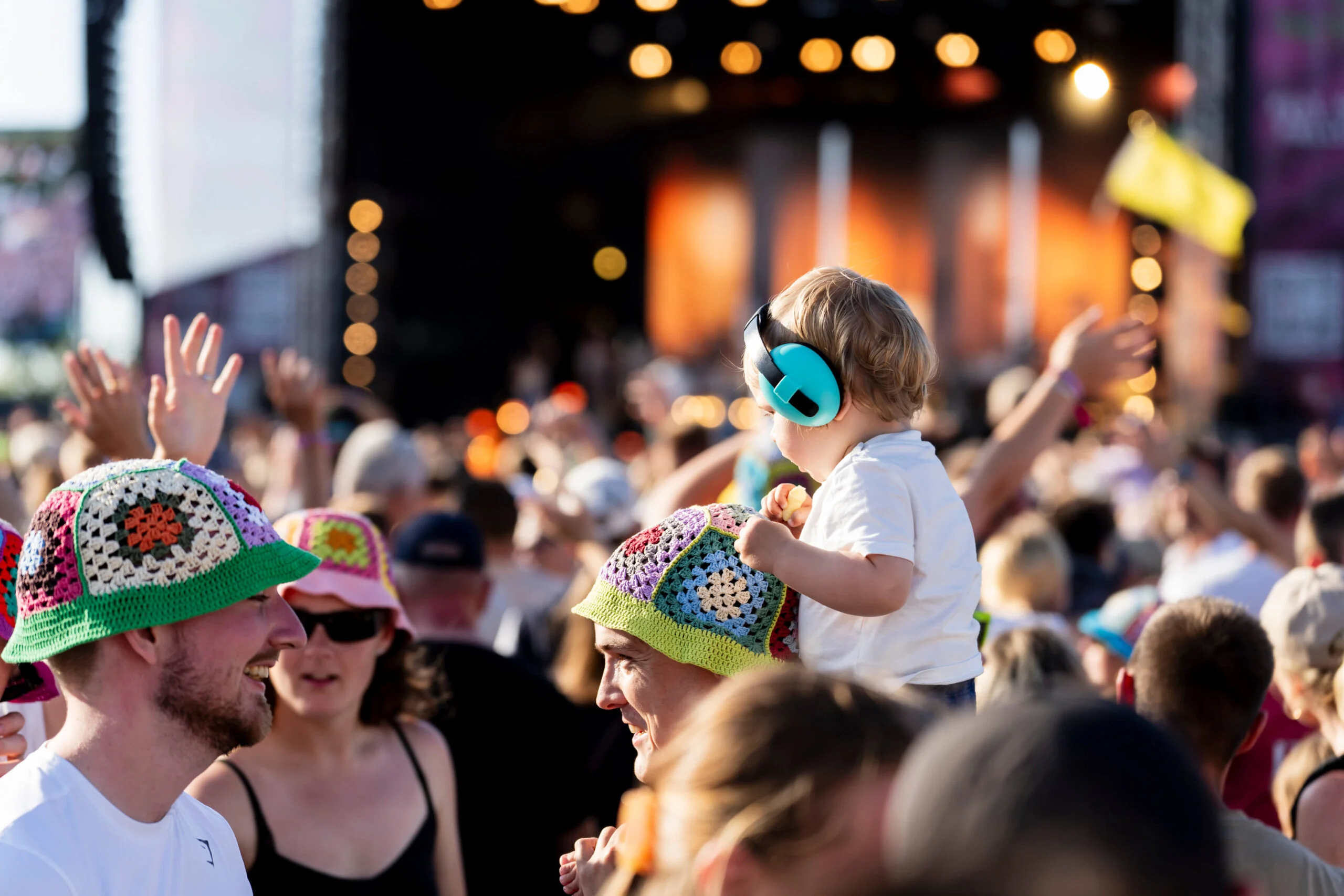

The phrase "video generate" typically brings up images of AI churning out synthetic clips from text prompts. You've seen the headlines about Sora and similar tools. But here's the thing: those technologies solve a different problem than most event organisers actually have. You don't need to video generate something from nothing. You need to capture what's already happening, the genuine moments your attendees are experiencing, and turn that raw material into shareable content.
Why Authentic Video Beats AI Generation Every Time
AI tools can video generate slick sequences. They're impressive technically. But they lack the one thing that makes event content valuable: authenticity.
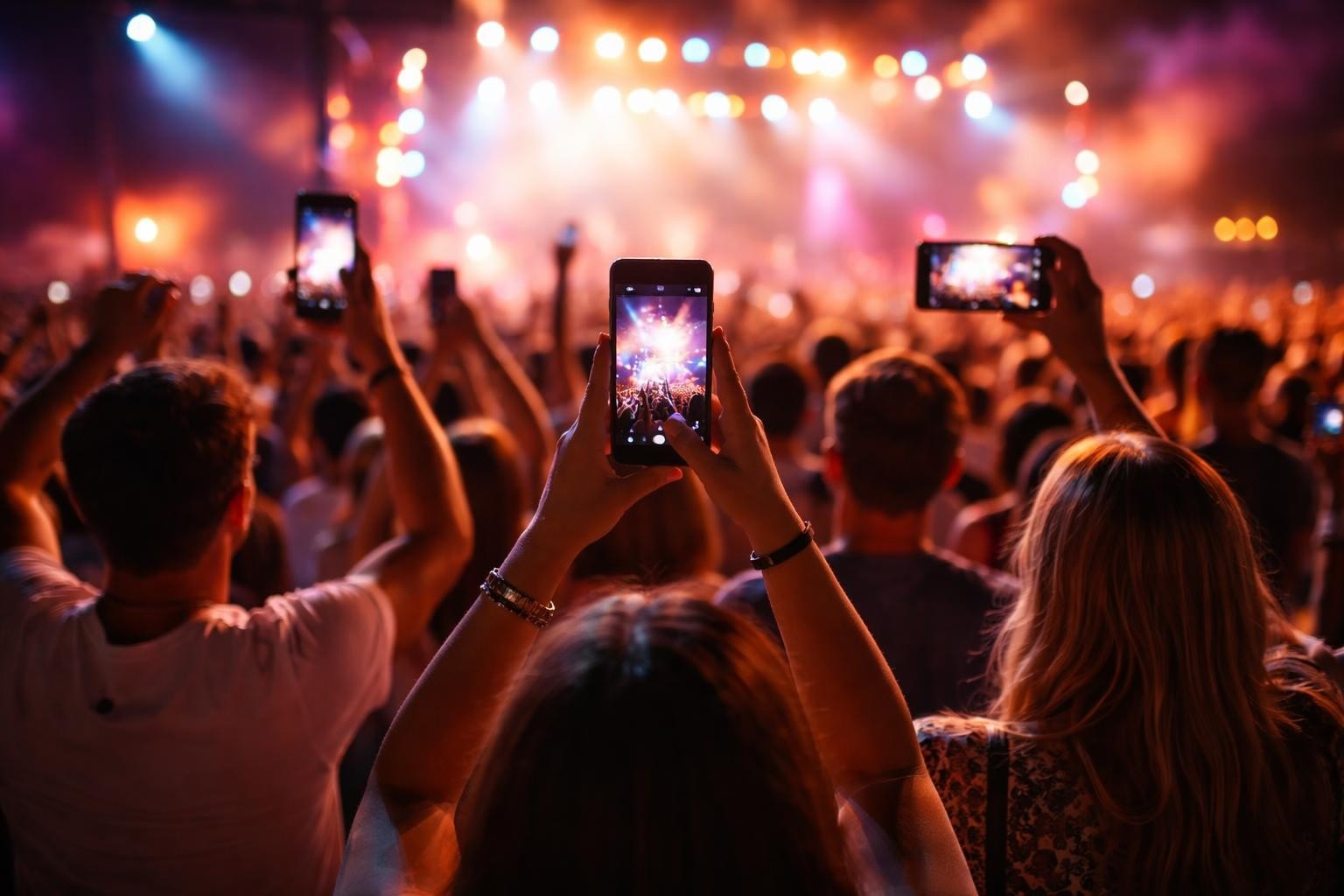
When someone at your event pulls out their phone and films their mate losing it during the headliner's encore, that's real. It's not polished. It's not perfectly lit. But it's worth more than any AI-generated clip because it shows actual human experience.
Here's what matters:
- Trust: People believe content from other attendees
- Emotion: Real moments carry genuine feeling
- Reach: Attendees share their own content naturally
- Cost: You're not paying for production crews
AI-generated content has its place. Product demos, explainer videos, maybe some background b-roll. But for events? You've already got cameras everywhere. They're in your attendees' pockets.
The Real Challenge Isn't Generation
The problem isn't how to video generate content. It's how to collect it, sort through it, and shape it into something useful without drowning in footage.
Think about a festival with 5,000 people. Even if just 10% film something, you've got 500 potential videographers. That's 500 different angles, moments, and perspectives. The challenge is curation, not creation.
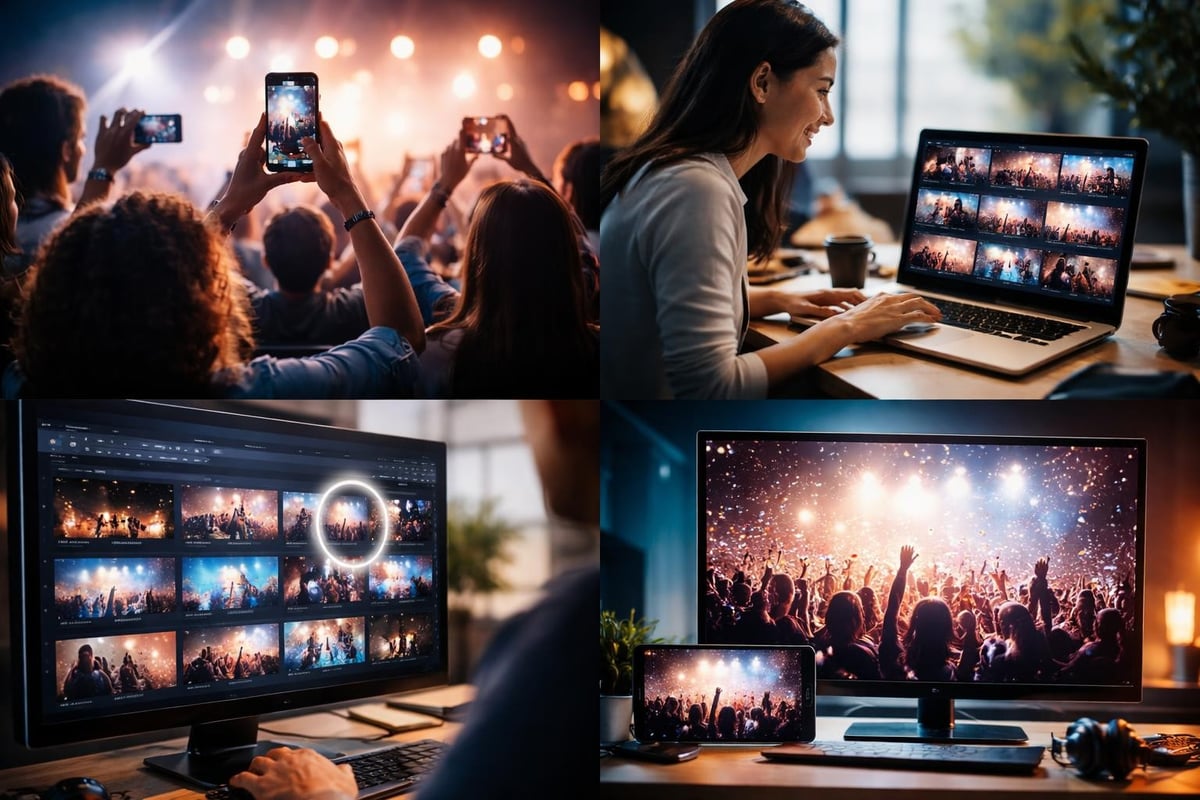
This is where smart technology actually helps. Not to video generate fake content, but to sort real content efficiently. AI can flag the clips with good lighting, clear audio, or emotional peaks. You still make the final call, but you're not watching hundreds of hours of footage.
How User-Generated Content Actually Works
Let's be specific about what works at events.
Before the Event
You need infrastructure. A simple way for people to upload content. Clear permissions so you can actually use what they film. Most organisers skip this step and wonder why they get nothing useful.
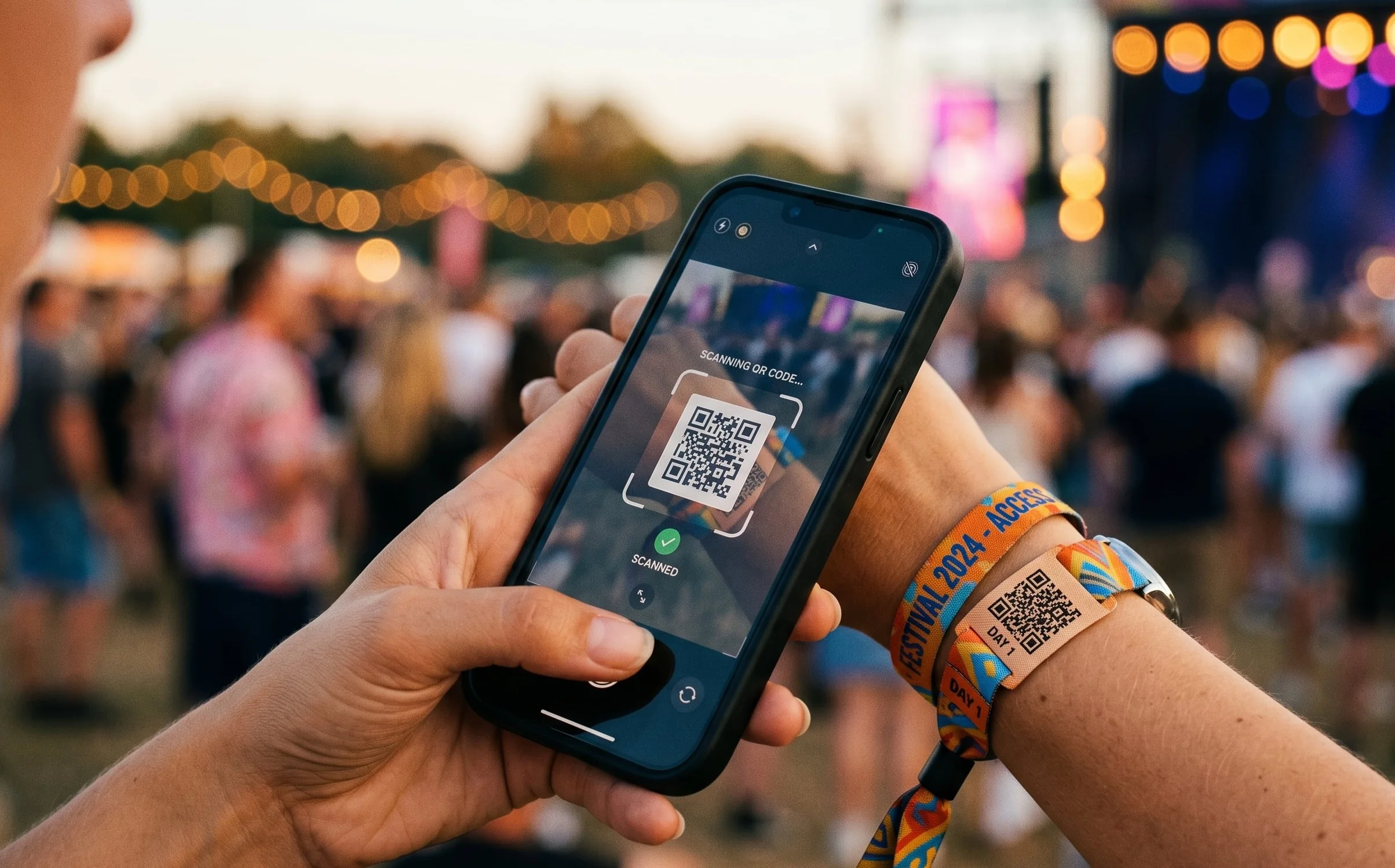
Set up a UGC platform that's dead simple. QR codes at entry points. Instructions on screens. Make it easier to share with you than to just post on Instagram.
Pre-event checklist:
- Create upload system accessible via QR code
- Draft clear content usage terms
- Brief staff on encouraging participation
- Test the whole flow yourself
During the Event
This is when the magic happens, if you've set it up right.
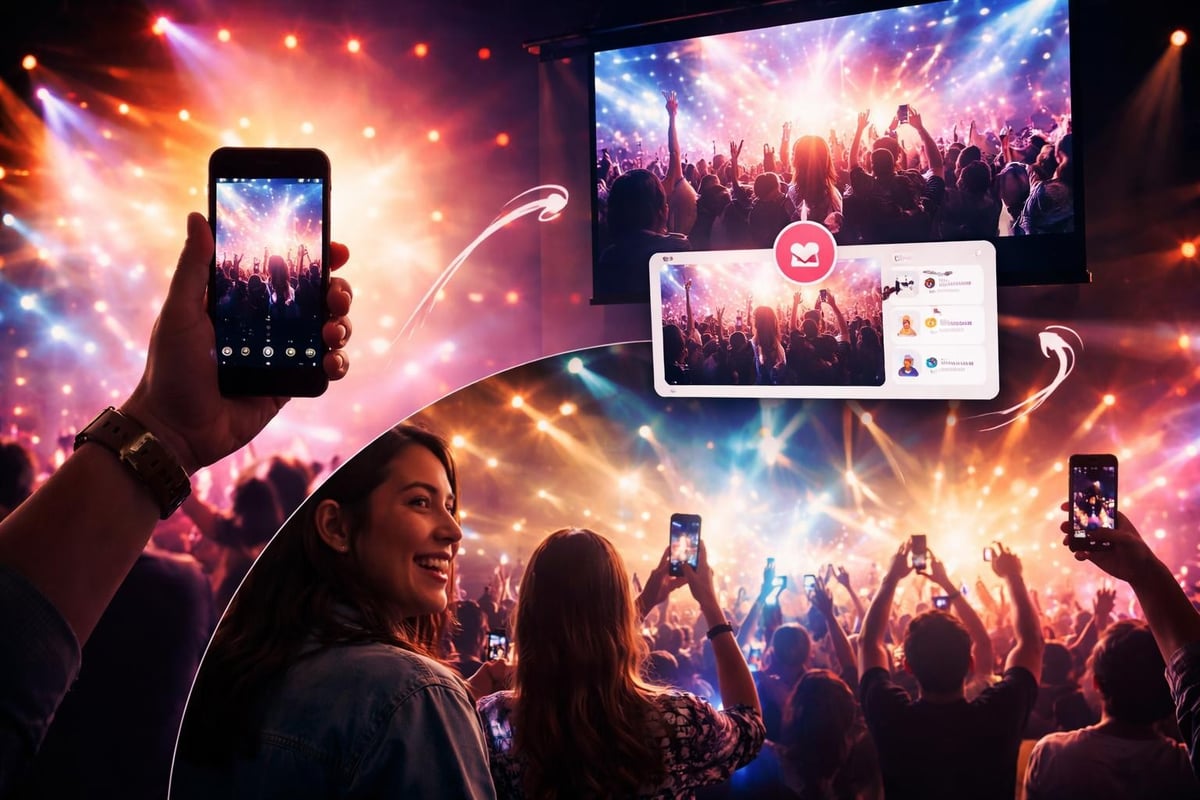
People film what excites them. They capture angles your official crew would never think of. Someone's filming from the mosh pit. Someone else is backstage catching the nervous energy before a panel. You're getting authentic perspectives.
The trick is gentle encouragement without being pushy. Mention it from stage. Show user content on screens. Make it feel like contributing is part of the experience, not a task.
| Traditional Production | User-Generated Approach |
|---|---|
| Hire professional crew | Enable attendees with platform |
| Plan shots in advance | Capture spontaneous moments |
| Limited angles/locations | Unlimited perspectives |
| High cost per minute | Minimal production cost |
| Polished but distant | Raw but authentic |
After the Event
Now you've got the footage. This is where most people get stuck.
You can't manually review everything. That's where intelligent curation comes in. Not to video generate new content, but to help you find the gold in what you've collected. AI flags clips based on what you care about: crowd energy, clear audio, steady footage, whatever your criteria are.
Then you edit. Real editing, by humans who understand the event's story. You're building a narrative from authentic moments, not manufacturing one from scratch.
The Technology Stack That Actually Helps
You need three layers working together:
Collection: Simple upload process that works on any phone. If it requires an app download, you've already lost 80% of potential contributors.
Curation: Smart filtering that surfaces the best clips. This is where AI earns its keep, sorting through footage so you don't have to.
Distribution: Easy ways to share the final content. Social media formats matter here. Vertical video for Stories, horizontal for YouTube, square for feed posts.
What AI Should Actually Do
Here's where AI helps with user-generated video:
- Quality filtering: Identifying clips with decent lighting and audio
- Duplicate detection: Finding when ten people filmed the same moment
- Highlight detection: Spotting emotional peaks or key moments
- Format conversion: Adapting aspect ratios for different platforms
- Basic editing: Trimming dead air and stabilising shaky footage
Notice what's missing? AI doesn't video generate the content. It doesn't create synthetic moments. It just makes the real content more useful.
Research into video generation models shows impressive technical capabilities. But for events, you don't need to generate anything. You need to capture and curate what's already there.
Getting Attendees to Actually Film
This is where most attempts fail. You can have the best collection system in the world, but if nobody uses it, you've got nothing.
What works:
- Clear value exchange: "Film your moment, see it on screen later"
- Social proof: Show other people's content being featured
- Easy access: QR codes everywhere, zero friction
- Recognition: Credit contributors when you share their clips
What doesn't:
- Vague requests to "share your experience"
- Complicated upload processes
- No visible outcome for contributors
- Over-produced instructions that make it feel corporate
Think about why people film at events anyway. They want to remember the moment. They want to show their mates. They want proof they were there. Your job is to make sharing with you as natural as posting to their Instagram Story.
Permission and Privacy Done Right
You need clear consent management from the start. People are sharing their footage, but that doesn't automatically mean you can use it commercially.
Be upfront: "By uploading, you grant us rights to edit and share this content. You'll be credited." Simple, clear, honest.
Some events mess this up by hiding terms in legal jargon or being vague about usage rights. Don't. Content licensing needs to be straightforward, or people won't participate.
Editing User Content Without Losing Authenticity
You've got the clips. Now what?
The temptation is to polish everything until it looks professional. Resist that. The value is in the authenticity. Your editing should enhance, not transform.
Curation Principles
Keep it real: Don't over-stabilise or colour-grade into oblivion. A bit of shake shows it's genuine.
Tell a story: String moments together that create a narrative arc. Arrival, build-up, peak moments, aftermath.
Mix perspectives: Cut between official angles and user content. The contrast adds depth.
Respect the moment: Don't edit in ways that misrepresent what happened.
When you curate content from multiple sources, you're building something bigger than any single perspective. But the pieces need to stay true to what actually happened.
Distribution Strategy for Real Content
You've curated and edited. Now get it out there.
User-generated content has a built-in distribution advantage. The people who filmed it will share it. Their networks care because there's a personal connection.
Multi-platform approach:
| Platform | Format | Purpose |
|---|---|---|
| Vertical 9:16 | Stories and Reels for immediate impact | |
| YouTube | Horizontal 16:9 | Long-form event highlights |
| TikTok | Vertical 9:16 | Short, punchy moments |
| Square 1:1 | Professional events and conferences | |
| Event website | Any | Permanent archive and showcase |
The same content, reformatted. Modern content curation tools make this easier than doing it manually.
Tagging and Crediting
Always credit the people who filmed. It's not just ethical, it's strategic. When contributors see their name attached to content shared by the official event account, they promote it harder than you ever could.
Tag them. Mention them. Make them feel part of the creative team, because they are.
Cost Reality Check
Let's talk money.
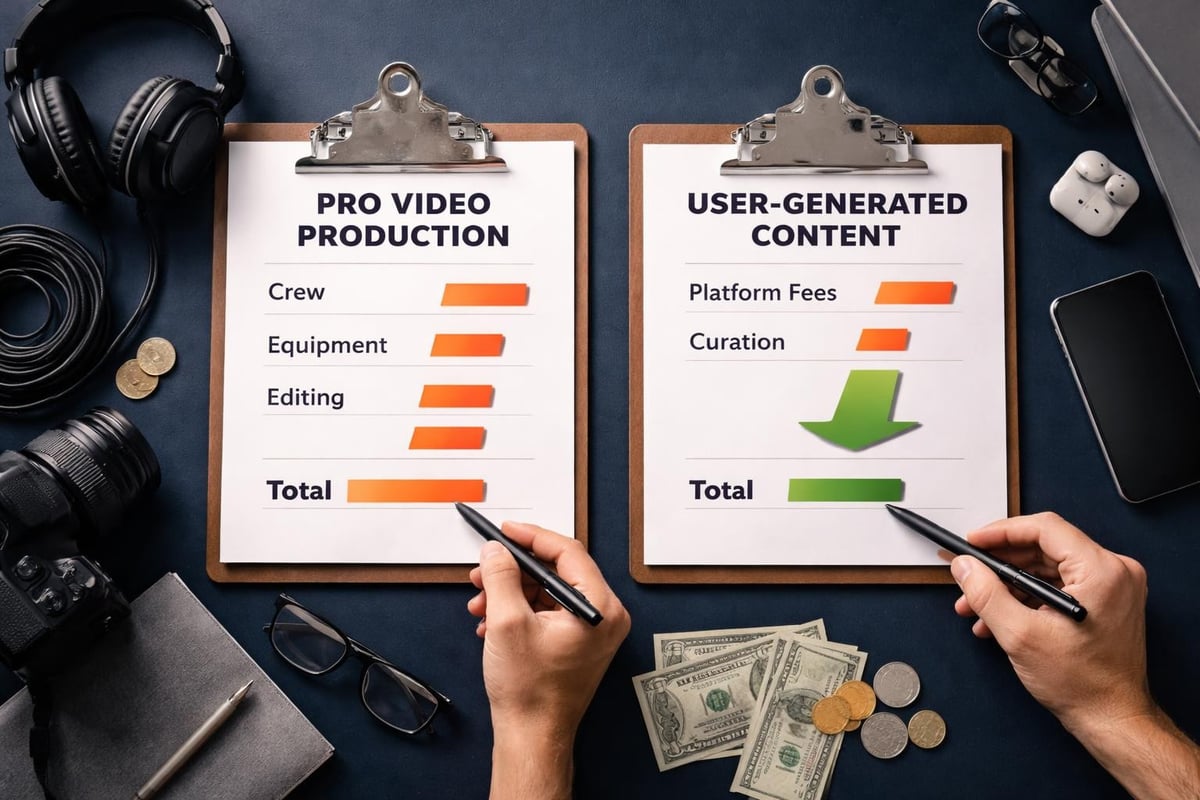
A professional video crew for a two-day conference costs £5,000-15,000 depending on complexity. You get polished footage, professional editing, and maybe 3-5 solid videos.
A user-generated approach costs a fraction of that. You're paying for the platform and curation tools, not dozens of labour hours. And you're getting hundreds of clips from angles and moments no hired crew would capture.
Traditional vs UGC costs:
- Professional crew: £8,000 average
- Platform subscription: £500-2,000 annually
- Curation time: 10-20 hours (internal or freelance)
- Total UGC approach: £2,000-4,000 for significantly more content
The ROI isn't even close. You're spending less and getting more usable material.
Common Mistakes to Avoid
Waiting until after the event: Set up your collection system before doors open. You can't retroactively get footage.
Making it complicated: Every extra step loses contributors. Keep it stupid simple.
Ignoring quality entirely: Some curation is necessary. Blurry, dark, or audio-less clips don't help anyone.
Over-editing authenticity out: Polish kills the genuine feel. Keep some rough edges.
Not following up: Contributors want to see their content used. Show them the final product.
The 2026 Reality
We're in an interesting moment. AI can video generate increasingly realistic content, as seen with Google's Veo and Kling AI. But audiences are getting savvier about detecting synthetic content.
Authentic, user-generated video is becoming more valuable precisely because AI-generated content is becoming more common. People trust what other people filmed. They're sceptical of what looks too perfect.
For event organisers, this is an advantage. You have access to genuine content that AI can't replicate. The challenge is just capturing and curating it effectively.
Tools for 2026 and Beyond
The best video content creation software isn't about generating videos from prompts. It's about managing real content from real people.
Look for platforms that handle:
- Mobile-first upload (nobody's using a desktop at your event)
- Automated quality filtering
- Rights management built-in
- Multi-format export
- Integration with social platforms
You want technology that makes the workflow seamless, not technology that replaces human creativity with algorithms.
Practical Implementation Timeline
Six weeks before event:
- Set up collection platform
- Create QR codes and signage
- Draft upload instructions
- Test everything
Two weeks before:
- Brief staff on encouraging participation
- Prepare screen content showing how it works
- Set up monitoring dashboard
During event:
- Display QR codes prominently
- Show submitted content on screens
- Monitor uploads in real-time
- Encourage from stage
Within 48 hours after:
- Initial curation pass
- Flag best clips
- Begin editing highlight reel
One week after:
- Publish first compilation
- Tag and credit contributors
- Share across platforms
- Measure engagement
This timeline works for conferences, festivals, sports events, basically anything where people naturally want to film.
Measuring Success
Forget vanity metrics. Here's what actually matters:
Participation rate: What percentage of attendees contributed content?
Usable content ratio: How much of what you collected was good enough to use?
Organic reach: How far did the final content spread beyond your owned channels?
Cost per view: Total spend divided by total video views across platforms.
Contributor satisfaction: Did people who filmed feel good about participating?
Track these over multiple events. You'll see patterns. Maybe participation jumps when you show content on screens during the event. Maybe certain types of prompts work better. Iterate.
Why This Matters for Your Events
The shift from professional production to community creation isn't just about cost. It's about what your content actually communicates.
When you video generate content professionally, you're broadcasting. When you curate from attendees, you're facilitating conversation. The attendees become part of the story, not just the audience.
That distinction changes how people engage with your event brand. They're not just consumers, they're contributors. And contributors come back.
Authentic video content isn't about fancy AI tools that video generate synthetic clips. It's about capturing real moments from the people experiencing them. The technology should help you collect, sort, and share those moments, not replace them with algorithms. If you're running events and want to turn your attendees into a content creation engine without the production costs, SureShot ApS gives you the platform to make it happen. Simple upload, smart curation, genuine content that actually spreads.