



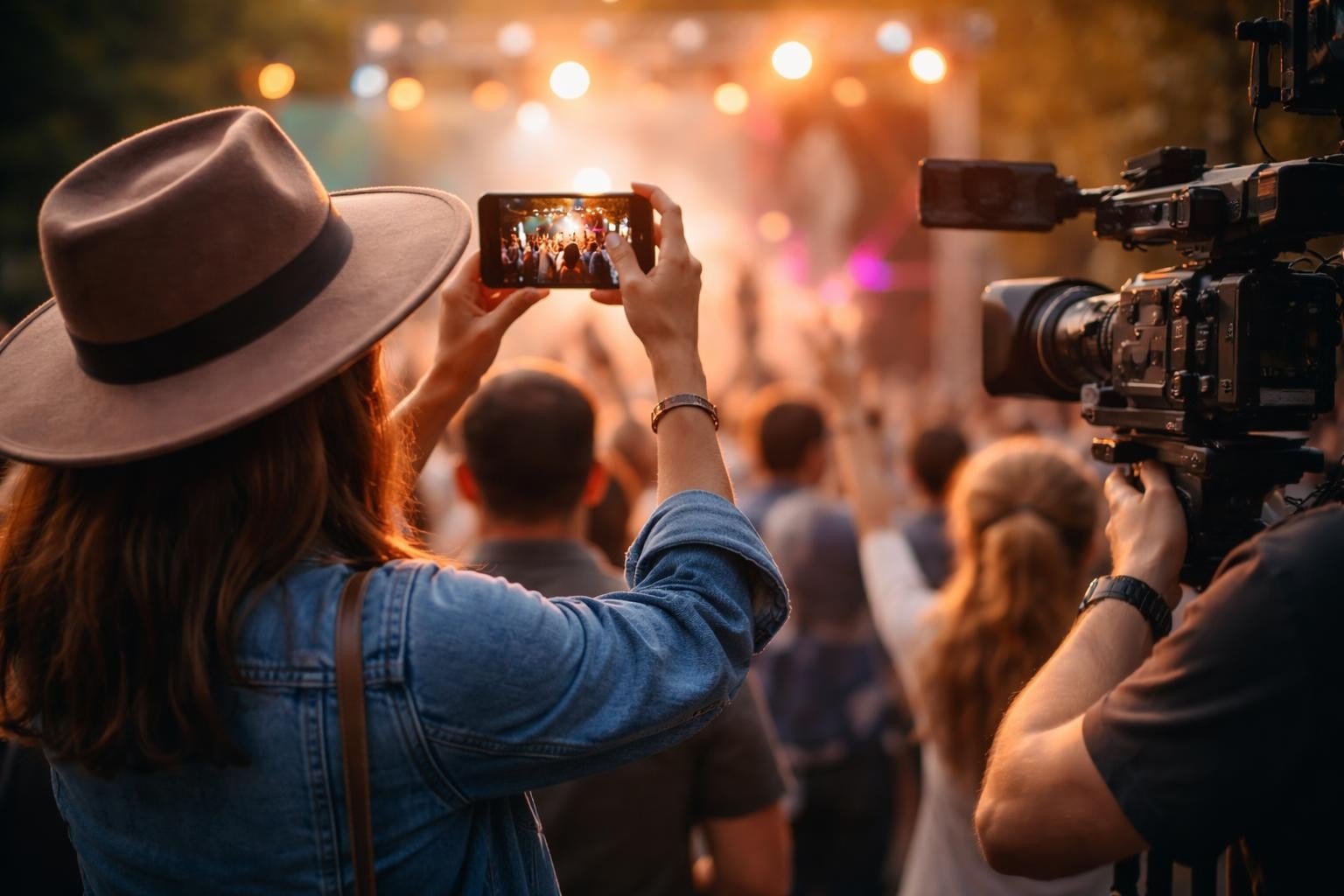

You've seen the corporate videos. Slick, polished, probably cost more than your car. And you scrolled right past them, didn't you? Everyone did. The truth is that video content production has changed completely in the past few years, and most companies are still making content like it's 2015. The ones winning right now aren't the ones with the biggest budgets or the fanciest cameras. They're the ones who figured out that authentic beats perfect every single time.
Why Traditional Video Content Production Misses the Mark
The old playbook told you to hire a production crew, script everything, get the lighting perfect, and make sure nobody looks directly at the camera unless they're supposed to. That worked when video was scarce and attention was cheap.
Now? Your audience watches hundreds of videos before breakfast. They can spot a corporate production from a mile away, and they skip it just as fast.
Here's what traditional production gets wrong:
- It costs a fortune for content that performs the same as phone footage
- Everything feels staged because it is
- The editing takes weeks while your event momentum dies
- You end up with one video when you needed twenty
The video production standards that dominated broadcast television for decades still matter for specific technical work. But for content that actually moves the needle on social media? They're overkill.
What Actually Works in 2026
User-generated content. Not because it's trendy, but because it solves real problems.
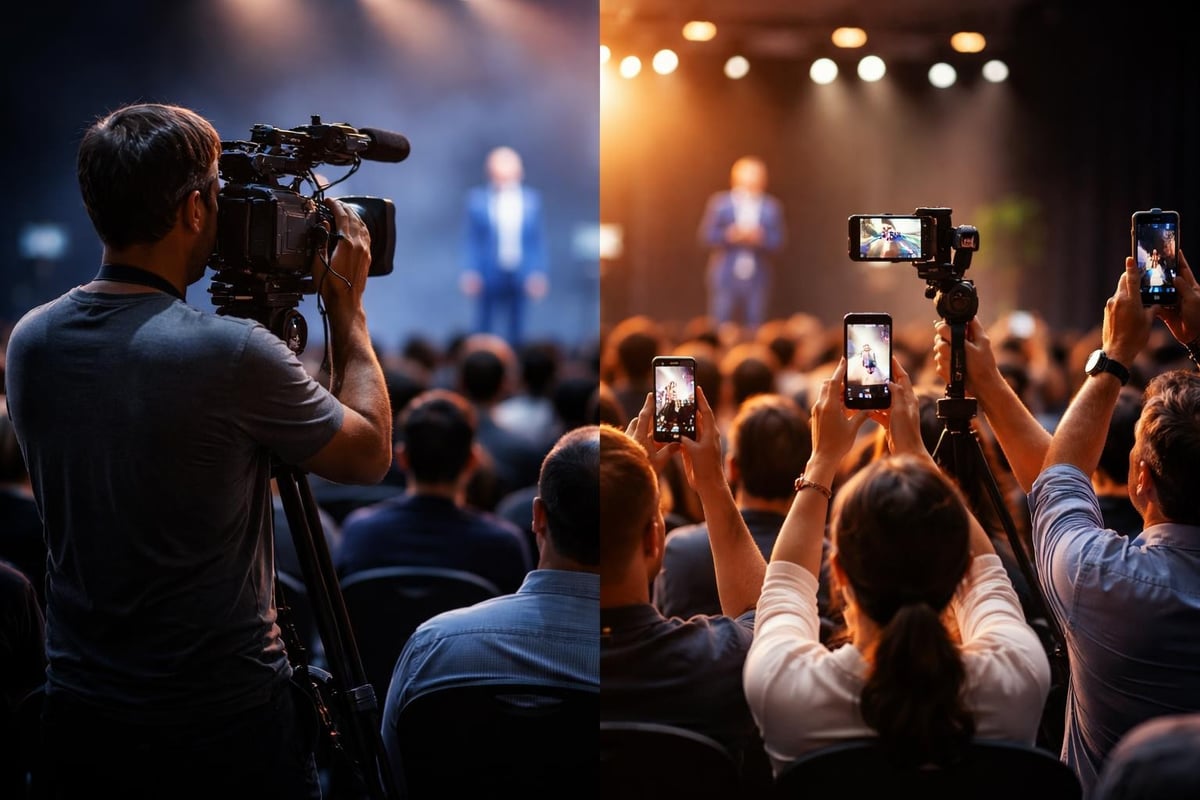
When attendees at your event capture moments themselves, you get something no production crew can fake: genuine reactions. The shaky camera work and imperfect audio don't hurt you. They help. They signal this is real.
The Numbers Tell the Story
| Traditional Production | User-Generated Approach |
|---|---|
| £5,000-£15,000 per event | £500-£2,000 per event |
| 1-2 videos produced | 20-100 videos captured |
| 2-3 weeks editing time | Same-day publishing possible |
| Zero social shares (corporate account only) | Organic spread across attendee networks |
| Professional but forgettable | Authentic and shareable |
You're not just saving money. You're getting better content that people actually want to watch and share. That's the bit most companies miss when they're still budgeting for traditional video shoots.
Setting Up Your Production Workflow
Forget the three-person crew and the van full of equipment. Modern video content production runs on smartphones and smart curation.
Your actual workflow:
- Give attendees a reason to film (moments worth capturing, not just "please make content for us")
- Provide a simple way to upload (one tap, no email attachments or file transfers)
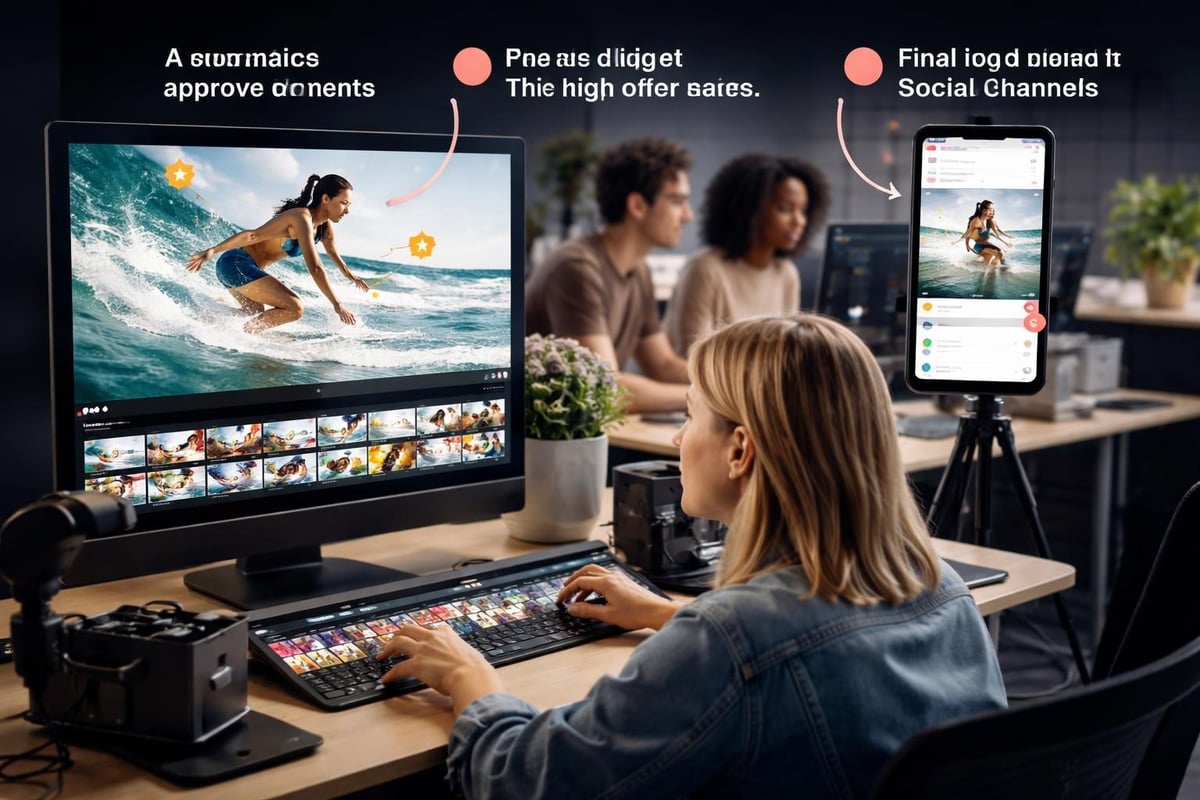
- Curate the good stuff quickly (AI helps here, but humans make the final call)
- Edit for context, not perfection
- Publish while people still care
The best video content creation software doesn't need a manual. It works the way people already behave. They film something cool, they tap share, it shows up where you need it.
Technical Specs That Actually Matter
You don't need to understand SMPTE 2110 standards for broadcast production. You need to know what works on Instagram.
Focus on these instead:
- Vertical format - Because phones exist and everyone uses them vertically
- Subtitles always - Most people watch without sound
- Under 60 seconds - Attention is the scarcest resource you have
- Good lighting - Doesn't need to be professional, just needs to not be dark
- Clear audio - Built-in phone mics work fine if you're close enough
The debate around H.264 vs H.265 encoding matters for file sizes and quality, but honestly? Modern platforms handle compression for you. Shoot in whatever your phone defaults to.
Content Curation Changes Everything
Here's where most people stuff it up: they collect hundreds of videos and then... nothing. They sit in a folder somewhere because nobody wants to watch 47 unedited clips to find the three good moments.
This is where content curation strategy becomes your actual job. Not filming. Curating.
AI can flag videos with good lighting, clear audio, faces in frame, movement, cheering - all the signals that suggest something interesting happened. It can't tell you if that moment fits your brand or advances your story. You still need a human for that.
What to Keep, What to Bin
| Keep It | Bin It |
|---|---|
| Genuine reactions | Staged "please film me" requests |
| Clear audio of key moments | Background noise with nothing happening |
| Attendees explaining what they're experiencing | Long panning shots of empty rooms |
| Energy and emotion | People just standing around |
| Unexpected moments | Intentional promo attempts |
The goal isn't to use everything. It's to find the clips that tell your story without you having to explain it.
Distribution That Doesn't Depend on Your Own Channels
This is the bit traditional video content production completely misses. When you hire a crew and produce a video, you publish it on your channels and hope people see it. Your reach is your follower count. That's it.
When attendees create content, they share it on their channels. To their friends. Who actually trust them.
The mathematics change completely:
- 100 attendees film content
- Each posts to their network (average 500 followers)
- That's 50,000 potential impressions you didn't pay for
- Friends share the good ones
- You're suddenly reaching people who've never heard of you
This is why organic reach through user-generated content outperforms paid promotion. It's not you telling people you're great. It's their mate showing them something cool that happened.
Making It Easy for People to Participate
Nobody's going to jump through hoops to give you free content. The easier you make it, the more you get.
Remove every possible barrier:
- No app downloads until they're actually ready to upload
- No account creation before they see value
- No "please compress your file" nonsense
- No waiting for approval before they can share their own content
The best UGC platforms understand that friction kills participation. One extra step and you've lost half your potential contributors.
Consent and Rights Management
You can't just take people's videos and use them however you want. That's both legally dodgy and ethically questionable.
Clear consent management needs to be part of your workflow from the start. When someone uploads, they need to understand what you might do with it. When you use their content, they need to be credited (if they want to be) or anonymous (if they prefer).
The best consent management platforms handle this automatically. Upload equals consent for specific uses. Everything's documented. Nobody gets surprised when their video shows up in your marketing.
Editing for Authenticity, Not Perfection
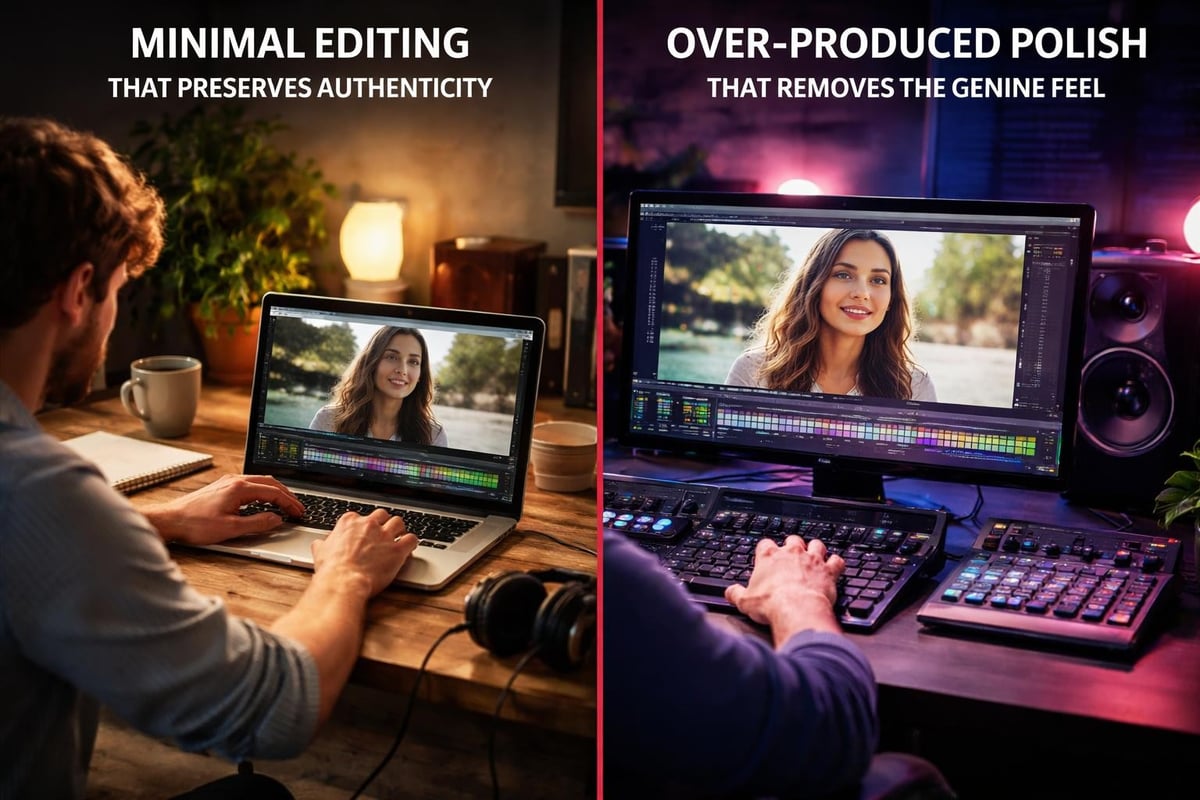
Your editing toolkit doesn't need Final Cut Pro or Premiere. It needs speed and the ability to add context.
What to edit:
- Add subtitles (always)
- Trim dead air at start and end
- Cut out anything that doesn't advance the story
- Maybe add your logo in the corner
- That's it
What not to edit: colour grading, fancy transitions, background music that drowns out the moment, anything that makes it look less real.
Following video production guidelines for quality and setup makes sense for certain types of content. For user-generated event footage, perfection is the enemy of authentic.
Measuring What Actually Matters
Stop counting views. Views mean nothing if nobody watches past three seconds.
Track these instead:
- Watch-through rate (did they finish it?)
- Shares (did they send it to someone?)
- Comments (did it start a conversation?)
- Click-through (did they take action?)
- Cost per piece of content (how efficient is your process?)
| Metric | Why It Matters |
|---|---|
| Average watch time | Shows actual engagement, not just clicks |
| Share rate | Indicates content worth spreading |
| Production cost per video | Reveals efficiency of your approach |
| Time from capture to publish | Measures your workflow speed |
| Organic reach beyond owned channels | Tracks real amplification |
A video with 1,000 views and 100 shares beats a video with 10,000 views and 5 shares every time. The first one actually spread. The second one just got clicked.
Scaling Without Losing Authenticity
As you grow, you'll be tempted to professionalise everything. Resist that.
The moment you start staging moments or directing attendees on what to film, you've lost what made this work. People can tell. They always can.
Scale by:
- Running more events (more sources of content)
- Getting better at curation (finding gold faster)
- Automating the boring bits (uploads, transcoding, basic flagging)
- Training your team to spot authenticity
Don't scale by: hiring actors, staging moments, over-editing reality, controlling the narrative too tightly.
Building a Content Library That Compounds
Every event creates assets. Not just for that event, but for future ones.
Smart content curation software lets you tag and search your library. "Crowd reactions", "product demonstrations", "keynote moments", "sponsor activations" - whatever categories matter to your business.
Six months in, you've got hundreds of authentic clips showing what your events actually feel like. That's worth more than any promotional video you could produce because it's real proof, not claims.
Repurposing Without Recycling
Same content, different contexts. A clip from last month's event works perfectly in next week's promotion if the moment still resonates. Your audience hasn't seen everything you've captured. Use it.
The difference between repurposing and recycling: repurposing serves the current story. Recycling just fills space because you're out of ideas.
What This Means for Your Production Budget
Traditional video content production treats every event as a standalone project. You hire a crew, they film, they edit, you pay £10,000, you get a video.
User-generated approaches flip this. You invest in the platform and workflow once. Every event after that gets cheaper because the attendees are doing the capture work.
Year one investment:
- Platform/software: £6,000-£12,000 annually
- Staff time for curation: reallocate existing marketing hours
- Training: one day to get everyone up to speed
- Equipment: nothing (attendees use their phones)
Per-event costs after setup:
- Platform usage: included in annual cost
- Curation time: 3-5 hours per event
- Publishing: 1-2 hours
- Total cash outlay per event: basically zero
You've shifted from variable costs per event to fixed costs that cover unlimited events. The more events you run, the cheaper video content production becomes per event.
The Shift You Need to Make
Stop thinking like a broadcaster. Start thinking like a curator.
Your job isn't to create perfect content. It's to create the conditions where great moments happen, then capture and share them. The attendees do the creation. You do the curation and distribution.
This requires a mindset shift most marketing teams struggle with. You're giving up control over exactly what gets filmed and how it looks. You're gaining authenticity, scale, and organic reach you couldn't buy.
The video marketing strategy tips that work in 2026 prioritise distribution and authenticity over production quality. Get comfortable with that or get left behind.
Technical Considerations That Won't Go Away
Some things still matter even in a user-generated world.
File formats, compression, storage, bandwidth - these aren't exciting but they're essential. When you're handling uploads from dozens or hundreds of phones, you need infrastructure that works.
Modern platforms handle most of this automatically. Videos get transcoded to web-friendly formats, compressed without visible quality loss, backed up, and distributed to CDNs so they load fast everywhere.
You don't need to understand the Interoperable Master Format for audiovisual masters. You just need systems that don't fall over when 50 people upload simultaneously.
Privacy and Data Protection
You're collecting content from real people. That comes with responsibilities.
Where's the data stored? How long do you keep it? Who can access it? What happens if someone changes their mind about sharing?
These aren't optional questions. They're legal requirements in most jurisdictions and basic respect for your contributors everywhere else. Build privacy into your workflow from day one, not as an afterthought when something goes wrong.
Making It Work at Your Next Event
Stop planning the video shoot. Start planning the moments worth capturing.
Pre-event:
- Tell attendees what's happening and why filming adds value for them
- Send simple instructions (one screen, not a manual)
- Test the upload process yourself
- Have someone ready to help on the day
During the event:
- Prompt at natural moments ("this would be a great time to capture your thoughts")
- Make sure people know it's optional, not required
- Keep an eye on what's coming in
- Flag the good stuff as it arrives
Post-event:
- Curate within 24 hours while momentum exists
- Publish the first clips same day if possible
- Tag contributors (with permission)
- Send them the final edits they can share
The best practices for event video production still include planning and structure. You're just distributing the capture work instead of centralising it.
Video content production works when it feels real, and it feels real when real people create it. Traditional approaches cost more, take longer, and perform worse than letting your attendees capture the moments that matter to them. If you're running events and still hiring production crews to create content nobody shares, SureShot turns your attendees into storytellers and your events into content engines that actually spread organically.


