




You've seen them. Those event videos that actually make you stop scrolling. They're not slick corporate productions or staged sequences. They're real moments captured by people who were there, edited into something that feels intentional. That's what cinematic clips are about. Not Hollywood gloss, but authentic footage that's been given structure and rhythm. The kind of content that spreads because it resonates, not because it was optimized to death.
What Makes a Clip Cinematic
The definition of cinematic points to movies and filmmaking, but that doesn't mean you need a film crew. It means the footage has intention behind it. A beginning, middle, and end. Pacing that pulls you through. Moments that land because they're framed properly and edited with purpose.
Here's what separates cinematic clips from random phone footage:
- They have a clear subject or storyline
- The pacing feels deliberate, not rushed
- Transitions serve the story, not just fill space
- Audio enhances rather than distracts
- The whole thing feels cohesive
Most event content fails because it's just a camera pointed at things happening. Cinematic clips succeed because someone made choices about what to show and when.
The User-Generated Advantage
Professional event videographers capture great footage. But they can't be everywhere. They miss the crowd reactions, the spontaneous moments, the angles that only attendees can access. That's where user-generated content platforms change everything.
When your attendees become your camera crew, you get coverage from every angle. Multiple perspectives of the same moment. Authentic reactions rather than performed ones. The raw material for cinematic clips that actually represent what it felt like to be there.
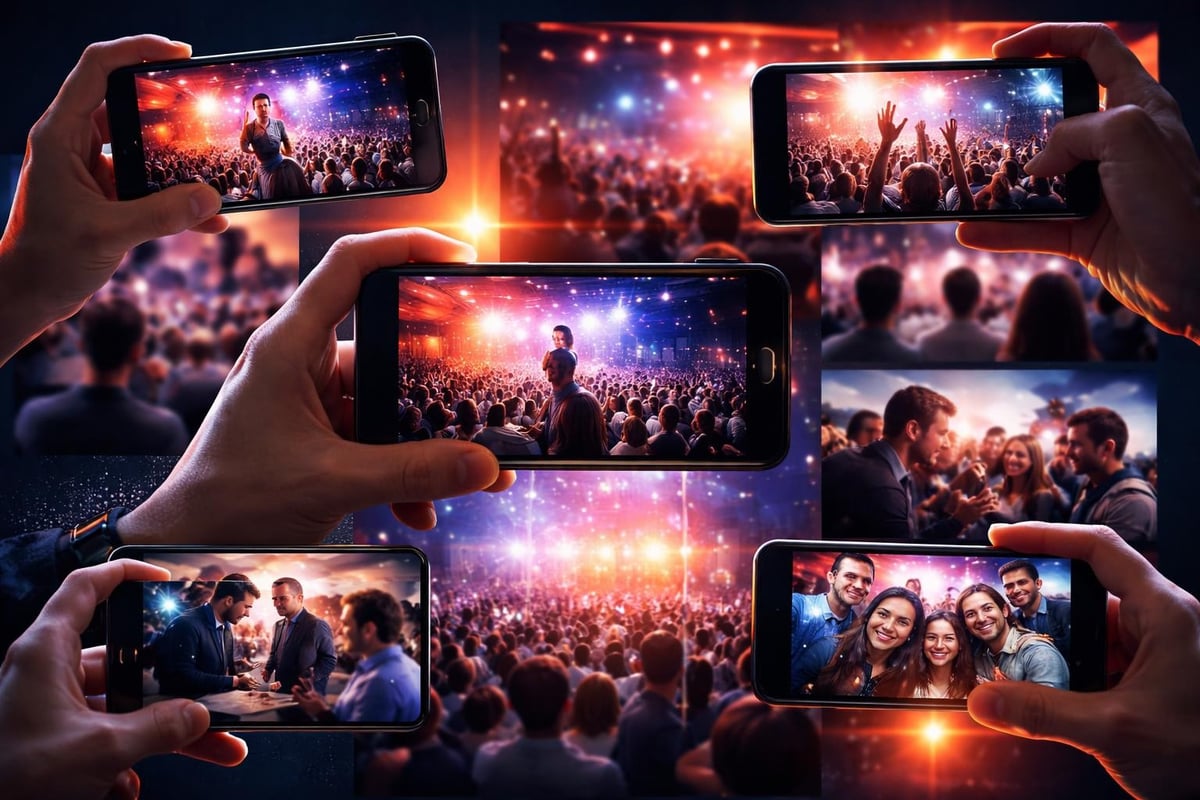
The trick isn't getting people to film. Everyone's already filming. The trick is collecting that footage and turning it into something watchable.
Curating Authentic Moments
You'll end up with hours of footage from an event. Most of it unusable. Some of it gold. The difference between drowning in content and creating compelling cinematic clips is curation.
What to look for when sorting through user-generated footage:
- Genuine reactions that weren't performed for the camera
- Moments that capture the energy of the event
- Unique angles or perspectives professionals couldn't access
- Clean audio (or footage where audio doesn't matter)
- Stable enough to watch without motion sickness
You're not looking for perfection. You're looking for authenticity with enough quality to be watchable. A slightly shaky clip of a genuine moment beats a perfectly stable shot of something staged.
Building Your Edit
Cinematic techniques like camera movement and lighting matter, but they matter less than structure. Your edit needs a spine. Something that holds it together beyond just chronological order.
| Element | Purpose | Common Mistakes |
|---|---|---|
| Opening shot | Establish context and tone | Too long, unclear subject |
| Build-up | Create anticipation | Rushed pacing, no rhythm |
| Peak moment | Deliver the payoff | Buried in middle, poorly framed |
| Resolution | Leave them satisfied | Drags on, awkward ending |
The cross-cutting technique works brilliantly for event content. Show the speaker on stage, cut to crowd reactions, back to the speaker's key point. It creates rhythm and shows the full picture of what happened.
Editing Without Overthinking It
Post-production doesn't mean spending weeks tweaking colour grades. It means making your footage coherent. Curation tools handle the heavy lifting of organizing clips, so you can focus on the actual storytelling.
Your editing workflow should be:
- Sort footage by moment or theme
- Identify your strongest 10-15 clips
- Arrange them in an order that makes sense
- Trim the fat (every clip should earn its place)
- Add transitions only where they serve the story
- Check audio levels (nothing kills a clip faster than blown-out sound)
Modern phones capture in modes that simplify editing, letting you adjust focus and depth after recording. But don't get lost in features. The content matters more than the bokeh.
Pacing and Rhythm
Cinematic clips breathe. They don't assault you with cuts every half-second like a TV commercial. They also don't linger on shots until you get bored.
A good rule: if a clip doesn't add information or emotion, it's too long. Cut it or remove it entirely. Your audience's attention is finite. Respect that.
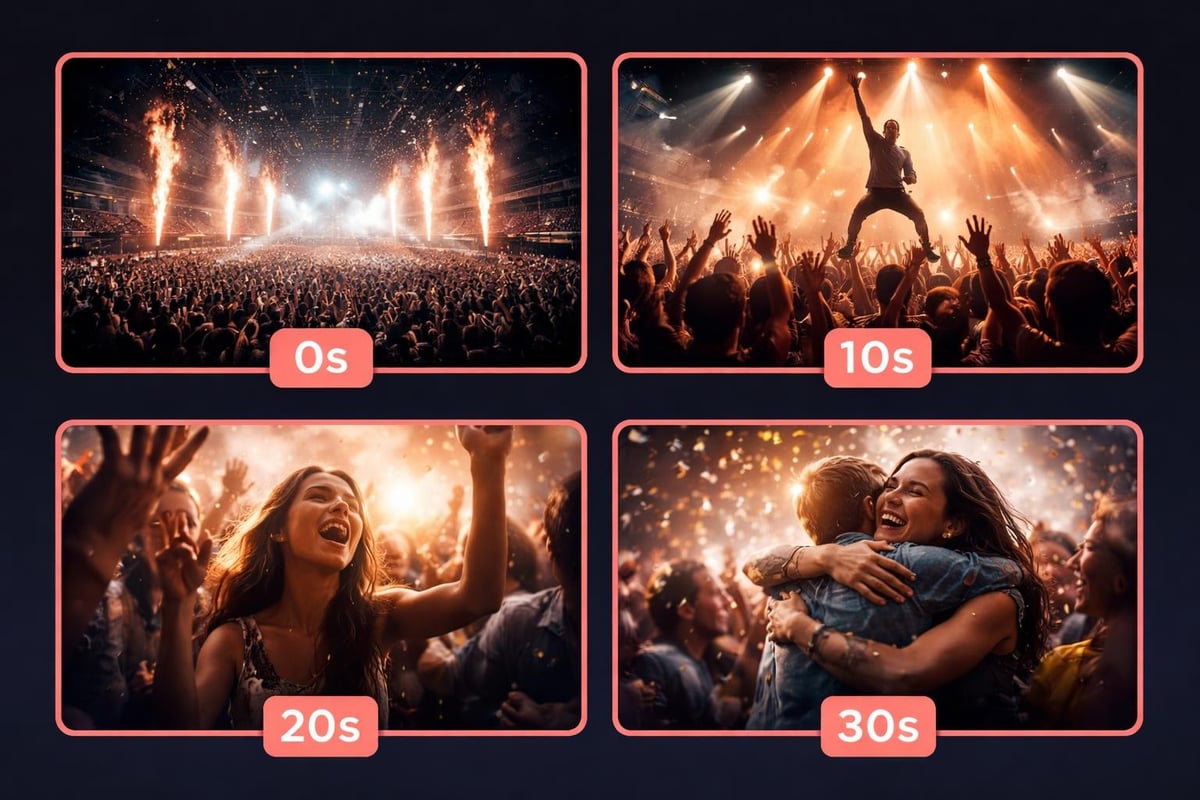
Typical cinematic clip structure for events:
- Wide establishing shot (2-3 seconds)
- Medium shots of activity (3-5 seconds each)
- Close-ups of reactions or details (2-4 seconds each)
- Back to wide or medium for resolution (3-4 seconds)
Total runtime: 15-30 seconds. Enough to tell a story, short enough to share. You can go longer if the content justifies it, but every second needs to earn its place.
Distribution That Actually Works
You've created cinematic clips from your event footage. Now what? Posting them to your corporate YouTube channel where twelve people will watch them misses the point entirely.
The power of user-generated cinematic clips is that they spread organically. The people who filmed the original footage want to share the finished product. They're tagged in it. Their friends want to see it. That's how event promotion actually works in 2026.
Platform-Specific Considerations
Each platform has its own expectations. What works on TikTok won't necessarily work on LinkedIn. But the core principle stays the same: authentic moments, intentional editing.
| Platform | Ideal Length | Key Factor | Format |
|---|---|---|---|
| Instagram Reels | 15-30 sec | Energy and pacing | Vertical |
| 30-90 sec | Context and professionalism | Square or vertical | |
| YouTube Shorts | 15-60 sec | Hook in first 3 seconds | Vertical |
| Twitter/X | 15-45 sec | Immediate impact | Square preferred |
Don't create separate versions for each platform if you can avoid it. Design your cinematic clips to work everywhere, then make minor adjustments for format requirements.
Rights and Permissions
When you're working with user-generated footage, content licensing isn't optional. You need clear permissions from everyone whose content you're using.
This isn't just legal protection. It's respect for the people who captured those moments. When they know how their footage will be used and give explicit permission, they're more likely to share the final product enthusiastically.
Minimum requirements for using attendee footage:
- Written consent from the person who recorded it
- Understanding of how and where it will be published
- Option to opt out or request removal
- Credit where appropriate (though not always necessary in fast-paced edits)
Build this into your event process from the start. Make it easy to grant permission during or right after the event, not weeks later when the moment's passed.
The Technical Bits That Matter
You don't need film school, but you do need to understand a few basics. Otherwise you'll create cinematic clips that look great on your laptop and terrible everywhere else.
Resolution and Format
Shoot in the highest quality available, but edit for where it'll actually be watched. Most event content ends up on phones. A 4K masterpiece that takes thirty seconds to load isn't cinematic, it's annoying.
Practical specs for 2026:
- 1080p is fine for most platforms
- Vertical (9:16) works everywhere now
- H.264 codec for compatibility
- Keep file sizes under 50MB when possible
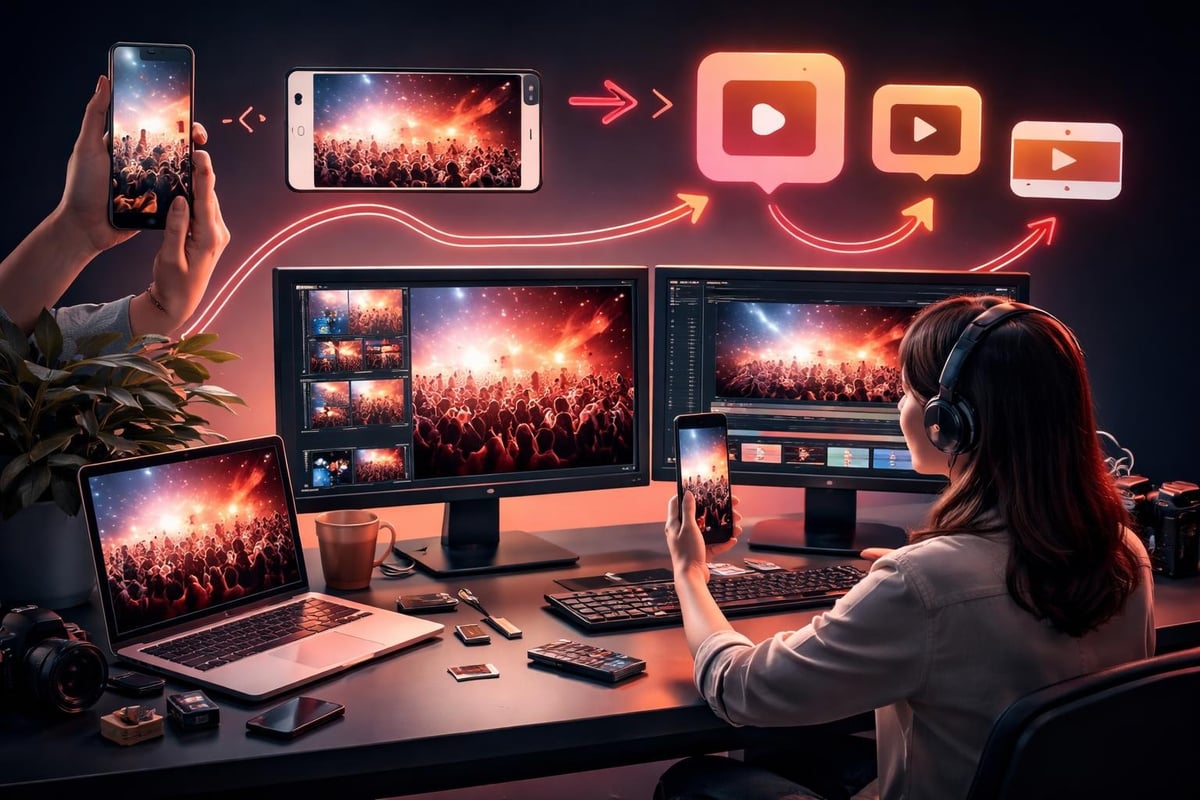
Converting horizontal to vertical used to mean ugly black bars or cropping that ruined the shot. Now you've got options. But it's easier to shoot vertical from the start when you know that's the primary distribution format.
Audio Is Half the Experience
Bad audio destroys cinematic clips faster than shaky footage. Background noise, wind, distortion. It's all fixable to a point, but it's easier to avoid.
When curating user-generated footage, prioritize clips with clean audio. If the visual is essential but the sound is unusable, use it as B-roll over better audio from another clip. Or add music that fits the mood without overpowering the moment.
Making It Sustainable
Creating one amazing cinematic clip from an event is satisfying. Creating them consistently without burning out your team is the actual goal. That requires systems, not heroics.
Video content creation software handles the boring parts. Ingesting footage, organizing by metadata, applying basic corrections. This isn't about automating creativity. It's about automating everything else so you can focus on the creative choices that matter.
Workflow that scales:
- Collection happens automatically during the event
- AI-assisted curation flags potential moments
- Human editor makes final selections and arrangements
- Automated formatting for different platforms
- Distribution through existing social channels
- Performance tracking to improve future edits
Notice that AI assists but doesn't replace human judgment. The technology identifies candidates. You decide what's actually worth sharing.
Cost vs Value
Traditional event videography runs thousands for a single day. You get beautiful footage and a highlight reel that gets watched once. User-generated cinematic clips cost a fraction of that and generate ongoing engagement.
The return isn't just in money saved. It's in reach and authenticity. When attendees share clips they're part of, their networks see it. That's earned media you can't buy.
What Actually Spreads
Not all cinematic clips perform equally. Some get shared widely. Others disappear. The difference usually comes down to emotional resonance.
Content that spreads naturally:
- Captures unexpected moments people relate to
- Shows genuine reactions, not posed shots
- Tells a complete micro-story in under 30 seconds
- Features recognizable people (attendees want to tag friends)
- Balances quality with authenticity (too polished feels fake)
The sweet spot is content that feels professional enough to take seriously but authentic enough to believe. That's what best content curation practices are built around. Finding that balance and replicating it consistently.
Measuring What Matters
Views are vanity metrics. What actually indicates success with cinematic clips? Shares. Comments. People tagging their friends. The stuff that shows your content resonated enough that someone actively chose to spread it.
Track completion rates too. If people watch the first two seconds and bail, your opening needs work. If they watch to the end but don't engage, your content isn't compelling enough to act on.
Learning From Each Event
Every event generates data about what worked. Which clips got shared most. Which moments resonated. Which editing choices enhanced or detracted from the story.
That feedback loop is how you improve. Not by copying what other brands do, but by understanding what your specific audience responds to. The cinematic clips that work for a tech conference won't be the same ones that work for a music festival.
Document your learnings. Not in a formal report nobody reads, but in practical notes that inform your next edit. "Wide shots of the crowd worked better than close-ups of speakers." "Clips under 20 seconds outperformed longer ones." "Adding text overlays decreased completion rates."
Small improvements compound. Your tenth event's content should significantly outperform your first, not because you bought better equipment, but because you learned what works.
Cinematic clips transform raw event footage into content people actually want to watch and share. The magic isn't in expensive equipment or professional crews. It's in collecting authentic moments from the people who were there and curating them into something coherent. When you give your attendees the tools to capture their perspective and a system to turn that footage into shareable stories, you've got content that spreads naturally and keeps your event alive long after everyone's gone home. SureShot ApS makes this process simple by turning your event attendees into video storytellers, then helping you curate that authentic footage into cinematic clips that actually get shared.


