





You've got brilliant user-generated content from your event. Hundreds of authentic moments, captured by attendees who were actually there. Now what? Most of it sits unwatched because people scroll past without a second glance. The difference between a video that gets watched and one that doesn't usually comes down to those first few seconds before anyone hits play. That's where video previews earn their keep.
What Actually Makes Video Previews Work
A video preview is the snippet people see before they decide to watch. It's not just a thumbnail, though that's part of it. It's the combination of that static image, any motion preview, and the first few frames that load when someone hovers or taps.
Here's what matters: you've got about 1.5 seconds to prove the video is worth watching. That's it. No time for slow builds or artistic pans across empty venues.
The Three Elements That Convert
Every effective preview has these components working together:
- The thumbnail - your static image that appears in feeds and search results
- The motion preview - the auto-playing snippet (usually 3-6 seconds) that some platforms show on hover
- The opening frame - what viewers see in that split second before the video properly loads
When event attendees capture user-generated content, they're not thinking about optimized thumbnails. They're capturing genuine moments. Your job is finding which of those moments work as previews.
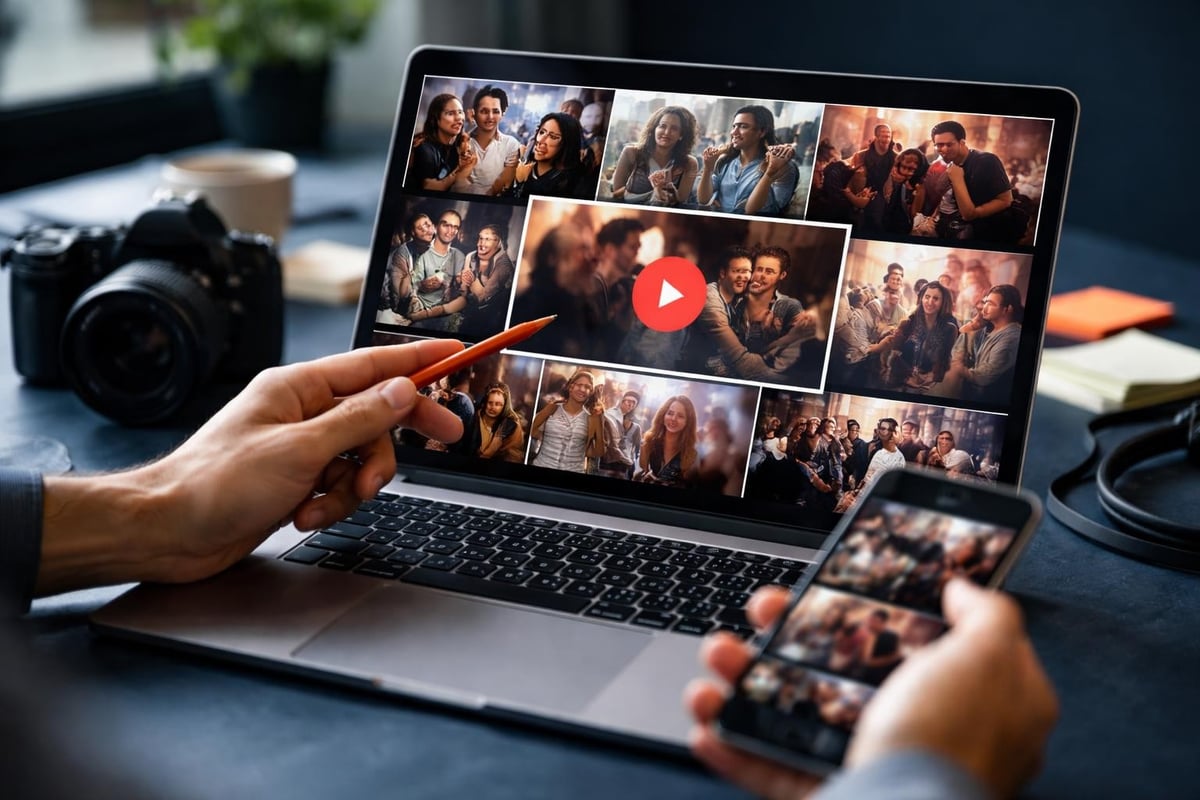
Why User-Generated Content Changes Preview Strategy
Professional video teams script their opening shots. They know exactly what frame one looks like before they start filming. User-generated content doesn't work that way, which is actually an advantage.
Authentic moments have energy that polished content often lacks. Someone capturing their genuine reaction to a performance, a spontaneous crowd moment, a real interaction. These work as previews because they communicate immediacy.
The challenge is volume. When you're working with content from hundreds of attendees, you need systems to identify which clips have preview potential.
What to Look For in Authentic Footage
Not every great moment makes a great preview. You're looking for specific characteristics:
| Preview Quality | What It Looks Like | Why It Works |
|---|---|---|
| Immediate visual interest | Crowd energy, movement, colour | Stops the scroll |
| Clear focal point | A face, a performer, an action | Viewer knows what they're watching |
| Contextual clues | Venue branding, stage, crowd | Sets expectations correctly |
| Energy level | High engagement, reactions | Promises entertainment value |
A blurry pan across a crowd won't cut it. Neither will someone's thumb covering half the lens. But that perfect capture of a performer mid-jump, or a genuine laugh from someone in the audience? That's your preview.
Platform Differences Actually Matter
YouTube handles video previews differently than Instagram, which works differently than LinkedIn. If you're sharing event content across platforms, you need different preview strategies for each.
YouTube now lets viewers see short snippets before clicking, which changes what kind of opening you want. A static thumbnail that works on Facebook might underperform compared to motion-optimized content.
Platform-Specific Preview Requirements
Instagram and TikTok auto-play everything in feed, so your first frame is your preview. No second chances. The opening needs to work silently because most people scroll with sound off.
LinkedIn tends to auto-play on desktop but not always on mobile. Your thumbnail carries more weight here, and LinkedIn video best practices suggest professional-looking frames perform better than chaotic crowd shots.
Facebook auto-plays without sound in most contexts. Motion matters more than audio here, and you've got about 3 seconds before someone scrolls past.
The practical implication: you need multiple preview versions of the same content. The clip that works brilliantly on TikTok might need a different opening frame for LinkedIn.
Creating Effective Thumbnails From Real Moments
Static thumbnails still drive most click decisions. Even on platforms with motion previews, the thumbnail is what appears in search results, recommendations, and shared links.
With professional content, teams shoot specific frames for thumbnails. With user-generated content, you're mining existing footage for frames that work as standalone images.
The Thumbnail Checklist
Here's what separates thumbnails that get clicks from ones that don't:
- High resolution - blurry thumbnails communicate low-quality content
- Clear subject - one focal point, not visual chaos
- Faces when possible - human expressions outperform abstract shots
- Readable context - viewers should immediately know what they're looking at
- Contrast and brightness - needs to work on small mobile screens
Video thumbnail best practices confirm that thumbnails with human faces showing clear emotions consistently outperform other approaches. In event contexts, that means prioritizing attendee reactions and performer expressions over venue shots.
The challenge with authentic content is finding these frames. Someone recording a performance might capture a perfect expression at second 47, but you need systems to locate it without watching every submission end-to-end.
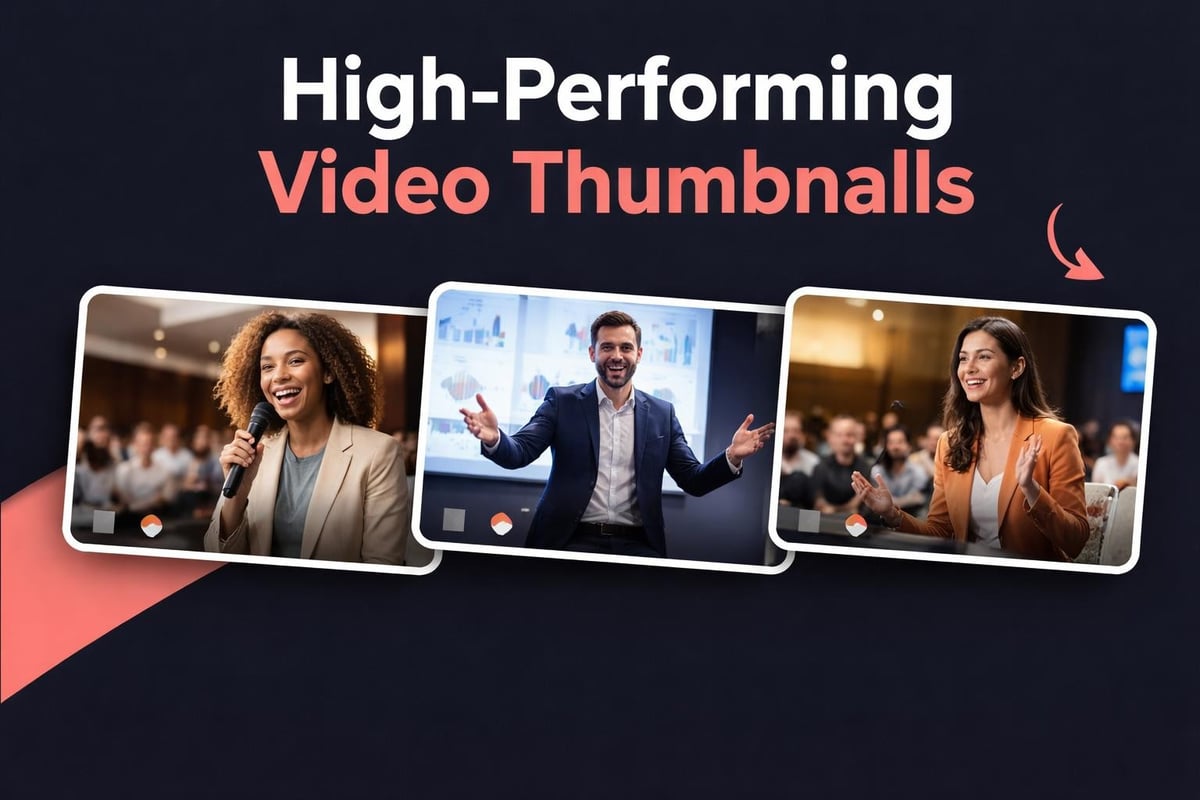
Motion Previews: The Auto-Play Advantage
When platforms auto-play your video preview, you've got 3-6 seconds to prove value. This is different from thumbnail optimization. You're not looking for a single perfect frame; you need a short sequence that tells a micro-story.
The best motion previews from event content show progression. A performer building to a moment. A crowd reacting to something. A transformation or reveal. Static shots, even beautiful ones, don't leverage motion preview opportunities.
What Works in Motion
- Action building - movement toward something, not static recording
- Reaction shots - genuine attendee responses to what's happening
- Peak moments - the climax of a performance or interaction, not the setup
- Quick cuts - if you're creating short-form video content, edit for pacing
What doesn't work: long establishing shots, slow pans, or content that takes more than 3 seconds to communicate its value. When someone's scrolling through hundreds of posts, patience isn't in the equation.
Search Optimization for Video Previews
Video previews affect SEO in ways most people miss. Google displays video thumbnails in search results, and those thumbnails directly impact click-through rates. But Google can't watch your videos to understand content. You need to help.
Google's video SEO best practices emphasize structured data, high-quality thumbnails, and accessible video files. For user-generated event content, this means:
Make videos publicly accessible - content behind login walls doesn't get indexed properly.
Use structured data - VideoObject schema tells search engines what your content contains.
Provide multiple thumbnail options - Google may choose different thumbnails for different search contexts.
The thumbnail that appears in search results might be different from what appears on social platforms. You need both to work effectively.
Technical Preview Requirements
Different platforms have specific technical requirements for video previews:
| Platform | Recommended Size | Format | Aspect Ratio |
|---|---|---|---|
| YouTube | 1280x720 | JPG, PNG | 16:9 |
| 1080x1080 | JPG | 1:1 or 9:16 | |
| 1200x627 | JPG, PNG | 1.91:1 | |
| 1200x630 | JPG, PNG | 1.91:1 |
When you're working with video content creation at scale, automating these format conversions saves substantial time. But automation only works if your source footage has sufficient quality.
Curating Previews From Hundreds of Submissions
The real challenge with user-generated event content isn't creating video previews. It's efficiently identifying which moments from hundreds of submissions deserve to become previews.
Manual review doesn't scale. When attendees capture 500 clips at an event, you can't watch them all to find preview-worthy moments. You need systems that surface the best candidates automatically.

Curation Criteria That Scale
Content curation tools can filter for technical quality: resolution, stability, audio levels. But identifying engaging moments requires different criteria:
- Motion detection - flags clips with significant movement or action
- Face detection - identifies submissions with clear facial expressions
- Audio peaks - highlights moments with crowd reactions or musical climaxes
- Duration filtering - eliminates clips too short to provide context
This gets you a shortlist. From there, human judgment picks the actual preview frames. But instead of reviewing 500 clips, you're evaluating 50 candidates that already meet technical and content baselines.
Testing What Actually Performs
Theory doesn't matter. Data does. The preview you think will perform best often isn't the one that actually gets clicks.
A/B testing video previews shows you what works for your specific audience. Same video, different thumbnails or opening sequences. Measure which version gets higher click-through rates.
What to Test
Thumbnail variations - test different frames from the same clip, faces versus action shots, bright versus dark images.
Opening sequences - for motion previews, test starting at different points in the clip. The most dramatic moment might not be at the beginning.
Text overlays - some platforms and contexts benefit from text on thumbnails. Others don't. Test both.
Aspect ratios - vertical video works better on mobile, horizontal on desktop. Test which ratio your audience prefers on each platform.
Most platforms provide analytics showing when people stop watching. If everyone drops off in the first 3 seconds, your preview oversold what the content delivers. If no one clicks, your preview undersold it.
Mobile Optimization Is Non-Negotiable
Most people encounter video previews on mobile devices. What looks perfect on your desktop monitor might be invisible on a phone screen.
Small screens change everything:
- Text needs to be larger - subtlety doesn't work at thumbnail size
- Faces need to be closer - wide shots lose impact when compressed
- Contrast needs to be higher - outdoor mobile screens wash out subtle colour differences
- Load time matters more - mobile connections are slower and less reliable
When selecting preview frames from user-generated content, prioritize footage that was captured on mobile. It's already optimized for how most people will view it.
The Authenticity Advantage
Here's where user-generated content has a genuine advantage over polished productions: authenticity signals are built into the footage itself.
Slight camera shake, ambient audio, the occasional imperfect frame. These don't hurt previews; they help. They communicate "this is real, this actually happened."
Overly polished previews create scepticism. People expect professional content to be staged, filtered, optimized to the point of dishonesty. When your preview looks authentic, it suggests the full video will be too.
This matters especially for event content. Attendees sharing event videos aren't trying to impress anyone with production values. They're sharing genuine experiences. Previews that maintain that authenticity perform better than ones that try to hide it.
For event video content, lean into the authentic aesthetic. Don't over-edit previews. Don't apply filters that make footage look professional at the cost of feeling real.
Preview Strategy for Series and Collections
When you've got multiple clips from the same event, your preview strategy needs to work across the collection, not just for individual videos.
Visual consistency helps. If someone watches one clip and likes it, they should be able to identify other clips from the same event instantly. This doesn't mean identical thumbnails, but it does mean consistent visual language.
Creating Collection Identity
- Colour grading - apply similar treatments across clips from the same event
- Framing patterns - if one preview features performer close-ups, others should too
- Text styling - consistent fonts, colours, and positioning across thumbnails
- Logo placement - if you're branding previews, keep it in the same position
For platforms like YouTube that support playlists, your preview strategy should encourage playlist viewing. Each video's preview should suggest there's more content worth watching.
Rights and Permissions in Preview Content
When attendees capture event footage, they own the rights to what they filmed. You can't just grab their content and use preview frames without permission.
Consent management needs to happen before content curation. Your platform needs clear systems for collecting permissions to use footage, including for promotional purposes.
Most attendees are happy to share. But "happy to share" isn't the same as "legally authorized distribution rights." Get it in writing, make it clear, and build consent workflows into your content collection process.
Preview frames are still derivative works. Even if you're not publishing the full video, using someone's footage as a preview requires permission. This is especially important if you're using previews in advertising or promotional contexts.
Video previews determine whether your authentic event content gets watched or scrolled past. The difference between effective previews and ignored ones comes down to understanding what works on each platform, identifying preview-worthy moments efficiently, and maintaining the authenticity that makes user-generated content valuable in the first place. SureShot helps event organizers turn attendee footage into engaging content that actually gets viewed, with AI-assisted curation that finds preview-worthy moments without endless manual review, letting you focus on creating connections rather than sorting through submissions.


