
You've probably watched hundreds of how-to videos. Most were forgettable. Some were actively annoying. A handful actually helped you fix something, learn something, or figure out what you needed. The difference between those categories isn't budget or equipment. It's whether the creator understood what they were doing and why. When you make how to videos, you're not producing content for the sake of it. You're solving a specific problem for a specific person. Get that wrong, and nothing else matters.
Why Authentic Beats Polished Every Time
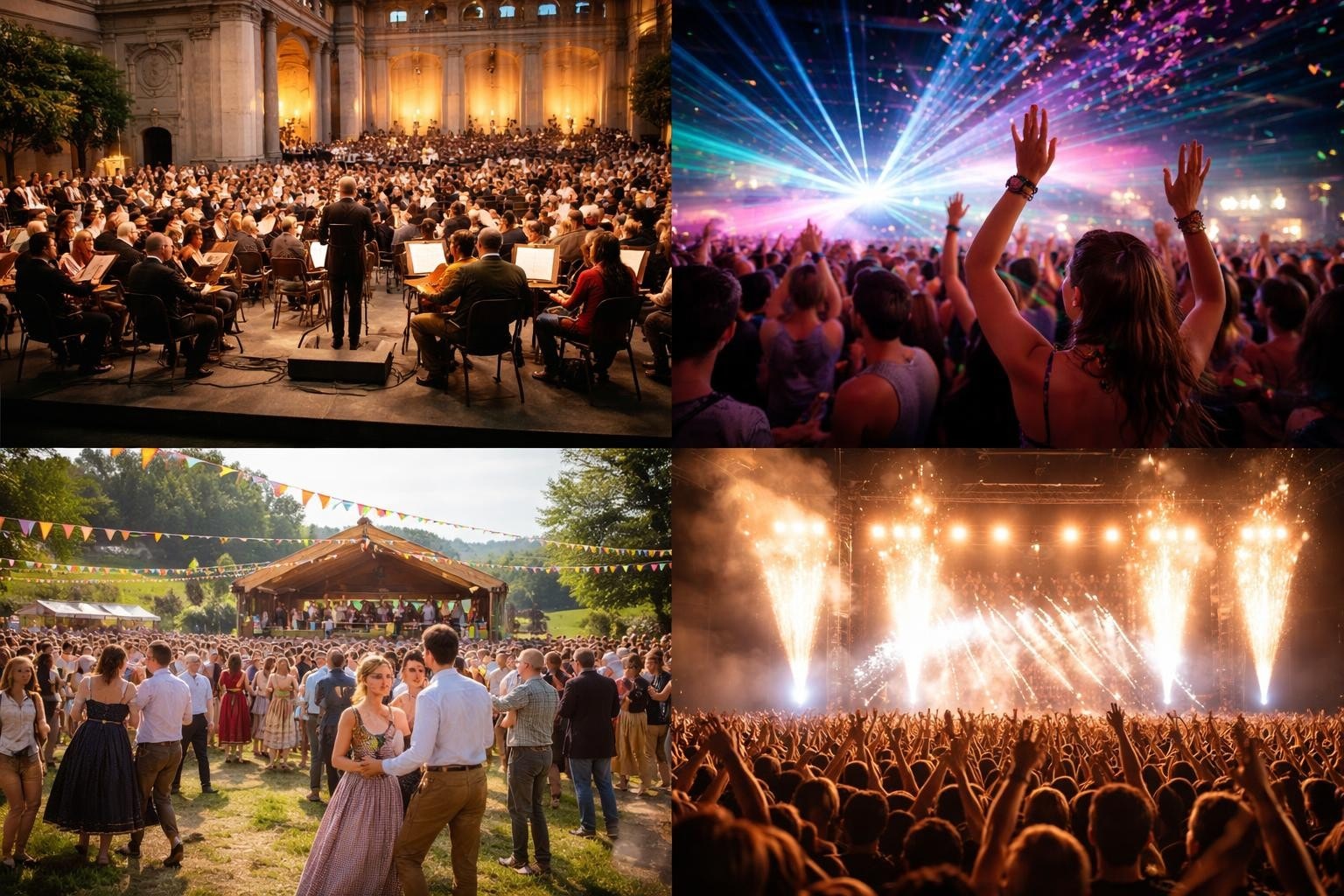
People trust real voices more than corporate ones. They'd rather watch someone who knows what they're talking about stumble through an explanation than sit through a scripted performance that feels rehearsed. This matters especially for events, where the energy and authenticity of the moment carry more weight than production value.
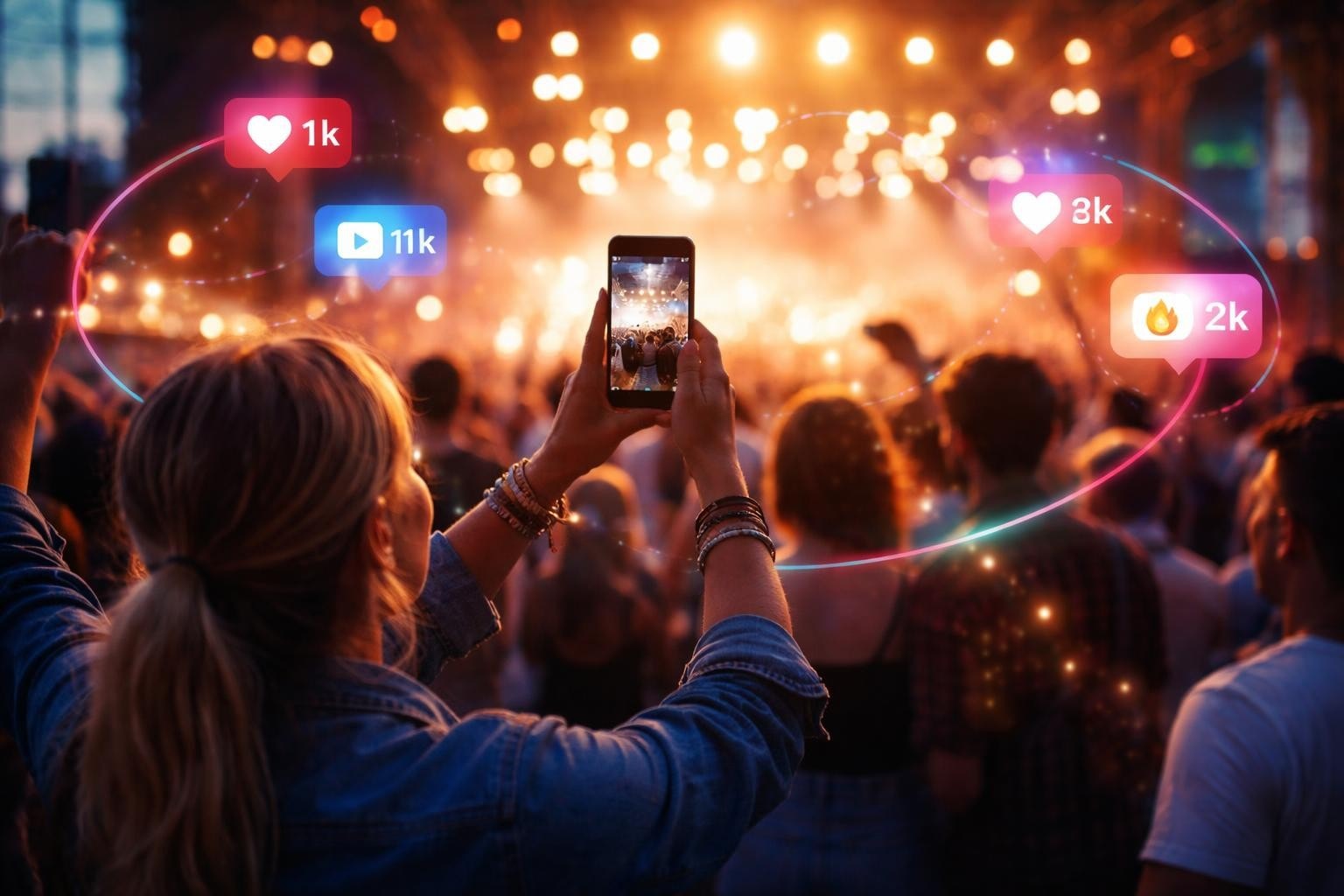
When attendees capture their own experiences, they're creating documentation that no professional crew could replicate. They're in the crowd. They're reacting in real time. They're showing what actually happened, not what was supposed to happen. That's the content people share.
The Problem With Over-Production
Slick videos cost money and time. They also create distance between you and your audience. When everything looks perfect, people assume it's advertising. When it looks real, they assume it's honest.
Research from educational institutions shows that students often prefer shorter, more authentic instructional content over highly produced alternatives. The same applies to event content and brand storytelling.
What Makes a How-To Video Work
Strip away the nonsense and you're left with three things: clarity, brevity, and usefulness. If your video delivers all three, people will watch it. If it doesn't, they won't.
Clarity means the viewer knows exactly what they're learning and why. No mystery. No buildup. Tell them in the first five seconds.
Brevity means respecting their time. If you can explain something in two minutes, don't stretch it to five. If it genuinely takes fifteen minutes, that's fine, but earn every second.
Usefulness means solving an actual problem. Not the problem you think they have. The one they actually searched for or clicked on.
Planning Your Video Before You Record
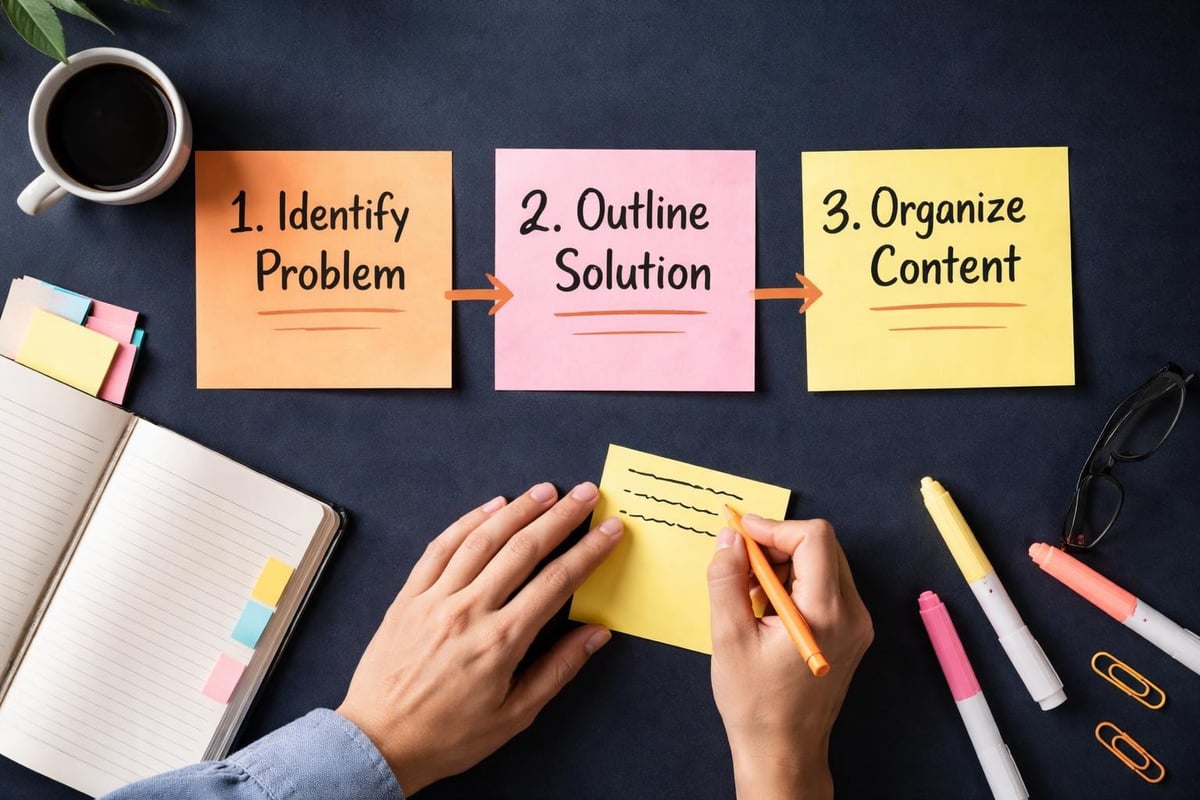
Most people skip this bit. They hit record and hope it works out. It rarely does. You don't need a Hollywood treatment, but you do need a plan.
Figure Out What You're Actually Teaching
Write down the problem you're solving in one sentence. If you can't do that, you don't know what your video is about yet. Keep thinking until you can.
Then list the steps someone needs to take to solve that problem. Not every possible variation or edge case. Just the core path that works for most people.
Know Who You're Talking To
Understanding your audience determines everything from your pacing to your vocabulary. Are they complete beginners? Intermediate users looking for efficiency? Experts who need a refresher?
When you make how to videos for events, your audience might be other organisers, potential attendees, or sponsors. Each group needs different information presented differently.
| Audience Type | What They Need | How to Deliver It |
|---|---|---|
| Complete Beginners | Context and fundamentals | Slower pace, define terms, show everything |
| Intermediate Users | Efficiency and shortcuts | Faster pace, skip basics, focus on optimization |
| Advanced Users | Nuance and edge cases | Technical detail, assume knowledge, go deep |
Recording Without Overthinking It
Good enough beats perfect. Always. The goal is to capture useful information, not to win awards.
Equipment That Actually Matters
Your phone works fine. Seriously. Most phones in 2026 shoot better video than professional cameras from a decade ago. What matters more than the camera is the audio and lighting.
- Audio: Use headphones with a microphone or a cheap external mic. Built-in phone mics pick up too much room noise.
- Lighting: Face a window or use a lamp. You just need light on your face, not a three-point setup.
- Stability: Prop your phone against something or use a cheap tripod. Shaky footage is harder to watch than low-quality footage.
The Recording Process
Do a test run without recording. Figure out what you're going to say and where you'll stumble. Then record it for real. You'll mess up. That's fine. Keep going or start that section again.
Best practices for instructional videos emphasize breaking content into short, focused segments rather than trying to capture everything in one take. This approach works whether you're a professional creator or an event attendee filming a quick tip.
If you're capturing content at events, the best footage often comes from attendees who are experiencing something genuine. They're not trying to make how to videos in the traditional sense, but they're documenting processes, reactions, and moments that others can learn from. That authenticity is what user-generated content platforms help organizers collect and curate.
Editing Without Losing Your Mind
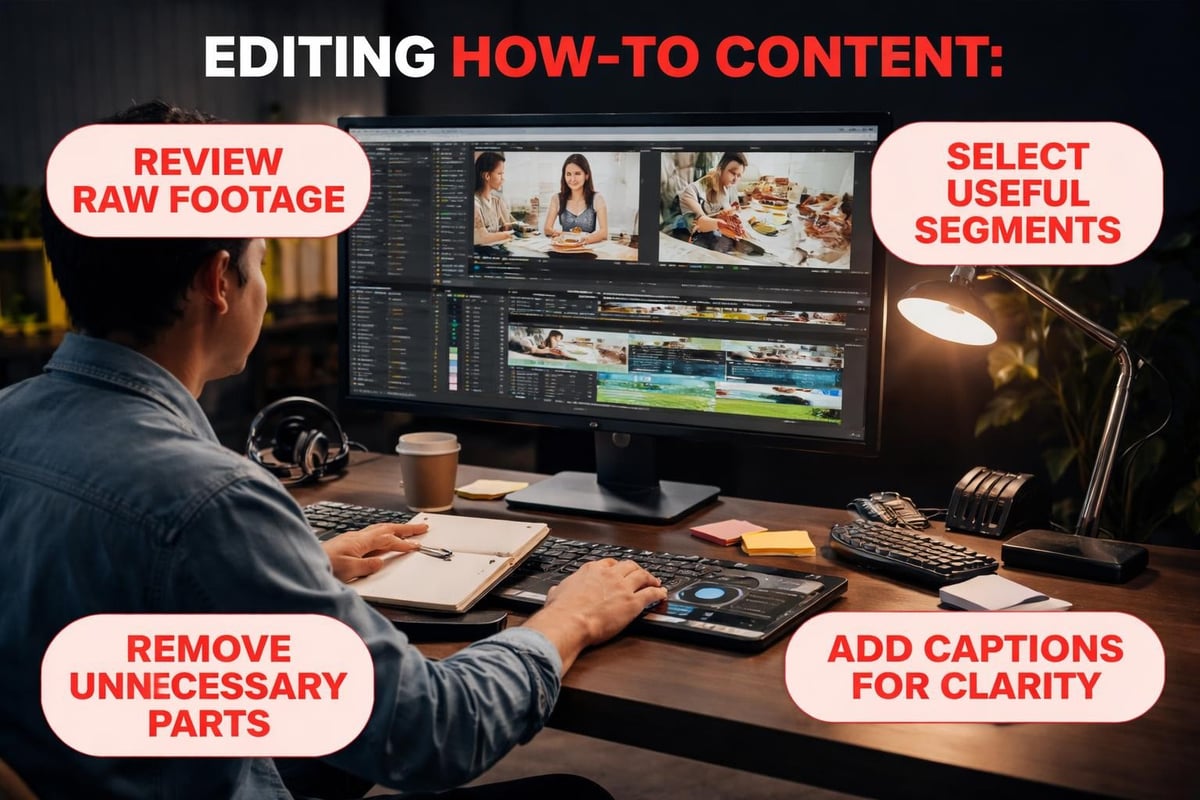
Editing isn't about making your video fancy. It's about removing what doesn't need to be there.
What to Cut
Everything that doesn't serve the core purpose. Long pauses. Repeated information. Tangents that seemed relevant while recording but aren't. The "ums" and "ahs" that happen naturally but add nothing.
What to Keep
The personality. The moments where you actually explain something clearly. The bits where your enthusiasm shows through. Those make the video watchable.
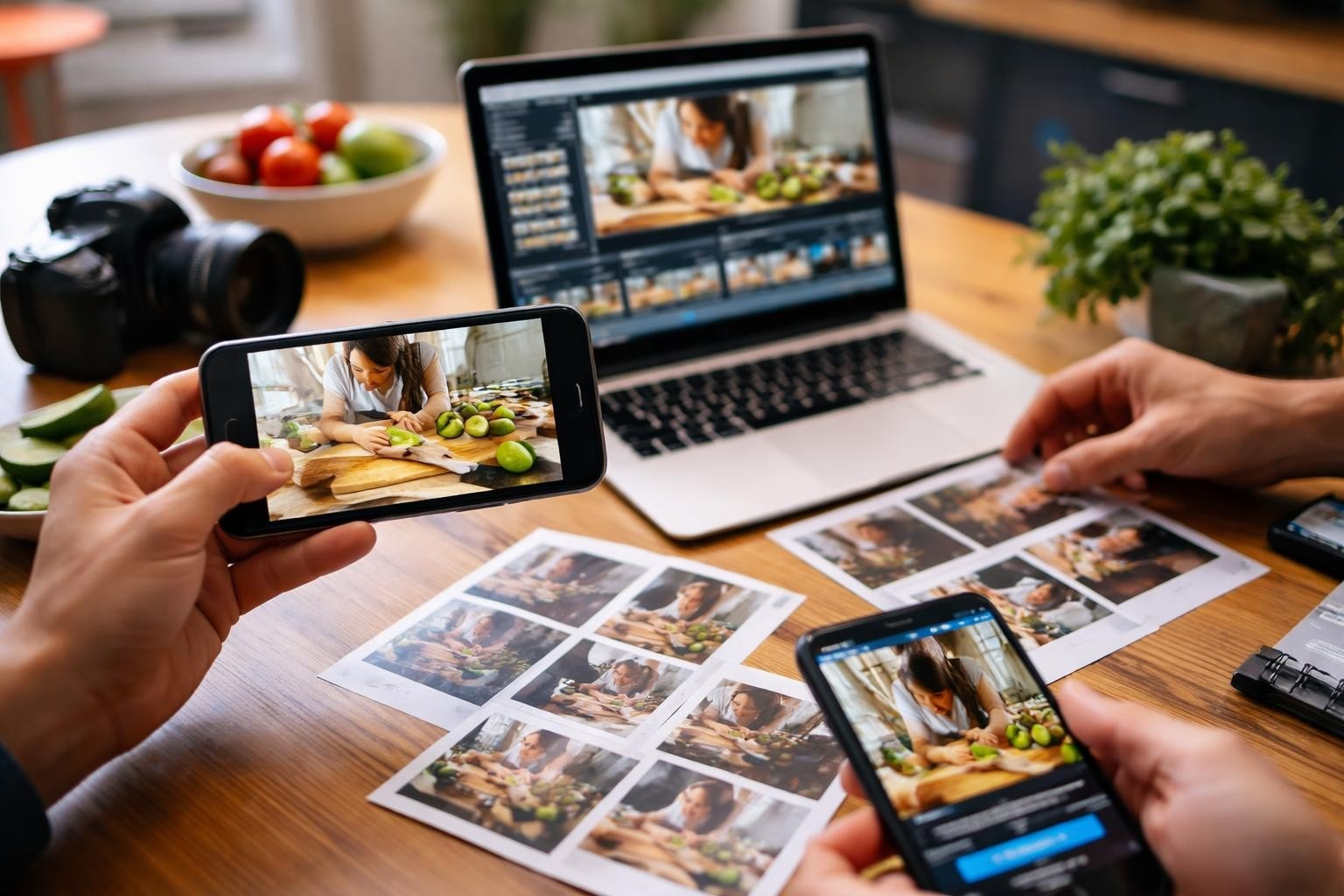
You don't need expensive software. Free tools work fine for basic edits. Cut out the dead space, add simple captions if needed, and you're done. Content curation tools can help you organize and select the best clips, especially when working with multiple videos from different sources.
Structure That Keeps People Watching
Here's what works: tell them what they'll learn, teach them the thing, confirm they learned it. That's it.
The First Ten Seconds
State the problem and the solution. "Here's how to set up automated video collection at your event in under five minutes." Now they know if this video is for them.
The Middle Bit
Walk through each step in order. One thing at a time. Show what you're doing while you explain it. Don't assume they can see what you see or know what you know.
Guidelines for tutorial videos recommend keeping videos under six minutes when possible. If your topic needs more time, consider breaking it into a series rather than one long video.
The End
Recap what they learned in one sentence. Tell them what to do next if relevant. Don't drag it out.
Common Mistakes to Avoid
Starting without a plan. You'll ramble, forget important steps, and waste time in editing trying to fix it.
Explaining too much. Focus on what they need to know, not everything you know. Save the advanced stuff for a follow-up video.
Ignoring audio quality. People will tolerate mediocre video quality if they can hear you clearly. They won't tolerate bad audio.
Forgetting captions. Not everyone watches with sound. Captions also help people follow along and improve accessibility.
Making it about you instead of them. They don't care about your credentials or your journey. They care about solving their problem.
Making How-To Videos at Scale
When you need multiple videos or content from multiple sources, the process changes. You can't personally record and edit everything. You need systems.
This is where user-generated content becomes valuable. Instead of one person trying to document everything, you enable many people to capture what matters to them. Then you curate and organize it.
For events, this might mean attendees filming their favorite moments, speakers sharing behind-the-scenes clips, or volunteers documenting setup processes. The raw material is authentic because it comes from people actually experiencing the event, not performing for a camera.
Organizing User-Generated Content
- Set clear guidelines about what you need and why
- Make submission easy through mobile apps or simple upload forms
- Curate ruthlessly to find the genuinely useful content
- Edit minimally to preserve authenticity while removing confusion
- Share systematically so the content reaches the right audience
When you make how to videos from user-generated footage, you're not starting from scratch each time. You're working with material that already has energy and authenticity. Your job is selection and organization, not creation. Platforms designed for content curation can automate much of the sorting and categorizing work.

Distribution Strategy
Creating the video is half the job. Getting it to the people who need it is the other half.
Where to Publish
Put your videos where your audience already spends time. For event content, that might be social media, your website, or email newsletters. For internal training, it might be your learning management system or company intranet.
Short-form platforms like YouTube Shorts, TikTok, and Instagram Reels reward brief, focused content. Understanding how these platforms differ helps you optimize for each one without creating entirely separate content.
Optimizing for Discovery
Use descriptive titles that include the problem you're solving. "How to collect video content from event attendees" works better than "Video tips."
Write descriptions that expand on the video content. Include timestamps if the video covers multiple topics. Add relevant tags and categories.
Measuring What Matters
Watch time matters more than view count. If people click and immediately leave, your title promised something the video didn't deliver. If they watch to the end, you solved their problem.
Comments and questions tell you what you missed or what needs clarification. Use that feedback to create follow-up videos or improve future ones.
Making It Sustainable
You can't make how to videos forever if the process exhausts you. Build systems that make it easier each time.
Create Templates
Standardize your intro, outro, and structure. Not because you want everything to look the same, but because starting from a template is faster than starting from nothing.
Batch Your Work
Record multiple videos in one session. Edit them in batches. Upload and schedule them together. Context-switching wastes energy.
Reuse and Repurpose
One detailed video can become several short clips. A screen recording can be turned into a step-by-step guide. Don't create new content when you can reshape existing content.
Effective video curation strategies help you identify which existing content can be repurposed and which gaps genuinely need new material.
Technical Considerations That Actually Matter
You don't need to understand codecs and bitrates, but a few technical choices affect your results.
Video format: For web use, MP4 with H.264 encoding works almost everywhere. Understanding which format works best prevents compatibility issues.
Resolution: 1080p is the sweet spot in 2026. 4K looks nice but creates huge files. 720p works for simple screen recordings.
Aspect ratio: Shoot horizontal for YouTube and websites, vertical for mobile-first platforms. Or shoot horizontal and crop to vertical rather than the other way around.
File size: Compress your videos before uploading. Smaller files load faster and don't eat bandwidth.
When to Make How-To Videos vs. Other Content
Not everything needs a video. Some things are better explained in text, images, or interactive demos. Video works best when:
- The process involves physical actions people need to see
- Tone and delivery matter as much as information
- The audience prefers watching to reading
- You need to show change over time or movement
It doesn't work as well when:
- The information is simple enough for a bullet list
- People need to reference specific details frequently
- The content will update often and videos are hard to change
- Your audience is in situations where they can't watch videos
Choose the format that serves your audience, not the one you prefer creating.
Real-World Applications
How-to videos solve practical problems across industries. At events, they help with setup instructions, attendee guidance, and post-event tutorials. For product launches, they explain features and use cases. In education, they teach specific skills or concepts.
The best ones focus relentlessly on user needs. Atlassian's approach to instructional content emphasizes planning around what learners actually need to accomplish, not just what the instructor wants to teach.
When event attendees create their own how-to content, they're often showing other attendees how to get the most from the event. That peer-to-peer instruction carries more credibility than official guidance because it comes from someone in the same position.
The Role of AI in Authentic Video
AI doesn't create the content, but it makes working with authentic content faster. It can help you find the best clips from hours of footage, suggest edits, organize content by topic, and even generate captions automatically.
The key is using AI as a tool that amplifies human creativity rather than replacing it. When you make how to videos from user-generated content, AI helps you curate and polish without losing the authentic voice that made the content valuable in the first place.
Building a Library Over Time
Each video you create becomes an asset. Over time, you build a library that answers common questions and solves recurring problems.
Organize your videos by topic, difficulty level, or audience type. Make them easy to find and reference. Update them when information changes rather than letting outdated content confuse people.
A well-organized video library reduces repetitive questions, supports self-service learning, and scales your expertise beyond what you could deliver personally.
Making effective how-to videos isn't complicated, but it does require focus on what actually matters: solving real problems for real people. The most engaging instructional content comes from authentic experiences, whether that's you explaining something you know well or event attendees sharing what they've discovered. If you're organizing events and want to harness that authentic storytelling from attendees, SureShot provides the platform to collect, curate, and share user-generated video content that educates and engages your audience while reducing your production workload.