

You've got hundreds of clips from your event. Maybe thousands. Different formats, different phones, different people. Now what? Most event organisers underestimate how quickly video files pile up, and how messy things get without a proper system. The way you store videos directly affects whether you'll actually use them or let them gather digital dust.
Why Storage Matters More Than You Think
When attendees capture moments at your event, you're collecting raw material that could extend your event's lifespan by months. But only if you can find it, access it, and use it without headaches.
Poor storage means lost content. You'll spend hours hunting for specific clips. Files get corrupted. Team members can't access what they need. Video content creation becomes a nightmare instead of an asset.
Good storage saves you time and money. You can repurpose content across platforms. Pull highlights for next year's marketing. Share clips with sponsors who want proof of reach. The difference isn't subtle.
Cloud vs Local: What Actually Works
Cloud storage wins for events, and it's not close. Local drives fail. Hard drives get dropped. Laptops get stolen. Cloud services give you redundancy and access from anywhere.
Here's what matters when you're choosing where to store videos:
- Accessibility: Can your whole team get to the files when they need them?
- Scalability: Will it handle 500 clips as easily as 50?
- Speed: Can you upload and download without waiting around?
- Cost: Does the pricing make sense for your file volumes?
TechTarget's guide on video data storage covers various options, but for event content, cloud is king. Tape backups might work for archives, but you need fast access.
The Three-Tier Approach
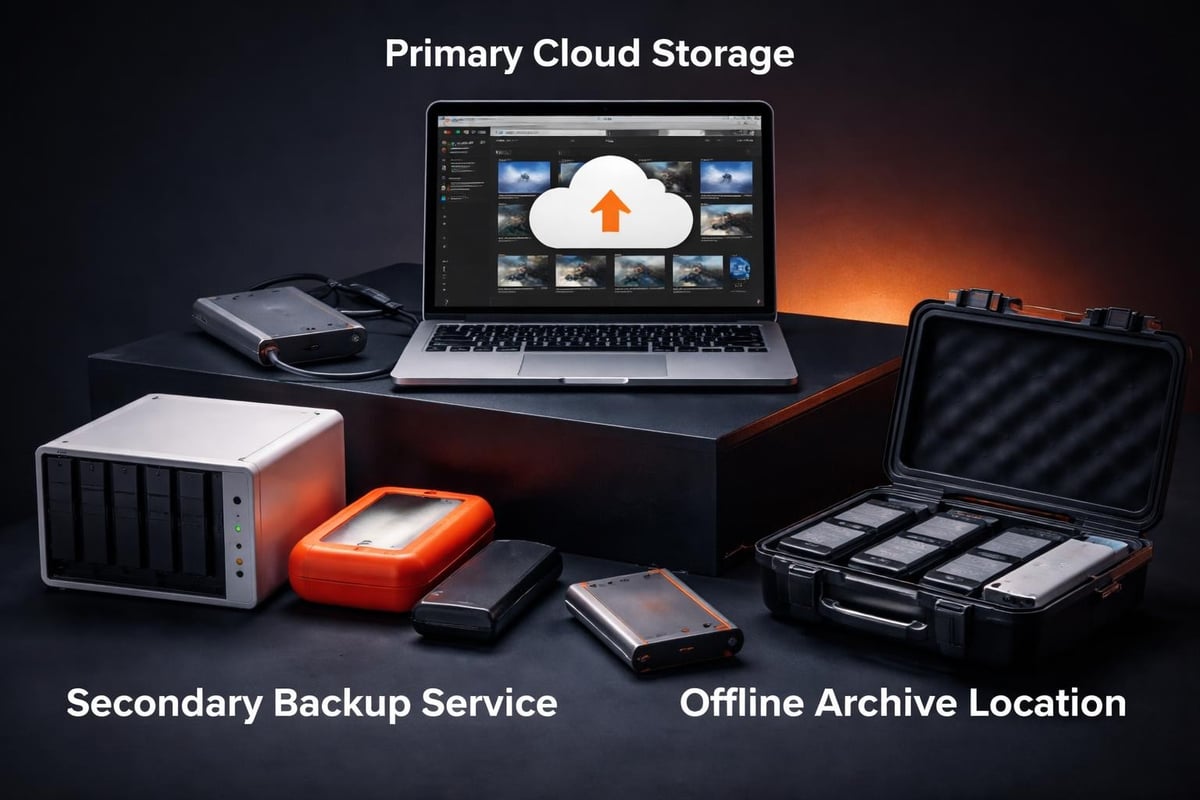
Smart event teams don't put everything in one place. They use three storage tiers:
- Active storage: Cloud platform for current content you're working with
- Archive storage: Cheaper cloud tier for older events
- Backup storage: Separate service for disaster recovery
This isn't paranoia. It's insurance that costs less than losing your content.
| Storage Type | Best For | Typical Cost | Access Speed |
|---|---|---|---|
| Cloud (Hot) | Current events | £££ | Instant |
| Cloud (Cold) | Past events | £ | Hours |
| Local Backup | Emergency copy | One-time | Immediate |
| External Drive | Transport/temp | One-time | Fast |
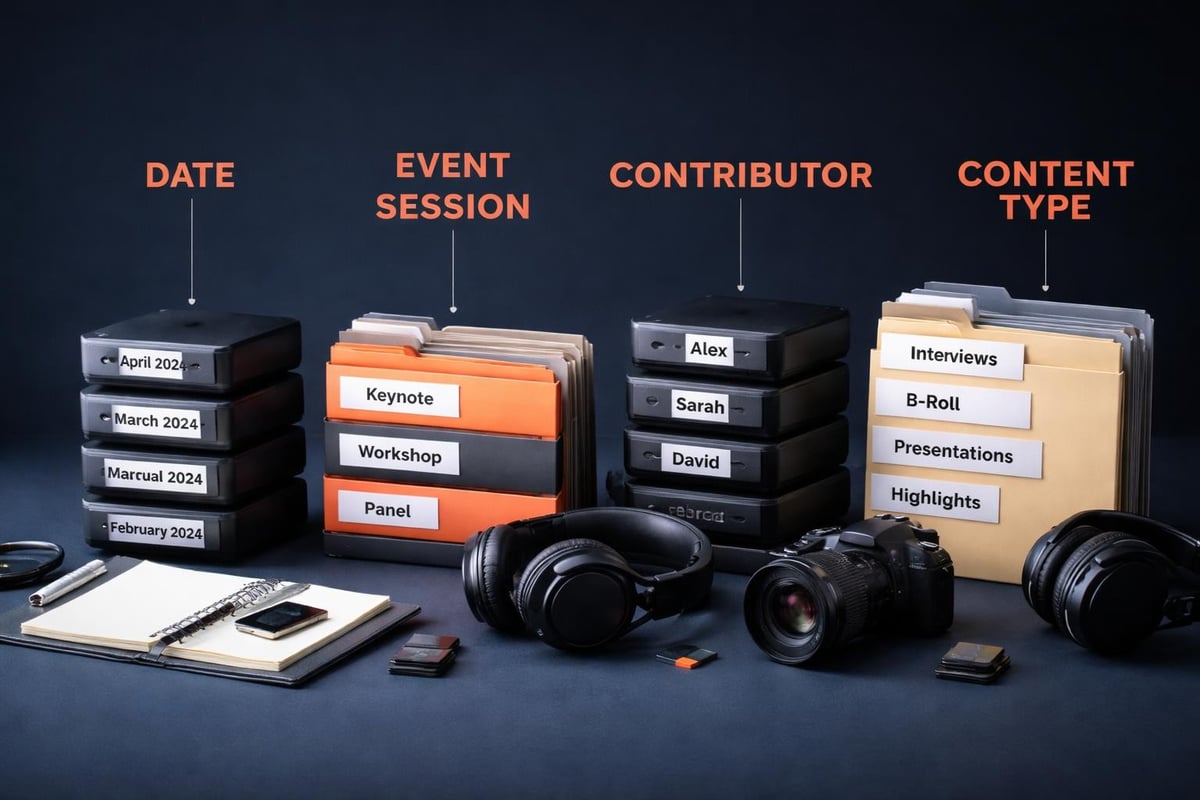
Naming Conventions That Won't Drive You Mad
You need a system before you need it. Random filenames like "VID_20260315_142338.mp4" tell you nothing.
Use this structure: EVENTNAME_DATE_CONTRIBUTOR_DESCRIPTION.mp4
Example: TechConf_20260315_SarahK_KeynoteMoment.mp4
Why this works:
- Events group together alphabetically
- Dates sort chronologically
- Contributors are trackable
- Descriptions make search possible
File storage best practices emphasise consistent naming conventions, and they're right. Two hours setting up your system saves twenty hours hunting for files later.
Folder Structure That Scales
Don't just dump everything in one folder. Build a hierarchy that makes sense:
/Events
  /2026
    /TechConf_March
      /Raw_Uploads
      /Edited_Content
      /Published
      /Archive
Each event gets its own space. Each stage of production has a home. You'll know where everything lives without thinking about it.
Format and Quality Decisions
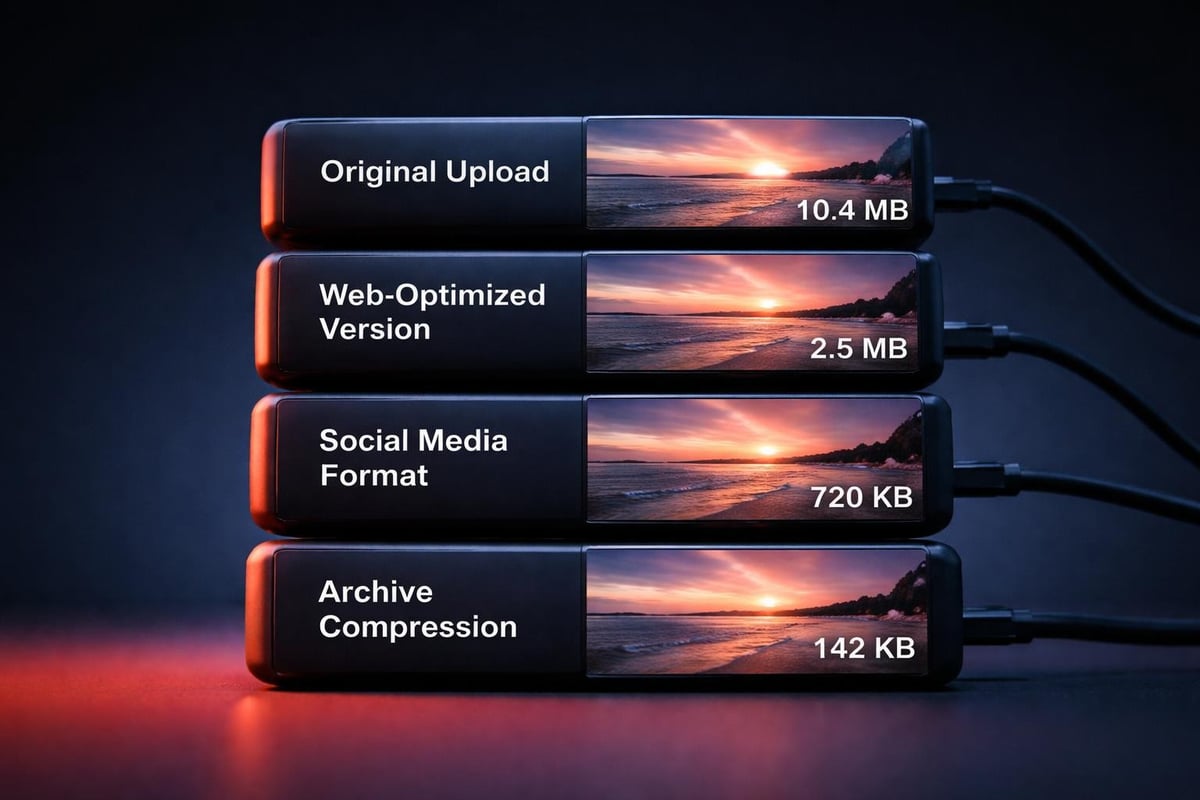
Here's the trade-off: higher quality means larger files. Larger files cost more to store and take longer to transfer.
For user-generated content from events, you're often working with what people shot on their phones. That's usually H.264 in MP4 containers. Don't try to upscale it. Store videos in the format they arrive.
When to convert:
- Publishing to web (optimise for streaming)
- Creating social media variants
- Making archives smaller
When to keep original:
- First backup of raw content
- Master files for future editing
- Content you might repurpose
Understanding video formats for web helps you balance quality and practicality. You don't need cinema-grade files for Instagram stories.
Metadata: Your Future Self Will Thank You
Every video needs information attached to it. Not just the filename, but searchable metadata that makes content findable.
Essential metadata fields:
- Event name and date
- Contributor name
- Location/session
- Keywords/tags
- Rights/consent status
- Duration
- Upload date
Best practices for storing photos and videos highlight metadata management as critical. They're not wrong. Metadata transforms a pile of files into a searchable library.
Modern platforms let you tag content as it uploads. Use that feature. Adding metadata later is tedious work nobody wants to do.
Access Control and Team Workflows
Not everyone needs access to everything. Set permissions based on roles.
| Role | Access Level | Why |
|---|---|---|
| Event organisers | Full access | Need everything for decisions |
| Editors | Edit raw + edited folders | Working with content |
| Marketing team | Published folder | Using finished content |
| Contributors | Their own uploads | Privacy and ownership |
When you curate content from multiple contributors, clear access controls prevent confusion. They also protect contributor privacy and maintain consent boundaries.
Sharing Without Chaos
You'll need to share clips with sponsors, partners, and team members. Don't email massive files. Use sharing links with expiry dates.
Set download permissions based on need. Marketing might need to download for Instagram. Sponsors might just need to view. Links that expire after 30 days prevent old URLs floating around forever.
Backup Strategies That Actually Protect You
The 3-2-1 rule applies to event videos:
- 3 copies of your content
- 2 different storage types
- 1 copy off-site
For events, this might mean:
- Original uploads on your platform
- Cloud backup service
- External drive in a different location
Automated backups beat manual ones. You'll forget. Software won't.
Test your backups occasionally. Download a file from your backup system and verify it plays. Backups you haven't tested are backups that might not work.
Processing and Workflow Integration
The way you store videos should support your workflow, not fight it. If editors need to access raw footage, they shouldn't need to download 50GB every time.
Proxy workflows help here. Store high-quality originals in archive storage. Create smaller proxy files for editing. Video submission platforms can automate proxy generation.
Integration matters too. Your storage should connect with:
- Editing software
- Social media schedulers
- Analytics platforms
- CRM systems (for contributor management)
Manual transfers between systems waste time and create errors. Look for platforms with API access or native integrations.
Search and Retrieval Systems
You're storing videos so you can use them. Search capability determines whether storage helps or hinders.
Good search includes:
- Filename and metadata
- Contributor names
- Date ranges
- Keywords/tags
- Visual similarity (if your platform supports it)
Content curation tools often include robust search features because finding the right content is half the job.
Advanced platforms use AI to transcribe speech and detect scenes. Search for "keynote applause" and find every moment someone clapped during a talk. That's powerful when you're creating highlight reels.
Long-Term Archive Strategy
Events don't exist in isolation. You'll run them again next year. You'll want to compare year-over-year. You'll need old footage for anniversary content.
Archive older events to cheaper storage tiers, but don't delete them. Storage is cheap. Recreating lost content is impossible.
Retention schedule example:
- Months 0-3: Active tier, full access
- Months 3-12: Standard tier, occasional access
- Year 2+: Archive tier, rare access
- Never: Delete (unless legally required)
Columbia University's video best practices guide emphasises thoughtful archiving. Educational content and event content share this need for long-term preservation.
Cost Management and Optimisation
Cloud storage costs add up. Smart strategies keep expenses reasonable without sacrificing accessibility.
Optimisation tactics:
- Move old content to archive tiers (saves 70-80% on storage costs)
- Delete duplicate uploads (common with user-generated content)
- Compress archived content (after you're done editing)
- Review retention policies (some content can eventually be deleted)
- Monitor access patterns (keep frequently accessed content on fast tiers)
Calculate your per-event storage costs. If you're spending more on storage than the content generates in value, something's wrong with your workflow.
When working with authentic moments from real attendees, you're creating assets with lasting value. Budget for proper storage from the start.
Mobile and Remote Access
Event teams work from everywhere. Your storage needs to work everywhere too.
Mobile apps for your storage platform mean you can:
- Review clips on your phone
- Share content with stakeholders immediately
- Download files for quick edits
- Upload additional content post-event
Remote access doesn't mean compromised security. Use two-factor authentication. Set up VPNs for sensitive content. Control access through mobile device management if needed.
Platform-Specific Considerations
Different platforms handle storage differently. YouTube stores your uploads but owns the distribution. Vimeo gives you more control but costs more for large volumes.
Dedicated event video platforms like those designed for UGC collection build storage into the workflow. Contributors upload directly. Files organise automatically. Consent tracking happens alongside storage.
This integrated approach beats cobbling together separate tools. You store videos where you collect them, edit them, and distribute them.
Compliance and Privacy
When you store videos of people, you're handling personal data. GDPR applies in the UK and EU. Other regions have their own rules.
Your storage system needs:
- Consent tracking (who agreed to be filmed and for what use)
- Deletion capability (removing someone's content on request)
- Access logs (who viewed or downloaded what)
- Data location transparency (where files physically live)
Consent management isn't optional. It's a legal requirement that your storage system must support.
Performance Monitoring
Track how your storage performs:
- Upload success rate
- Download speeds
- Search query response time
- Storage costs per event
- Team satisfaction with access
If editors complain about slow downloads, upgrade your tier or optimise file sizes. If costs spike, review your retention policies. Storage should fade into the background, not create constant problems.
Vanderbilt University's guide on storing and sharing videos discusses platform performance considerations. Event content has similar needs for reliability and speed.
Future-Proofing Your Storage
Technology changes. Formats evolve. Platforms shut down. Your storage strategy should account for this.
Future-proofing tactics:
- Use widely supported formats (MP4/H.264 won't disappear soon)
- Avoid proprietary platforms that lock you in
- Document your organisation system
- Maintain export capabilities
- Review your strategy yearly
Don't assume your current setup will work forever. Plan for migration before you need it. When a platform announces it's closing, you want weeks to migrate, not days.
Storing videos properly isn't glamorous work, but it's the foundation that makes everything else possible. Get your organisation, formats, and workflows right, and you'll spend less time managing files and more time creating value from them. If you're collecting video content from event attendees and want a platform that handles storage, organisation, and distribution in one place, SureShot ApS builds these best practices directly into the workflow. Your contributors upload their authentic moments, and you get organised, searchable, usable content without the storage headaches.