



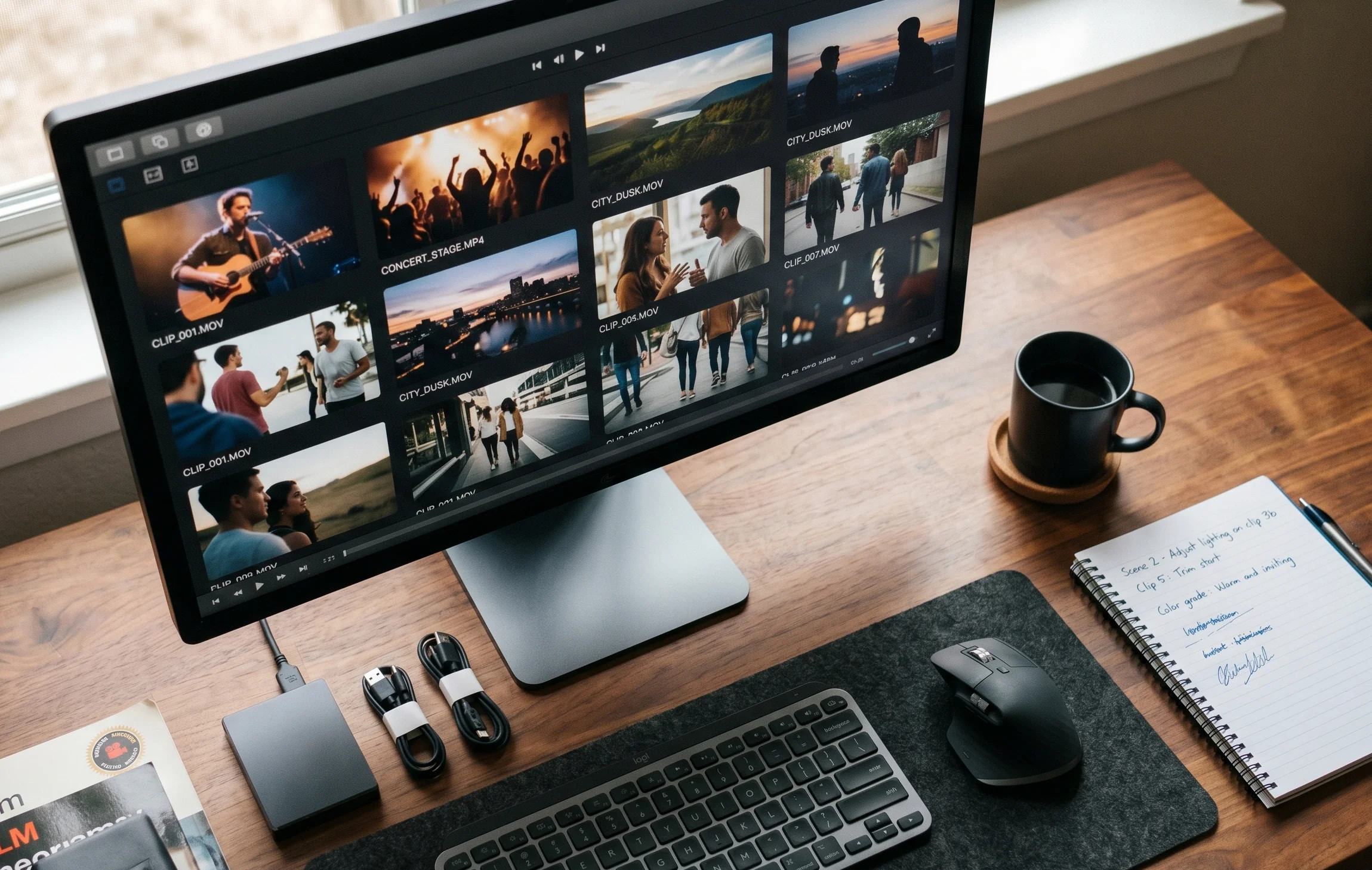

After most events, there is more footage than anyone knows what to do with. Attendees film everything on their phones. Staff capture behind-the-scenes moments. The official camera crew shoots the main stage. By the end of the weekend, hundreds of hours of video exist across dozens of devices, and most of it never gets used.
A video curation platform solves that problem. It gives event organisers a single place to collect footage, review it, identify the best clips, and prepare content for publishing, without spending weeks in an editing suite.
This article explains what a video curation platform is, how it works for live events, and what to look for when choosing one.
What is a video curation platform?
A video curation platform is software that collects video from multiple sources, organises it into a reviewable archive, and helps you identify the most useful content. The curation step is what separates it from simple cloud storage: rather than dumping everything into a folder, the platform helps you find the clips worth keeping and using.
For live events, this typically means:
- Collecting uploads from attendees directly via an app or web portal
- Organising clips by time, location, tag, or contributor
- Surfacing the strongest footage through smart organisation
- Giving the organiser a shortlist of content ready to publish or edit
The goal is to go from hundreds of raw clips to a usable archive of the event's best moments, in hours rather than weeks.
How video curation platforms work for live events
1. Collection
Attendees are given a way to upload footage during or after the event. This might be a PIN code that gives access to an event page, a QR code on signage, or a link shared by the organiser before the event. The best platforms remove as much friction as possible: no mandatory account creation, no file size limits, and support for both app-based and browser-based uploads so every attendee can participate regardless of their device.
2. Ingestion and organisation
As clips arrive, the platform organises them automatically. Timestamps, contributor information, and any tags applied during upload are used to build a searchable archive. Organisers can filter by time of day, location, or content type to navigate large volumes of footage quickly.
3. Smart review
Strong video curation platforms organise every clip into a clear, navigable archive. Filtering, tagging, and sorting tools help organisers cut through large volumes of footage and find the strongest moments quickly, without having to watch every clip from start to finish.
4. Moderation
Before footage is published or shared, it goes through a moderation step. The organiser reviews the shortlist, approves or removes individual clips, and maintains full control over what ends up in the final archive. This step also handles content that may be inappropriate or off-brand.
5. Publishing and sharing
Once curated, the content is ready to use. This might mean downloading a highlight reel, sharing a clip library with sponsors, pushing content directly to social channels, or embedding a video archive on the event website. The platform handles the final step as simply as the first.
Video curation platforms vs generic video tools
It is worth being clear about what a video curation platform is not.
It is not cloud storage. Tools like Google Drive or Dropbox store video, but they do not collect it from attendees, organise it intelligently, or help you find the best content. You still end up with a folder full of files to sort through manually.
It is not a video editing tool. Platforms like Adobe Premiere or Final Cut Pro are built for post-production. They assume you already know which clips you want to use. A video curation platform comes before the edit. It helps you decide what is worth editing in the first place.
It is not a social media aggregator. Tools that pull in content from hashtags or mentions are useful for social listening, but they do not give the organiser control over quality, consent, or rights. Footage collected through a dedicated platform comes with clear permissions from the point of upload.
The distinction matters for event organisers because the challenge is not editing or storing footage. It is collecting it from attendees and identifying what is actually good before time and attention move on.
What to look for in a video curation platform for events
Low-friction upload for attendees
If uploading is complicated, attendees will not bother. Look for platforms that work without mandatory app downloads, support both iOS and Android, and offer a browser-based fallback. The fewer steps between filming and uploading, the more content you will receive.
Built-in consent and rights management
Footage collected from attendees comes with rights and privacy obligations. The best platforms handle consent at the point of upload, making it clear to contributors how their footage will be used and giving organisers a clear licence to publish. This removes the need to chase permissions after the event.
Smart curation
Manual review of large volumes of footage is not realistic. Tools that can identify the strongest clips, flag low-quality content, and surface highlight moments automatically are the difference between a platform that saves time and one that creates a different kind of work.
Moderation controls
The organiser needs full control over what is published. Look for platforms that allow individual clip approval, bulk review, and the ability to remove content quickly if needed. Moderation should be a feature, not an afterthought.
Flexible output options
Once footage is curated, you need to be able to use it. Download clips directly, push to social channels, share with sponsors, or embed a gallery on your event site. A platform that locks content inside its own interface is a bottleneck, not a solution.
Event-scale reliability
A large festival might see thousands of uploads in a single evening. The platform needs to handle that volume without degrading performance. Check whether the provider has experience with events at your scale before committing.
Why event organisers use SureShot
SureShot is built specifically as a video curation platform for live events. Attendees upload footage via the app or directly through the event portal using a PIN code. Attendees enter their email address and a PIN to upload. Anyone who later signs up to the app with the same email can access their submitted footage, see highlight collections and reels the organiser publishes, and receive event updates. The dashboard organises every clip as it arrives by event and timestamp, making it easier to navigate and review submissions. Smart curation features that surface the strongest moments automatically are in development and will roll out to existing customers as they ship.
Rights and consent are handled at the point of upload. Organisers have full moderation control. Content can be downloaded, shared, or pushed to social directly from the dashboard.
At Vig Festival, 640 attendees uploaded 1,350 clips over the weekend. The festival team had shareable highlight content ready within hours of the event ending, working from the organised clip library in the SureShot dashboard.
If you want to see how it works for your event, book a demo and we can walk through your specific setup.


