



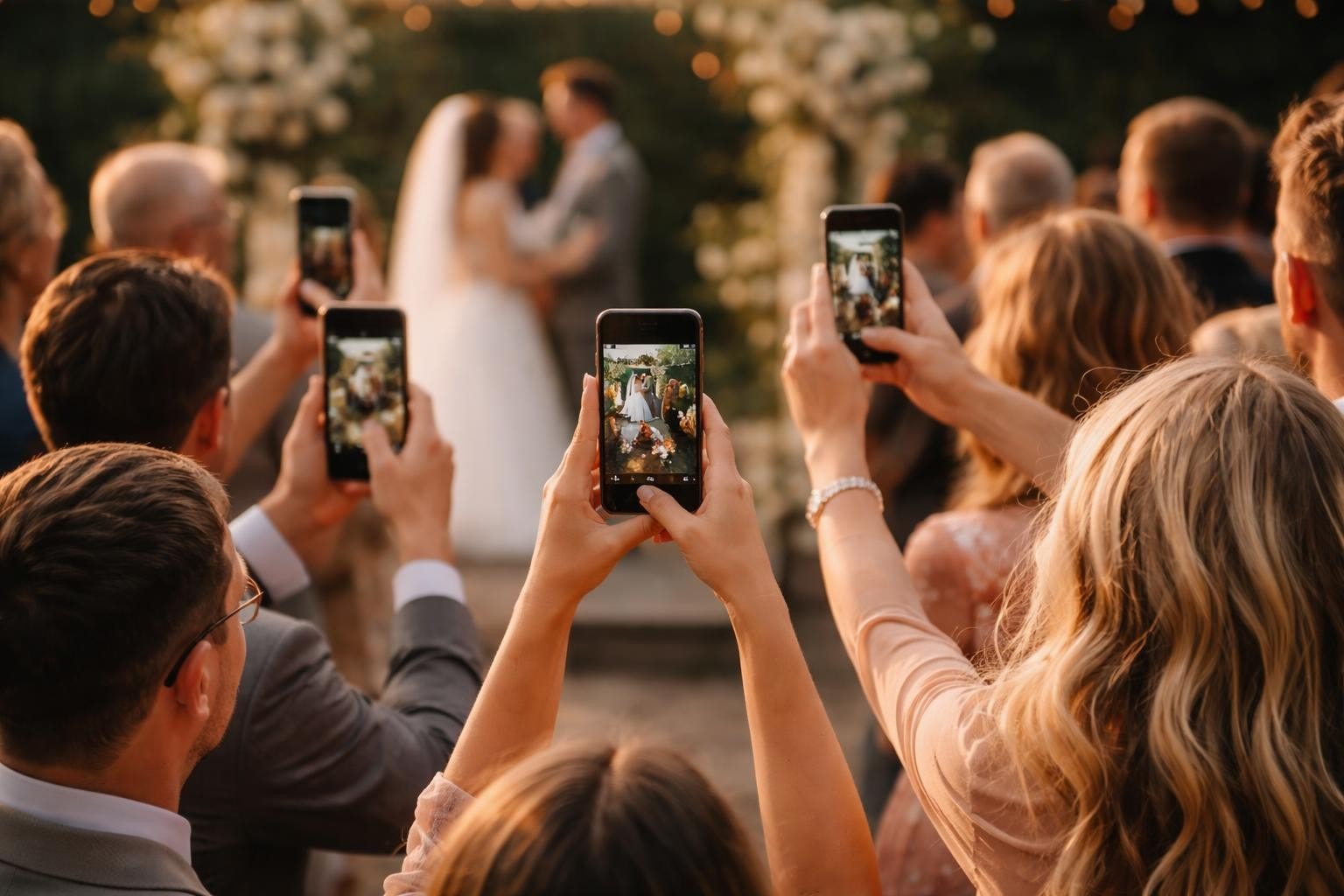

You've hired a professional videographer. They'll get the ceremony, the first dance, the speeches. But they're one person with one camera, and they'll miss most of what actually happens. The real moments happen in the corners, at the tables, during the chaos between the official stuff. That's where wedding guest video comes in. Not as a replacement, but as something entirely different: authentic, unfiltered, and exactly what people actually want to watch.
Why Wedding Guest Video Actually Works
Professional wedding videos are polished. They're beautiful. They're also predictable.
Wedding guest video captures what professionals miss. The joke during the cocktail hour. The dance-off that started spontaneously. The grandmother's reaction when she saw the bride. These aren't planned moments. They're the stuff that makes weddings worth attending.
Here's what happens when you give guests a way to contribute:
- You get multiple perspectives of the same moment
- People film what matters to them, not what's on a shot list
- The content feels real because it is real
- You end up with hours of footage instead of minutes
The best part? Guests already have their phones out. You're not asking them to do something unnatural. You're just giving them a better place to put the videos than their camera roll.
What Makes Guest-Generated Wedding Content Different
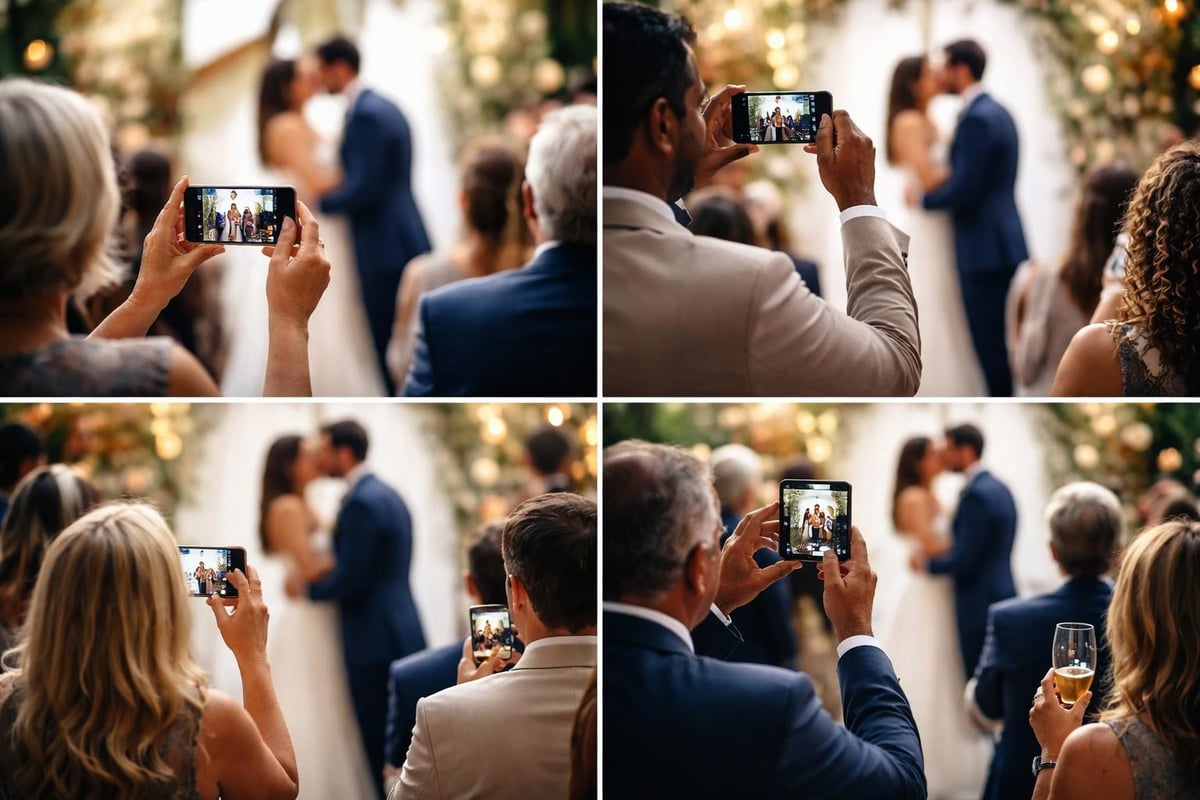
There's a difference between asking Uncle Dave to film the ceremony and actually organizing wedding guest video properly.
Random phone videos end up scattered across 50 different devices. Half get deleted to make room for more photos. The other half sit unwatched in someone's cloud storage. That's not a strategy, that's just chaos with extra steps.
Organized wedding guest video works because:
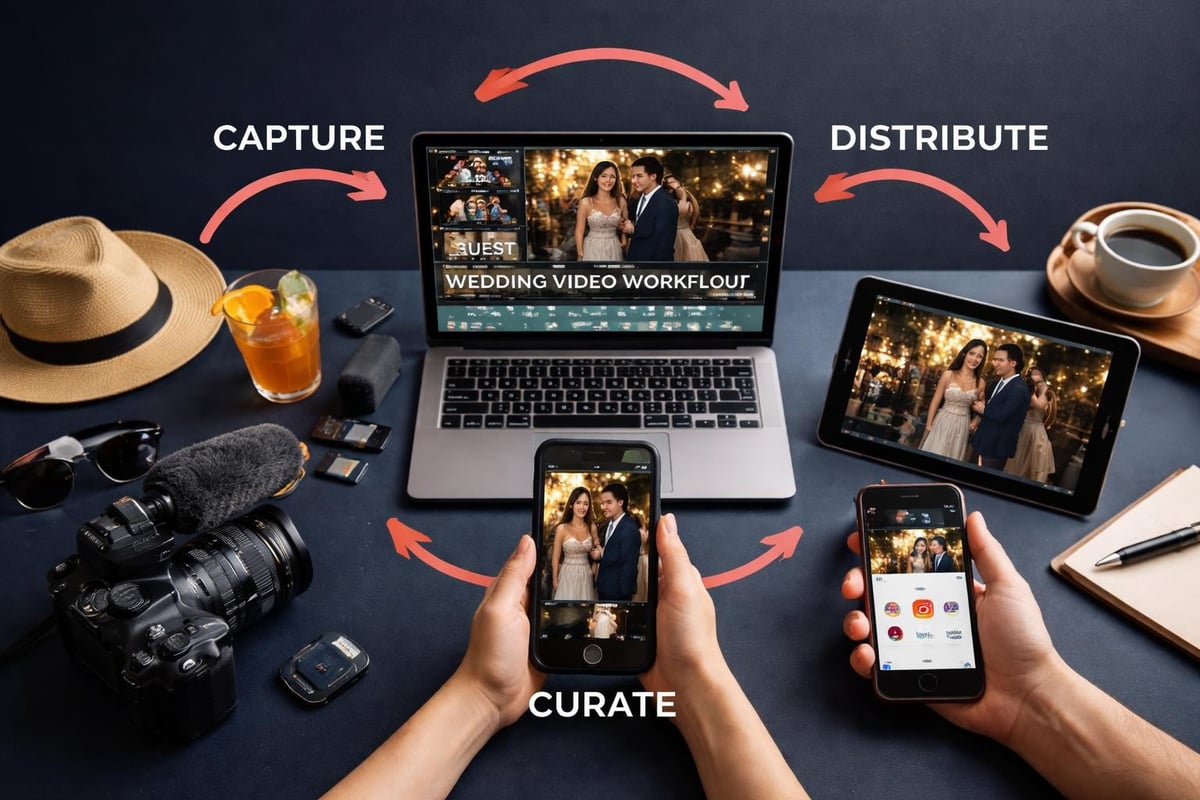
You control the workflow. Guests film. Content goes to one place. Someone curates it. You get the good stuff without the overhead.
You get consent handled upfront. No chasing people six months later asking if you can use their clip. It's sorted from the start.
You can actually use it. For social media, for a montage, for showing family who couldn't attend. The content exists in a usable format, not trapped on someone's phone.
The Content Quality Question
"But won't guest videos look rubbish?"
Some will. That's fine. You're not using everything.
The point isn't that every guest is suddenly a cinematographer. The point is volume and authenticity. Out of 100 clips, you'll get 20 good ones. That's 20 genuine moments you wouldn't have otherwise.
Plus, people are better at phone video than you think. Capturing wedding videos with your smartphone isn't rocket science anymore. Modern phones shoot in 4K. The footage is usable.
Setting Up a Wedding Guest Video System
You need three things: a way for guests to submit videos, a place to store them, and someone to sort through them.
Here's how it actually works:
Before the Wedding
Pick your platform. You want something guests can access without downloading an app they'll delete tomorrow or creating an account they'll forget. QR codes work. Simple upload links work. Complicated doesn't work.
Brief the couple. Set expectations. They're getting authentic content, not broadcast-quality footage. That's the whole point, but spell it out anyway.
Create prompts. Don't just say "film stuff." Give guests specific things to capture: their favourite memory with the couple, their wedding advice, what they're looking forward to tonight. Structure creates better content than "just do whatever."
During the Wedding
Make it visible. Put QR codes on tables. Mention it during speeches. Have signage near the bar. If guests don't know they can contribute, they won't. Video guestbook placement strategies matter here.
Keep it simple. The upload process should take 30 seconds. Any longer and people give up.
Assign a point person. Someone needs to monitor submissions and gently encourage participation. Not in an annoying way. Just a "hey, we'd love your perspective on this" kind of way.
| Timeline | Action | Why It Matters |
|---|---|---|
| 2 weeks before | Set up platform and test upload flow | Catch technical issues early |
| 1 week before | Share QR codes with wedding party | They'll promote it naturally |
| Day of | Place signage and brief MC | Multiple touchpoints increase participation |
| During event | Monitor submissions in real-time | Spot gaps and request specific content |
| Next day | Start curation process | Strike while footage is fresh |
After the Wedding
This is where most wedding guest video projects die. You've got 200 clips and no plan.
Curate ruthlessly. You're looking for emotion, humour, and moments that tell a story. Shaky footage of the dance floor at 11 PM? Probably not. The best man's genuine reaction to the vows? Absolutely.
Edit with purpose. Don't just dump everything into a 40-minute compilation. Create something people will actually watch. A best UGC platform will help you organize and edit user-generated content efficiently.
Distribute smart. Short clips for social media. Longer edits for the couple. Vertical format for Instagram, horizontal for YouTube. Match the content to the platform.
The Social Media Multiplication Effect
Here's what nobody tells you about wedding guest video: it spreads itself.
When guests film content, they share it. When they share it, their networks see it. Your wedding content suddenly reaches people who weren't even there. That's organic reach you didn't pay for.
Think about it:
- 100 guests at a wedding
- 30 of them submit videos
- Each has 500 followers on Instagram
- Even if only 20% engage, that's 3,000 impressions you didn't have
You're not running ads. You're not boosting posts. You're just letting authentic content do what authentic content does: spread naturally.
Making Wedding Videos Go Viral (Maybe)
Can wedding guest video go viral? Sometimes. Should you count on it? No.
But you can improve your odds. Strategies for making wedding content shareable include capturing key moments in vertical format, editing for platforms (not just for the couple), and timing your posts right.
The weddings that blow up usually have:
- A genuinely unexpected moment (you can't plan this)
- Content that's relatable beyond just the couple
- Emotional hooks that work even without context
- Distribution that extends beyond the couple's immediate circle

What This Means for Wedding Planners and Venues
If you're organizing weddings, wedding guest video isn't just nice to have anymore. It's expected.
Couples want authentic content. They want their wedding to feel like their wedding, not a stock video with their names on it. Guest-generated content delivers that.
For venues and planners, offering a wedding guest video system:
Differentiates your service. Everyone can book a videographer. Not everyone offers organized guest video collection.
Creates marketing content. With proper consent, you can use clips to promote your venue. Authentic testimonials beat staged photos every time.
Reduces client workload. Instead of the couple chasing down videos from 30 different people, it's handled automatically.
The ROI Nobody Talks About
Traditional wedding video: £2,000-5,000. One professional's perspective. Delivered in 3-6 months.
Wedding guest video setup: Minimal cost. Dozens of perspectives. Available immediately.
You're not replacing one with the other. But you're reducing production costs while increasing content volume. That's an event video strategy that actually makes financial sense.
Common Problems and Actual Solutions
Problem: Guests don't participate.
Solution: Make it unavoidable. Not annoying, just visible. Signage matters. Mentions during speeches matter. The couple's enthusiasm matters most.
Problem: Too much footage, all rubbish.
Solution: Curation isn't optional. It's the entire point. Don't expect gems without sorting through rough clips. Use content curation tools to speed this up.
Problem: Privacy and consent chaos.
Solution: Handle it upfront. Guests agree when they upload. You're clear about usage rights. No surprises later. This is where having a proper consent management system saves hours of headaches.
Problem: The footage doesn't match professional video.
Solution: It's not supposed to. Stop comparing. Guest video captures different moments with different energy. Value it for what it is.
Technical Stuff That Actually Matters
You don't need expensive equipment, but you do need to think about:
- File format compatibility - Make sure you can actually use what guests upload
- Storage capacity - 100 guests uploading 1-minute clips adds up fast
- Download capabilities - You need to download video clips easily for editing
- Mobile optimization - If the upload process doesn't work on phones, it doesn't work
| Requirement | Why It Matters | What to Look For |
|---|---|---|
| Cloud storage | Local storage fills up instantly | Scalable, automatic backup |
| Mobile-first upload | 95% of guests film on phones | No app installation required |
| Metadata tagging | Finding specific clips later | Automatic time/location stamps |
| Batch download | Editing requires local files | One-click export of selections |
The Future of Wedding Content
Wedding guest video isn't a trend. It's how content works now.
People trust content from people more than content from brands or professionals. A guest's shaky video of the ceremony carries more emotional weight than a perfectly stabilized crane shot. That's not opinion, that's just how audiences respond.
As social media content curation becomes more sophisticated, the gap between "professional content" and "authentic content" keeps shrinking. Not because amateur footage is getting more polished, but because audiences care less about polish.
What Changes, What Doesn't
Phone cameras will improve. Upload speeds will get faster. Platforms will evolve.
But the core principle stays the same: real moments matter more than perfect production. Wedding guest video works because it's real. The moment you try to make it look professional, you've missed the point.
The couples who get this understand that their wedding video shouldn't just document the day. It should capture how it felt to be there. No professional can do that alone. You need the crowd.
Getting Started Without Overthinking It
You don't need to solve every problem before you start. You need to:
- Pick a collection method guests can actually use
- Create simple prompts so they know what to film
- Have a plan for curating afterwards
- Actually follow through on that plan
That's it. Start there. Refine later.
The first wedding you try this on won't be perfect. The tenth one will be smooth. But you won't get to ten if you don't start with one.
Most wedding guest video failures happen because someone tried to build the perfect system instead of just running with a good-enough system. Don't be that person.
Wedding guest video works when you stop thinking of it as amateur footage and start seeing it as authentic storytelling. Guests capture what matters to them, you curate what works, and suddenly you've got content that actually resonates. If you're organizing events and want to turn attendees into contributors without the chaos, SureShot ApS handles the collection, curation, and consent so you can focus on creating content people actually want to watch.


