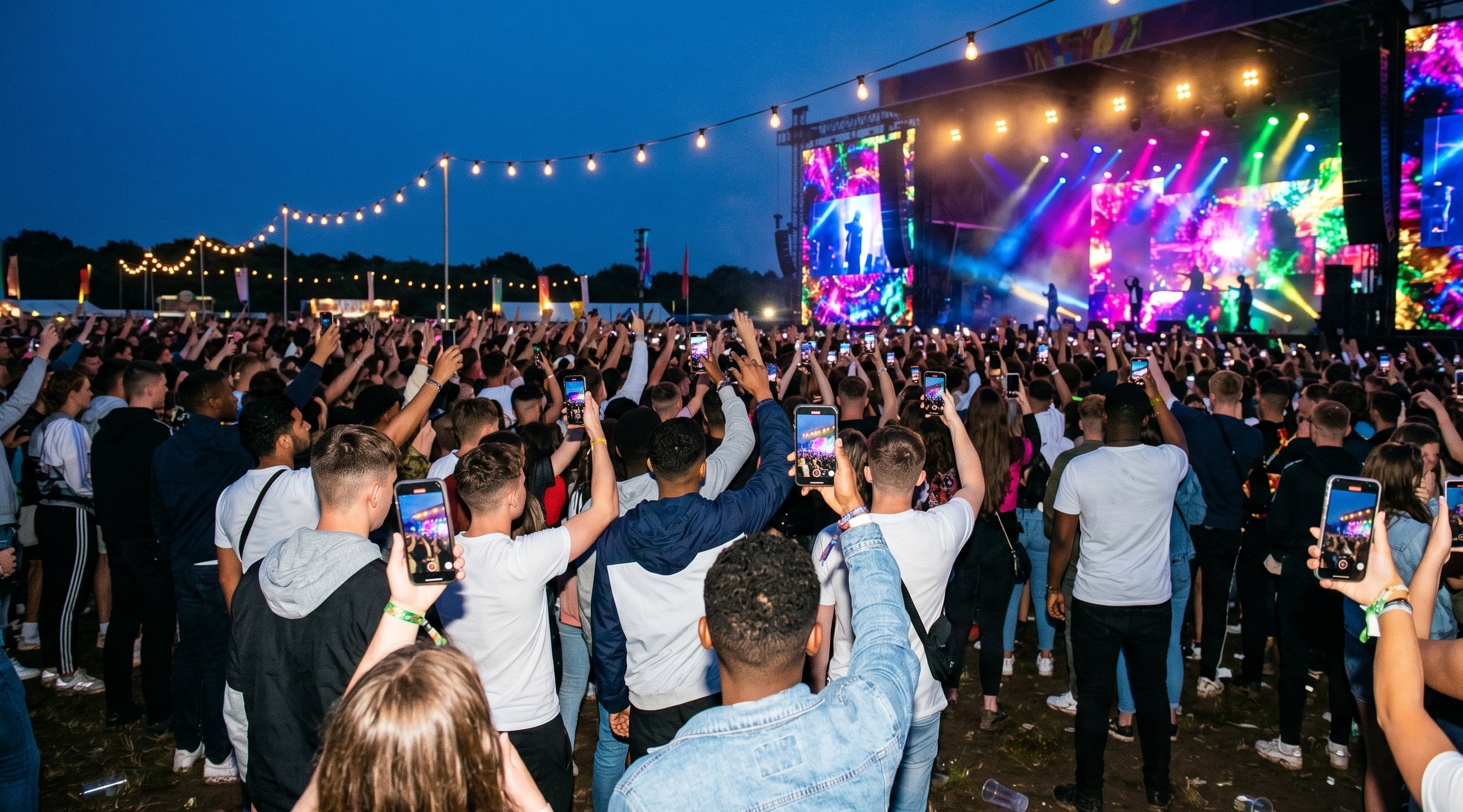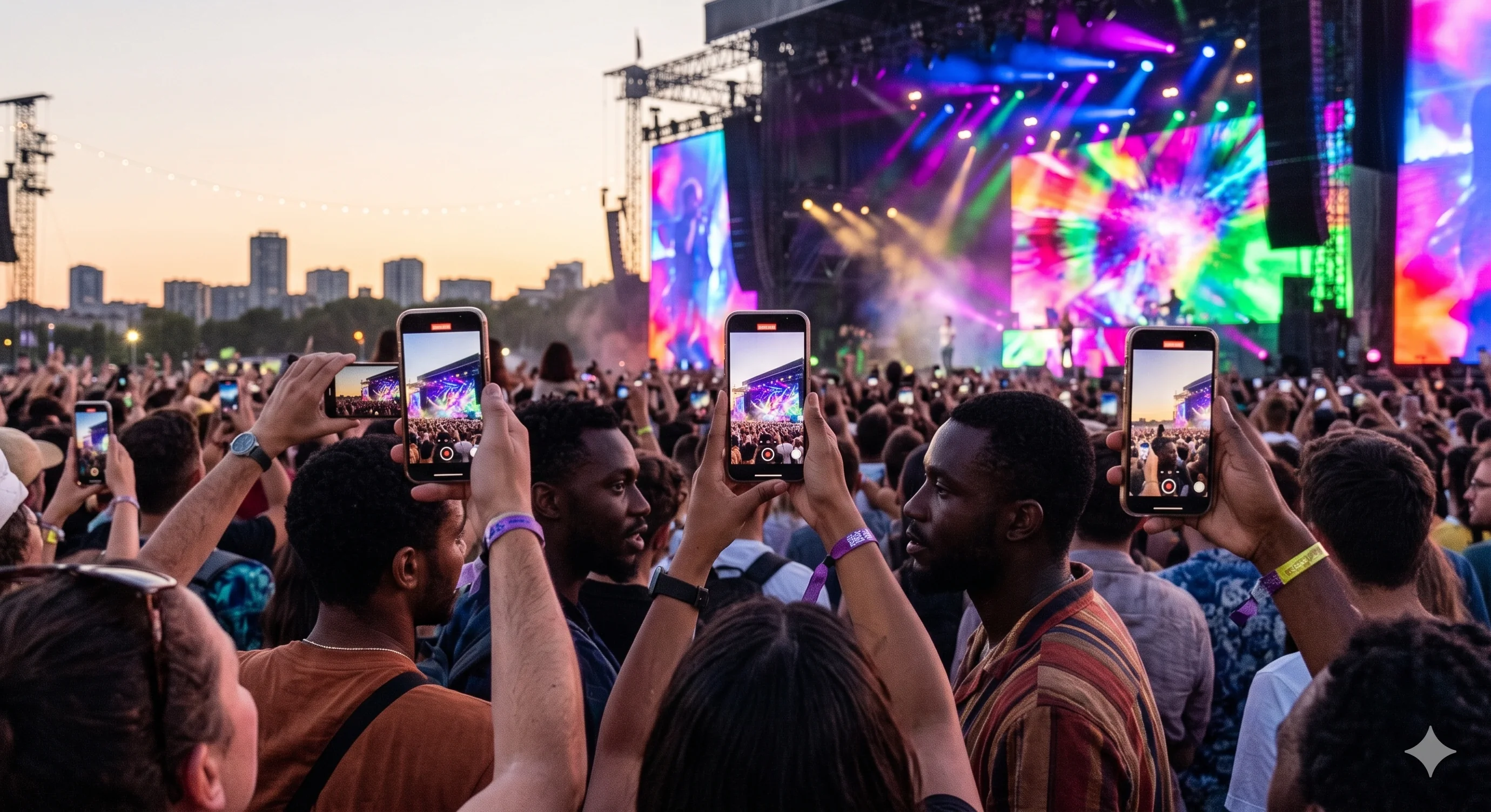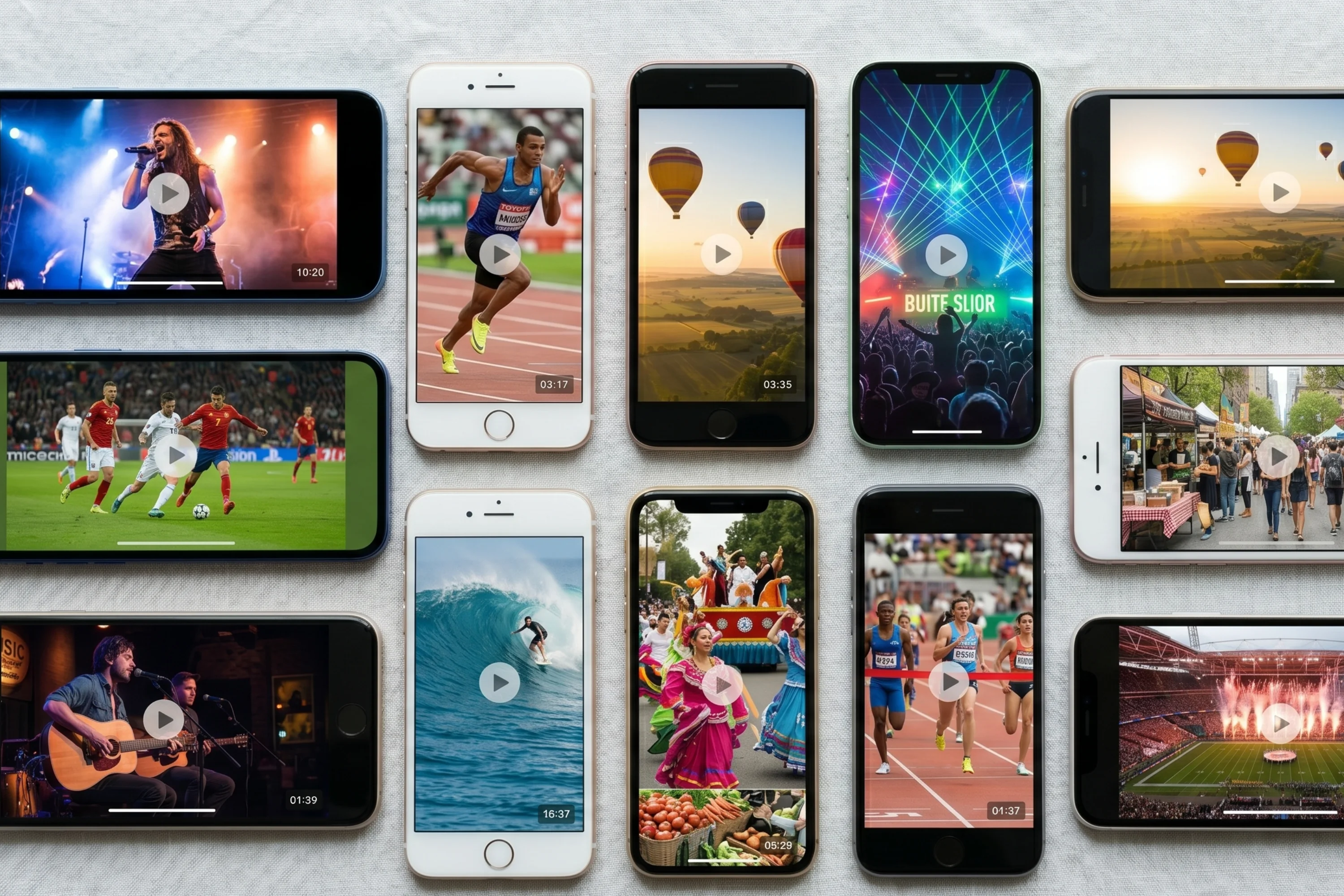

In 2026, over 70% of event content online comes straight from attendees, not brands. More people are trusting real moments over polished promos. That is why the right user generated video platform for events is no longer optional. This article covers the seven best options: features, cost, who they work for, and what they actually deliver. If you want better engagement and real community content from your event, these are the platforms worth knowing.
Why user generated video is changing event engagement
Attendees do not want glossy brand videos. They want real moments filmed by real people. This shift has made user generated video platforms the new standard for event content.
The shift from professional to attendee content
People trust what other attendees share. 84% of event marketers say user generated content increases engagement. Real clips show what actually happened, not just the polished highlights. Social media algorithms pick up on this, pushing authentic content further. Viral concert clips shot from the crowd and fans posting their own sports highlights keep people talking after the event ends.
Impact on organic reach
User generated video does not just keep engagement high during the event. It gives your event a longer life online. When attendees share their own videos, your reach multiplies. Events get significantly more shares when the crowd contributes. Those videos build community and give organisers a content archive they can use long after the event.
Cost and efficiency
Hiring a full video crew is expensive. With a user generated video platform, you cut production costs significantly. You also get content faster. Instead of waiting weeks for a recap, you have real clips the same day. There is less setup, fewer people to manage, and attendees capture what matters most to them.
Challenges to watch
Moderating content can get complicated when you need to keep things brand-safe. Not every platform offers strong privacy or licensing controls, so check before you commit. Quality varies significantly across clips, which is why curation tools matter. The best platforms make it easy to find the good content without watching everything.
The 7 best user generated video platforms for events
1. SureShot
SureShot is built specifically for live events. Attendees upload via the app (available on iOS and Android) or directly through the event portal on any device, using a PIN code. No account creation required. Footage lands in an organised dashboard for your team to review. Consent and rights are handled at the point of upload.
Best for: Music festivals, sport events, corporate events, and any event where volume of authentic footage matters.
- Pros: Built for live events, low-friction upload for attendees, consent handled at upload, no mandatory app download via web portal.
- Cons: Not designed for polished, produced video output.
Book a demo to see it in action.
2. Vloggi
Vloggi is a simple, affordable platform for collecting video from community members and event attendees. It supports upload links, automatic captioning, and a video wall feature. Well suited to hybrid and smaller community events.
- Pros: Fast setup, affordable, good for hybrid events.
- Cons: Limited editing tools, custom branding costs extra.
3. Gather Voices
Gather Voices guides contributors through the upload process with prompts and automated editing tools. Strong analytics. Well suited to organisations with less tech-savvy audiences.
- Pros: Good support, accessible for all users, analytics dashboard.
- Cons: Higher cost, some learning curve for admins.
4. Seenit
Seenit is enterprise-focused, with collaborative editing, rights management, and storyboarding tools for large teams and global contributor pools.
- Pros: Scales well, strong compliance tools, team collaboration features.
- Cons: Expensive, more than most event organisers need.
5. Waldo Photos
Waldo Photos uses face-matching to deliver private photo and video galleries to attendees. No app required. GDPR-compliant. Best for smaller, privacy-focused events.
- Pros: No app download, strong privacy controls, instant delivery.
- Cons: Not suited to large festivals, limited editing tools.
6. Bynder
Bynder is a digital asset management platform with UGC collection capabilities. Built for marketing teams managing large content libraries across campaigns.
- Pros: Strong asset management, integrates with marketing workflows.
- Cons: Not event-specific, complex to set up for one-off events.
7. Storykit
Storykit turns text and media into video automatically. It can incorporate user-submitted content into templated video formats, useful for organisations producing large volumes of video content.
- Pros: Fast video creation, good for social content at scale.
- Cons: Less suited to raw crowd footage collection, more of a production tool.
What to look for when choosing a platform
The right platform depends on your event type, scale, and what you need to do with the footage afterwards. The non-negotiables are a low-friction upload flow, built-in consent and licensing, and an output format you can actually use. For events specifically, the platform should be designed for in-venue participation, not retrofitted from an ecommerce or marketing context.
If you want to see how SureShot compares for your specific event, book a demo.