




The footage already exists. The question is how to get it.
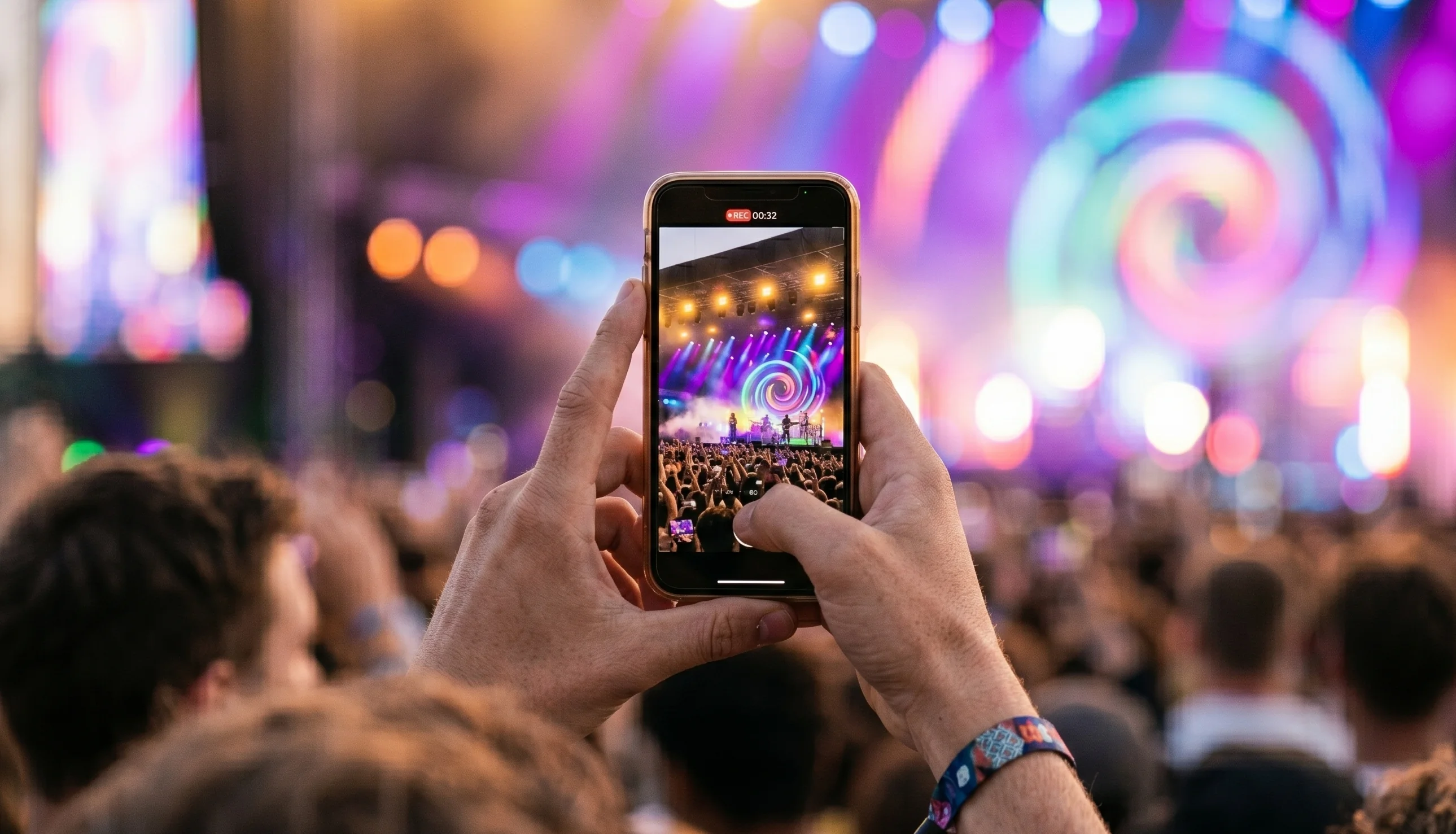
Every event you run is being filmed. Not by your production crew, but by every person in the crowd. Their phone cameras are better than anything professionals used a decade ago, and they're capturing moments from inside the experience that no hired camera operator could reach.
UGC video, crowd footage captured by attendees and contributed for the organiser to use, is one of the most underused production resources in the events industry. Most of it sits in personal camera rolls and gets posted to Instagram Stories before disappearing forever.
This post is about how to actually collect it, what a working UGC video setup looks like on event day, and what to do with the footage once you have it.
Why UGC video looks different to produced video
Professional event video is clean, well-lit, and expertly edited. It's also visibly staged. Anyone watching can tell it's the official version of the event, the one designed to look impressive.
Crowd footage looks different because it is different. It's shaky in the right moments. It's from the middle of the crowd, not the press pit. It captures the reaction, not just the action. When someone films the person next to them losing their mind during a favourite song, or a spontaneous pile-on in the football terrace, that footage is impossible to replicate with a hired crew.
For social media in particular, that authenticity is worth more than polish. Audiences scroll past produced content and stop for real moments.
The collection problem
Telling attendees to tag your official account or use a hashtag is not a UGC strategy. It's a social media prompt. The content people post that way belongs to them, not to you. You can reshare it with permission, but you can't build a highlights film around scraped Instagram posts.
A proper UGC video workflow requires a dedicated upload channel, somewhere attendees can actively send their footage to you. That means:
A clear prompt at the event. QR codes on screens, wristbands, signage. If attendees don't know there's somewhere to send their footage, they won't look for it.
A frictionless upload experience. The upload process has to work on a phone in a loud, crowded environment. If it takes more than 30 seconds to figure out, most people won't bother.
Explicit consent at the point of upload. Attendees need to know what they're contributing to and agree to how it will be used. This isn't optional and it protects both parties.
What the workflow looks like with a UGC platform
The SureShot setup, as an example, works like this:
Before the event, the organiser creates a collection in the dashboard. They set up QR codes and share a link that goes out in pre-event communications.
During the event, attendees scan the code, download the app (or use the web portal), and upload clips as they happen. The footage lands in the organiser's dashboard, tagged by time of upload.
After the event, the organiser's team reviews what came in. They filter by time slot or section, star the best clips, and pass them to the edit. The footage is organised, not a chaotic folder of random files.
The review and curation step takes a few hours across the team, not days. The result is a highlights film that looks like it was shot from everywhere at once, because it was.
How to use UGC video once you have it
Event highlights film. The most obvious use. Edit the best crowd footage into a 2–4 minute film. It will look nothing like a produced video and that's the point. Audiences engage with it differently because it feels like being there.
Short-form social content. Cut individual moments from the crowd footage for social posts. One unexpected reaction, one great crowd shot, one close-up from the barrier. These perform consistently well because they're real.
Sponsor activation content. If a sponsor had a presence at your event, footage of your crowd actually engaging with that activation is worth far more than any packaged sponsor report. It's proof of reach, not just exposure.
Press coverage. Journalists covering events increasingly look for crowd footage rather than official photography. It shows them what the atmosphere was actually like. Sending a curated selection to press after the event is a simple way to extend coverage.
What to look for in a UGC video platform
If you're evaluating options, the key things to check are consent handling, upload reliability on mobile networks, and how the footage is organised for your team to review. A folder full of unnamed MP4 files is barely better than nothing. You want footage that's searchable and sortable from the moment it arrives.
For a fuller breakdown of what matters in a UGC platform, the evaluation guide covers the main criteria. If you want to see how this plays out in practice, the Vig Festival case study is the best example of a real collection and a real outcome.
Book a demo to see what a UGC video setup looks like for your event.


