



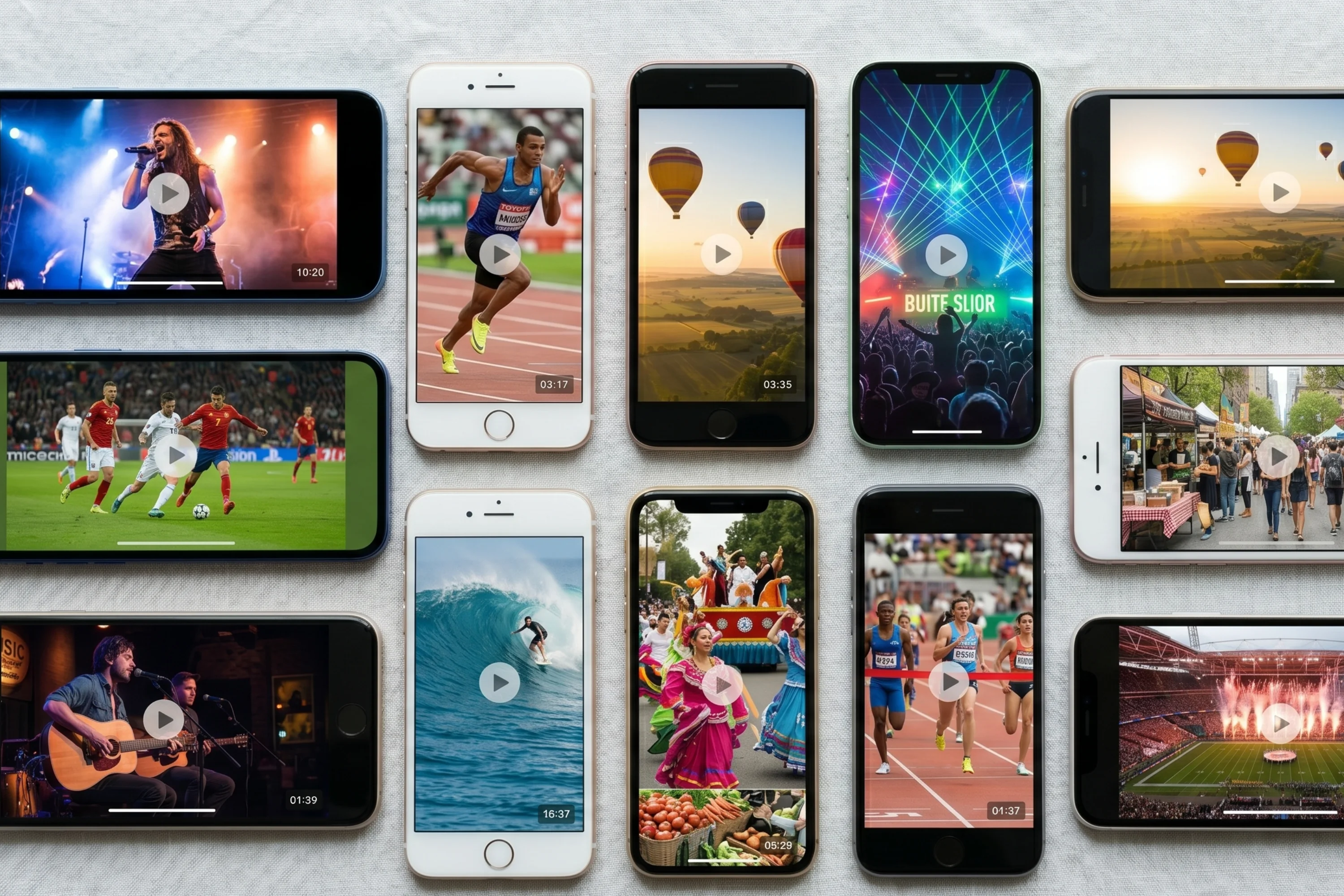

The category of tools described as UGC platforms covers an unusually wide range of products. Some are built for ecommerce brands collecting customer reviews. Some are creator marketplaces. Some are built specifically for live events. Choosing between them requires knowing what you actually need.
This is a practical guide for event organisers evaluating a UGC platform in 2026. These are the features that matter, in order of importance.
The first question: is it built for events?
Most UGC platforms are built for ecommerce. They assume a brand communicating with individual customers over time, not 5,000 people at the same place on the same day. Before evaluating specific features, filter the field to platforms that have event-specific workflows: PIN codes or QR codes for in-venue upload, real-time collection during the event, and a clear way to review a large volume of clips quickly.
Upload friction
The single biggest predictor of participation is how hard it is to upload. The minimum requirement is a web-based upload option that works without downloading an app. Beyond that: no mandatory account creation, fast load times on mobile, and immediate confirmation after upload. For a practical guide to maximising participation at your event, see how to get attendees to upload video at your event.
Curation and review
If you are running an event with hundreds of attendees, you will receive hundreds or thousands of clips. The platform should make the review process manageable. Look for tools that organise footage clearly, allow filtering and sorting, and give your team a structured way to work through what came in without watching every clip in full.
Content rights and consent
A UGC platform that collects footage but does not handle consent and licensing gives you an archive you may not be able to use commercially. Every clip submitted needs to come with a clear record of what the contributor has agreed to. For a full breakdown of your obligations, see event video consent and GDPR.
Moderation controls
You will need to remove some content. The moderation interface should allow individual and bulk review, fast removal, and a clear audit trail. This is a feature most platforms treat as an afterthought.
Integration and output
Once you have curated footage, you need to be able to use it. The platform should allow direct download, integration with social channels, and the ability to share specific clips or packages with external parties like sponsors. A platform that locks content inside its own interface is a bottleneck.
Pricing model
Most event organisers run a variable number of events per year. Look for platforms with per-event pricing or flexible plans that match how you actually operate. Be specific about what is included at each price point.
What SureShot is built for
SureShot is a UGC platform built specifically for live events. The upload flow is designed for in-venue participation: PIN codes, web portal access without mandatory app download, and real-time collection during the event. Footage lands in an organised dashboard your team can review and curate. Consent and licensing are handled at upload. Moderation, sharing, and export are all built into the organiser dashboard.
For a direct comparison of the leading tools in this space, see event video crowdsourcing software: 9 tools compared.
If you want to see how SureShot compares to what you are currently evaluating, book a demo and we can walk through your specific requirements.


